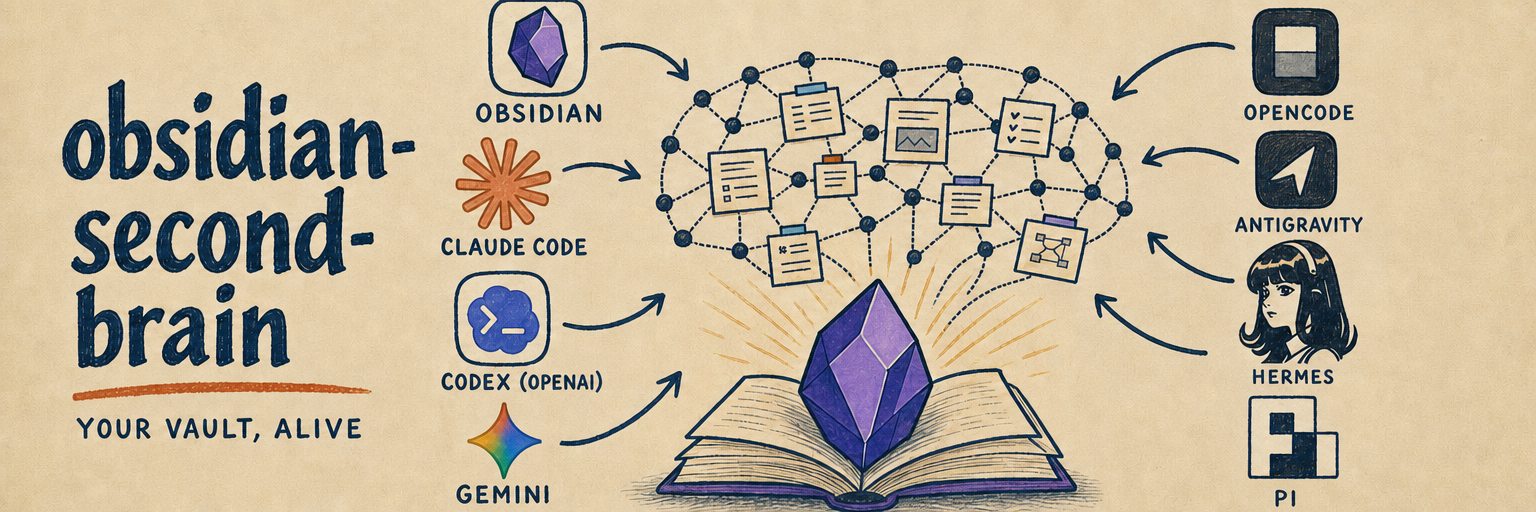
dsh-obsidian-second-brain
Run the following command in DeepSeek Harness:
dsh plugin install GongYuanCaiJi/dsh-obsidian-second-brain
Paste the following prompt into your AI chat to install this plugin:
Run dsh plugin install GongYuanCaiJi/dsh-obsidian-second-brain in your terminal to install this plugin; the source is available at https://github.com/GongYuanCaiJi/dsh-obsidian-second-brain .
About this plugin
An Obsidian vault left to run for months quietly degrades: entries pile up, contradictions go unresolved, and stale facts sink to the bottom untouched. Knowledge management quietly turns into knowledge hoarding. dsh-obsidian-second-brain attacks exactly that problem by adding a self-maintaining layer to the vault. New sources update existing pages instead of merely appending, contradictions are detected and reconciled, and outdated content is proactively flagged rather than buried.
The plugin ships 46 commands covering the full second-brain workflow: zero-friction capture, daily journal, people, projects, tasks, boards, decisions, recaps, hybrid semantic search, and library health checks. Seven research commands pull content from X, the web, YouTube, podcasts, and NotebookLM directly into the vault. Session-end and background agents perform scheduled maintenance to keep the library tidy. Every note follows AI-first write rules with structured frontmatter, wikilinks, sources, and confidence levels, while typed relationships such as supersedes, depends_on, and contradicts are script-validated.
Ideal for developers and researchers who use Obsidian for daily knowledge management and want an AI to act as the maintainer of their second brain rather than a mere recorder. No workflow change is required: it appears as a skill in a DeepSeek Harness session and guides operations based on the current state of the vault.
Screenshots
Use Cases
- Turn daily conversations and scattered ideas into cross-linked, structured notes automatically
- Capture research from X, YouTube, podcasts, and the web directly into the vault
- Reconcile contradictions and flag stale entries after each session to keep the vault healthy
Best For
- Developers who rely on Obsidian for daily note-taking and knowledge base upkeep
- Researchers who need multi-source capture with automated archiving
- Power users who want an AI to maintain, not just append to, their note library
Related Plugins

Traceable, searchable cross-session memory for AI agents that turns conversation knowledge into a typed knowledge graph and recalls relevant subgraphs instead of replaying full history, natively integrated with DeepSeek Harness.
Gives DSH AI cross-session long-term memory, to-do and skill management, plus multi-session orchestration, external AI delegation, and an infinite canvas that grows with you.

dsh-mnemon is a three-tier, pluggable, Agent-driven memory system for DeepSeek Harness, combining Runtime memory, Project Documents, and replaceable Memory Spaces with nine long-term providers.
An opinionated, zero-infrastructure file-based memory protocol: human-readable markdown files plus a bounded always-loaded index, curation discipline, and no database or embeddings.