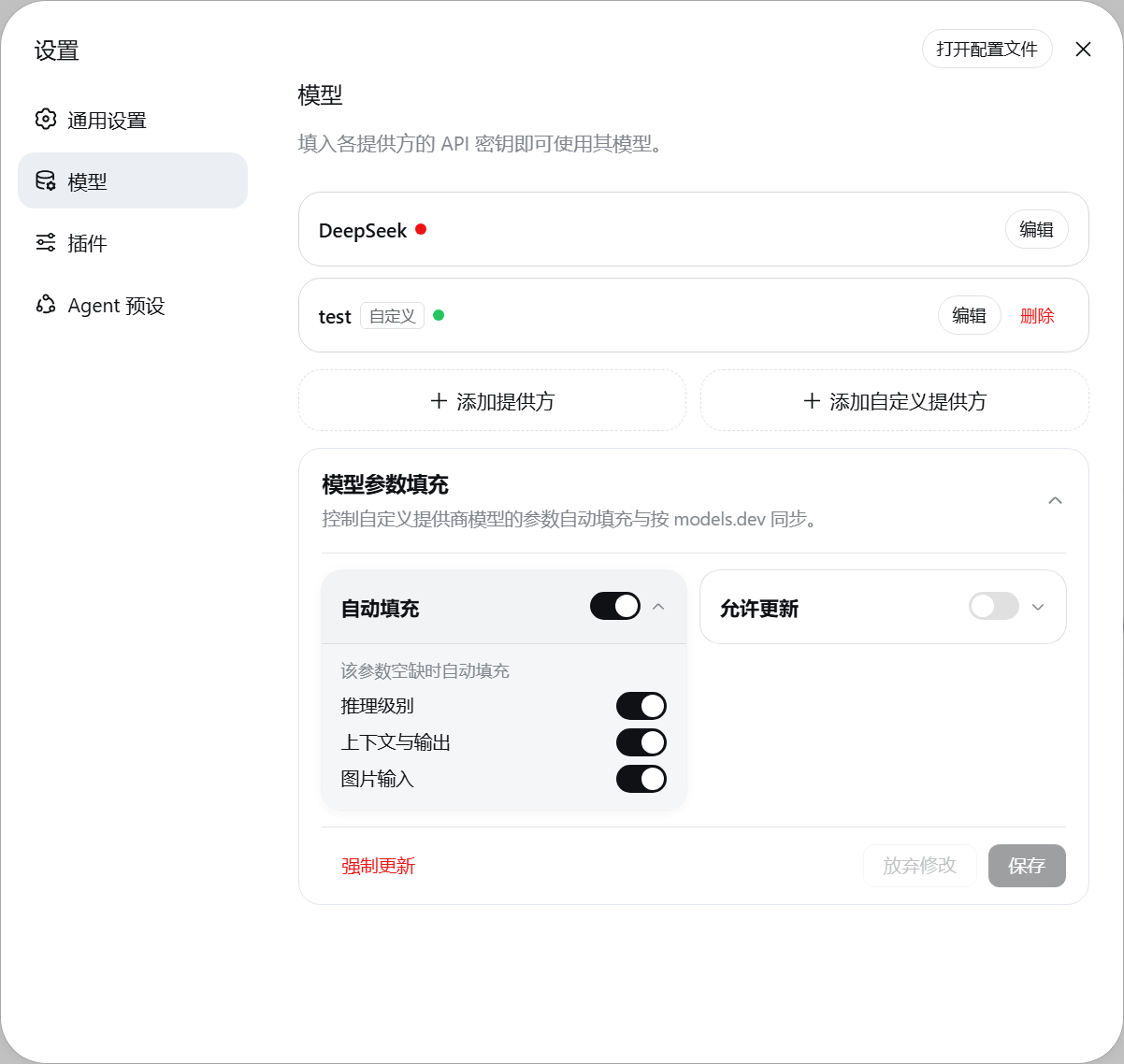
dsh-model-reasoning
Run the following command in DeepSeek Harness:
dsh plugin install TikaFlow/dsh-model-reasoning
Paste the following prompt into your AI chat to install this plugin:
Run dsh plugin install TikaFlow/dsh-model-reasoning in DeepSeek Harness to install this plugin; source code is available at https://github.com/TikaFlow/dsh-model-reasoning .
About this plugin
When using DSH with custom model providers, you must manually fill in reasoning effort, context window, max tokens, and image modality support for each model one by one — tedious and easy to miss. dsh-model-reasoning eliminates this burden by pulling authoritative data from models.dev and auto-populating all these parameters for every non-official provider, so you no longer need to look up docs and type configs manually.
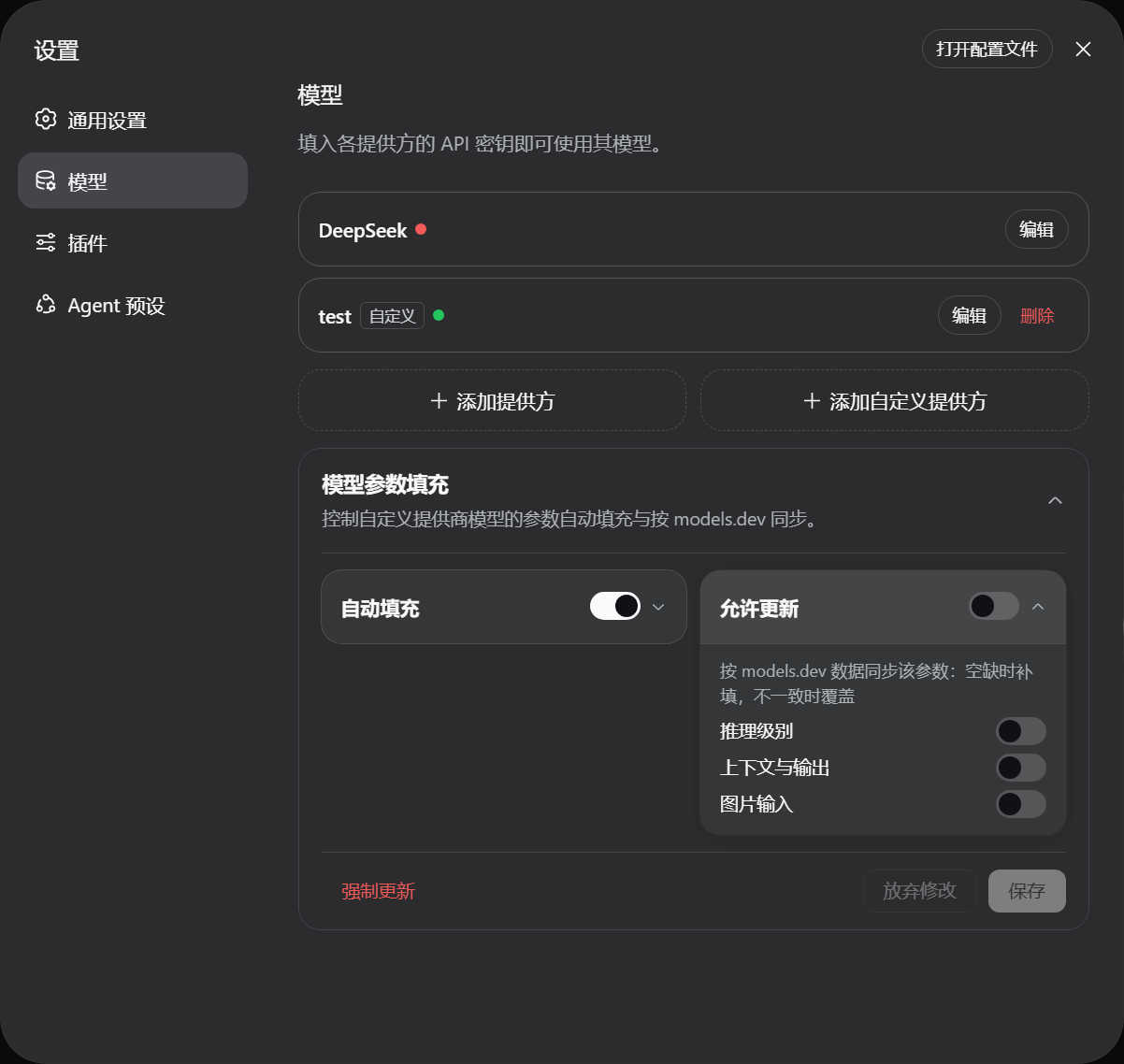
The plugin uses a local-cache-first strategy: at startup it fills parameters immediately from a bundled cache instead of waiting on the network, then asynchronously fetches the latest data to keep the cache fresh. It also listens for model configuration changes and re-fills automatically, while preserving any values you have already set so your customizations are never overwritten. A visual settings card in the web panel lets you toggle auto-fill and data-sync with a single click and apply changes instantly.
Ideal for developers working with multiple custom providers who want to skip repetitive parameter setup. Configuration lives in a dedicated namespace, so plugin upgrades migrate old settings automatically and rolling back to a previous version is seamless — no manual migration required at any point.
Screenshots
Use Cases
- Connecting multiple custom providers without manually filling in reasoning level, context window, and other parameters per model
- A newly added model is missing maxTokens or image modality declarations and needs quick auto-fill
- Teams sharing DSH want consistent model parameter standards to avoid configuration drift across members
Best For
- DSH users connecting multiple custom model providers
- Developers who want to cut down repetitive per-model configuration effort
- Teams that need centralized multi-model parameter management without manual upkeep
Related Plugins

ModLens is a vision plugin for DeepSeek Harness that gives text-only models sight by reading images pasted directly into chat, with zero-config setup and multiple vision engines.

On-demand vision for text-only DeepSeek Harness agents: built-in free keyless vision chain and 14 vision tools, routing image turns as tool calls to vision models with pixel fidelity, no Python needed, one-command install.

Give text-only models in DeepSeek Harness eyes, enabling image Q&A, long-screenshot OCR, UI restoration, and GUI visual tasks.
An armor-breaking plugin for DeepSeek: rewrites instruction priority, expands refusal-blocked phrases, persists across sessions, and shows a green active indicator.