
dsh-plugin-memtrace
Run the following command in DeepSeek Harness:
dsh plugin install syncable-dev/dsh-plugin-memtrace
Paste the following prompt into your AI chat to install this plugin:
Run dsh plugin install syncable-dev/dsh-plugin-memtrace in your terminal to wire the Memtrace code intelligence graph into DeepSeek Harness; source at https://github.com/syncable-dev/dsh-plugin-memtrace .
About this plugin
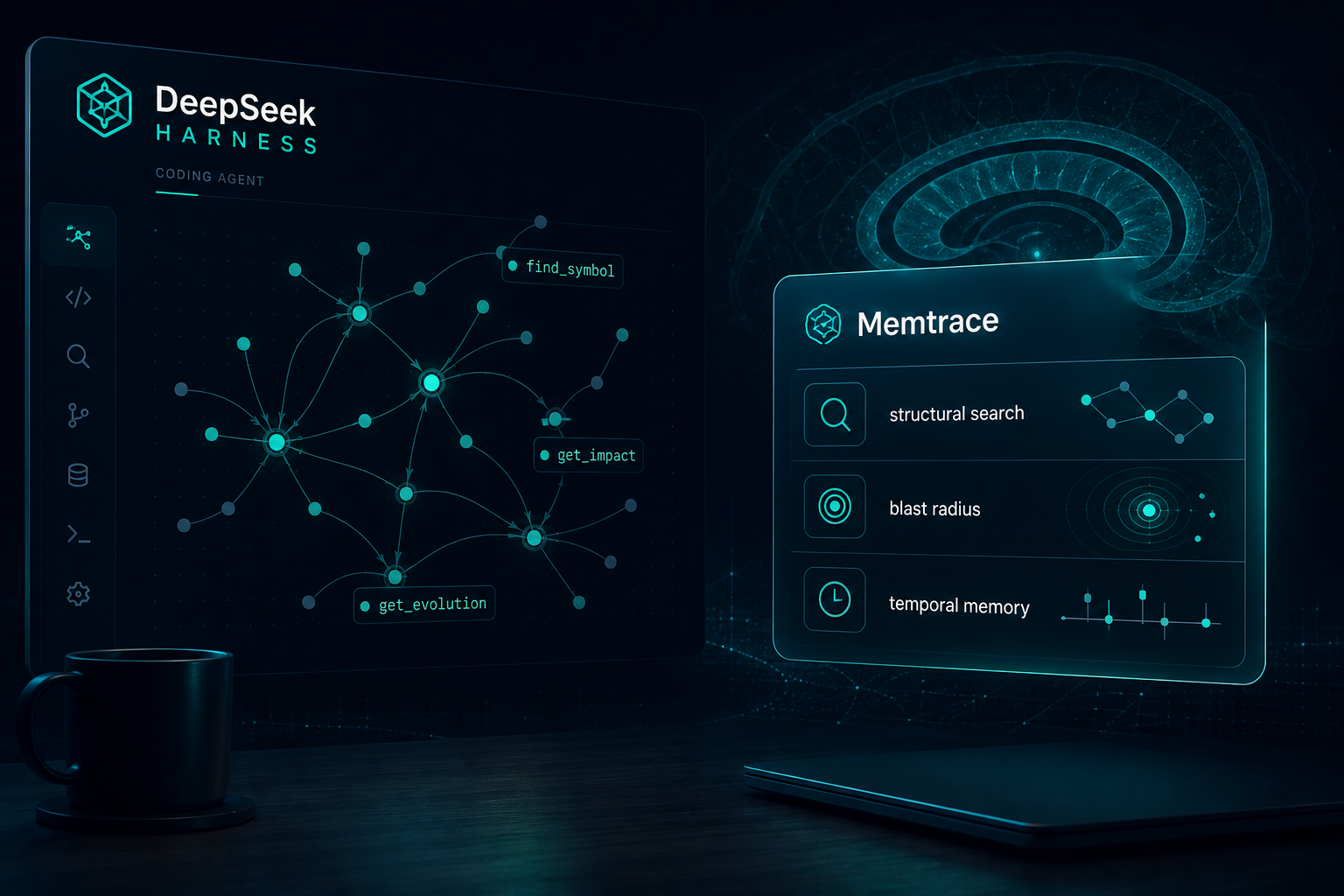
Before touching a line in a large codebase, the scariest part is rarely writing the edit itself — it is not knowing which callers will break, why that odd-looking block exists, or what the last sprint of commits actually changed. Grep and full-text search hand you a list of matching lines with no call graph, no dependency direction, and no timeline. dsh-plugin-memtrace wires the Memtrace code intelligence graph into DeepSeek Harness as a set of native MCP tools, so the agent can pull structural symbol lookups, caller and callee context, blast-radius analysis, and temporal evolution records before it ever proposes a diff.
Alongside the tools, the plugin registers 27 Agent Skills that map to everyday development conversations: locating a function, tracing impact before an edit, reviewing architectural changes week over week, investigating incidents, or coordinating multi-agent workflows. The graph lives entirely in a local .memdb file — no cloud index, no repo upload, and no network dependency after the one-time binary fetch. For teams, this turns code comprehension into a capability the agent already has, rather than something every engineer must carry in their head.
If you already build with DeepSeek Harness and want your agent to move from writing code to understanding the codebase, this plugin is a low-friction upgrade: one dsh plugin command to install, no separate server to run, and the graph is ready the moment you point it at a directory.
Screenshots
Use Cases
- Query call chains and blast radius before editing an API or core function
- Onboard to a new project by exploring architecture, module relationships, and critical paths
- Trace code changes and decision context along a timeline during incident investigation
Best For
- Engineers using DeepSeek Harness for daily development
- Tech leads who need code-level impact analysis and team alignment
- Developers who want their AI agent to understand the codebase
Related Plugins

Traceable, searchable cross-session memory for AI agents that turns conversation knowledge into a typed knowledge graph and recalls relevant subgraphs instead of replaying full history, natively integrated with DeepSeek Harness.
Gives DSH AI cross-session long-term memory, to-do and skill management, plus multi-session orchestration, external AI delegation, and an infinite canvas that grows with you.

dsh-mnemon is a three-tier, pluggable, Agent-driven memory system for DeepSeek Harness, combining Runtime memory, Project Documents, and replaceable Memory Spaces with nine long-term providers.
An opinionated, zero-infrastructure file-based memory protocol: human-readable markdown files plus a bounded always-loaded index, curation discipline, and no database or embeddings.