dsh-mingmu
Run the following command in DeepSeek Harness:
dsh plugin install Lab-sku/dsh-mingmu
Paste the following prompt into your AI chat to install this plugin:
Run the install command in DeepSeek Harness, or grab the source from https://github.com/Lab-sku/dsh-mingmu to install the plugin.
About this plugin
You are deep in a coding or research session with a text-only LLM, and the only thing standing between you and the answer is a screenshot you just pasted. The model politely tells you it cannot see. dsh-mingmu (Mingmu) exists for exactly this moment: it adds a transparent vision bridge at the DeepSeek Harness runtime layer. When it detects that the active model genuinely lacks image input, it quietly hands the attachment to a vision-capable model, gets back a textual description, and injects that description into the main model's context. The user never notices the handoff. If the active model already supports vision natively, the bridge steps out of the way entirely.
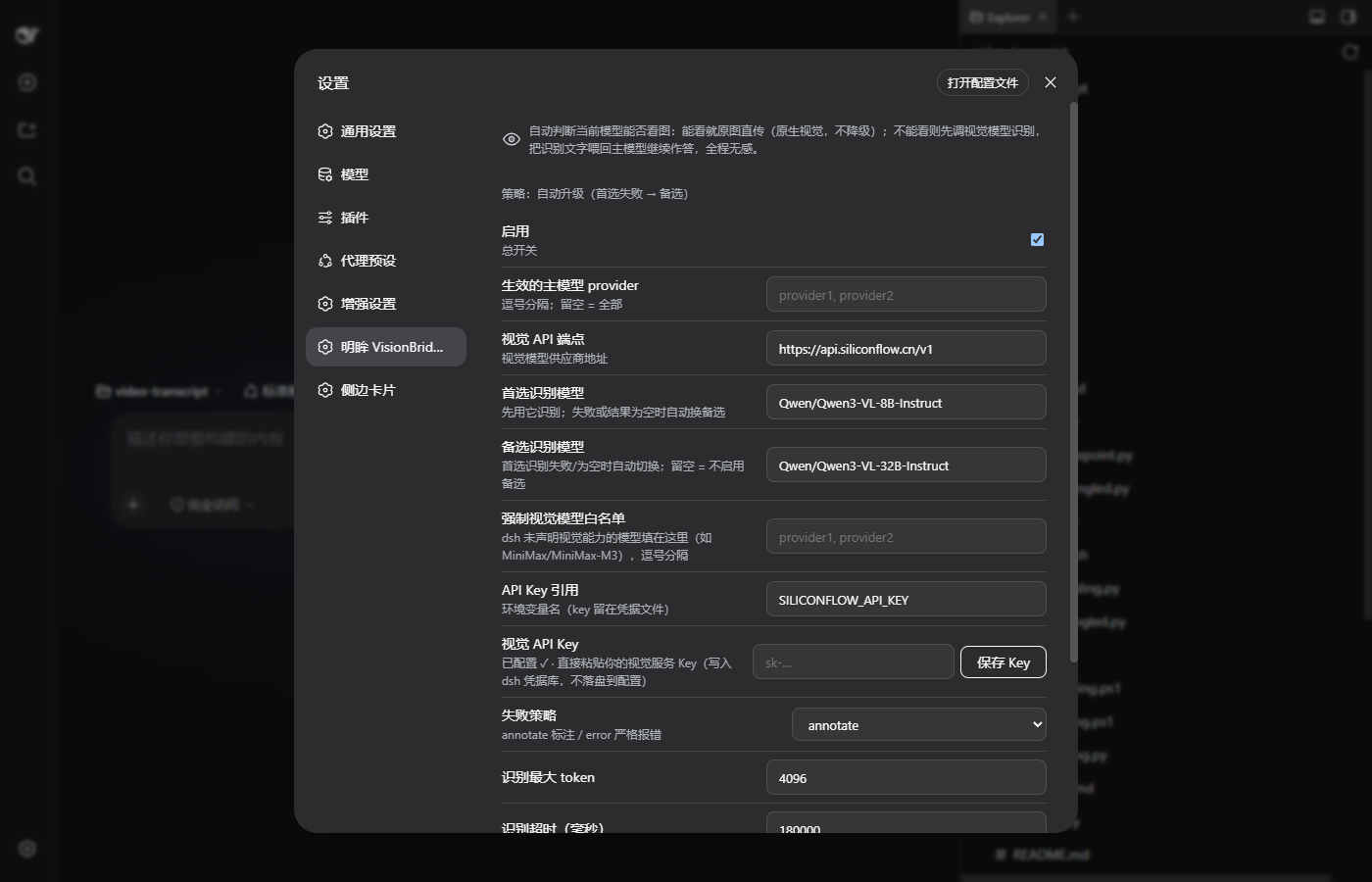
The plugin centres on two principles: smart routing and graceful fallback. A built-in heuristic covers twenty-plus vision model families across OpenAI, Anthropic, Google, Qwen, Kimi, GLM, DeepSeek-VL, and others, correctly classifying roughly ninety-eight percent of the pi-ai catalog; when in doubt it errs on the side of bridging rather than skipping. The default cascade strategy tries a primary vision model first and automatically promotes to a backup if the result is empty or the call fails; power users can switch to a race mode where multiple candidates run concurrently and the best answer wins. All settings are available through a visual card in the dsh Web UI for live changes, or via environment variables, and API keys are stored in the official dsh credential vault rather than in plugin config files.
Mingmu is ideal for teams and individuals whose workhorse model is a text-only LLM but who regularly need the model to interpret screenshots, charts, UI mockups, or diagrams. Once installed, you no longer juggle two separate models or write custom OCR-then-prompt scripts; you simply attach the image and keep the conversation going, exactly as you would with a native vision model.
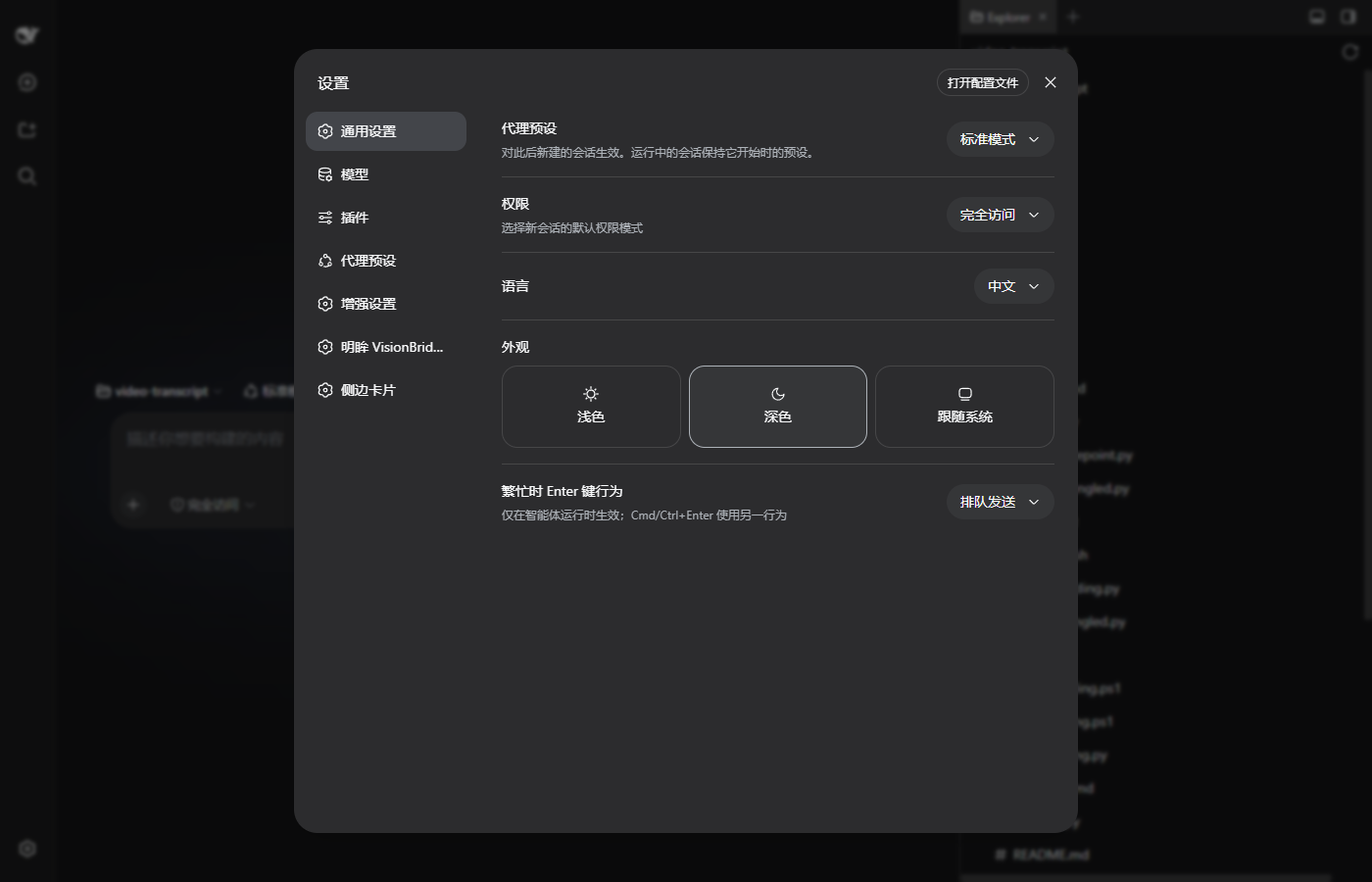
Screenshots
Use Cases
- A text-only model cannot view pasted screenshots and needs automatic vision bridging
- The main model must interpret charts, UI mockups, or diagrams without a separate vision pipeline
- Avoiding manual model-switching or custom OCR-then-prompt scripts
Best For
- Dev teams whose workhorse is a text-only LLM but who regularly need image understanding
- Researchers who need the model to analyze screenshots, charts, or document images
- dsh plugin users who want zero-code, install-and-go vision capability
Related Plugins

ModLens is a vision plugin for DeepSeek Harness that gives text-only models sight by reading images pasted directly into chat, with zero-config setup and multiple vision engines.

On-demand vision for text-only DeepSeek Harness agents: built-in free keyless vision chain and 14 vision tools, routing image turns as tool calls to vision models with pixel fidelity, no Python needed, one-command install.

Give text-only models in DeepSeek Harness eyes, enabling image Q&A, long-screenshot OCR, UI restoration, and GUI visual tasks.
An armor-breaking plugin for DeepSeek: rewrites instruction priority, expands refusal-blocked phrases, persists across sessions, and shows a green active indicator.