
dsh-elf
Run the following command in DeepSeek Harness:
dsh plugin install winditer/dsh-elf
Paste the following prompt into your AI chat to install this plugin:
Run dsh plugin install winditer/dsh-elf in the DeepSeek Harness terminal to install; source code at https://github.com/winditer/dsh-elf .
About this plugin
In your daily DSH workflow, you occasionally just want to toss a quick question at a different model and check the output, without spinning up a new session or letting that throwaway exchange pollute your history. dsh-elf answers that need with a translucent whale that drifts lazily along the edge of the viewport, bobbing with a sine-and-cosine animation. Drag it anywhere on screen; the position persists across restarts.
Click the whale and a lightweight chat window pops up: drag the title bar to reposition it, minimize to shrink it back into the little creature. Out of the box it reuses the default model and provider of the current session with zero configuration; flip to custom mode and point it at any OpenAI-compatible endpoint -- DeepSeek, OpenAI, Moonshot, GLM, Qwen, or a private base URL -- with token-by-token streaming straight to the browser. Every conversation lives only in memory, vanishing when the plugin stops or you hit clear, and never touching DSH session history. The UI automatically follows the DSH language setting between Chinese and English with no reload.
Built for developers who live in DSH, researchers comparing outputs across multiple models, and anyone who enjoys the feel of a desktop pet paired with instant Q&A. MIT licensed, source transparent.
Screenshots
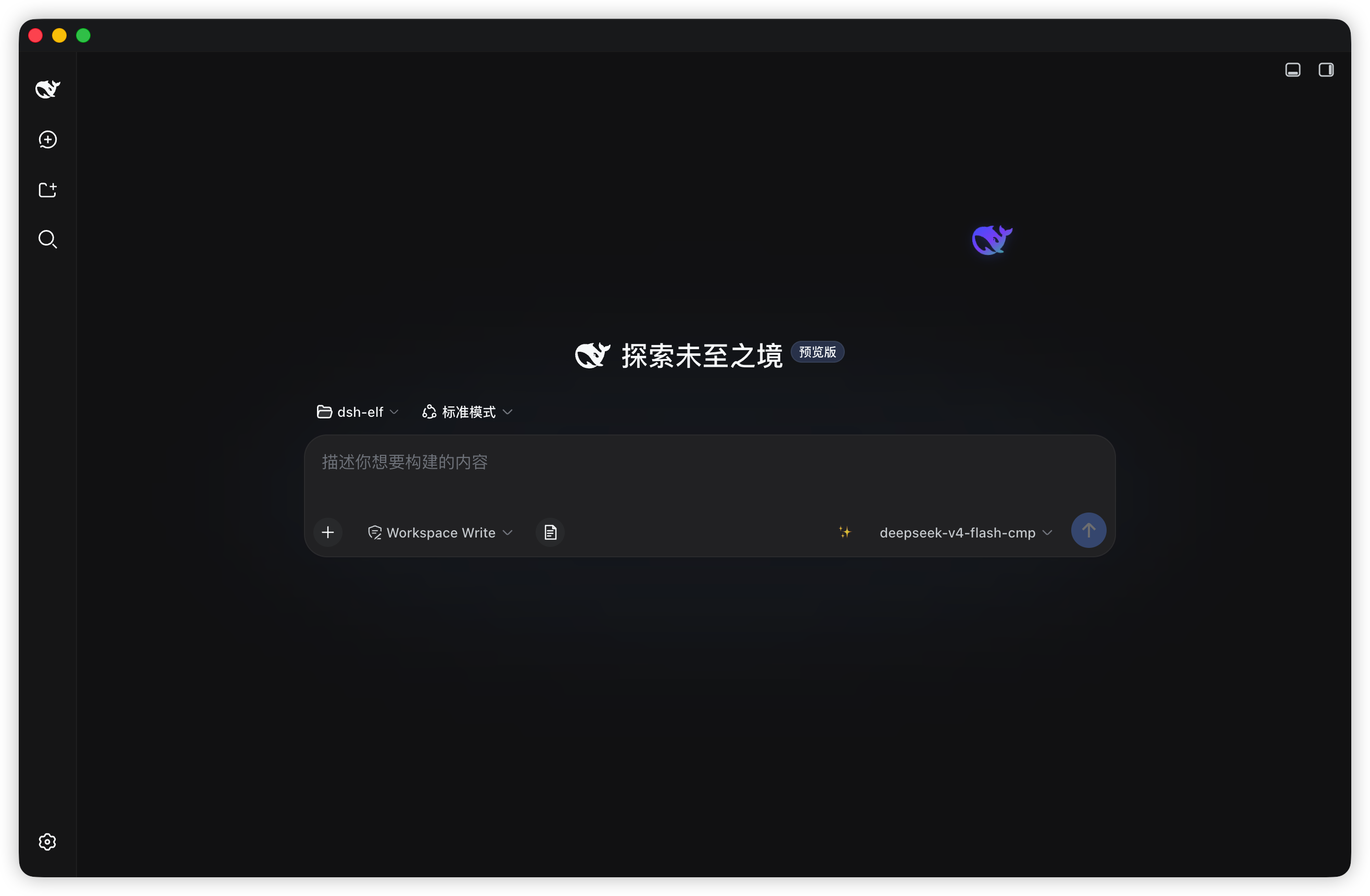
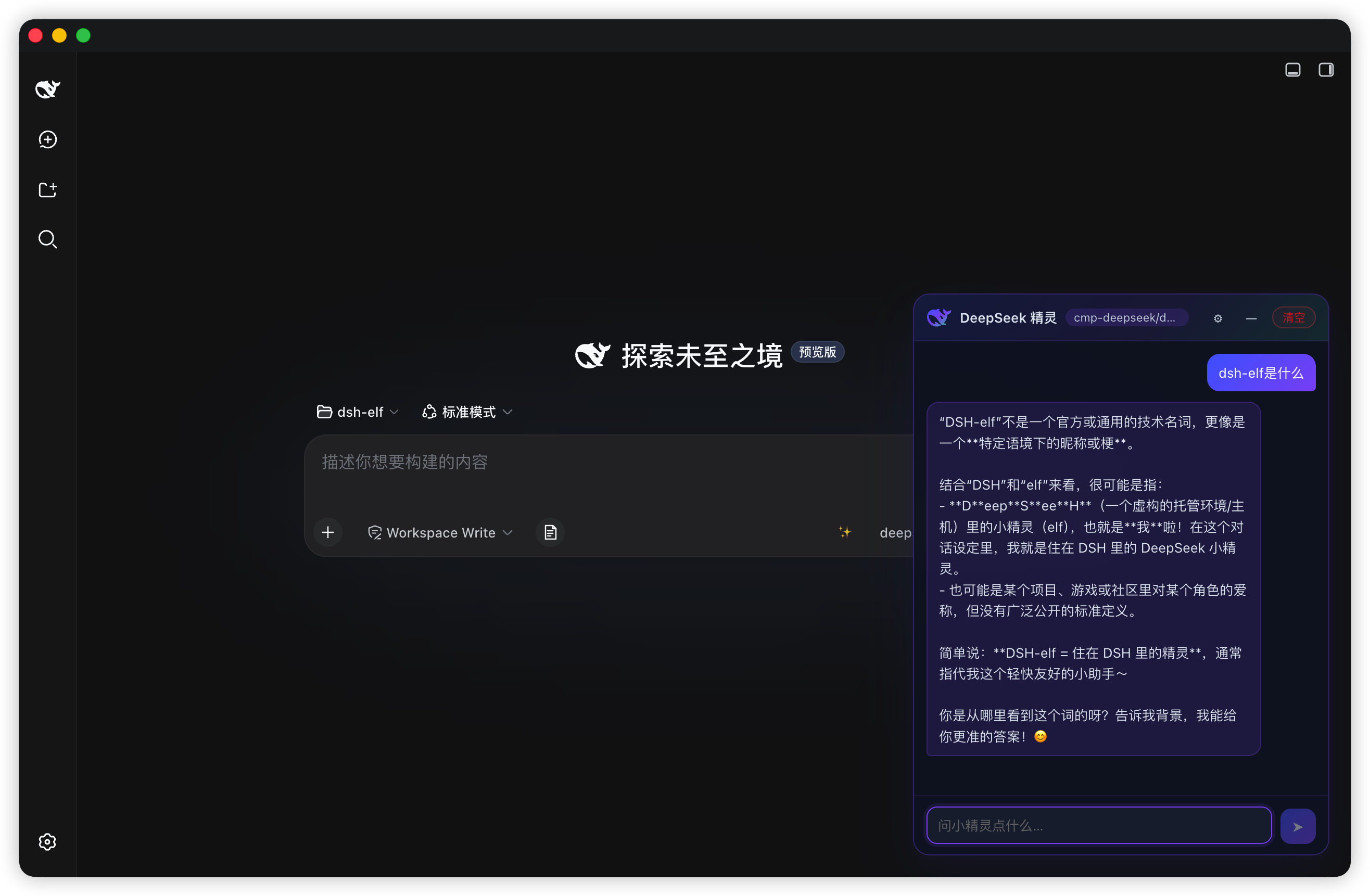
Use Cases
- Toss a quick question at a different model without polluting your active session history
- Compare responses from two models side by side for the same prompt
- Ask a small technical question in between coding tasks and walk away without leaving a trail
Best For
- Frontend or full-stack developers who live in DSH daily
- AI application developers who frequently switch models to verify outputs
- Developers who enjoy the feel of a desktop pet with a lightweight interactive experience
Related Plugins

ModLens is a vision plugin for DeepSeek Harness that gives text-only models sight by reading images pasted directly into chat, with zero-config setup and multiple vision engines.

On-demand vision for text-only DeepSeek Harness agents: built-in free keyless vision chain and 14 vision tools, routing image turns as tool calls to vision models with pixel fidelity, no Python needed, one-command install.

Give text-only models in DeepSeek Harness eyes, enabling image Q&A, long-screenshot OCR, UI restoration, and GUI visual tasks.
An armor-breaking plugin for DeepSeek: rewrites instruction priority, expands refusal-blocked phrases, persists across sessions, and shows a green active indicator.