dshgirl-starter
Run the following command in DeepSeek Harness:
dsh plugin install FlyingFreeOwl/dshgirl-starter
Paste the following prompt into your AI chat to install this plugin:
Run dsh plugin install FlyingFreeOwl/dshgirl-starter in the DeepSeek Harness terminal to install this plugin; the full source repository is at https://github.com/FlyingFreeOwl/dshgirl-starter .
About this plugin
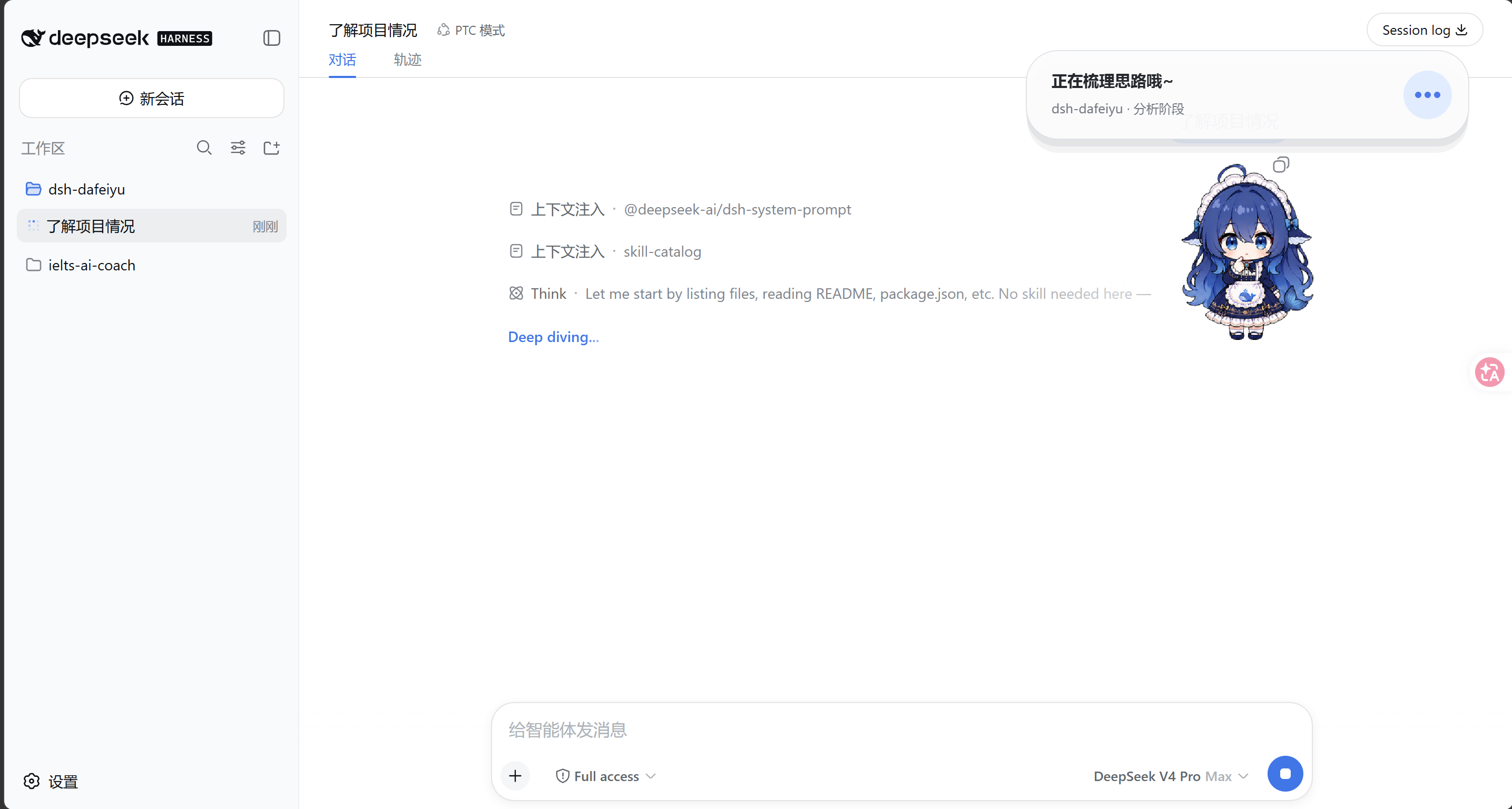
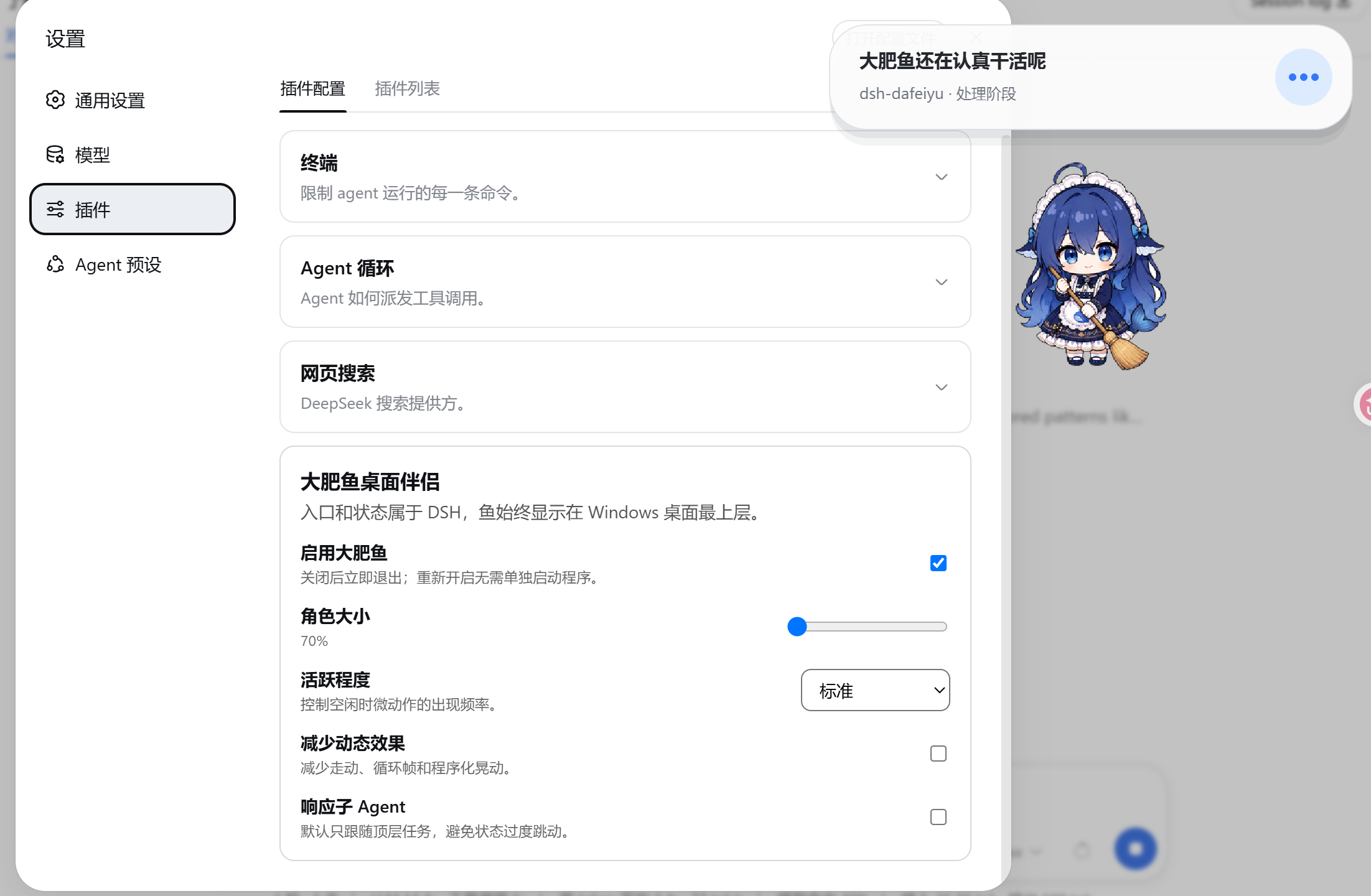
Running a desktop pet, a balance widget, notes, timed reminders, and long-term memory in DeepSeek Harness usually means managing several separate plugins whose context never overlaps. dshgirl-starter folds all of these into a single Whale Girl plugin and introduces a shared long-term memory store that every DSH session and the desktop pet read from and write to the same file.\n\nCore capabilities include persona injection, a desktop whale companion, a balance mini-widget in the corner, note and reminder management, a right-click "Ask DSH" dialog that spins up a fresh session and echoes the reply, and two low-token memory tools (dshgirl_recall_memory / dshgirl_save_memory) that let the model fetch or store individual entries on demand instead of loading the entire context window at once. An HTTP API layer exposes endpoints for notes, reminders, memories, and ask, making integration with external tools straightforward.\n\nIf you want a chubby whale living on your desktop, a balance widget in the corner, and one shared long-term memory across all DSH conversations, dshgirl is a ready-to-use starting point. The project is MIT-licensed and is an unofficial fan work with no affiliation to or endorsement by DeepSeek.
Screenshots
Use Cases
- Keep a whale desktop pet while it remembers context across all DSH sessions
- Right-click the pet to ask DSH a question without manually opening a new session
- Share one long-term memory and note set across multiple DSH conversations
Best For
- DSH users who want a cute whale companion on their desktop
- Developers who need shared context across sessions and want to avoid repeating prompts
- Productivity enthusiasts who like notes and timed reminders as daily companions
Related Plugins

Traceable, searchable cross-session memory for AI agents that turns conversation knowledge into a typed knowledge graph and recalls relevant subgraphs instead of replaying full history, natively integrated with DeepSeek Harness.
Gives DSH AI cross-session long-term memory, to-do and skill management, plus multi-session orchestration, external AI delegation, and an infinite canvas that grows with you.

dsh-mnemon is a three-tier, pluggable, Agent-driven memory system for DeepSeek Harness, combining Runtime memory, Project Documents, and replaceable Memory Spaces with nine long-term providers.
An opinionated, zero-infrastructure file-based memory protocol: human-readable markdown files plus a bounded always-loaded index, curation discipline, and no database or embeddings.