dsh-plugin-quick-draw-Tool-
Run the following command in DeepSeek Harness:
dsh plugin install Yinbenfeng/dsh-plugin-quick-draw-Tool-
Paste the following prompt into your AI chat to install this plugin:
Run dsh plugin install Yinbenfeng/dsh-plugin-quick-draw-Tool- in your terminal to install this plugin from the GitHub repository at https://github.com/Yinbenfeng/dsh-plugin-quick-draw-Tool-.
About this plugin
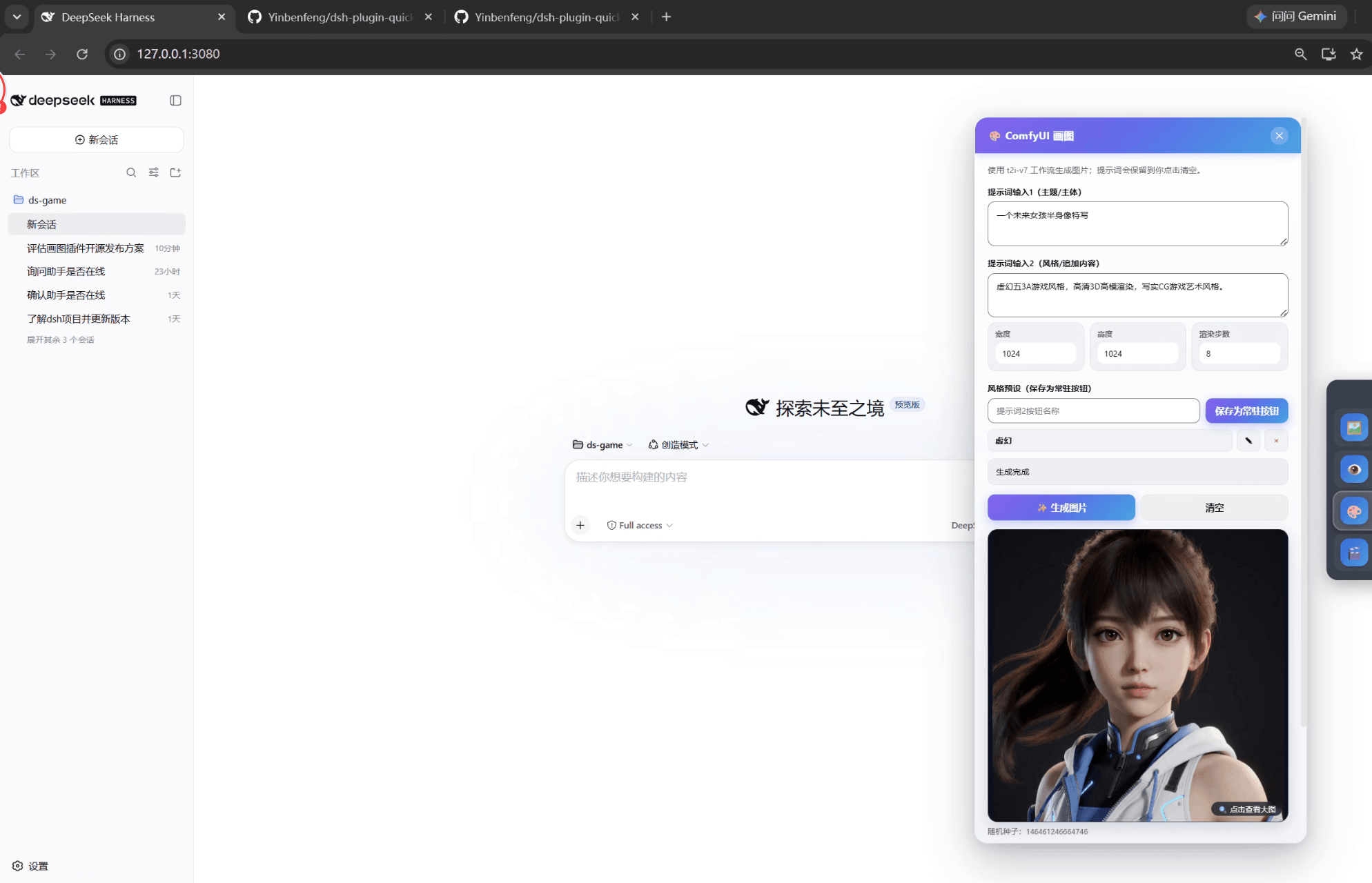
Generating images through a DSH chat tool is a fragmented process: invoke the tool, type a prompt, wait, then hunt for the output file. dsh-plugin-quick-draw-Tool- replaces that with a persistent drawing panel anchored at the bottom-right corner of the DSH window. Open the app and the panel is already there—no tool call, no window juggling. It drives a local ComfyUI instance pinned to v0.33.0 at an exact commit, using a workflow with zero third-party custom nodes, keeping the environment stable and predictable.
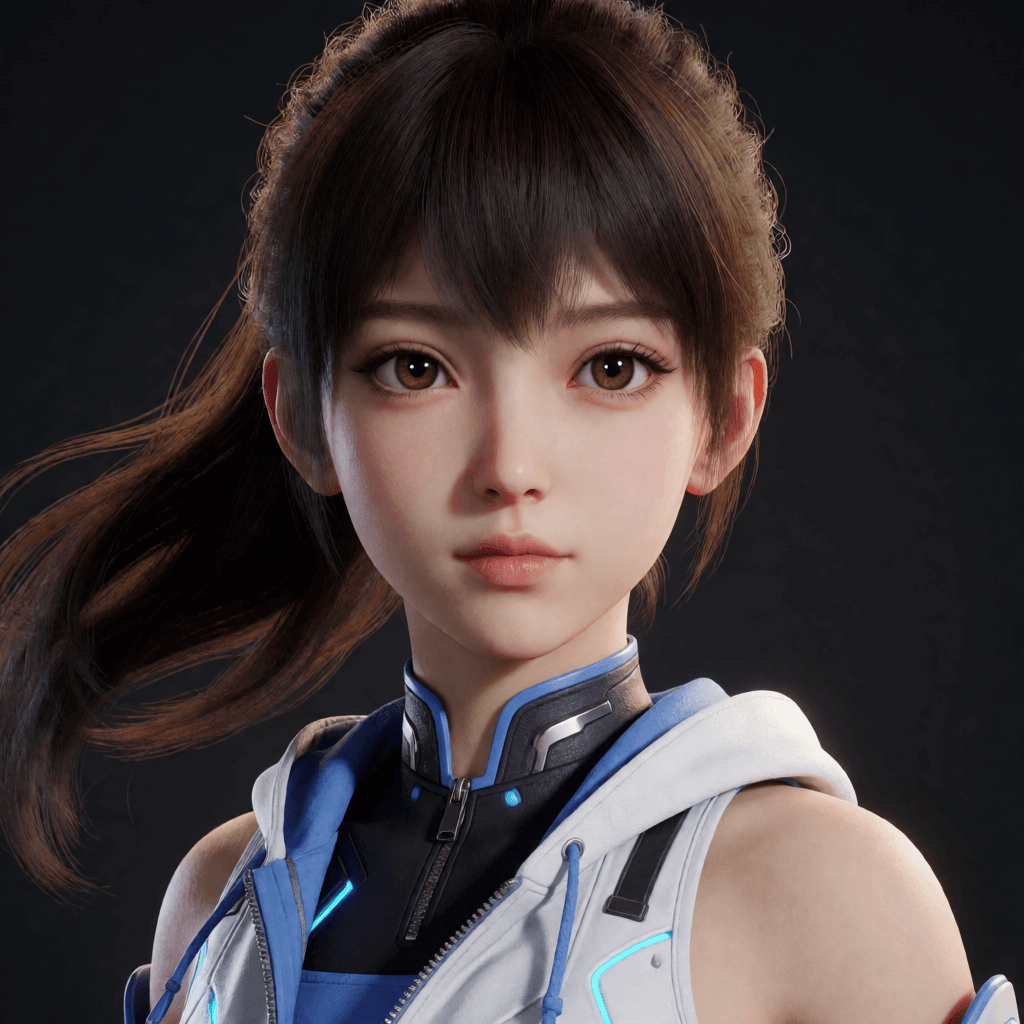
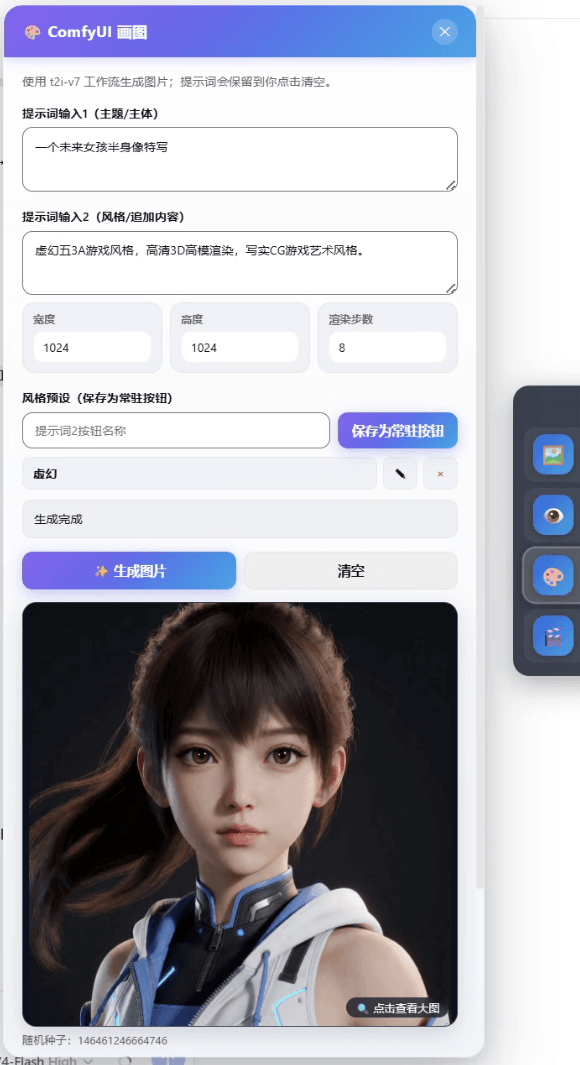
The panel handles the essentials of daily image work: two prompt fields (subject and style), width and height controls, sampling steps, and random or fixed seeds. Generated images appear inline for preview and zoom. The second prompt field can be saved as a one-click preset button so a favorite style is always within reach. Saved files use safe sequential numbering that guarantees no existing image is ever overwritten. A single deployment script clones the official ComfyUI repository and locks it to a fixed commit, eliminating version drift entirely.
The plugin is suited for DSH power users who want fast concept art or illustration drafts without breaking their workflow, and for developers who prefer local inference over cloud APIs. The pipeline pairs Krea 2 Turbo with a Qwen text encoder. Model weights are not bundled with the plugin and must be downloaded separately, keeping the install footprint small and the licensing scope clear.
Screenshots
Use Cases
- Generating quick concept art or illustration drafts between DSH conversations
- Iterating on dual-prompt combinations and parameters to dial in a visual style
- Saving a favorite style as a one-click preset for instant reuse
Best For
- DSH power users who need fast image generation without breaking their workflow
- Developers who prefer local inference over cloud APIs
- AI workflow users who value stable, pinned ComfyUI environments
Related Plugins

ModLens is a vision plugin for DeepSeek Harness that gives text-only models sight by reading images pasted directly into chat, with zero-config setup and multiple vision engines.

On-demand vision for text-only DeepSeek Harness agents: built-in free keyless vision chain and 14 vision tools, routing image turns as tool calls to vision models with pixel fidelity, no Python needed, one-command install.

Give text-only models in DeepSeek Harness eyes, enabling image Q&A, long-screenshot OCR, UI restoration, and GUI visual tasks.
An armor-breaking plugin for DeepSeek: rewrites instruction priority, expands refusal-blocked phrases, persists across sessions, and shows a green active indicator.