dsh-vision-analysis
Run the following command in DeepSeek Harness:
dsh plugin install Harvey-Will/dsh-vision-analysis
Paste the following prompt into your AI chat to install this plugin:
Run dsh plugin install Harvey-Will/dsh-vision-analysis in your terminal to install; the source code is at https://github.com/Harvey-Will/dsh-vision-analysis
About this plugin
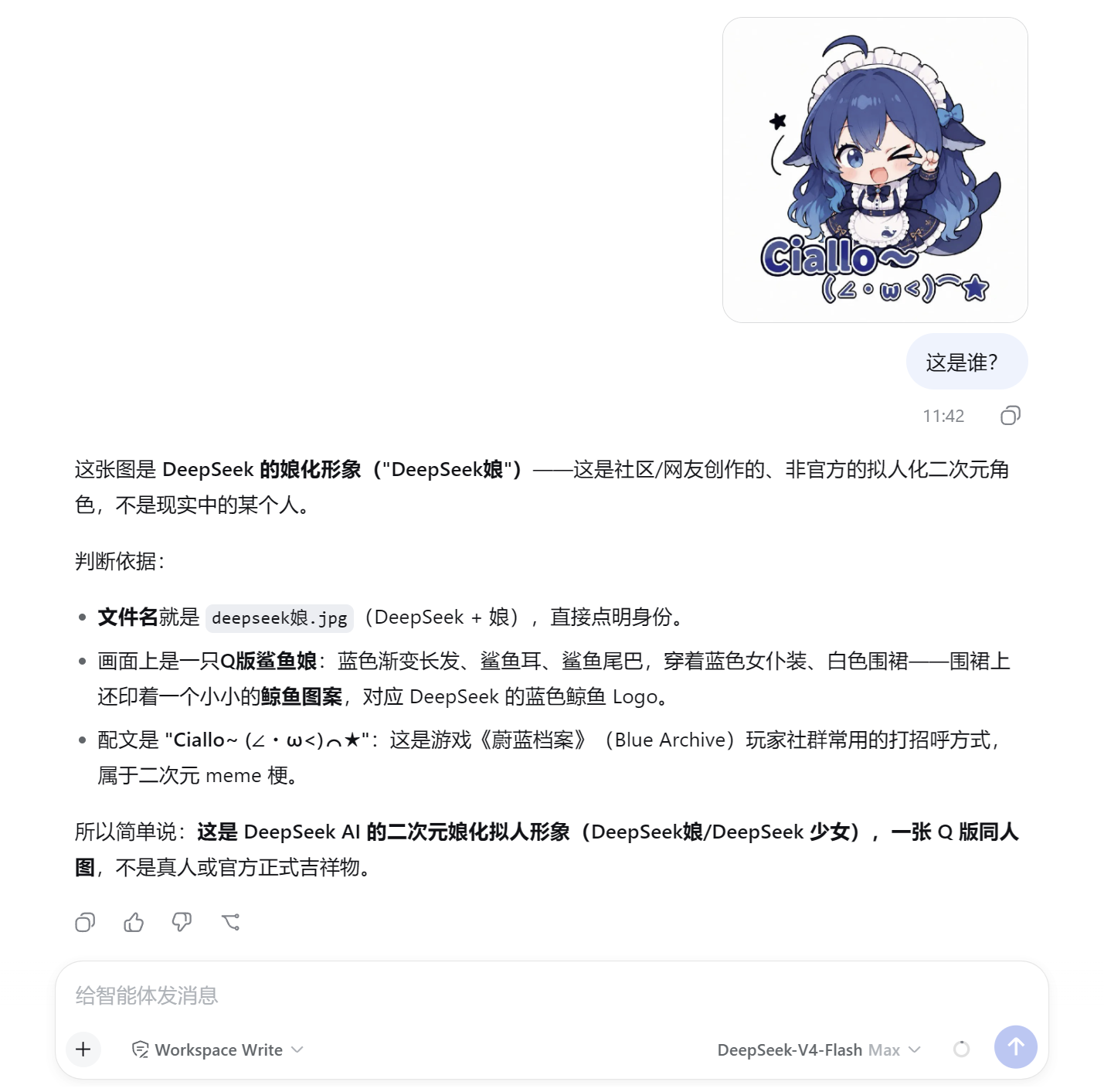
A text-only agent cannot see images, and wiring up a vision model usually means juggling API keys, swapping models, and shuffling local files. dsh-vision-analysis removes all of that friction: install it, paste an image into the conversation, and get an analysis back — no key, no local file dance, no model switch. Out of the box it points at a free anonymous vision endpoint (OVHcloud AI Endpoints, Qwen2.5-VL-72B), so the very first call works with zero configuration.
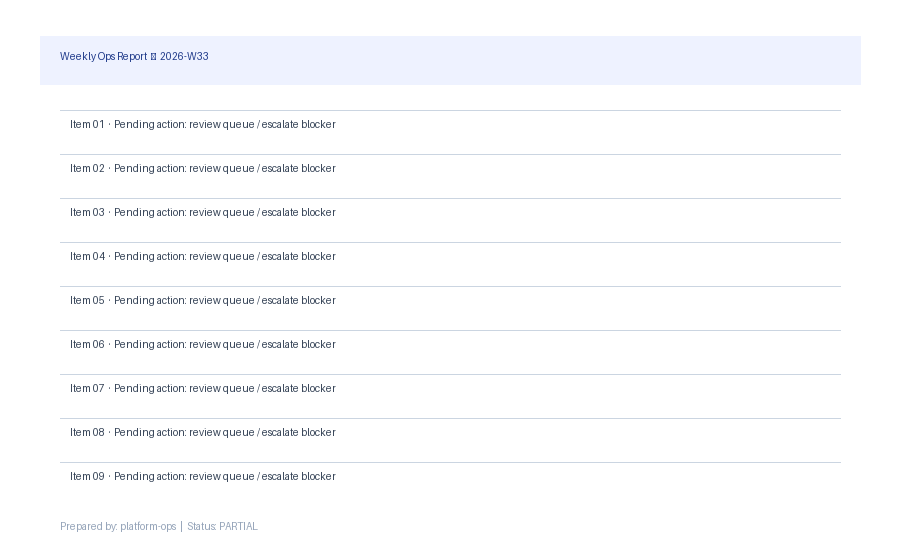
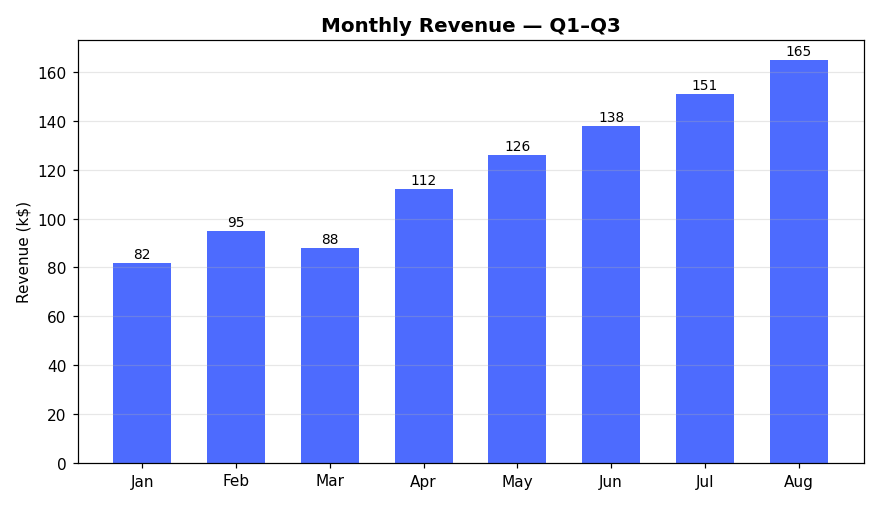
The plugin ships eight tuned analysis modes — describe, OCR, chart-data, UI review, object detection, multi-image compare, code generation, and endpoint debug. OCR and chart-data return machine-readable JSON that downstream agents can consume directly, and the other modes each carry a purpose-built instruction template. It speaks both OpenAI chat/completions and Anthropic messages wire formats, so you can route through GPT-4o, Claude, Qwen-VL, a local Ollama instance, or anything in between. When one vision model hits its rate limit the plugin automatically fails over to the next in the chain and surfaces clear recovery guidance. Privacy is built in: image bytes are sent base64-embedded only to your configured endpoint, never enter the session log, and never reach the main model; API keys remain fully masked in every diagnostic report.
It is well suited for developers who want to give a text agent in DeepSeek Harness vision capability without standing up extra infrastructure, and for teams whose workflows involve bulk OCR, extracting structured data from charts, design review of interface screenshots, or generating HTML and CSS from a UI mock-up.
Screenshots
Use Cases
- Paste a screenshot into the conversation and have the agent run OCR or extract structured data from charts automatically
- Run a design review on a UI mock-up and receive actionable feedback on styling, hierarchy, and spacing
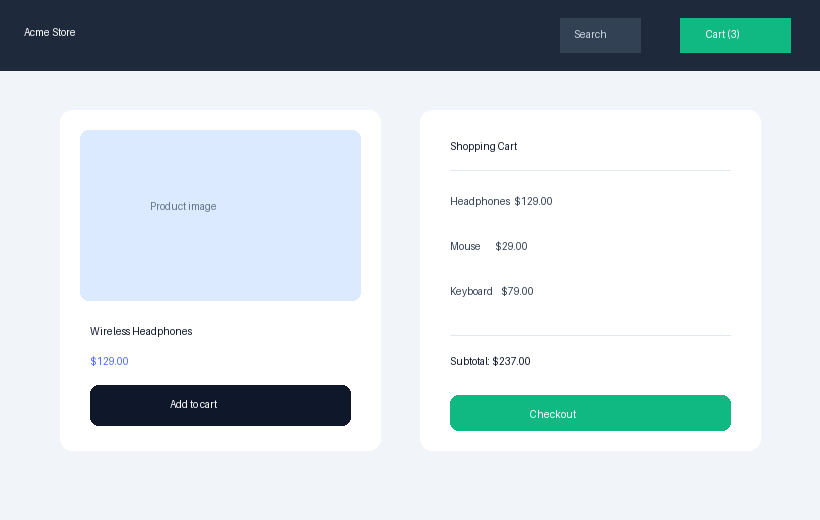
- Turn a UI screenshot into HTML and CSS, or compare two interface shots side by side to spot differences
Best For
- Developers who want zero-config vision capability in their DeepSeek Harness text agent
- Teams that need recurring OCR, chart-data extraction, or screenshot-to-code pipelines
- Engineers who analyze local files, remote URLs, or base64 screenshots without switching models
Related Plugins

ModLens is a vision plugin for DeepSeek Harness that gives text-only models sight by reading images pasted directly into chat, with zero-config setup and multiple vision engines.

On-demand vision for text-only DeepSeek Harness agents: built-in free keyless vision chain and 14 vision tools, routing image turns as tool calls to vision models with pixel fidelity, no Python needed, one-command install.

Give text-only models in DeepSeek Harness eyes, enabling image Q&A, long-screenshot OCR, UI restoration, and GUI visual tasks.
An armor-breaking plugin for DeepSeek: rewrites instruction priority, expands refusal-blocked phrases, persists across sessions, and shows a green active indicator.