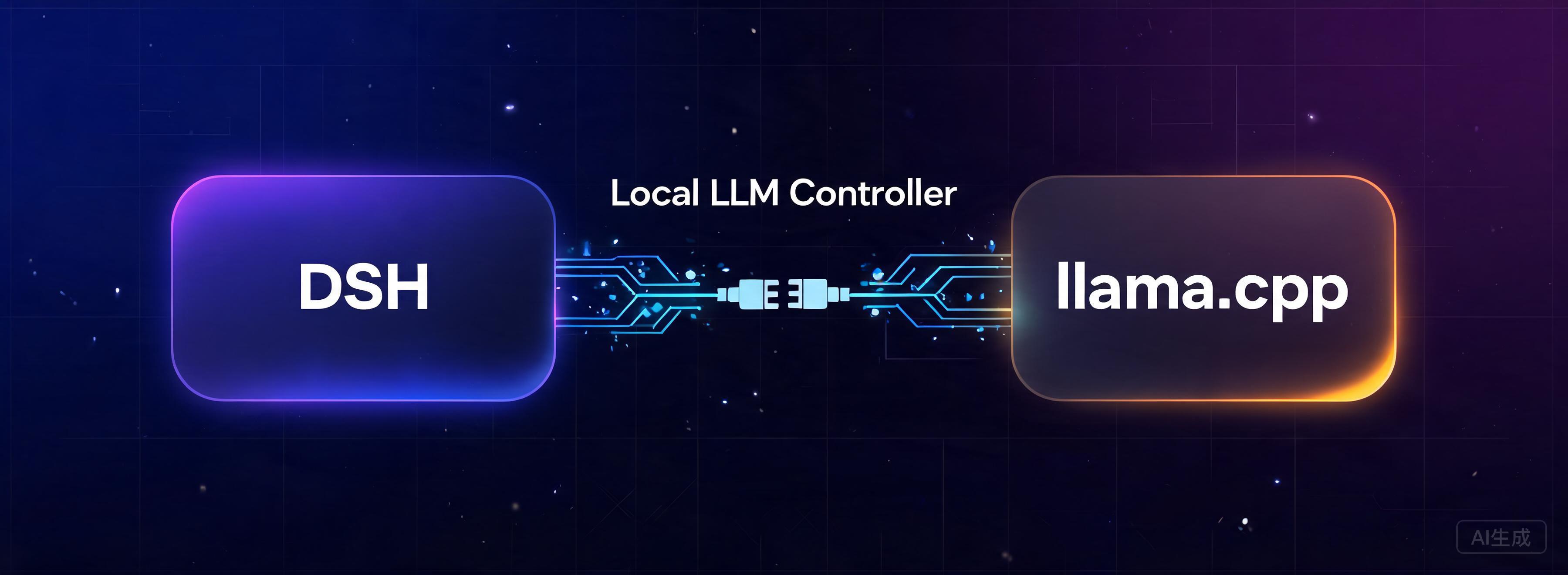
dsh-local-llm-controller
Run the following command in DeepSeek Harness:
dsh plugin install Lbunc/dsh-local-llm-controller
Paste the following prompt into your AI chat to install this plugin:
Run dsh plugin install Lbunc/dsh-local-llm-controller in your terminal (source: https://github.com/Lbunc/dsh-local-llm-controller), then restart DSH Web to see the plugin card appear under Settings.
About this plugin
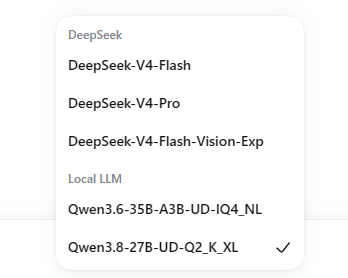
Using a local large model inside DSH (DeepSeek Harness) has long meant juggling terminal commands to launch llama-server, wiring up ports and auth headers, then refreshing provider settings by hand. dsh-local-llm-controller folds that entire workflow into a single card on the DSH settings page: point at your llama.cpp directory and model folder, hit Start, and the local model appears in the session picker. Stop releases the port; status, errors, and recent logs are all visible right on the card.
Version 2.0 introduces dual model slots A and B, each backed by its own folder of GGUF files. Every slot exposes eight editable launch-parameter rows covering text vs. vision mode and short vs. long context presets, so you can freely tune -ngl, -t, -c, sampling options, and more. Model names and provider keys are derived automatically from the selected GGUF filename and can be renamed later in the Model settings page. In vision mode, an mmproj file is detected by name and mounted automatically—no manual CLI assembly needed.
This plugin is built for users who already run llama.cpp locally and want to drop Qwen, Llama, Mistral, or other GGUF-quantized models straight into their DSH chat sessions, especially when managing multiple models, switching context lengths, or working with vision multimodality. The plugin ships without a llama-server binary and does not download model weights; it focuses solely on bridging DSH to a local inference server.
Screenshots
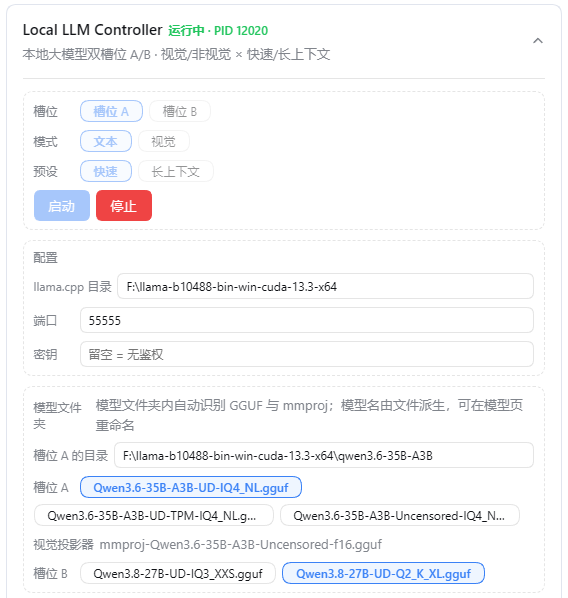
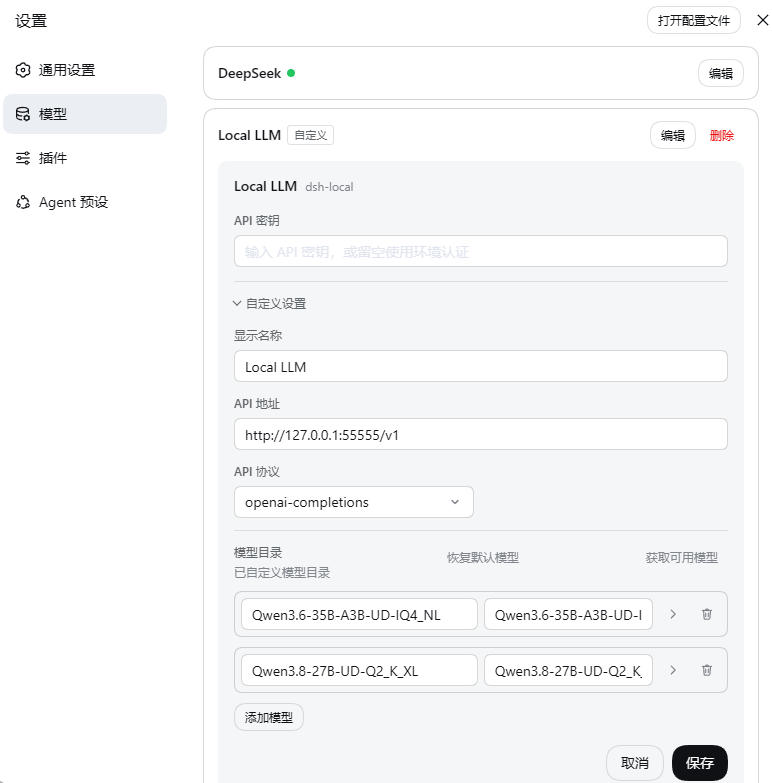
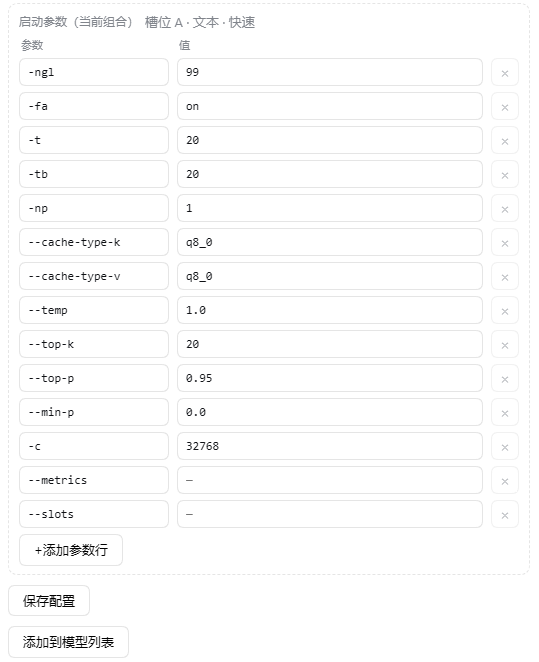
Use Cases
- Switch between multiple local GGUF models inside a DSH session with one click
- Tune launch parameters per text/vision and short/long context preset without CLI
- Auto-mount mmproj to run vision-capable local inference
Best For
- Local LLM enthusiasts already running llama.cpp
- Developers who want local models plugged into DSH sessions seamlessly
- AI workflow users managing multiple models and context windows
Related Plugins

ModLens is a vision plugin for DeepSeek Harness that gives text-only models sight by reading images pasted directly into chat, with zero-config setup and multiple vision engines.

On-demand vision for text-only DeepSeek Harness agents: built-in free keyless vision chain and 14 vision tools, routing image turns as tool calls to vision models with pixel fidelity, no Python needed, one-command install.

Give text-only models in DeepSeek Harness eyes, enabling image Q&A, long-screenshot OCR, UI restoration, and GUI visual tasks.
An armor-breaking plugin for DeepSeek: rewrites instruction priority, expands refusal-blocked phrases, persists across sessions, and shows a green active indicator.