dsh-funasr-voice
Run the following command in DeepSeek Harness:
dsh plugin install fenglin-ai/dsh-funasr-voice
Paste the following prompt into your AI chat to install this plugin:
Run dsh plugin install fenglin-ai/dsh-funasr-voice in the DeepSeek Harness terminal to install the plugin; see https://github.com/fenglin-ai/dsh-funasr-voice for the source.
About this plugin
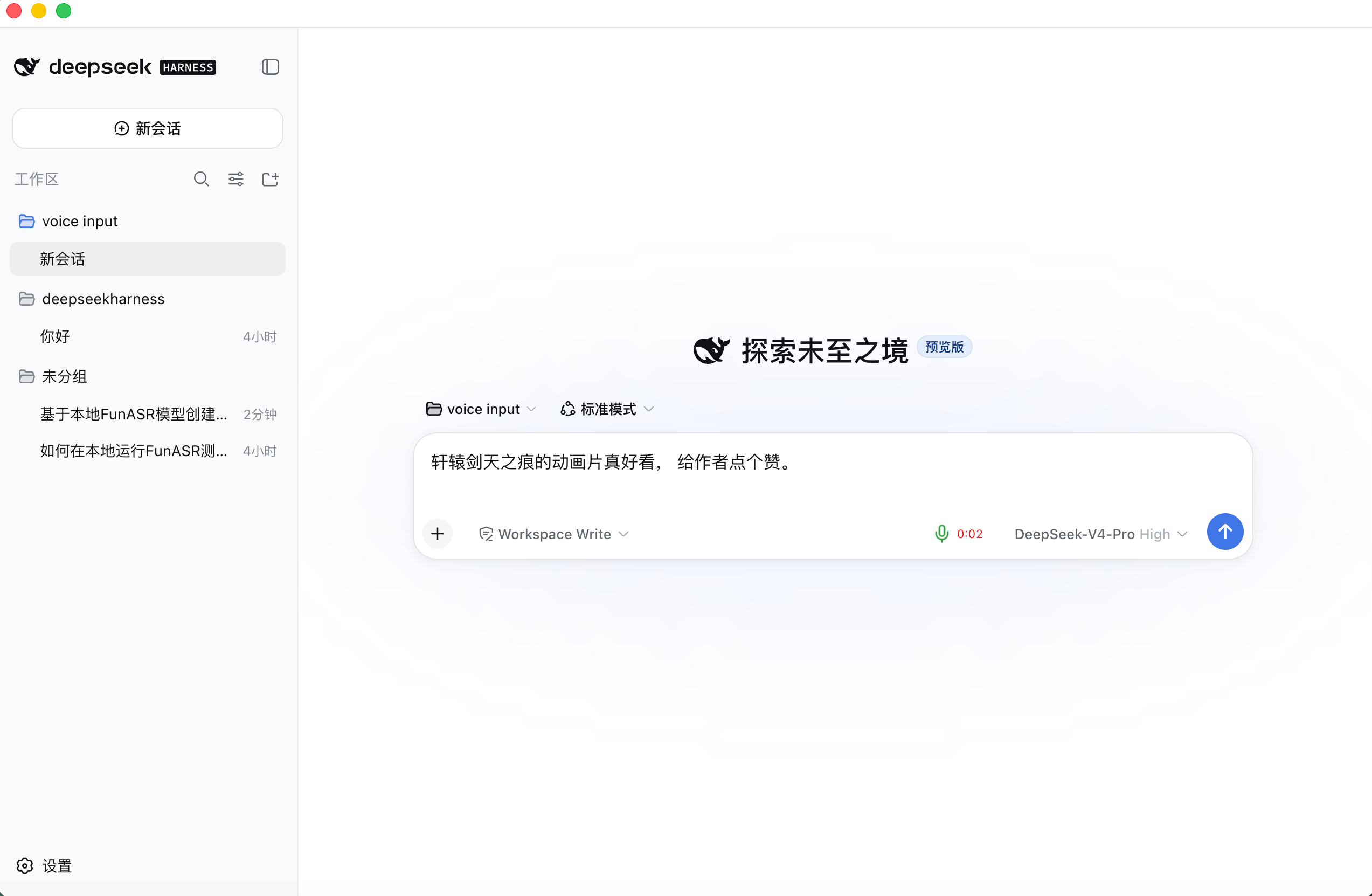
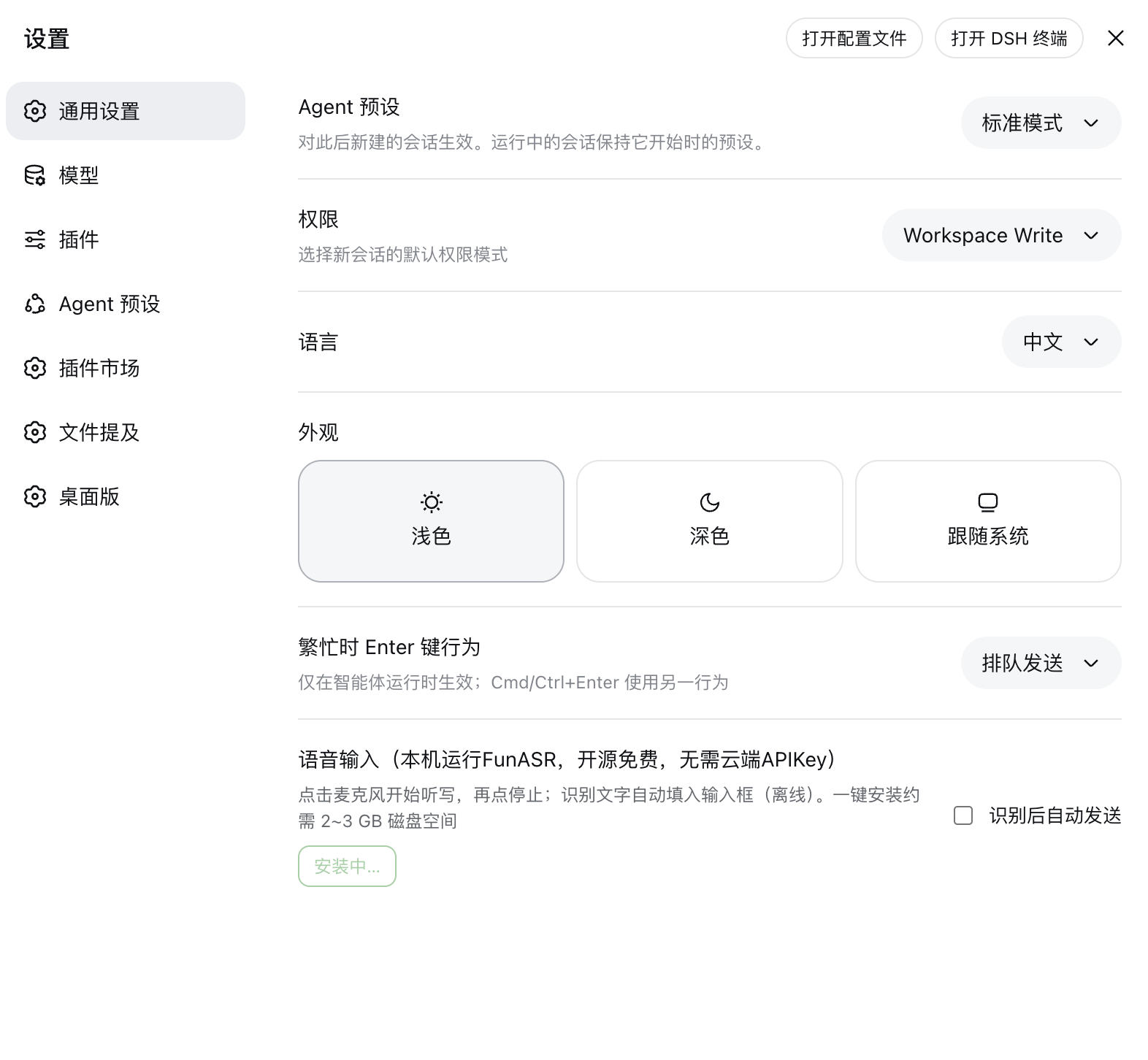
Working with the DeepSeek Harness Web GUI usually means your fingers are glued to the keyboard. dsh-funasr-voice adds local voice dictation to that workflow: tap the microphone icon to start speaking, tap again to stop, and the recognized text flows into the input box in real time — all without an internet connection or any audio data leaving your machine.
Under the hood it pairs FunASR with the SenseVoiceSmall model, running entirely on local CPU at roughly 10x real-time speed. A VAD-based segmentation engine produces text as you speak, while a one-click installer handles the Python virtual environment, dependencies, and model download automatically. The plugin supports multilingual recognition (Chinese, English, Japanese, Korean, Cantonese), applies inverse text normalization, strips unnecessary emoji tags from the output, and can optionally auto-send the composed message.
It is ideal for DSH Desktop or Web users who prefer speaking over typing and want a data-privacy-first setup — every inference step stays on your machine, so the plugin works just as well with the network cable unplugged.
Screenshots
Use Cases
- Dictate to AI instead of typing
- Reduce keyboard fatigue during long writing sessions
- Quick text input while offline or on flaky networks
Best For
- DSH Desktop or Web GUI users seeking hands-free input
- Privacy-focused users who refuse cloud audio streaming
- Creators who prefer dictation over keyboard typing
Related Plugins

ModLens is a vision plugin for DeepSeek Harness that gives text-only models sight by reading images pasted directly into chat, with zero-config setup and multiple vision engines.

On-demand vision for text-only DeepSeek Harness agents: built-in free keyless vision chain and 14 vision tools, routing image turns as tool calls to vision models with pixel fidelity, no Python needed, one-command install.

Give text-only models in DeepSeek Harness eyes, enabling image Q&A, long-screenshot OCR, UI restoration, and GUI visual tasks.
An armor-breaking plugin for DeepSeek: rewrites instruction priority, expands refusal-blocked phrases, persists across sessions, and shows a green active indicator.