deepsee
Run the following command in DeepSeek Harness:
dsh plugin install chang416/deepsee
Paste the following prompt into your AI chat to install this plugin:
Install and configure the plugin in DeepSeek Harness using https://github.com/chang416/deepsee
About this plugin
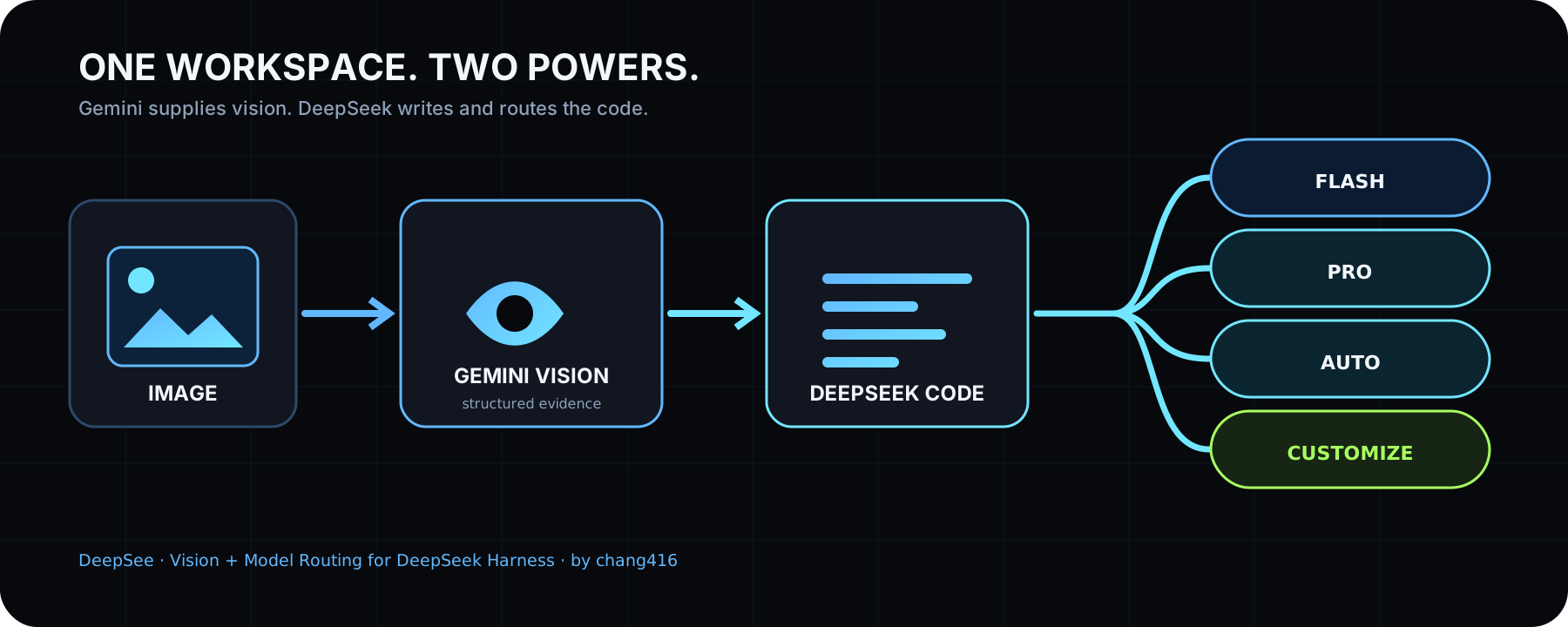
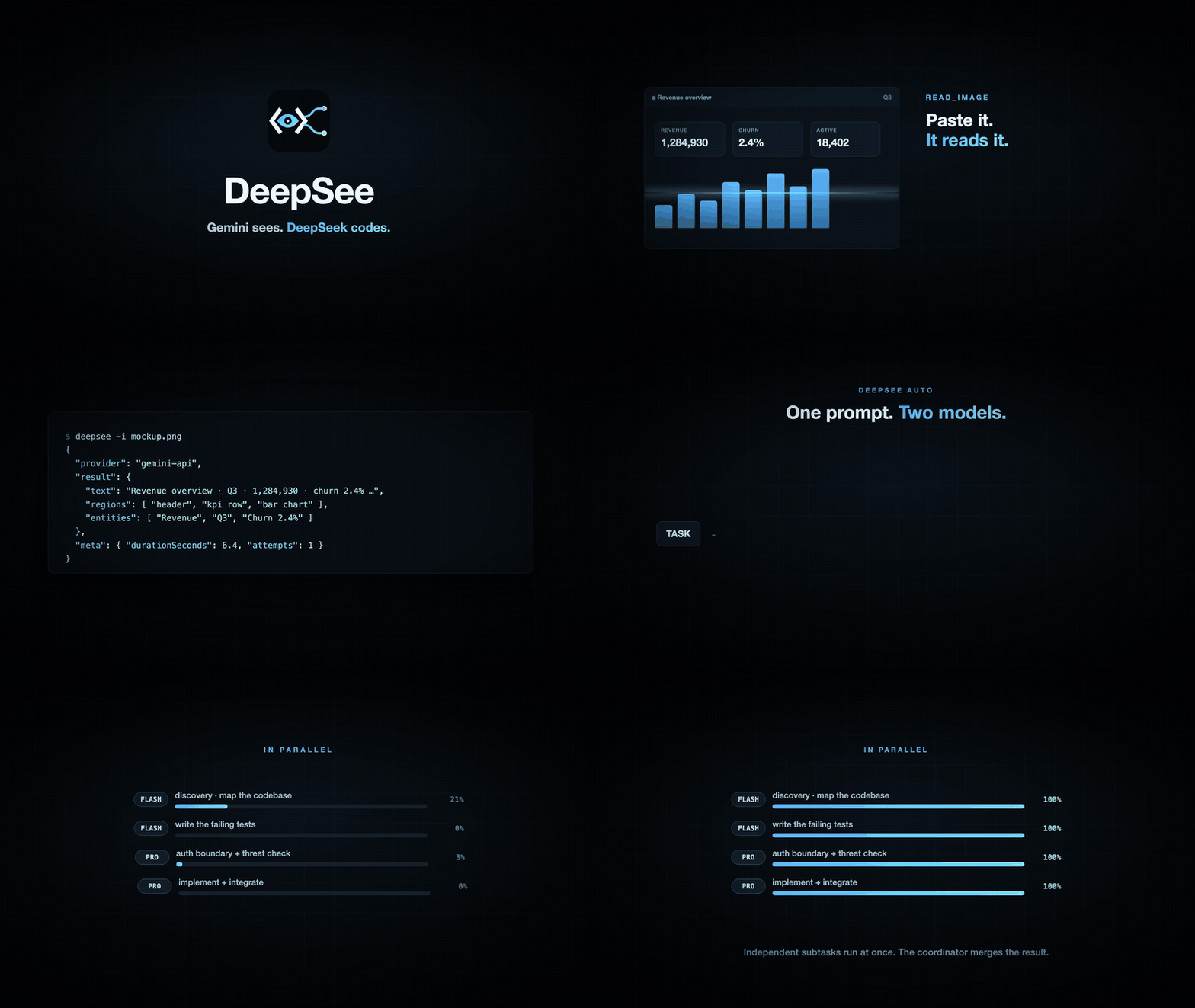
Text-only coding agents hit a wall the moment a requirement arrives as a screenshot, a design mockup, or a stack-trace panel. DeepSee closes that gap by bringing native vision reading and multi-model orchestration into DeepSeek Harness, so seeing and coding happen in one continuous loop. Paste a screenshot and receive structured evidence with reading order, entity relations, and full transcription—no model swap, no manual description.
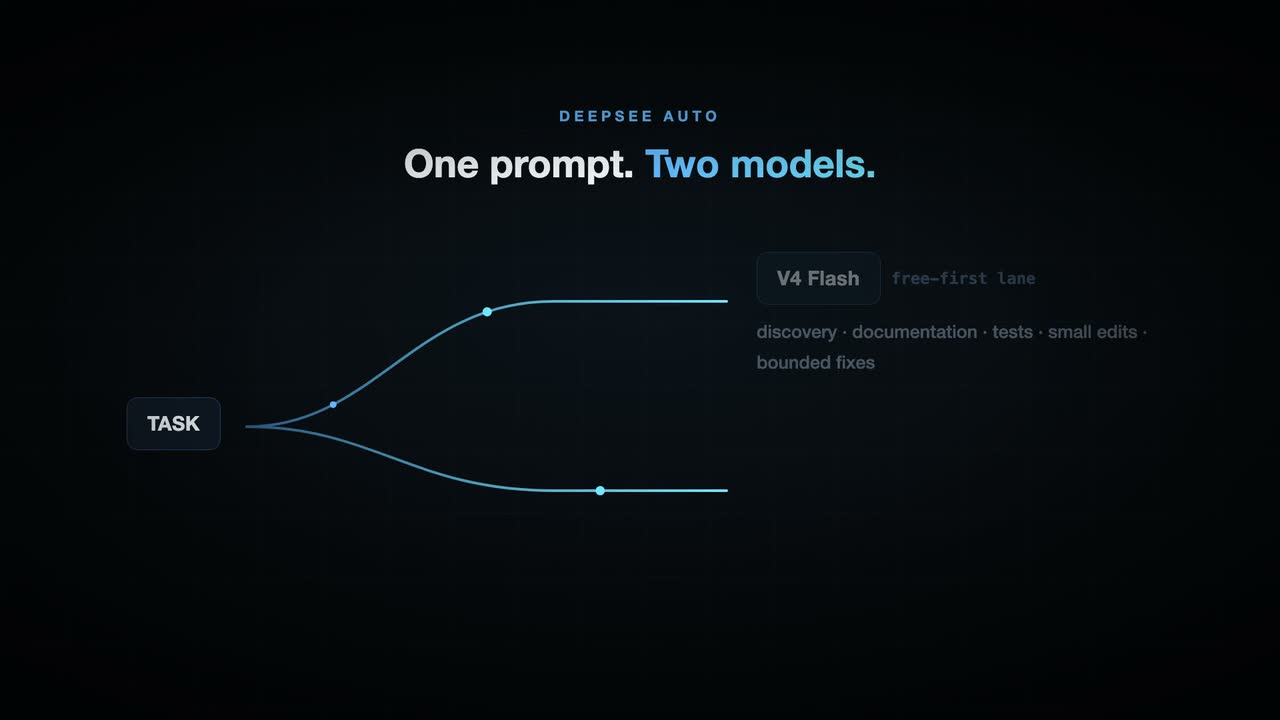
On the orchestration side, DeepSee offers two routing modes. Auto ships a free-first policy out of the box: Flash handles discovery, documentation, tests, and small edits while Pro takes architecture, security review, risky refactors, integration, and final sign-off; independent subtasks run in parallel and a coordinator merges the results. Customize lets every user assign Flash or Pro to each work category through a built-in settings panel, with no JSON editing required. For UI work, the deepsee_visual_check gate invokes a vision engine at meaningful milestones and again before delivery, returning either a strict PASS or a screen location with the defect to fix. DeepSeek then iterates within a configurable free-quota limit, catching visual mistakes before the user ever has to.
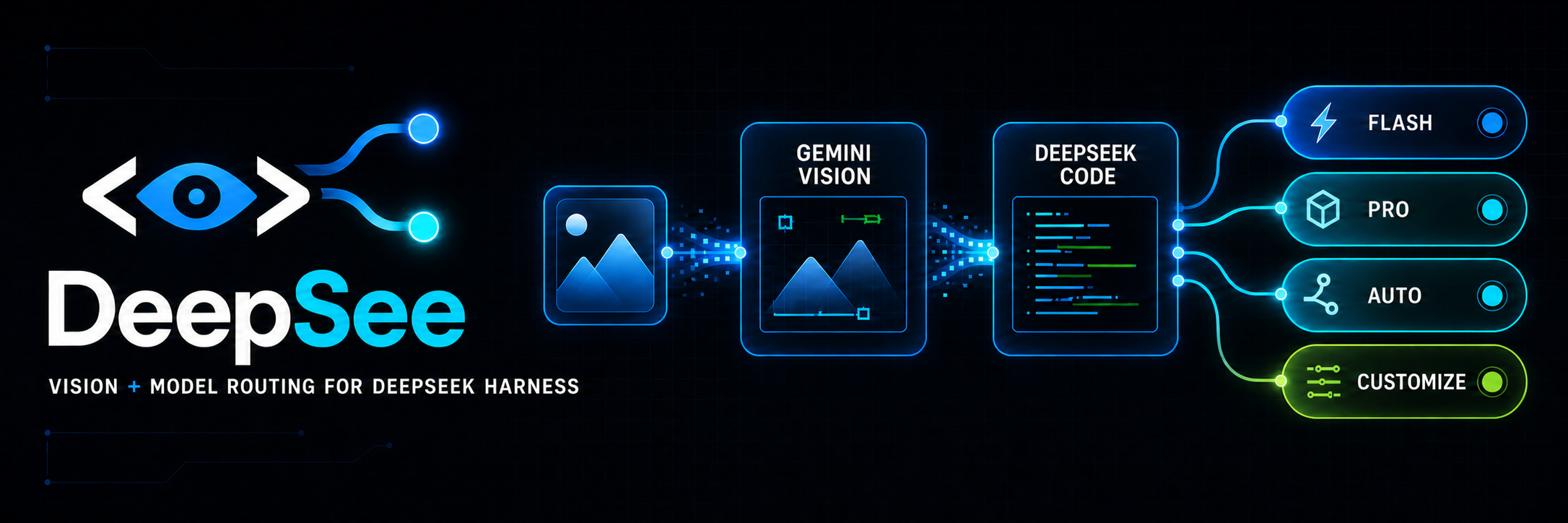
DeepSee is deliberately lightweight, native, and reversible—it is a single dsh plugin with no local proxy daemon, and removing it restores the host to its original behavior. The vision engine pool spans five built-in providers (Gemini API, any OpenAI-compatible endpoint, Anthropic, Antigravity CLI, Claude CLI) plus reusable logins from Codex, OpenCode, Pi, or Grok on the same machine, all wired into one automatic failover chain. It is built for developers already working inside DeepSeek Harness, Claude Code, Codex, or OpenCode who want multimodal understanding, intelligent model delegation, and a visual quality gate right before delivery.
Screenshots
Use Cases
- Paste a screenshot into DeepSeek Harness and have the model understand UI requirements directly
- Route docs and tests to Flash while leaving architecture and security review to Pro, running subtasks in parallel
- Auto-invoke a vision engine to screenshot-check UI before delivery, iterate on defects, then release
Best For
- Developers already working in DeepSeek Harness or Claude Code with AI-assisted coding
- Engineers maximizing free-tier usage through multi-key rotation to cut API costs
- UI and frontend developers who need a pre-delivery visual quality gate
Related Plugins

ModLens is a vision plugin for DeepSeek Harness that gives text-only models sight by reading images pasted directly into chat, with zero-config setup and multiple vision engines.

On-demand vision for text-only DeepSeek Harness agents: built-in free keyless vision chain and 14 vision tools, routing image turns as tool calls to vision models with pixel fidelity, no Python needed, one-command install.

Give text-only models in DeepSeek Harness eyes, enabling image Q&A, long-screenshot OCR, UI restoration, and GUI visual tasks.
An armor-breaking plugin for DeepSeek: rewrites instruction priority, expands refusal-blocked phrases, persists across sessions, and shows a green active indicator.