dsh-visibridge
Run the following command in DeepSeek Harness:
dsh plugin install lhbsaa/dsh-visibridge
Paste the following prompt into your AI chat to install this plugin:
In DeepSeek Harness, run dsh plugin install lhbsaa/dsh-visibridge to install the plugin (source: https://github.com/lhbsaa/dsh-visibridge), then restart dsh and the analyze_image and capture_image tools will be auto-registered.
About this plugin
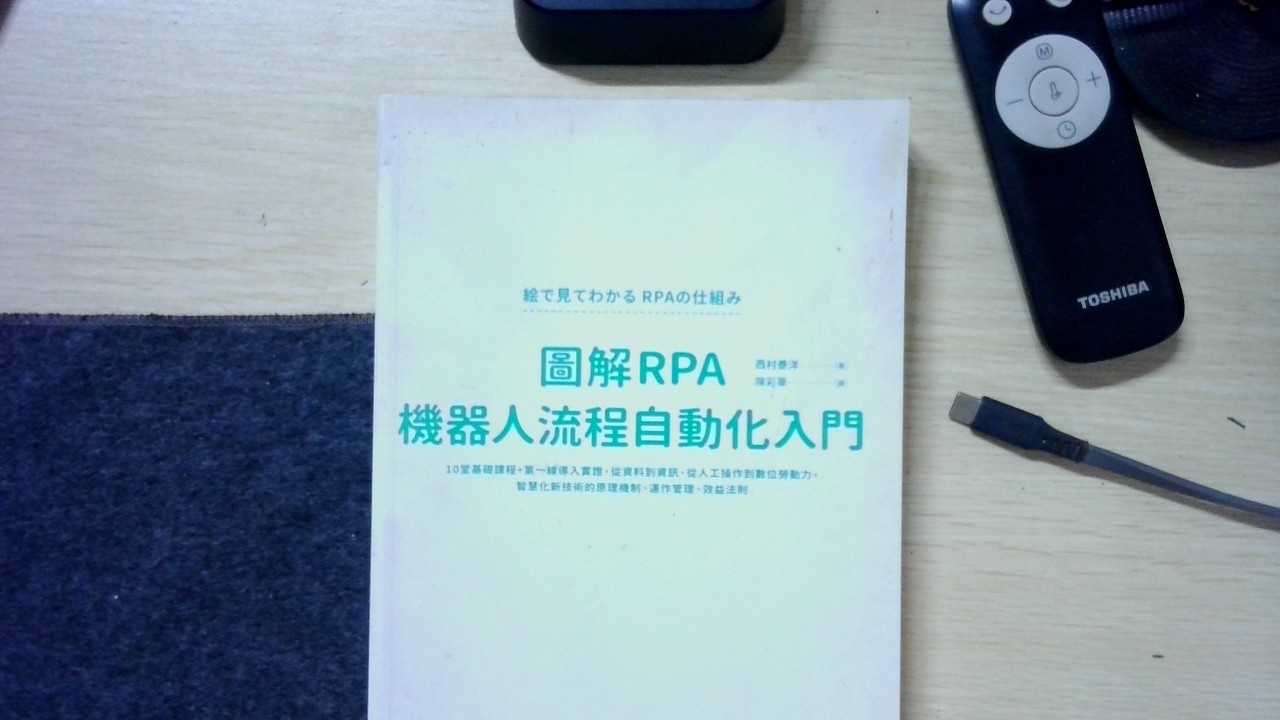
When working with pure-text LLMs like DeepSeek or GLM, a persistent pain point is simple: the model cannot see images. For tasks involving OCR, layout understanding, or scene recognition, it has no choice but to guess from context, and the results are often unreliable. dsh-visibridge was built for exactly this gap. It plugs into DeepSeek Harness as a host-level bundle, giving text-only models a reliable path to vision without modifying the model or the Harness core configuration.\n\nThe plugin follows an evidence-driven approach: the analyze_image tool sends an image to a vision backend (local Ollama, Xiaomi MiMo cloud, the official DeepSeek vision model, or any OpenAI-compatible endpoint) and retrieves a structured JSON evidence report covering full OCR text with line-by-line detail, layout blocks, scene and entity semantics, color and style notes, and self-reported uncertainty items. The text model then answers based on that evidence instead of fabricating. The capture_image tool goes further, letting the model autonomously snap a USB camera photo, analyze it, and compare across iterations, creating a modify-shoot-observe-refine visual loop ideal for screen debugging, document scanning, and any workflow that requires observing physical changes.\n\nIf you are building Agent workflows on DeepSeek Harness and want to give your text-only model eyes without introducing proxy processes or touching core configuration, dsh-visibridge offers a lightweight, zero-dependency host-level solution. The local Ollama backend runs with zero upload and auto keep-alive; cloud backends switch with a single config line; API keys are automatically redacted; and private-network endpoints are denied by default, balancing ease of use with security.
Screenshots
Use Cases
- A text-only model must extract text or interpret layout from an image
- Iterative debugging that requires live camera snaps and frame-over-frame comparison
- Fully local document OCR and scene semantics with zero data upload
Best For
- Developers building Agent workflows on top of DeepSeek Harness
- Teams that need vision for text-only models without proxy processes or core changes
- Privacy-sensitive users who prefer local inference and zero image upload
Related Plugins

ModLens is a vision plugin for DeepSeek Harness that gives text-only models sight by reading images pasted directly into chat, with zero-config setup and multiple vision engines.

On-demand vision for text-only DeepSeek Harness agents: built-in free keyless vision chain and 14 vision tools, routing image turns as tool calls to vision models with pixel fidelity, no Python needed, one-command install.

Give text-only models in DeepSeek Harness eyes, enabling image Q&A, long-screenshot OCR, UI restoration, and GUI visual tasks.
An armor-breaking plugin for DeepSeek: rewrites instruction priority, expands refusal-blocked phrases, persists across sessions, and shows a green active indicator.