dsh-vision-opencode
Run the following command in DeepSeek Harness:
dsh plugin install poiuyjie/dsh-vision-opencode
Paste the following prompt into your AI chat to install this plugin:
Install this plugin in DeepSeek Harness from https://github.com/poiuyjie/dsh-vision-opencode, then restart dsh and choose a vision model beside the input box.
About this plugin
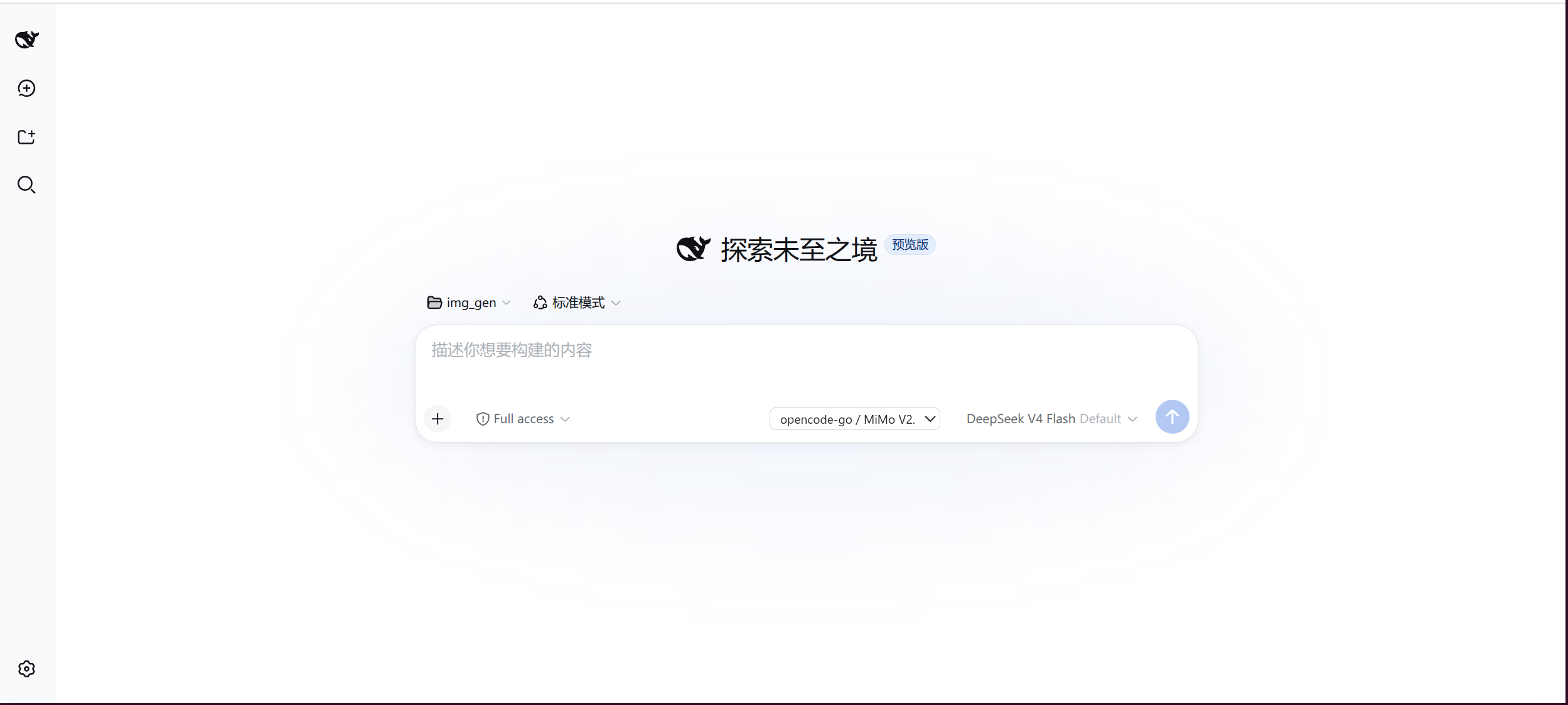
Many users face a familiar limitation: their main chat model is strong at text, but struggles to handle images reliably. When screenshots, documents, tables, or interface designs need to be understood, the usual options are switching models or copying the image into a separate tool. dsh-vision-opencode solves this by adding a configurable vision layer beside the existing text-only main model: when a chat message contains an image, the plugin can send it to a selected vision model, convert the visual content into text, and let the original main model continue answering normally.
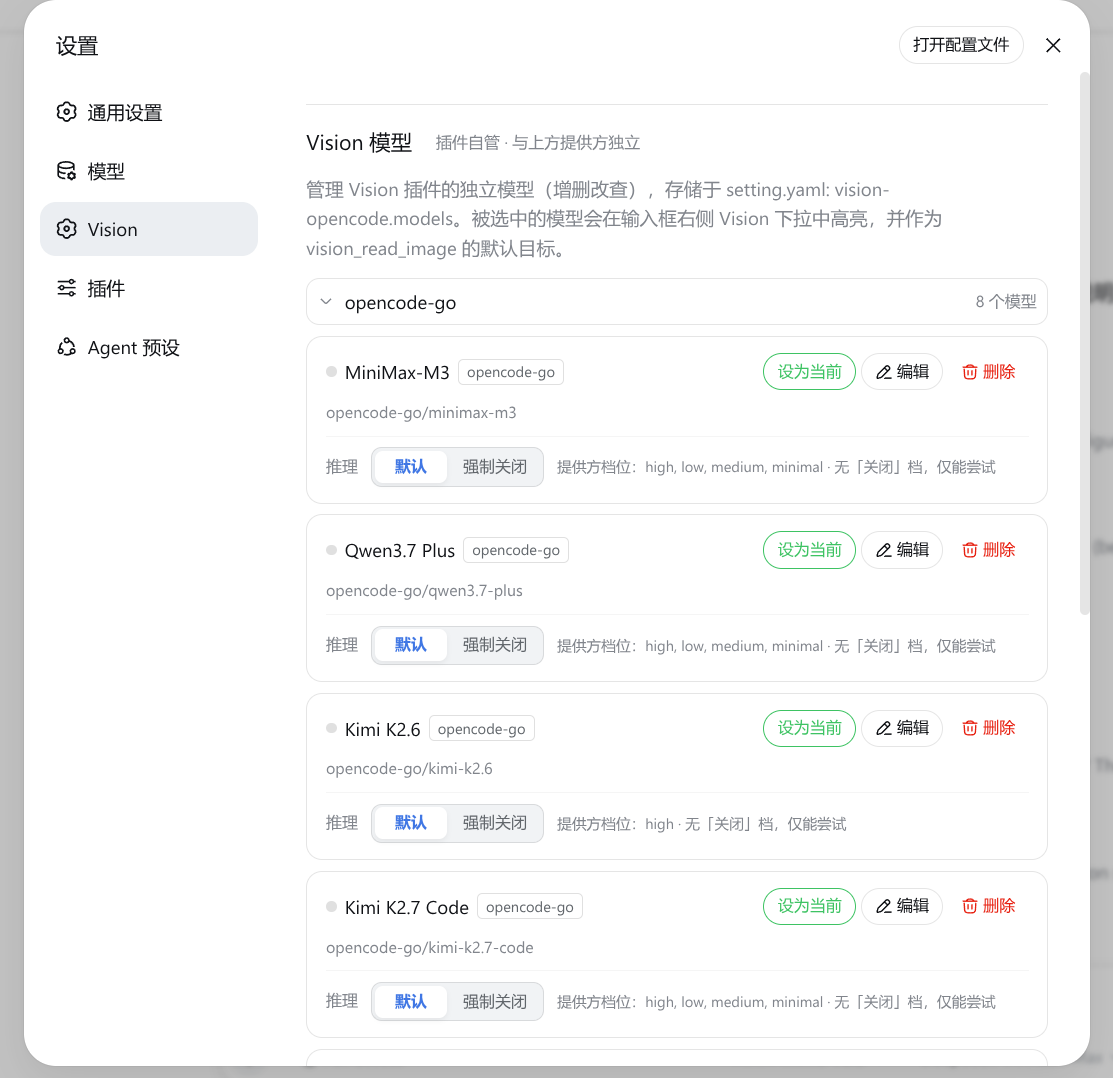
Its core value is automatic image understanding with manual control and failure handling. Users can choose a vision model from the input bar or manage it in settings, while the plugin supports OCR, chart interpretation, screenshot analysis, and related workflows. If automatic conversion is not desired, it can be disabled while keeping the vision tools and model selector available. The plugin also includes timeout, retry, and fallback behavior so vision failures do not easily block an entire conversation.
This plugin is best for users who rely on DeepSeek or other text-only main models but still need to work with images frequently. It is also useful for people who want a multimodal experience without replacing their primary model. Rather than a full multimodal replacement, it acts as a lightweight vision bridge: it lets models that normally only read text see first, then answer.
Screenshots
Use Cases
- Send screenshots in chat and let a vision model convert them into text first
- Analyze documents, tables, charts, or UI elements
- Use image understanding while keeping a text-only main model
Best For
- Users of DeepSeek or other text-only main models
- People who often handle screenshots, documents, and charts
- Users who want image support without switching their primary model
Related Plugins
A unified suite combining hot runtime injection, task-aware thinking-mode routing, and a graded session protocol with red-team gates to sustain model diligence across long-horizon inference.

ModLens is a vision plugin for DeepSeek Harness that gives text-only models sight by reading images pasted directly into chat, with zero-config setup and multiple vision engines.

On-demand vision for text-only DeepSeek Harness agents: built-in free keyless vision chain and 14 vision tools, routing image turns as tool calls to vision models with pixel fidelity, no Python needed, one-command install.

Give text-only models in DeepSeek Harness eyes, enabling image Q&A, long-screenshot OCR, UI restoration, and GUI visual tasks.