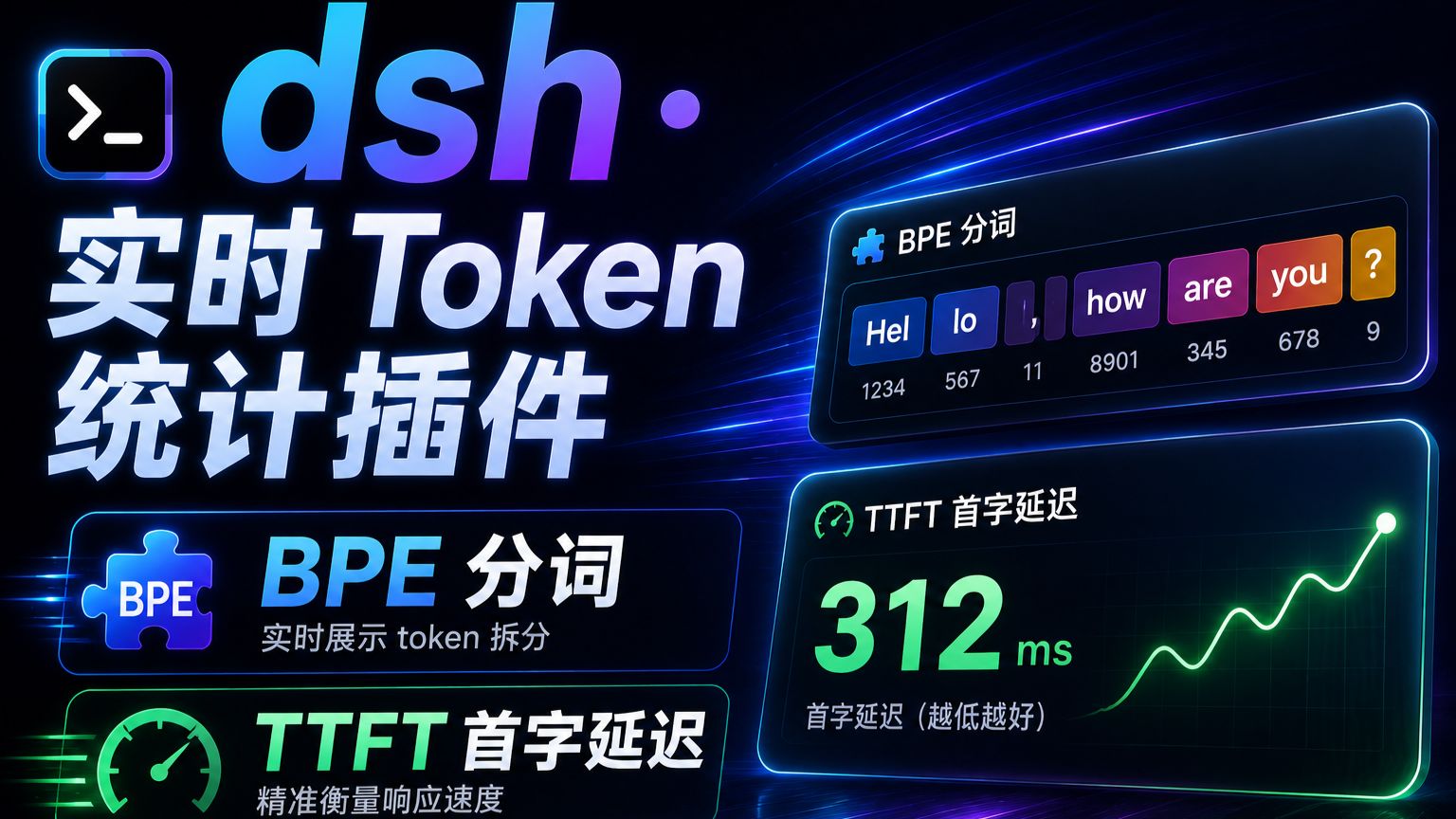
dsh-live-token-stats
Run the following command in DeepSeek Harness:
dsh plugin install better-er/dsh-live-token-stats
Paste the following prompt into your AI chat to install this plugin:
Run dsh plugin install better-er/dsh-live-token-stats in the DeepSeek Harness terminal to install this plugin; the source repository is at https://github.com/better-er/dsh-live-token-stats, and it activates automatically after a web-side restart with no manual configuration required.
About this plugin
When you fire off an inference request in DeepSeek Harness, the interface often shows nothing but a single line — Deep Diving — with no speed readout and no indication of whether the model is actually producing tokens or has simply hung. dsh-live-token-stats was built to close that blind spot: it taps into the streaming response, applies byte-level BPE tokenization using the embedded DeepSeek V4 vocabulary on every incremental delta, and surfaces real-time tokens per second, session-wide average rate, time-to-first-token (TTFT), and cumulative stall duration right on the status bar. After the stream ends, it reconciles the estimate against the provider usage report so you can tell at a glance whether the model is thinking at full speed or has drowned.
The plugin delivers three layers of insight. First, speed awareness: a sliding-window real-time rate sits alongside a session average that includes TTFT and every pause, making it immediately clear whether the stream is accelerating or decelerating. Second, stall detection: once the gap between consecutive deltas exceeds a threshold, a Stalled counter ticks up every 100 ms and the speed readout disappears entirely, removing all ambiguity about whether the model is truly stuck. Third, precision reconciliation: the built-in added-tokens metadata matches the official tokenizer.json entry by entry; pure-text and reasoning outputs typically deviate by only 1–2 tokens, while tool-call rounds add roughly 40–80 tokens — all reported transparently and calibrated by the provider's usage figures.
This plugin is for developers who rely on DeepSeek Harness daily and are tired of staring at an uninformative Deep Diving state wondering if the model is working or dead. It ships as a self-contained dsh client-plus-host plugin, requires zero modifications to DSH source code, and activates automatically after a web-side restart with no manual configuration edits needed.
Screenshots
Use Cases
- Status bar only shows Deep Diving and you cannot tell whether the model is generating or hung
- Quantitatively compare real-time throughput and TTFT across different models or concurrency levels
- Detect streaming stalls early during long-form generation and intervene before a full timeout
Best For
- Engineers who develop and debug with DeepSeek Harness and need to confirm inference health on every run
- Ops or SRE staff who monitor LLM inference throughput and stability in production
- Usage managers who care about token-billing precision and want to audit local estimates against official usage
Related Plugins

ModLens is a vision plugin for DeepSeek Harness that gives text-only models sight by reading images pasted directly into chat, with zero-config setup and multiple vision engines.

On-demand vision for text-only DeepSeek Harness agents: built-in free keyless vision chain and 14 vision tools, routing image turns as tool calls to vision models with pixel fidelity, no Python needed, one-command install.

Give text-only models in DeepSeek Harness eyes, enabling image Q&A, long-screenshot OCR, UI restoration, and GUI visual tasks.
An armor-breaking plugin for DeepSeek: rewrites instruction priority, expands refusal-blocked phrases, persists across sessions, and shows a green active indicator.