dsh-docs
Run the following command in DeepSeek Harness:
dsh plugin install Sqhao-O/dsh-docs
Paste the following prompt into your AI chat to install this plugin:
In DeepSeek Harness, ask the agent to install the dsh-docs plugin from the full source URL https://github.com/Sqhao-O/dsh-docs, then restart the session and check it with dshdoc_health.
About this plugin
For DSH agents that need to work with documents, the first hurdle is often not summarizing content but turning PDFs, Office files, and scanned images into reliable formats the model can consume. dsh-docs handles that locally: it lets DeepSeek Harness read files inside explicitly authorized directories and return clean Markdown, plain text, or structured JSON.
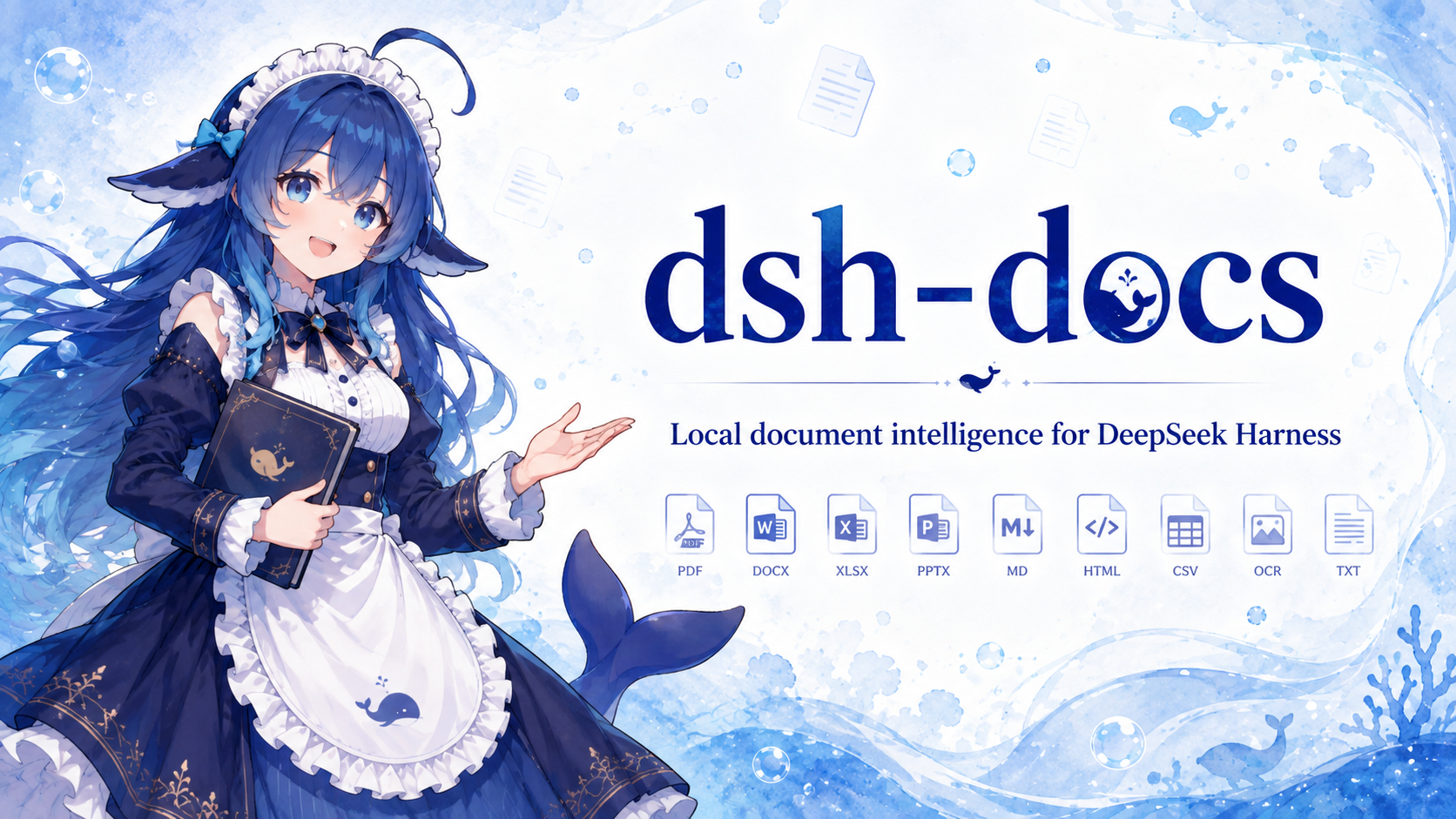
Its core strength is offline document parsing plus local OCR. On Windows x64 it can use a self-contained Python and Xberg runtime with local Tesseract data for English and Simplified Chinese, while the Node/Xberg path remains a lightweight non-OCR fallback. Supported inputs include PDF, DOCX, XLSX, PPTX, Markdown, HTML, CSV, text, PNG, JPEG, TIFF, WebP, and scanned PDFs.
It is especially useful for privacy-conscious users and workflow builders. Documents stay on the local disk, and the plugin needs no Docker, HTTP service, or API keys; remote URLs are detected only to reject them. Researchers, developers, knowledge workers, and DSH agent builders can use dsh-docs as a stable local document preprocessing layer.
Screenshots
Use Cases
- Convert local PDF and Office files into Markdown, plain text, or JSON.
- Run offline OCR on scanned pages and common image formats.
- Let DSH agents read authorized local documents and return structured content.
Best For
- Developers who need to process sensitive documents locally.
- Users building knowledge management and document preprocessing workflows.
- DSH agent users who want stronger local file-understanding capabilities.
Related Plugins
A unified suite combining hot runtime injection, task-aware thinking-mode routing, and a graded session protocol with red-team gates to sustain model diligence across long-horizon inference.

ModLens is a vision plugin for DeepSeek Harness that gives text-only models sight by reading images pasted directly into chat, with zero-config setup and multiple vision engines.

On-demand vision for text-only DeepSeek Harness agents: built-in free keyless vision chain and 14 vision tools, routing image turns as tool calls to vision models with pixel fidelity, no Python needed, one-command install.

Give text-only models in DeepSeek Harness eyes, enabling image Q&A, long-screenshot OCR, UI restoration, and GUI visual tasks.