dsh-prompt-enchant
Run the following command in DeepSeek Harness:
dsh plugin install Kian-Oraish/dsh-prompt-enchant
Paste the following prompt into your AI chat to install this plugin:
Clone the repository from https://github.com/Kian-Oraish/dsh-prompt-enchant, run the install.sh script to copy the plugin into the DSH plugin directory and register the composition config, then restart DSH to see the magic-wand button in the web input.
About this plugin
Prompt quality still caps model output, yet we think in loose, colloquial fragments. dsh-prompt-enchant slots a sparkle-star magic-wand button next to the DeepSeek Harness web input so you can type whatever is in your head, tap the star, and a single independent LLM call rewrites the messy draft into a clearer, more executable instruction that fills back into the input for your review before sending. The enhancement never touches the agent system prompt, and if the result is off you simply discard it.
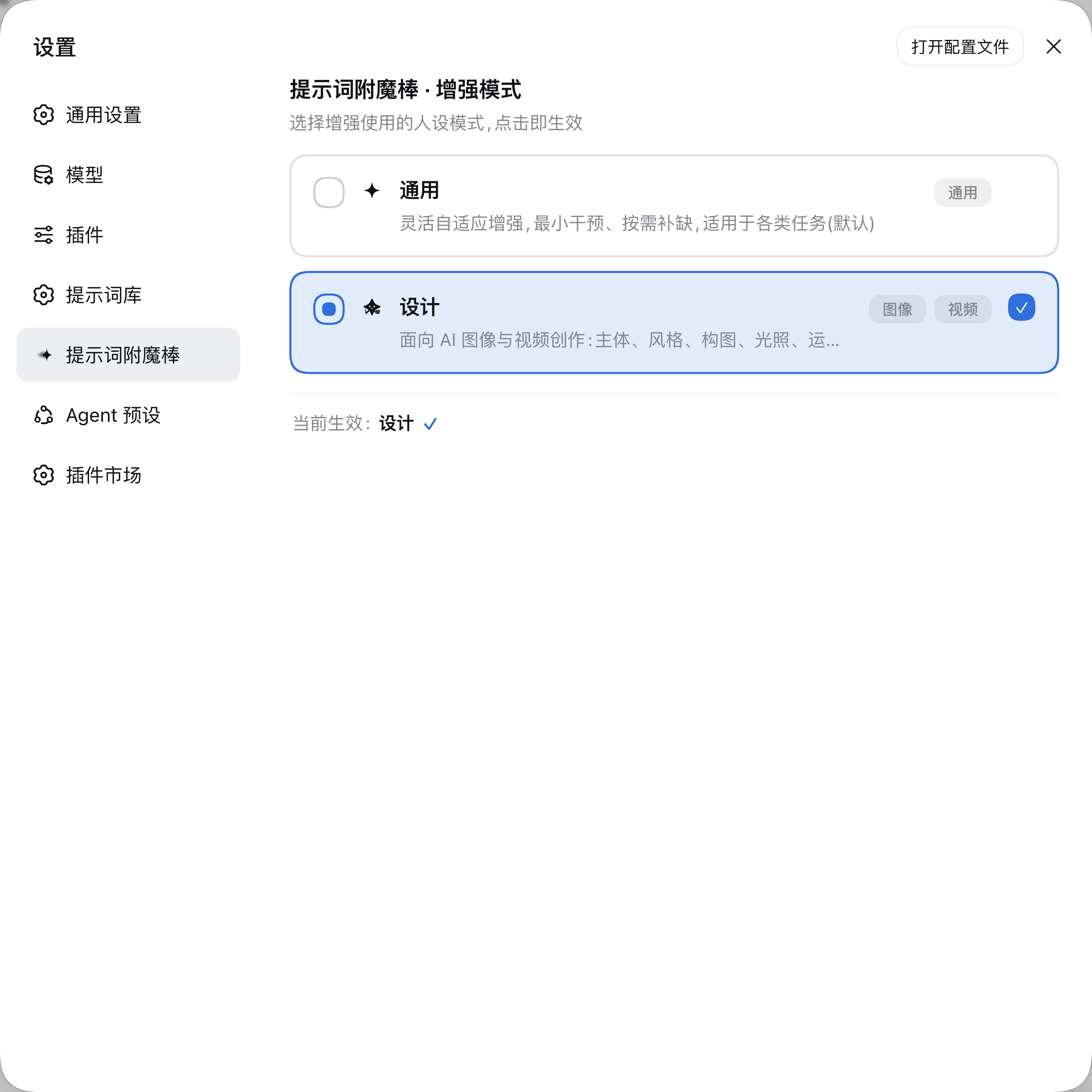
Two persona modes are built in. General mode covers everyday conversation and workflow tasks. Design mode is tuned for AI image and video creation, auto-surfacing professional terminology around subject, style, composition, lighting, camera motion, and first/last-frame parameters; elements the model cannot confidently infer are routed through the official confirmation card for per-item selection. Working in General mode but leaning creative? A suggestion bar appears above the input with one-click switching and automatic re-enhancement. Safety guards include verbatim preservation of @file references, untouched /plan-style command declarations, plain-text output with injection defense, loopback-only binding, cross-origin rejection, and a concurrency cap, so the enhancement never disrupts your existing workflow.
This plugin suits DeepSeek Harness web users who want fewer long prompt-writing sessions without sacrificing precision, and especially creators iterating on text-to-image, text-to-video, or interactive editing tasks. No extra API key is needed; the enhancement call rides on DSH's built-in llm service and all data stays inside the local process.
Screenshots
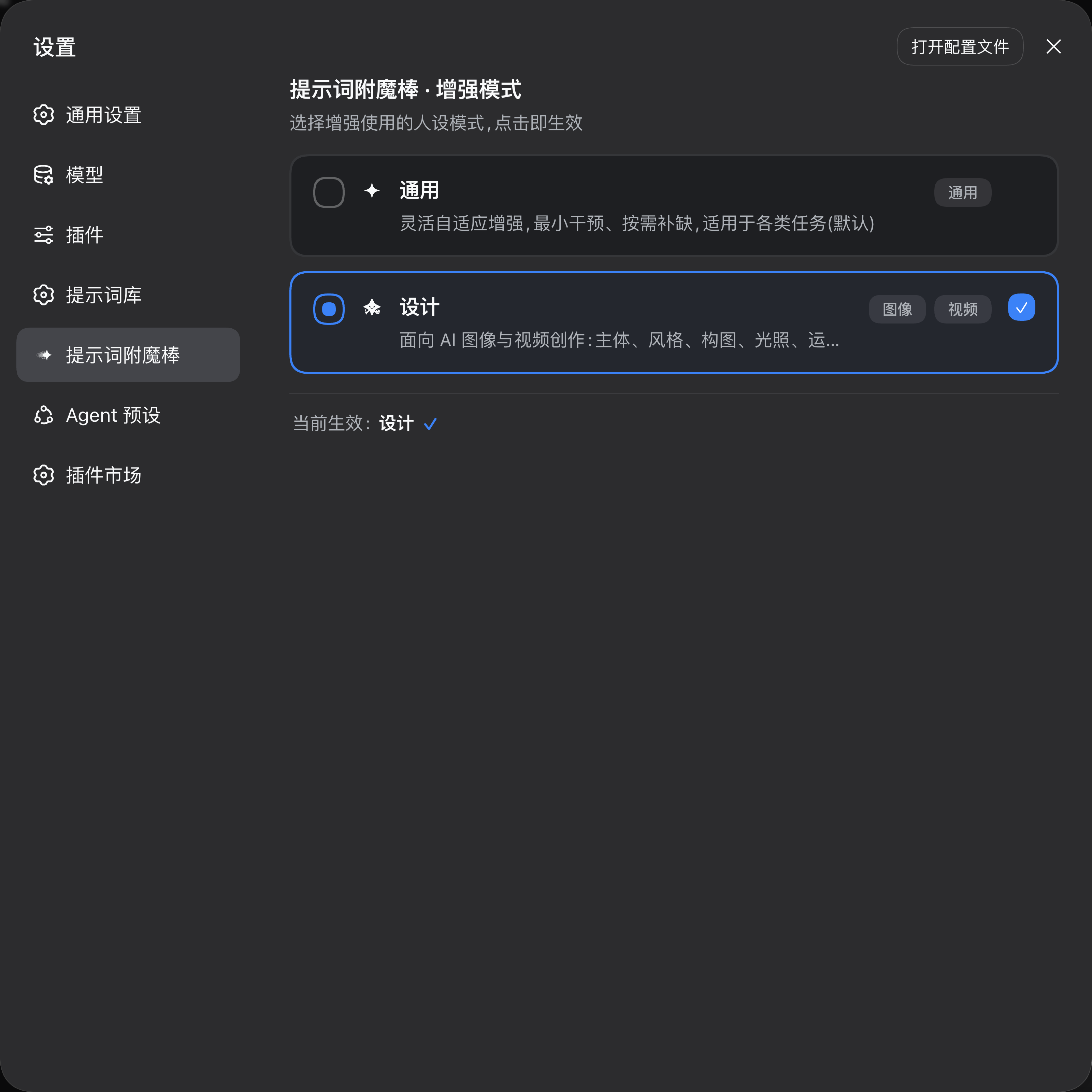
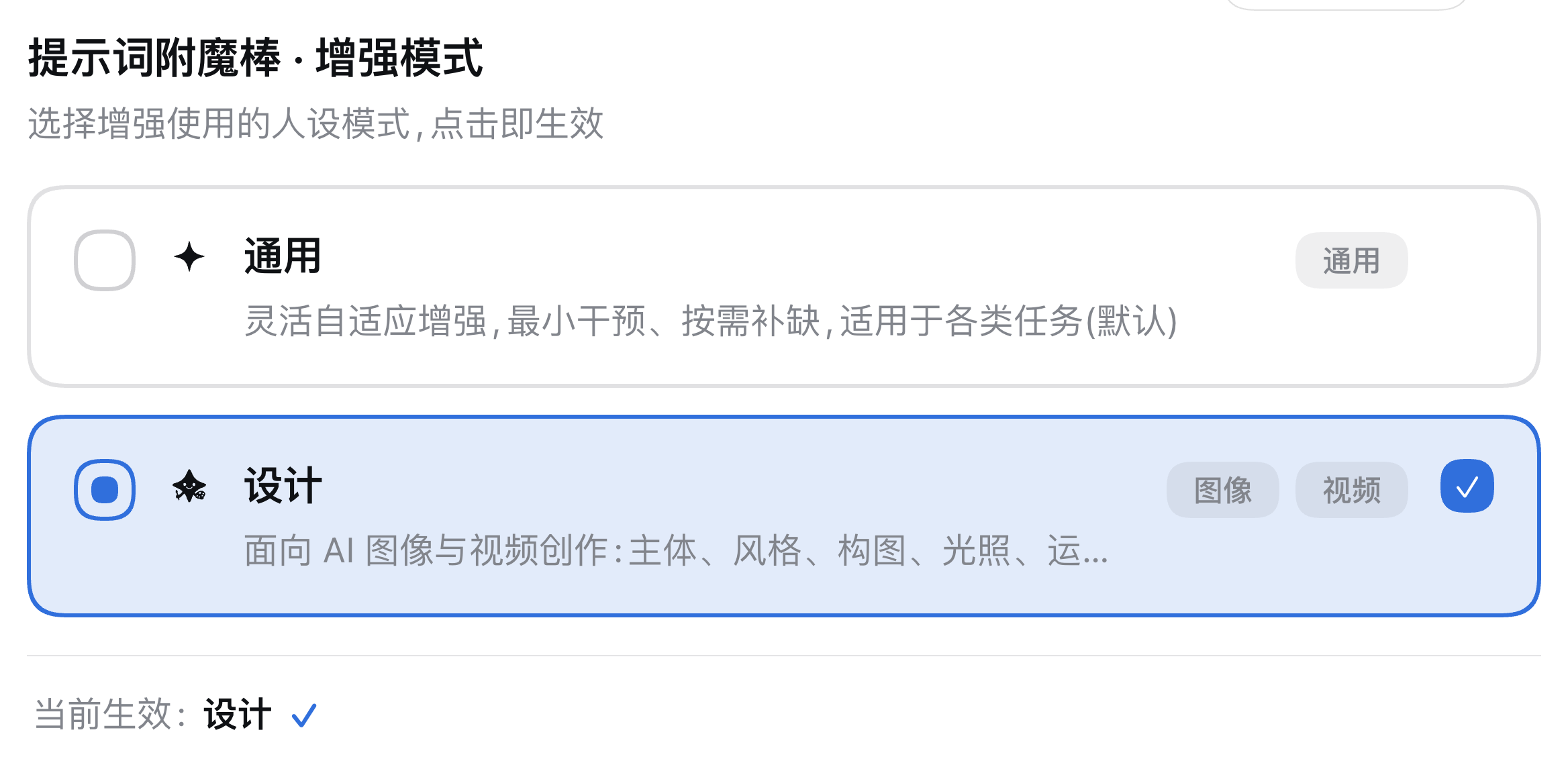





Use Cases
- Type a casual idea and enhance it into a precise model-ready instruction with one click
- Auto-complete style, composition, lighting, and camera terminology for image and video prompts
- Preserve @file references and /plan command declarations verbatim while enhancing
Best For
- Everyday DeepSeek Harness web users for chat and workflow tasks
- AI image and video creators who craft prompts daily
- Developers who want to cut down repetitive prompt refinement time
Related Plugins

ModLens is a vision plugin for DeepSeek Harness that gives text-only models sight by reading images pasted directly into chat, with zero-config setup and multiple vision engines.

On-demand vision for text-only DeepSeek Harness agents: built-in free keyless vision chain and 14 vision tools, routing image turns as tool calls to vision models with pixel fidelity, no Python needed, one-command install.

Give text-only models in DeepSeek Harness eyes, enabling image Q&A, long-screenshot OCR, UI restoration, and GUI visual tasks.
An armor-breaking plugin for DeepSeek: rewrites instruction priority, expands refusal-blocked phrases, persists across sessions, and shows a green active indicator.