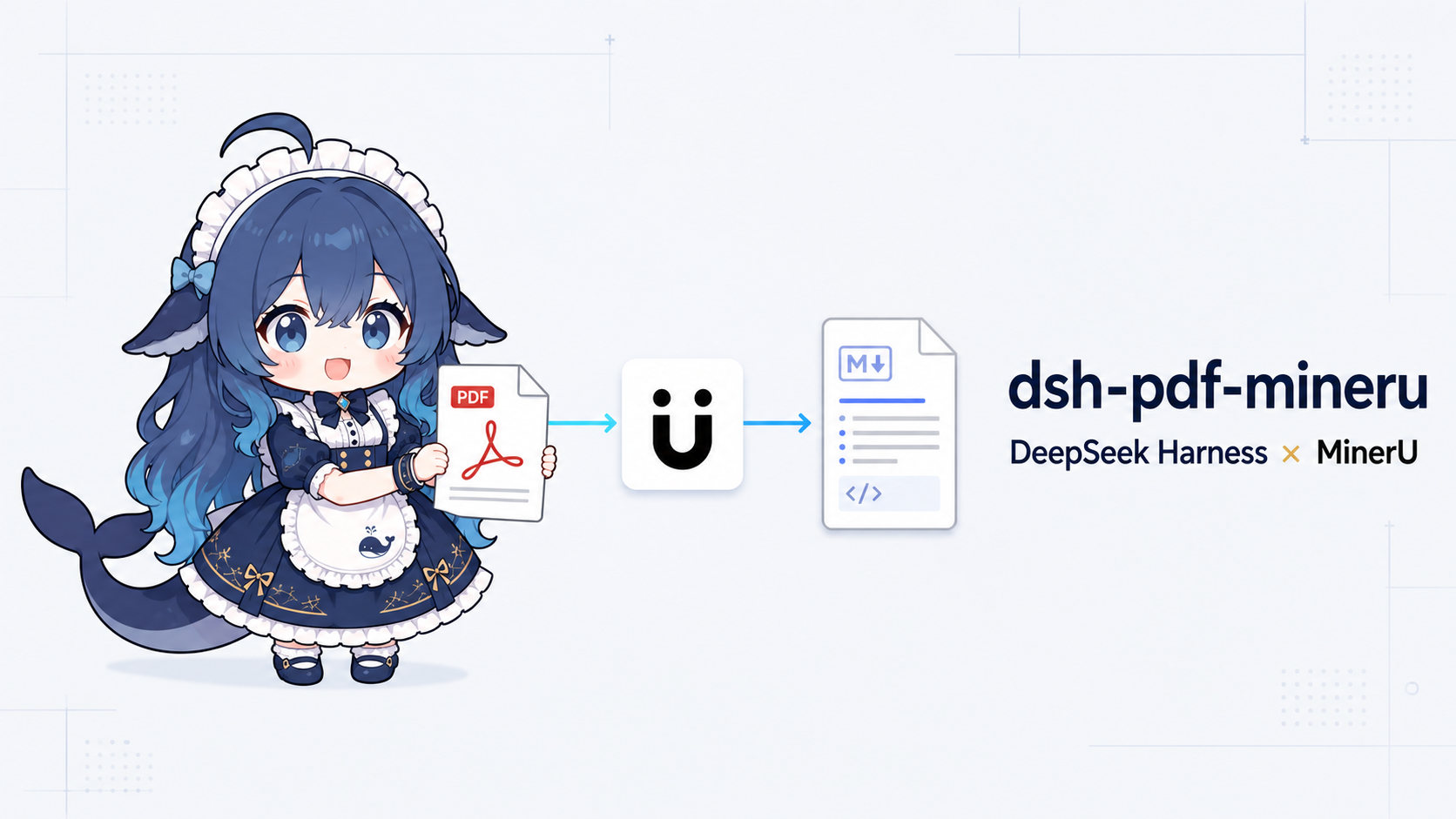
dsh-pdf-mineru
Run the following command in DeepSeek Harness:
dsh plugin install Yurzi/dsh-pdf-mineru
Paste the following prompt into your AI chat to install this plugin:
Run dsh plugin install Yurzi/dsh-pdf-mineru in your terminal; the source code is available at https://github.com/Yurzi/dsh-pdf-mineru .
About this plugin
When an AI assistant needs to read academic papers, industry reports, or scanned documents, naive text concatenation almost always loses layout structure, mathematical formulas, and table semantics. dsh-pdf-mineru plugs the MinerU document-parsing engine into DeepSeek Harness so that a single natural-language prompt lets the agent recognize two-column layouts, restore LaTeX formulas, reconstruct complex tables, and extract figures, then return cleanly formatted Markdown without any manual post-processing.
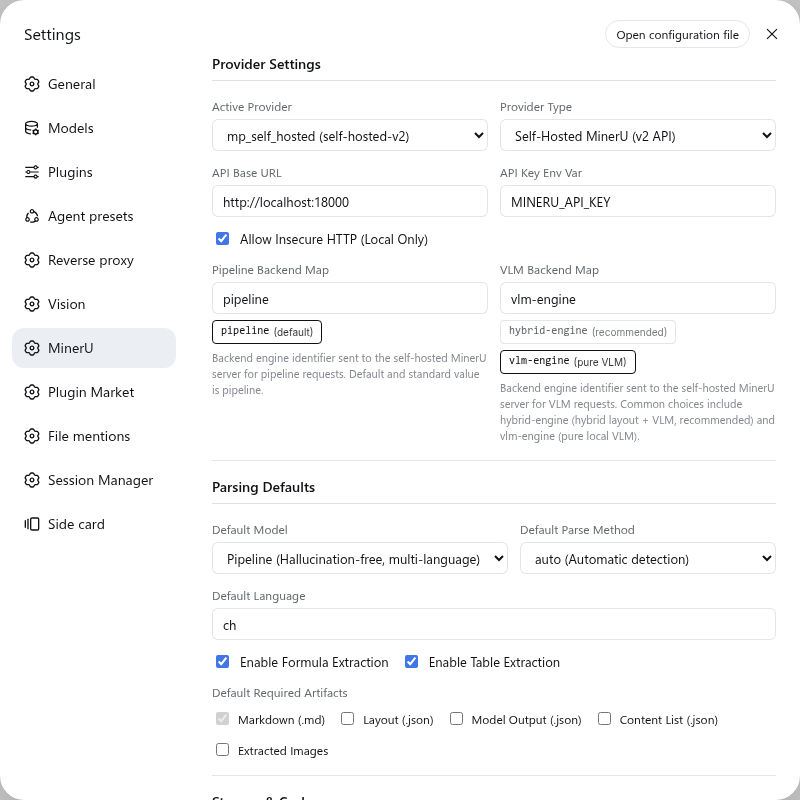
The plugin speaks both the MinerU official cloud API (v4) and self-hosted instances (v2), so you can run it with zero local GPUs or keep every document on your private network. For reports spanning hundreds of pages, the agent transparently submits the work as a DSH native background job, keeping the conversation unblocked and reporting results on completion. A SHA-256 content-addressed cache guarantees that re-parsing the same file with identical parameters returns instantly, saving tokens, API quota, and compute. The built-in Web GUI panel offers one-click connectivity tests, parameter presets, and cache management for zero-friction setup.
Whether you are a researcher skimming arXiv daily, an analyst dissecting competitor reports in bulk, or an enterprise team bound by strict data-sovereignty rules, dsh-pdf-mineru turns DeepSeek Harness into a true document expert.
Screenshots
Use Cases
- Parse academic PDFs into Markdown with LaTeX formulas and tables
- Batch-parse hundreds of pages in the background without blocking chat
- Enable OCR to accurately recognize scanned PDF documents
Best For
- Researchers who process academic PDFs daily
- Enterprise AI teams with strict data-sovereignty requirements
- DeepSeek Harness users who want natural-language document parsing
Related Plugins

ModLens is a vision plugin for DeepSeek Harness that gives text-only models sight by reading images pasted directly into chat, with zero-config setup and multiple vision engines.

On-demand vision for text-only DeepSeek Harness agents: built-in free keyless vision chain and 14 vision tools, routing image turns as tool calls to vision models with pixel fidelity, no Python needed, one-command install.

Give text-only models in DeepSeek Harness eyes, enabling image Q&A, long-screenshot OCR, UI restoration, and GUI visual tasks.
An armor-breaking plugin for DeepSeek: rewrites instruction priority, expands refusal-blocked phrases, persists across sessions, and shows a green active indicator.