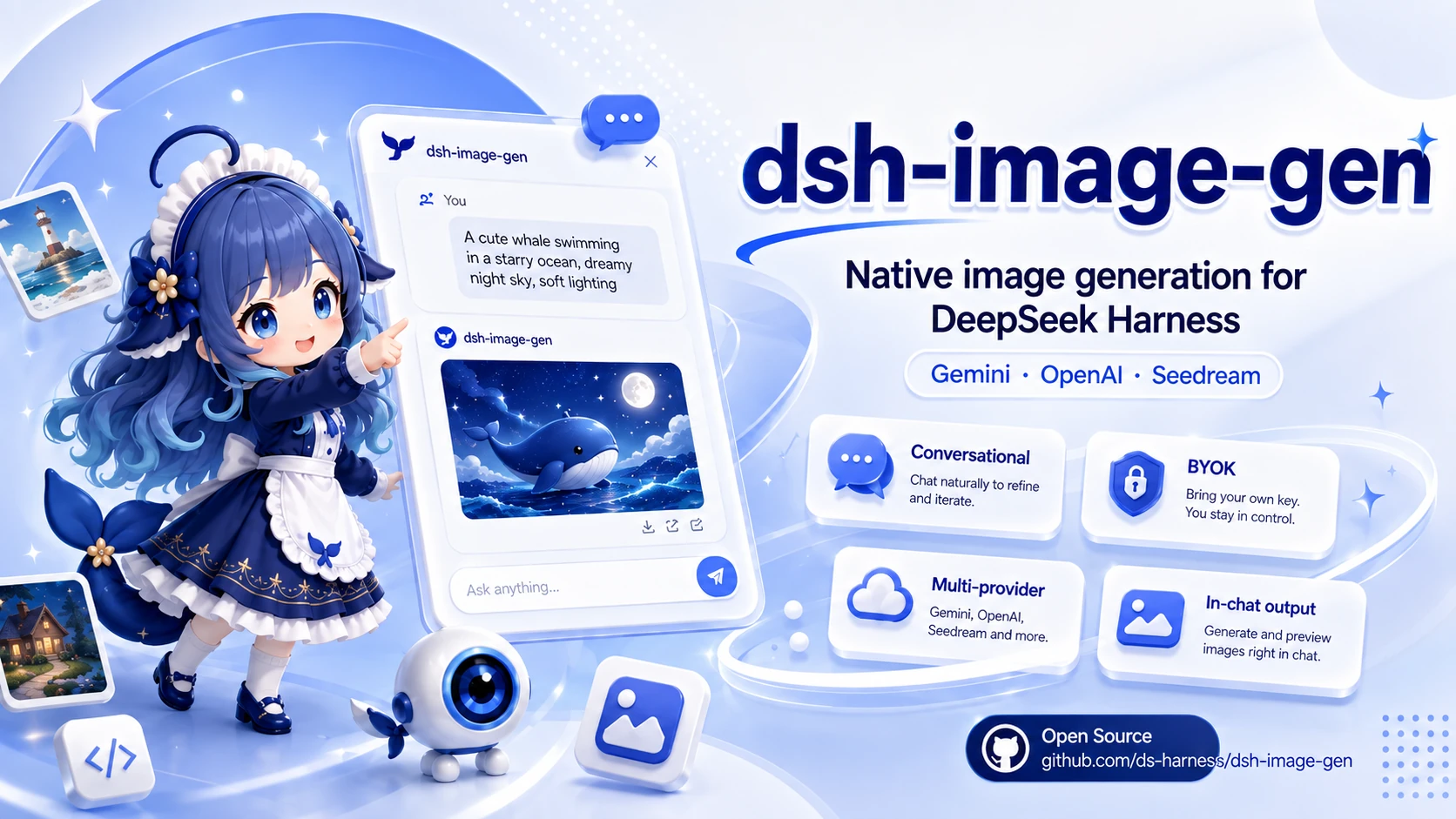
dsh-image-gen
Run the following command in DeepSeek Harness:
dsh plugin install shanliuling/dsh-image-gen
Paste the following prompt into your AI chat to install this plugin:
To install the dsh-image-gen plugin in DeepSeek Harness, run the command dsh plugin install shanliuling/dsh-image-gen, or visit https://github.com/shanliuling/dsh-image-gen for source code and installation instructions.
About this plugin
If you're building your own AI agent workflows on DeepSeek Harness, you're probably used to having the agent call various tools to get things done. But image generation and editing still feel like an external chore — you switch windows, copy images, and paste results back into the conversation. dsh-image-gen is built to remove that friction: it embeds text-to-image, image-to-image, and multi-turn iterative editing directly into the chat flow, so you can get images with a simple sentence and keep refining the same picture in context, just like you would with ChatGPT.\n\nAt its core, this plugin makes "conversation equal operation." The agent automatically calls generate_image and edit_image tools, returns images inline in the chat, and remembers uploaded images, previously generated pictures, and last-round edit results within the same session — enabling true multi-round iteration. It also ships with a dedicated gallery panel that aggregates all historical images with search, preview, copy, download, and delete actions. On the backend, it supports Google Gemini, OpenAI Images / Compatible, ByteDance Seedream, and Alibaba Cloud DashScope Qwen Image, all configurable directly in DSH settings with your own API keys, models, and endpoints — a genuine BYOK approach.\n\nIf you are a developer or content creator who heavily relies on DeepSeek Harness and wants both text and image generation under one private deployment, or if your team needs to integrate multiple image model providers into a single agent environment instead of maintaining separate tools, this plugin is for you. It also suits users who are comfortable with OpenAI-compatible APIs but want to experiment with Gemini, Seedream, or Qwen image models. After installation there is no extra learning curve — just describe what you want in the chat.
Screenshots
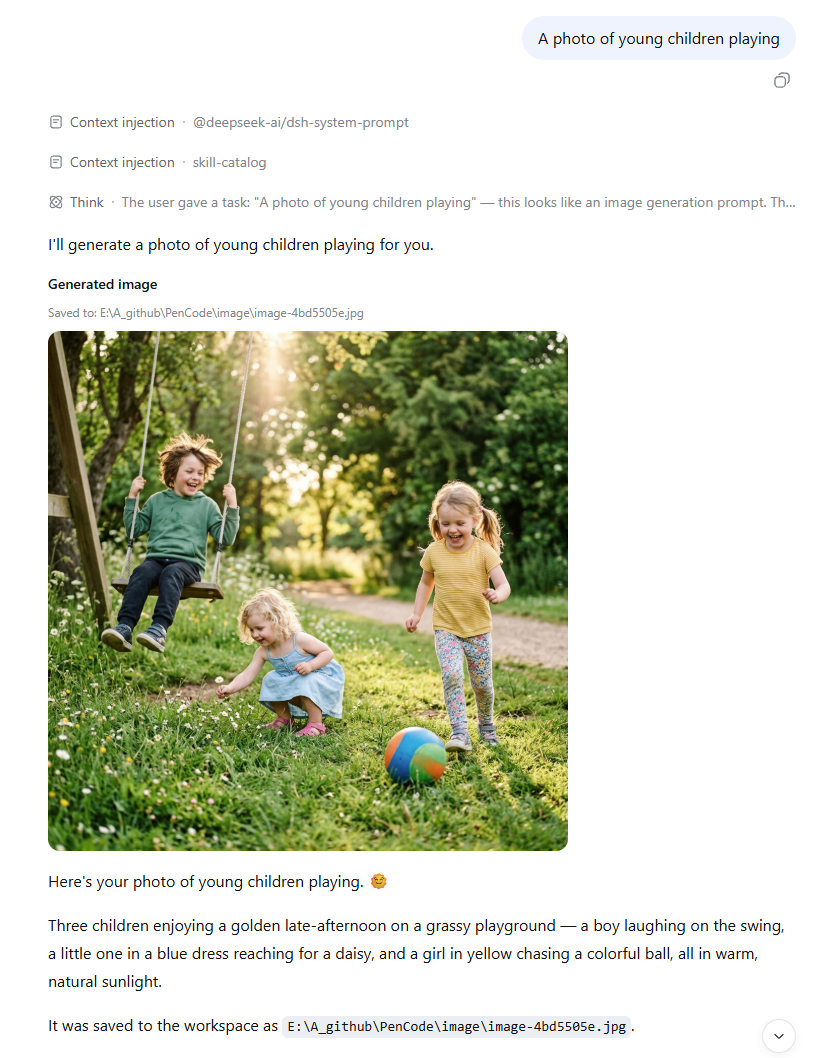
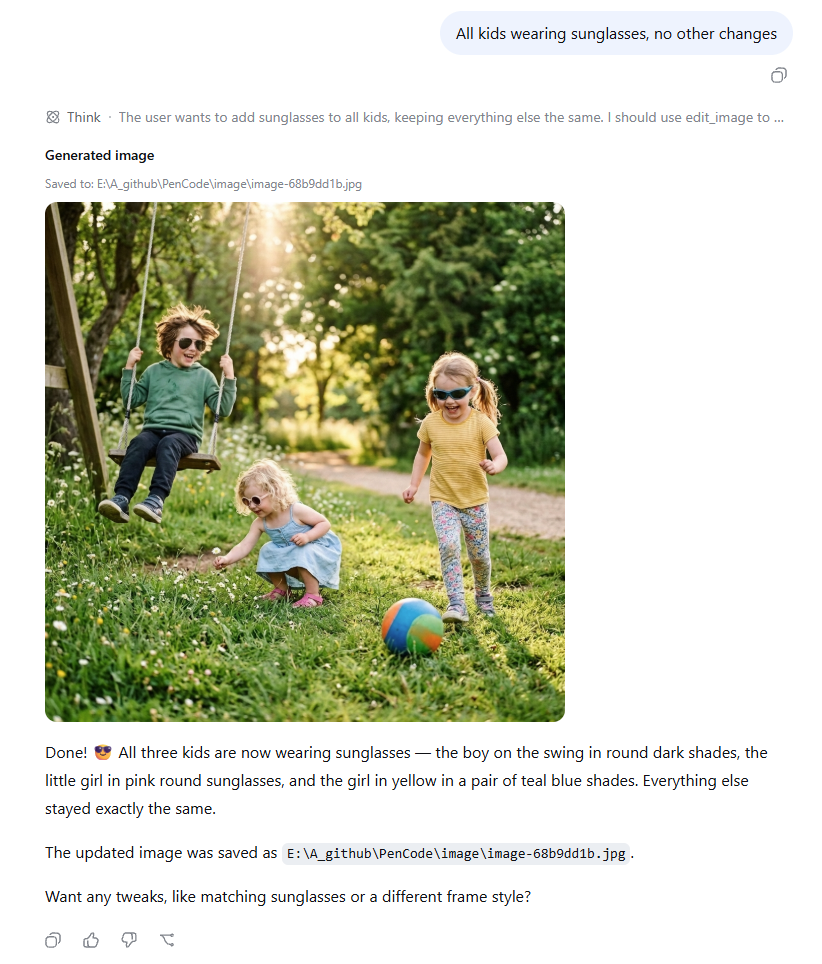

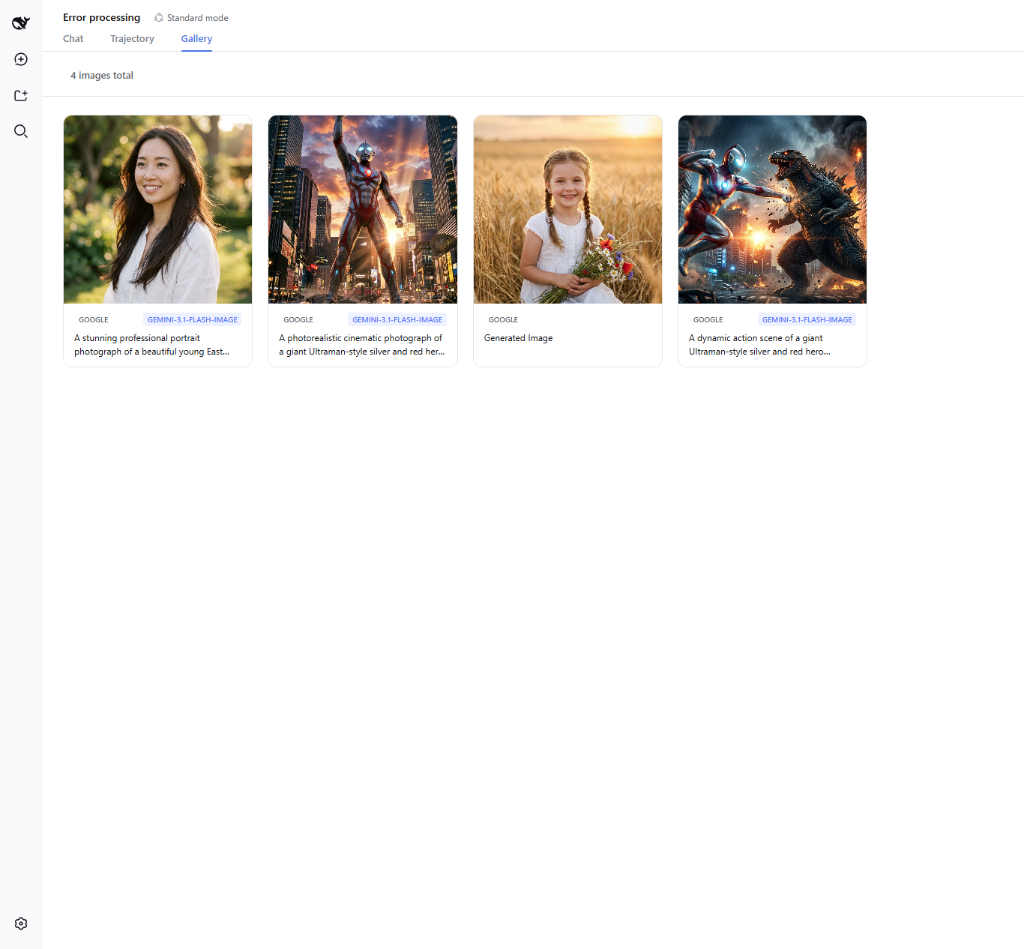
Use Cases
- Create images from text or existing images directly in chat
- Iteratively edit the same image across multiple conversation turns
- Manage and switch between multiple image providers in one place
Best For
- Developers who heavily use DeepSeek Harness
- Teams needing self-hosted image capabilities
- Technical users who want a unified interface for multiple image APIs
Related Plugins
A unified suite combining hot runtime injection, task-aware thinking-mode routing, and a graded session protocol with red-team gates to sustain model diligence across long-horizon inference.

ModLens is a vision plugin for DeepSeek Harness that gives text-only models sight by reading images pasted directly into chat, with zero-config setup and multiple vision engines.

On-demand vision for text-only DeepSeek Harness agents: built-in free keyless vision chain and 14 vision tools, routing image turns as tool calls to vision models with pixel fidelity, no Python needed, one-command install.

Give text-only models in DeepSeek Harness eyes, enabling image Q&A, long-screenshot OCR, UI restoration, and GUI visual tasks.