sidesight
Run the following command in DeepSeek Harness:
dsh plugin install ZhuXinAI/sidesight
Paste the following prompt into your AI chat to install this plugin:
Ask the agent in a DSH conversation to install it, or run dsh plugin install ZhuXinAI/sidesight directly; the project source is at https://github.com/ZhuXinAI/sidesight .
About this plugin
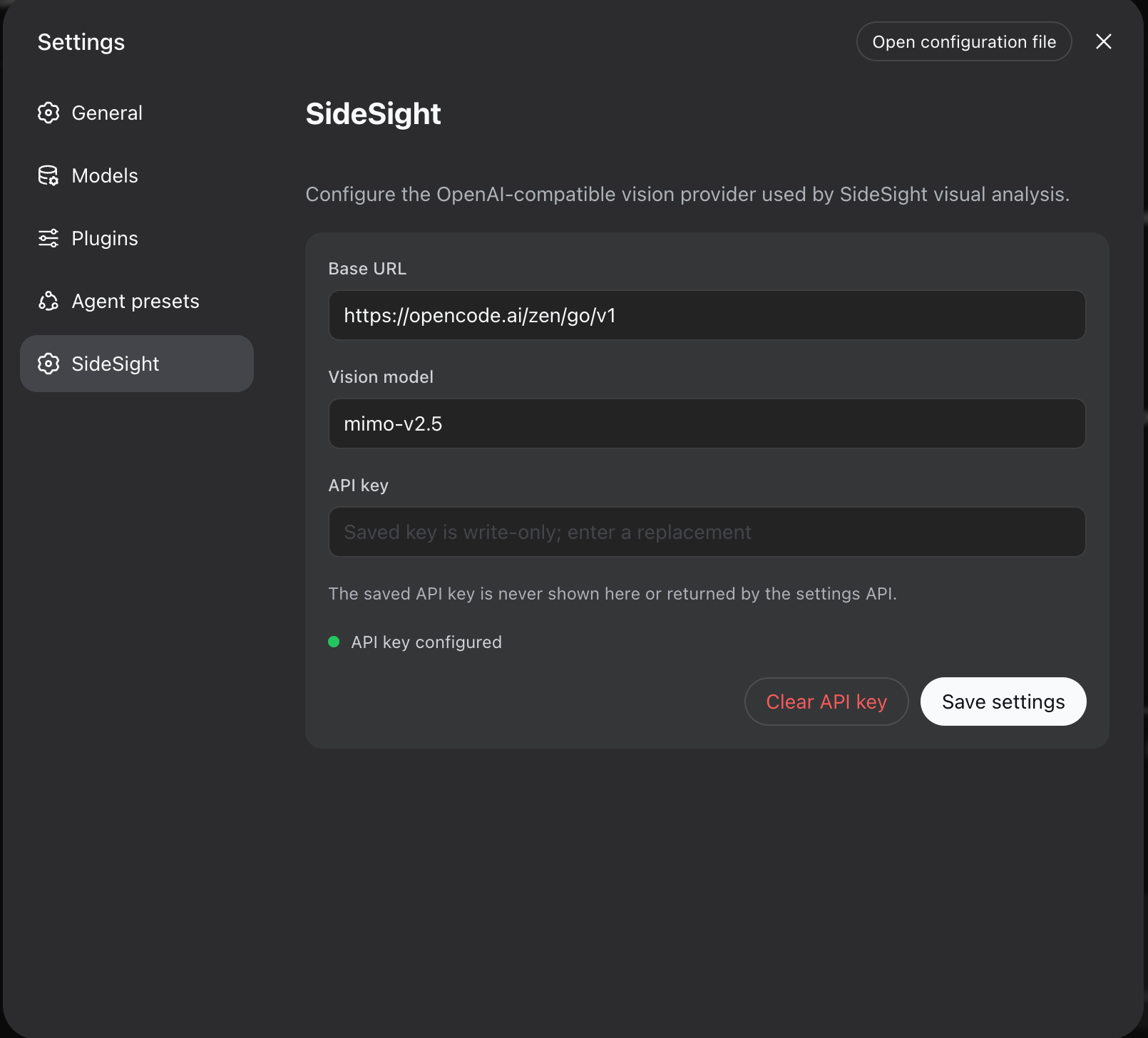
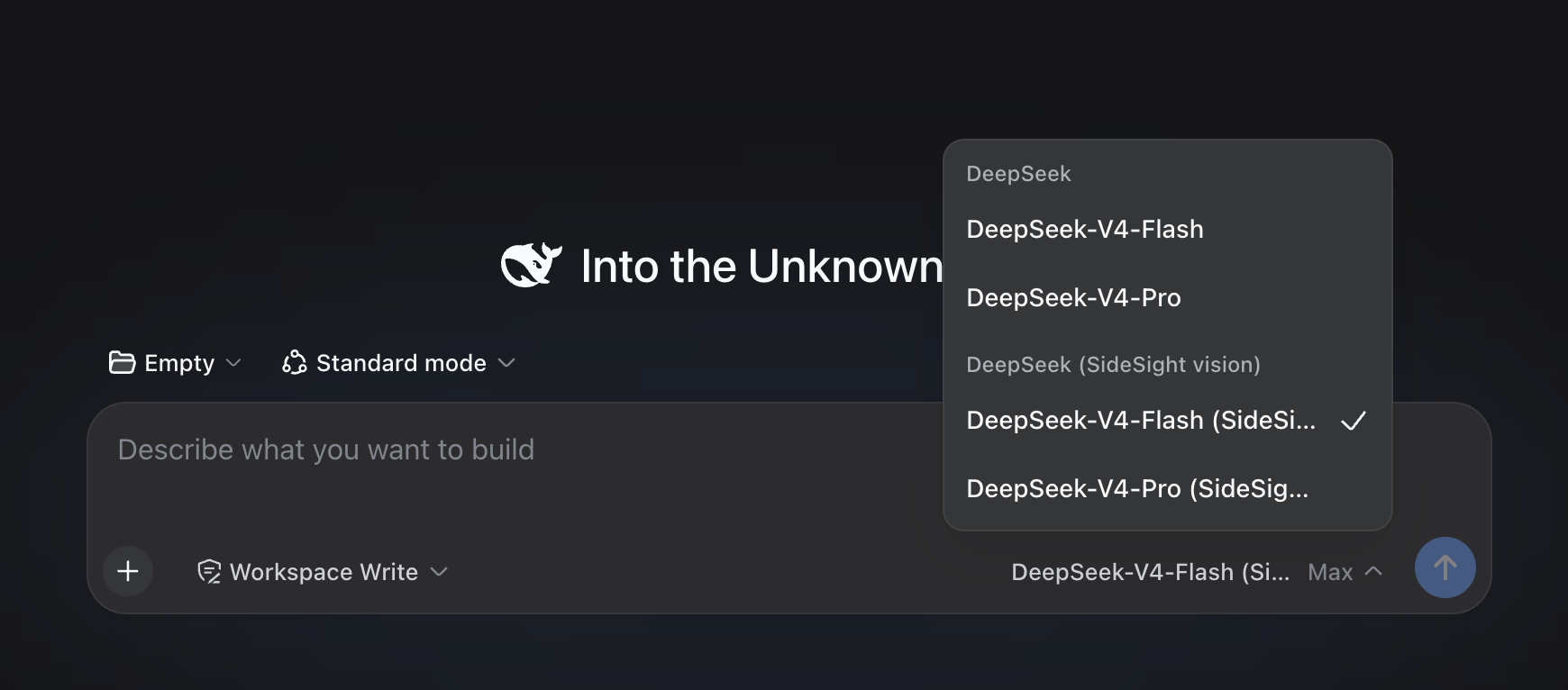
SideSight tackles a familiar gap: text-only coding models cannot natively understand screenshots, diagrams, UI mockups, or short video clips. When a developer needs to debug a rendering issue, interpret a data chart, or diff two interface states, the model simply has no way to see the image. SideSight closes that gap inside DeepSeek Harness by delegating visual work to a separately configured multimodal provider and handing back concise, structured text evidence, so the host model never needs native image support.
The skill covers screenshot interpretation, technical diagram analysis, data-visualization understanding, UI diff checking, error diagnosis, and bounded video-frame analysis. On macOS, an optional local path invokes Apple Vision for fully on-device OCR with zero cloud calls. API keys are stored write-only and are never echoed into logs, tool output, or command text. Every media file passes through an allowlisted path check, size and dimension caps, and symlink-escape rejection before it is processed.
It is a good fit for teams running DeepSeek V4 Flash or other text-only coding models that still need visual context during development, and for engineers who want a lightweight vision layer in an MCP client or a Codex-style agent without standing up a separate image pipeline.
Screenshots
Use Cases
- Debug frontend rendering issues by having SideSight read a screenshot and return structured error clues to a text-only model
- Compare two UI mockups region by region and receive a structured visual diff summary
- Extract text from screenshots on macOS via Apple Vision with zero cloud calls
Best For
- Developers running text-only models like DeepSeek V4 Flash who still need visual context during coding
- Engineers who want a lightweight vision layer in an MCP client or Codex agent without deploying a separate pipeline
- Privacy-sensitive macOS users who need on-device OCR and never want a screenshot to leave the machine
Related Plugins

ModLens is a vision plugin for DeepSeek Harness that gives text-only models sight by reading images pasted directly into chat, with zero-config setup and multiple vision engines.

On-demand vision for text-only DeepSeek Harness agents: built-in free keyless vision chain and 14 vision tools, routing image turns as tool calls to vision models with pixel fidelity, no Python needed, one-command install.

Give text-only models in DeepSeek Harness eyes, enabling image Q&A, long-screenshot OCR, UI restoration, and GUI visual tasks.
An armor-breaking plugin for DeepSeek: rewrites instruction priority, expands refusal-blocked phrases, persists across sessions, and shows a green active indicator.