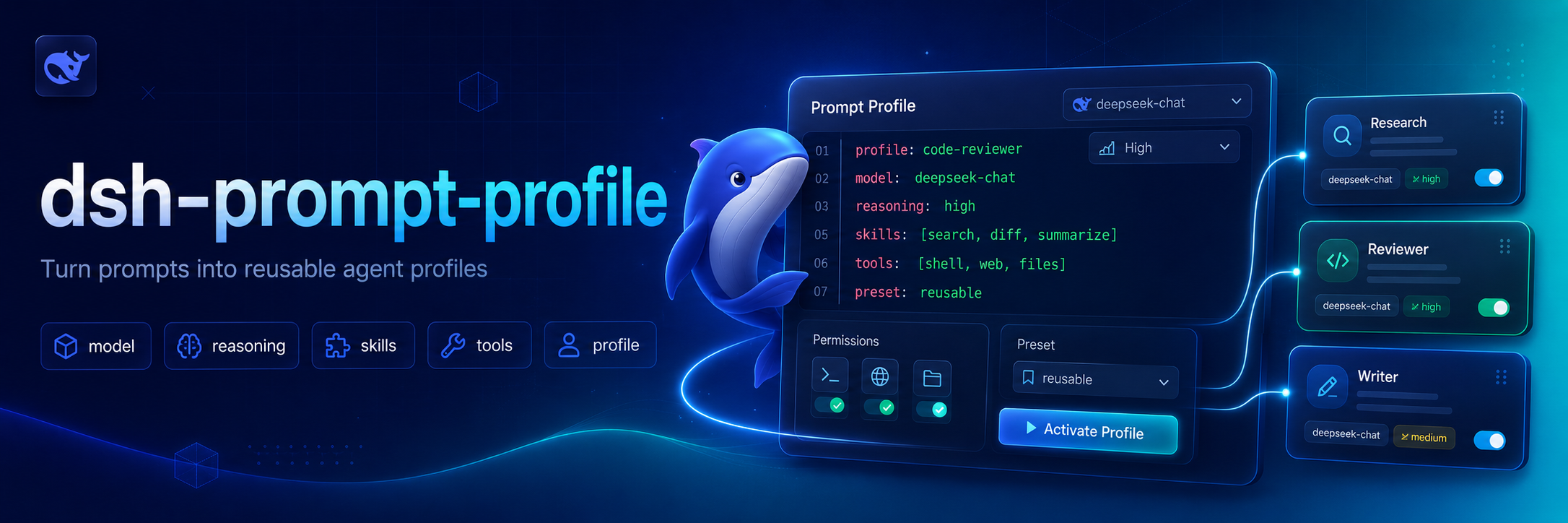
dsh-prompt-profile
Run the following command in DeepSeek Harness:
dsh plugin install BrambleXu/dsh-prompt-profile
Paste the following prompt into your AI chat to install this plugin:
Run dsh plugin install BrambleXu/dsh-prompt-profile in your DeepSeek Harness terminal to install the plugin; full source is available at https://github.com/BrambleXu/dsh-prompt-profile
About this plugin
Switching models, tuning reasoning effort, and pasting the same review instructions across sessions adds friction. dsh-prompt-profile bundles these choices into lightweight Markdown profiles that you write once and invoke per turn; after the turn ends, the Agent reverts to its prior selection automatically.
Each profile declares provider, model, and reasoningEffort in its frontmatter, or omits them to inherit the current Agent setting. The body accepts shell-style placeholders ($1, $2, $@, ${@:N}) so positional arguments are spliced into the prompt. Profiles are discovered from both user and project directories with project-level precedence, and nested files are addressed by slash-separated paths.
Built for developers who frequently swap models or reuse fixed review, debugging, and security prompts inside DeepSeek Harness. Drop a single .md file into the right folder and share it across your team with zero extra configuration.
Screenshots
Use Cases
- Swap model and reasoning effort for one review turn with auto-restore
- Reuse a fixed security or debugging prompt without re-pasting
- Share team-wide prompt configs via project-level profiles
- Invoke nested profiles by slash path to compose review flows
Best For
- Developers who frequently switch models in DeepSeek Harness
- Teams that reuse fixed review or debugging prompts
- Engineers who prefer Markdown-based prompt configuration
Related Plugins

ModLens is a vision plugin for DeepSeek Harness that gives text-only models sight by reading images pasted directly into chat, with zero-config setup and multiple vision engines.

On-demand vision for text-only DeepSeek Harness agents: built-in free keyless vision chain and 14 vision tools, routing image turns as tool calls to vision models with pixel fidelity, no Python needed, one-command install.

Give text-only models in DeepSeek Harness eyes, enabling image Q&A, long-screenshot OCR, UI restoration, and GUI visual tasks.
An armor-breaking plugin for DeepSeek: rewrites instruction priority, expands refusal-blocked phrases, persists across sessions, and shows a green active indicator.