DSH-Plan-Graph
Run the following command in DeepSeek Harness:
dsh plugin install HR2AY/DSH-Plan-Graph
Paste the following prompt into your AI chat to install this plugin:
Install the DSH-Plan-Graph plugin in DeepSeek Harness from the source repository at https://github.com/HR2AY/DSH-Plan-Graph.
About this plugin
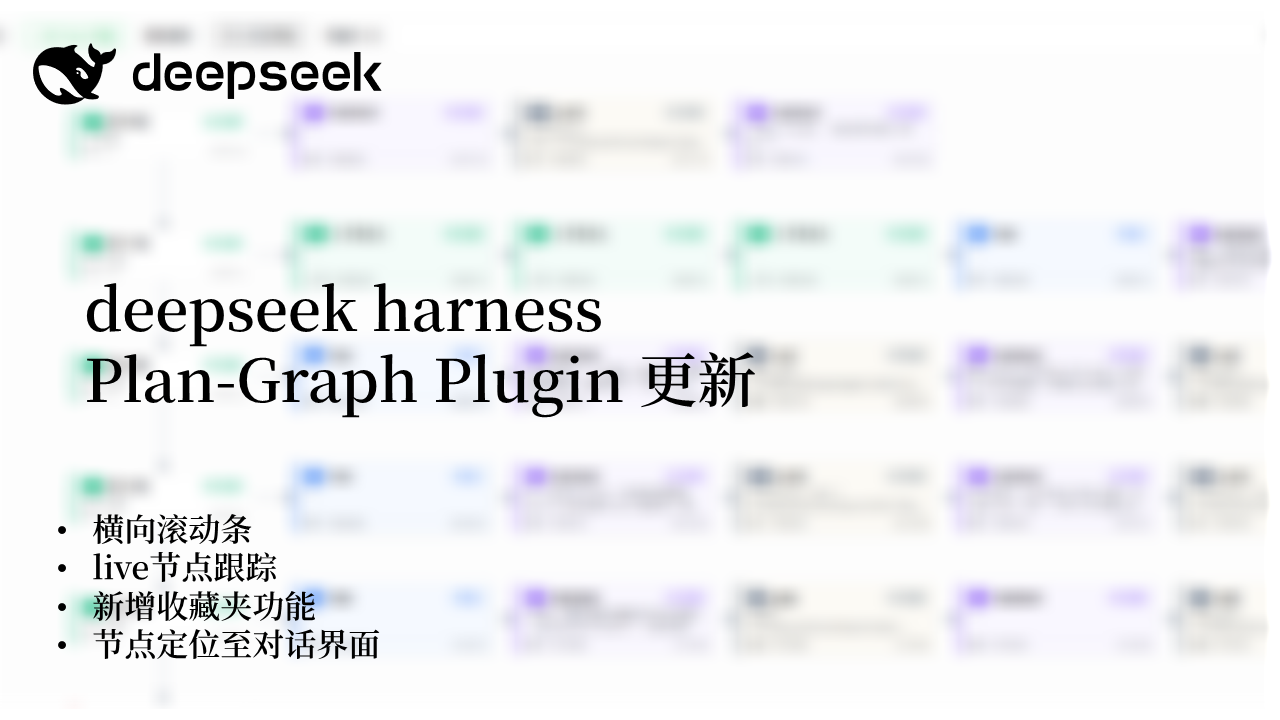
When a session contains many tool calls, user inputs, context events, and assistant outputs, a linear chat log can make the execution path hard to follow. DSH-Plan-Graph turns the current conversation snapshot into an interactive flow graph and adds a Plan Graph tab to the DeepSeek Harness session view, so messages and tool-call nodes can be inspected visually.
The graph supports pan and zoom, status-colored node cards, node details, hide-tool-calls, group-by-turn, follow latest, and merging into the conversation sidebar. It also provides favorites, a node context menu, and locate-in-conversation: users can bookmark important nodes, copy node information, and move between graph nodes and chat rows. If a node has left the current window, the plugin falls back to the matching chat entry where possible.
This plugin is useful for developers, integrators, and platform maintainers who need to debug, review, or understand complex agent sessions in DeepSeek Harness. It is especially helpful when you want to compare tool-call trajectories with the surrounding conversation, and it works as a client-side visualization built on standard Harness plugin services.
Screenshots
Use Cases
- Inspect tool calls and message flow within a session.
- Locate the chat row for a graph node.
- Bookmark key nodes for quick review.
Best For
- Developers debugging agent sessions.
- Integrators reviewing tool-call flows.
- Platform teams maintaining DeepSeek Harness environments.
Related Plugins
A unified suite combining hot runtime injection, task-aware thinking-mode routing, and a graded session protocol with red-team gates to sustain model diligence across long-horizon inference.

ModLens is a vision plugin for DeepSeek Harness that gives text-only models sight by reading images pasted directly into chat, with zero-config setup and multiple vision engines.

On-demand vision for text-only DeepSeek Harness agents: built-in free keyless vision chain and 14 vision tools, routing image turns as tool calls to vision models with pixel fidelity, no Python needed, one-command install.

Give text-only models in DeepSeek Harness eyes, enabling image Q&A, long-screenshot OCR, UI restoration, and GUI visual tasks.