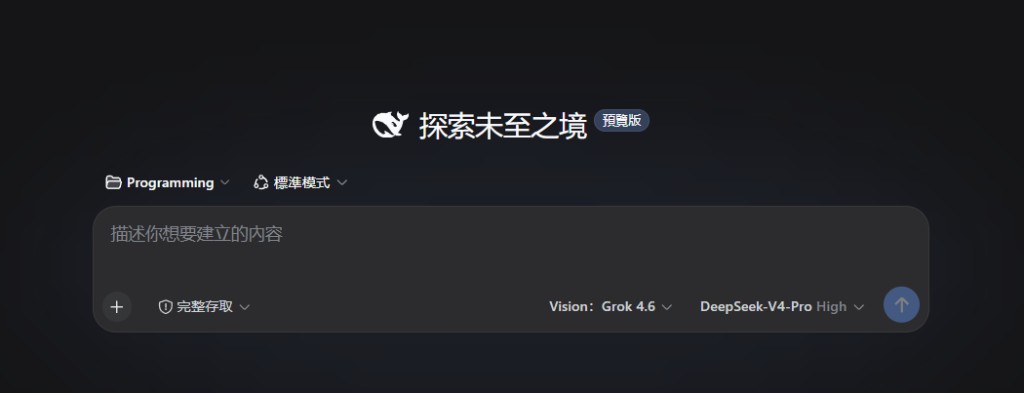
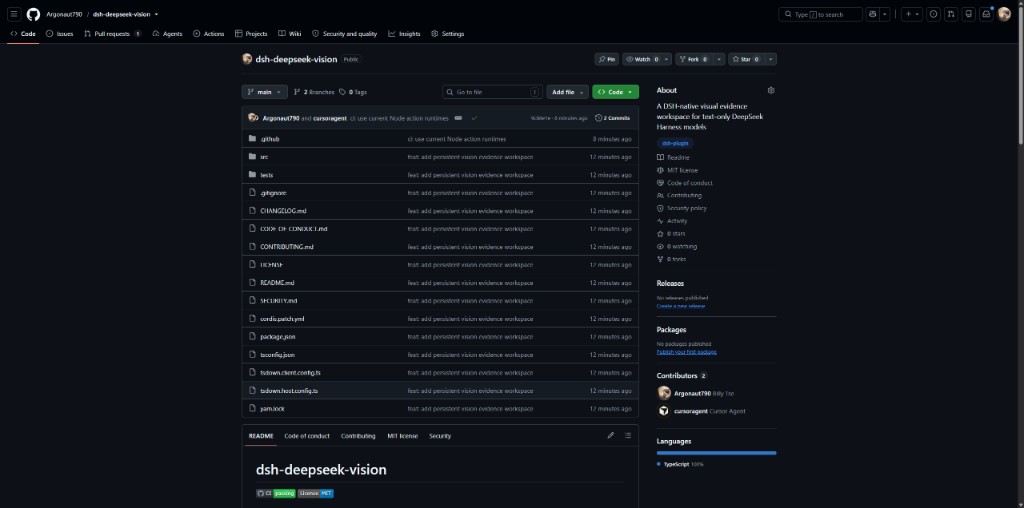
dsh-deepseek-vision
Run the following command in DeepSeek Harness:
dsh plugin install Argonaut790/dsh-deepseek-vision
Paste the following prompt into your AI chat to install this plugin:
To install this plugin in DeepSeek Harness, run the provided installation command and refer to the source code address https://github.com/Argonaut790/dsh-deepseek-vision for local build and configuration.
About this plugin
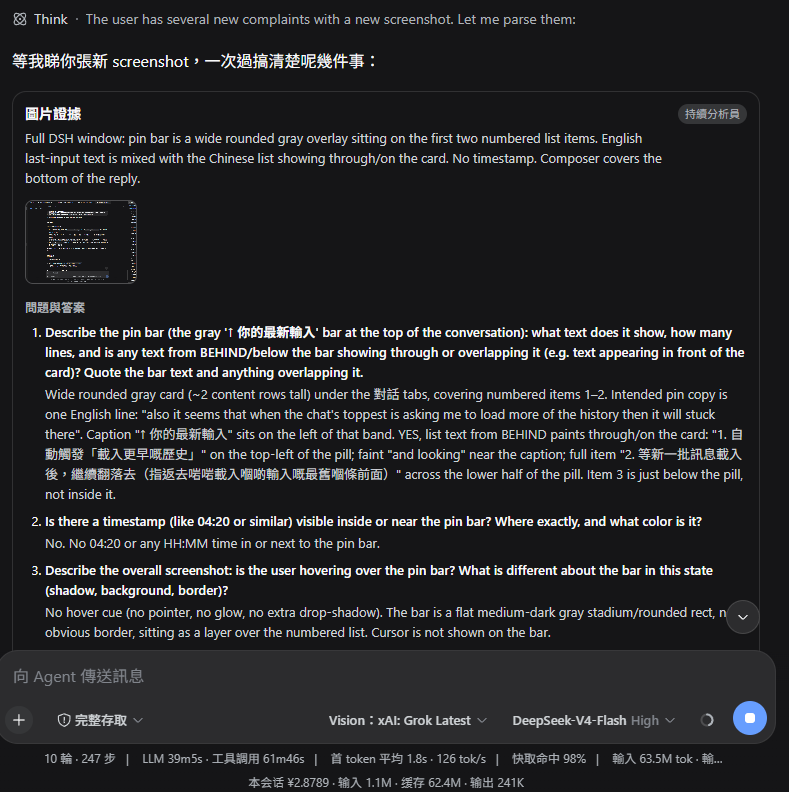
Text-only DeepSeek models often struggle with complex visual tasks, and DSH DeepSeek Vision is designed to bridge that gap. As a specialized plugin for DeepSeek Harness, it injects powerful visual understanding capabilities into existing text models without requiring a full model replacement. By introducing a dedicated "Vision" route, it delegates image recognition, full-screen OCR, and structured analysis tasks to specialized vision models, all while maintaining DeepSeek Harness's core control over session and model management.
The core strength of this plugin lies in its rigorous architecture and traceability. It maintains a conversation-scoped vision analyst with follow-up memory, capable of outputting structured summaries, Q&A, and uncertainty assessments. This ensures that analysis results are not only accurate but also easily reviewable. With features like the "Evidence" tab and evidence cards, every image analysis is documented and verifiable, eliminating the ambiguity of "black box" operations. Whether processing document OCR or analyzing charts, users receive highly reliable decision support.
This tool is ideal for developers, researchers, and enterprise workflows that need to combine DeepSeek's large language reasoning with external visual data. If you are already using DeepSeek Harness and wish to introduce powerful image understanding and parsing capabilities to your existing conversations without sacrificing model management flexibility, DSH DeepSeek Vision is the perfect solution. Supporting both latest image selection and full historical catalog retrieval, it seamlessly adapts to various mixed-modal AI collaboration scenarios.
Screenshots

Use Cases
- Extract key text information from screenshots or documents.
- Enable text models to understand and analyze chart data.
- Provide traceable records for complex visual Q&A.
Best For
- DeepSeek Harness developers
- Users needing to process multimodal data
- Teams pursuing rigorous workflows and audit capabilities
Related Plugins

ModLens is a vision plugin for DeepSeek Harness that gives text-only models sight by reading images pasted directly into chat, with zero-config setup and multiple vision engines.

On-demand vision for text-only DeepSeek Harness agents: built-in free keyless vision chain and 14 vision tools, routing image turns as tool calls to vision models with pixel fidelity, no Python needed, one-command install.

Give text-only models in DeepSeek Harness eyes, enabling image Q&A, long-screenshot OCR, UI restoration, and GUI visual tasks.
An armor-breaking plugin for DeepSeek: rewrites instruction priority, expands refusal-blocked phrases, persists across sessions, and shows a green active indicator.