dsh-session-kb
Run the following command in DeepSeek Harness:
dsh plugin install PolinniZhong/dsh-session-kb
Paste the following prompt into your AI chat to install this plugin:
Please install this plugin in DeepSeek Harness using the command, with the source code located at https://github.com/PolinniZhong/dsh-session-kb.
About this plugin
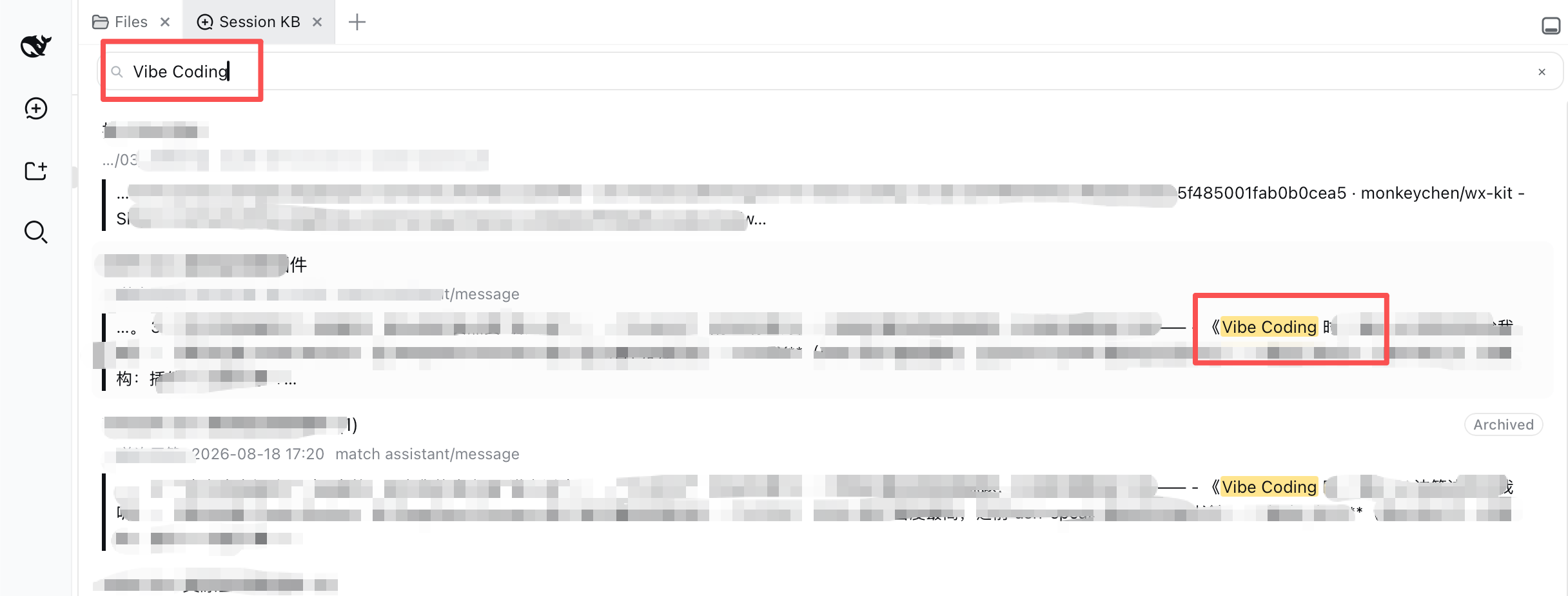
DeepSeek Harness has a powerful local full-text search engine, yet it lacks an intuitive user interface. When users need to review past conversations or find specific information, they often only see the session title and cannot quickly locate the specific content, leading to lost context.
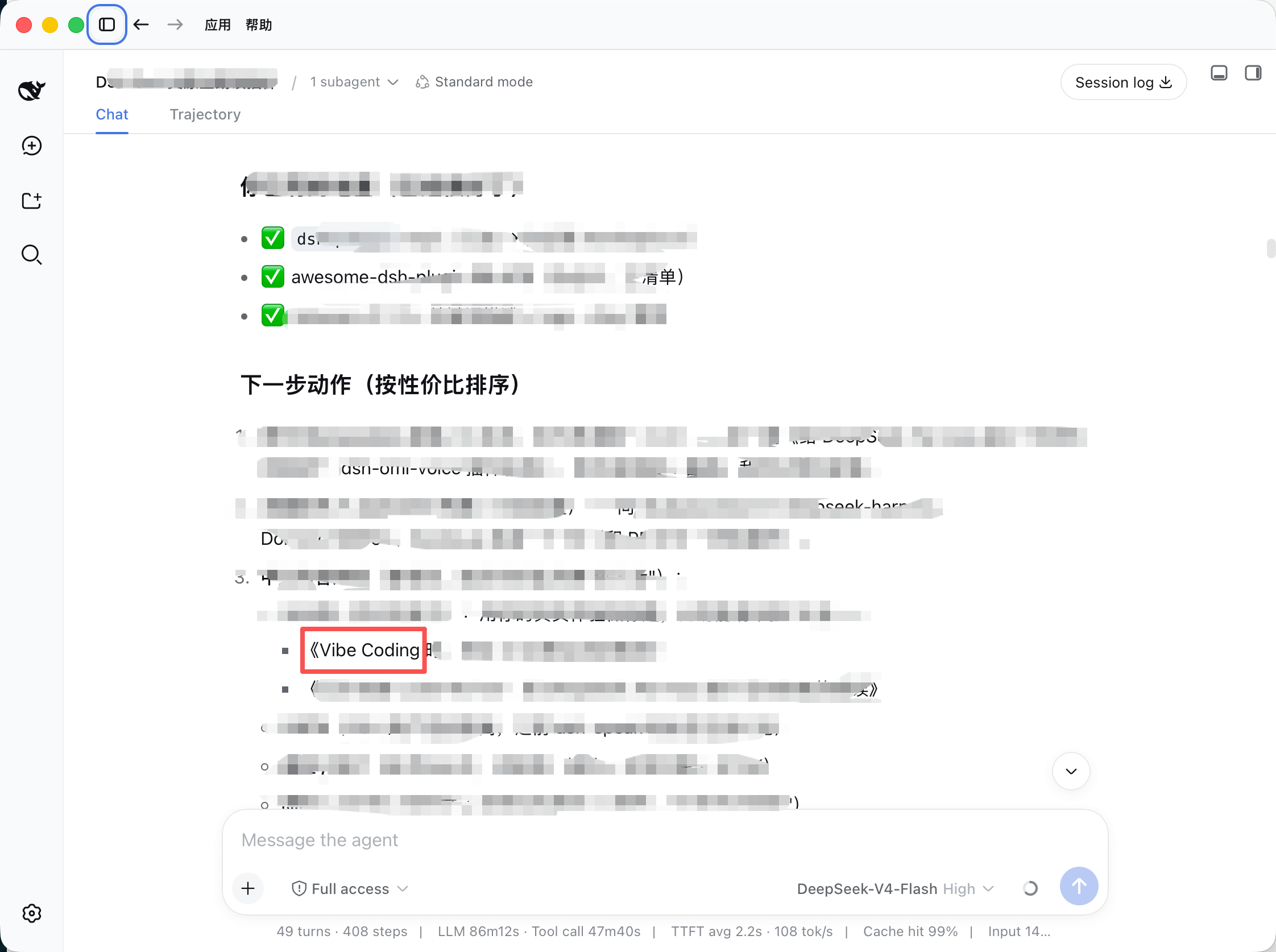
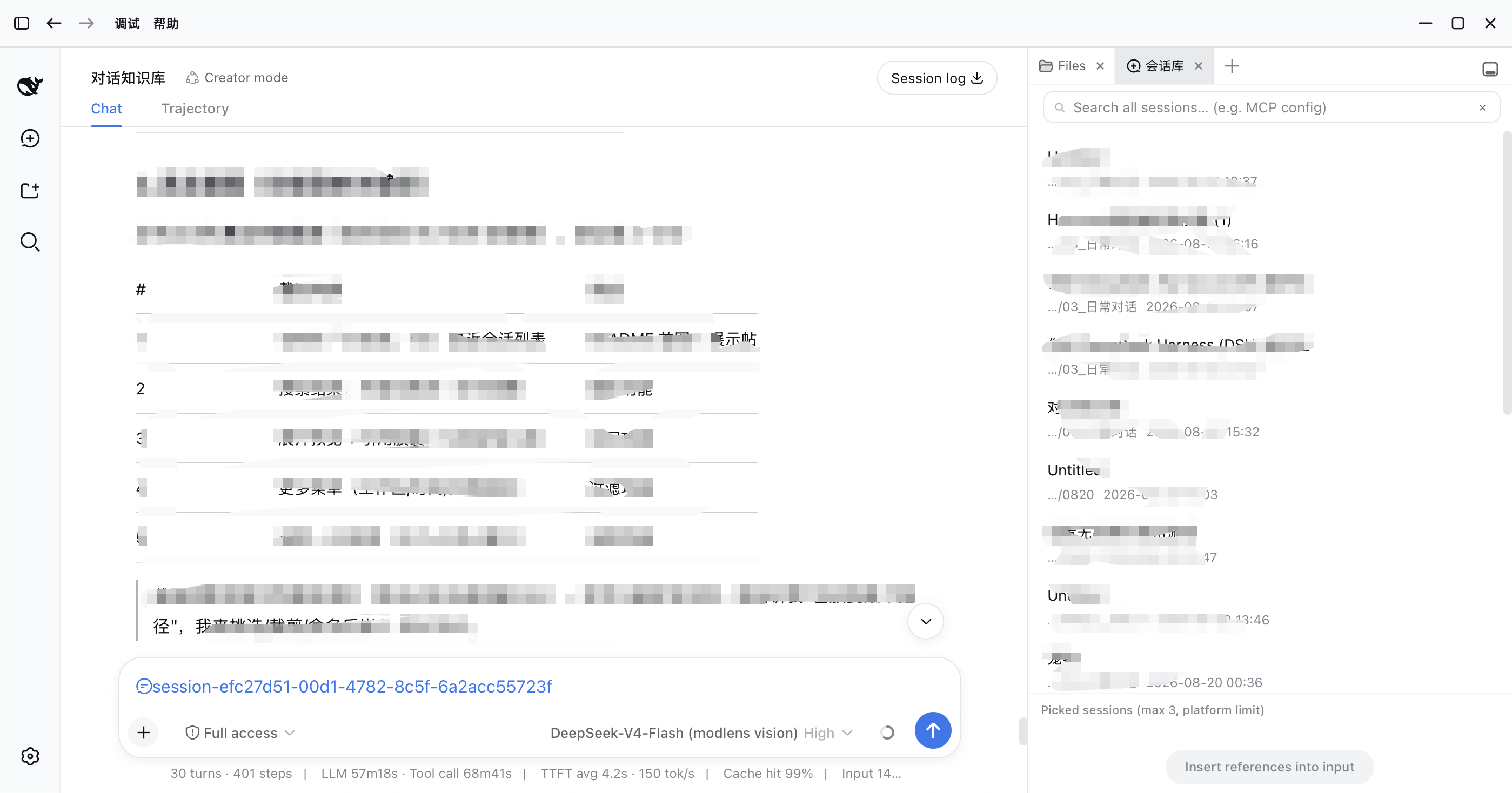
This plugin fills this gap, building a complete workflow from "discover" to "browse" to "insert". It not only provides cross-session full-text search but also returns snippet-level hit results, supporting the "Locate" feature to directly jump to the specific message in an old session and highlight it. Additionally, through the "Recall" feature, you can insert up to three historical sessions as reference chips into the input with one click, allowing the AI to answer with complete historical context.
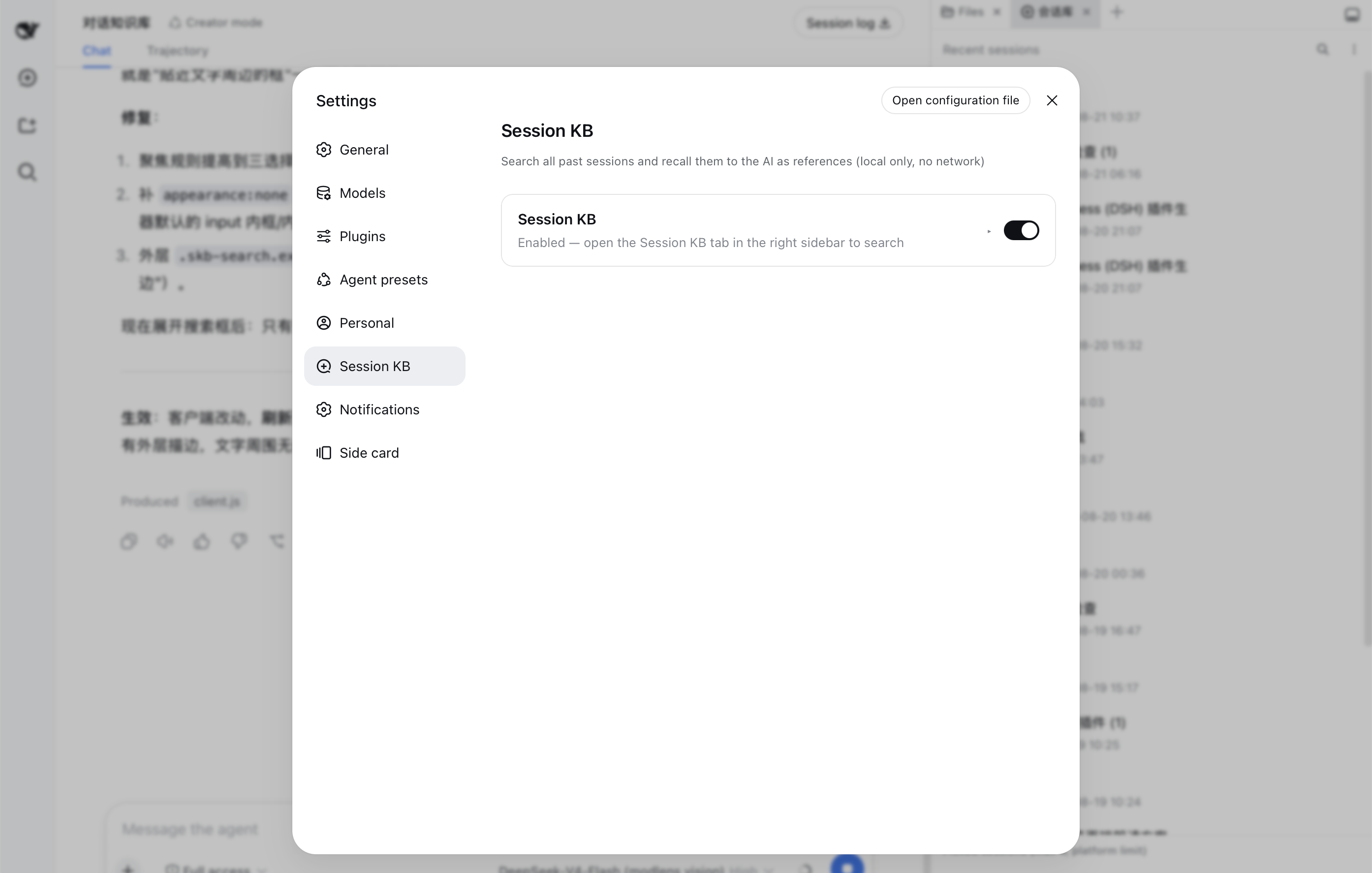
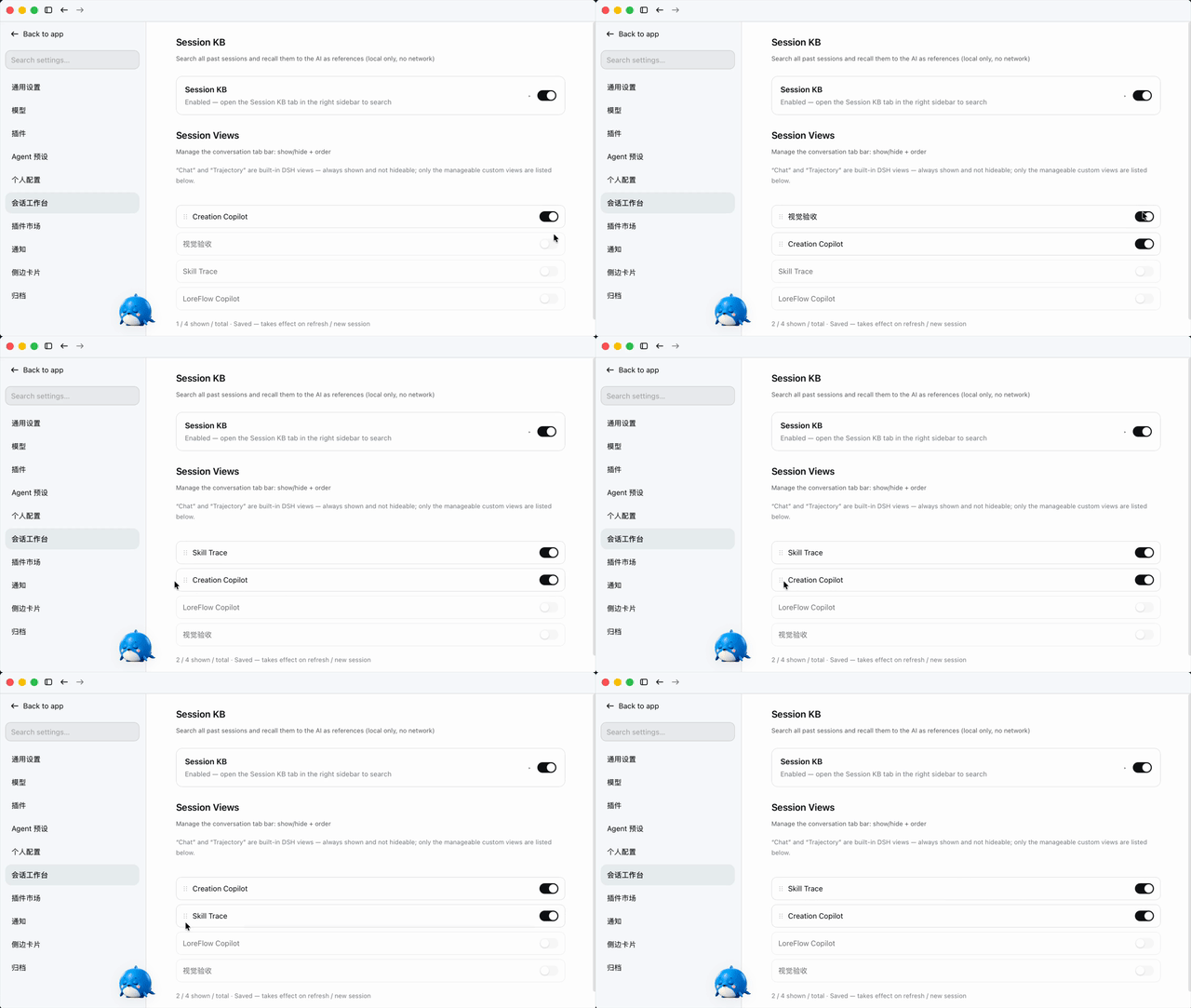
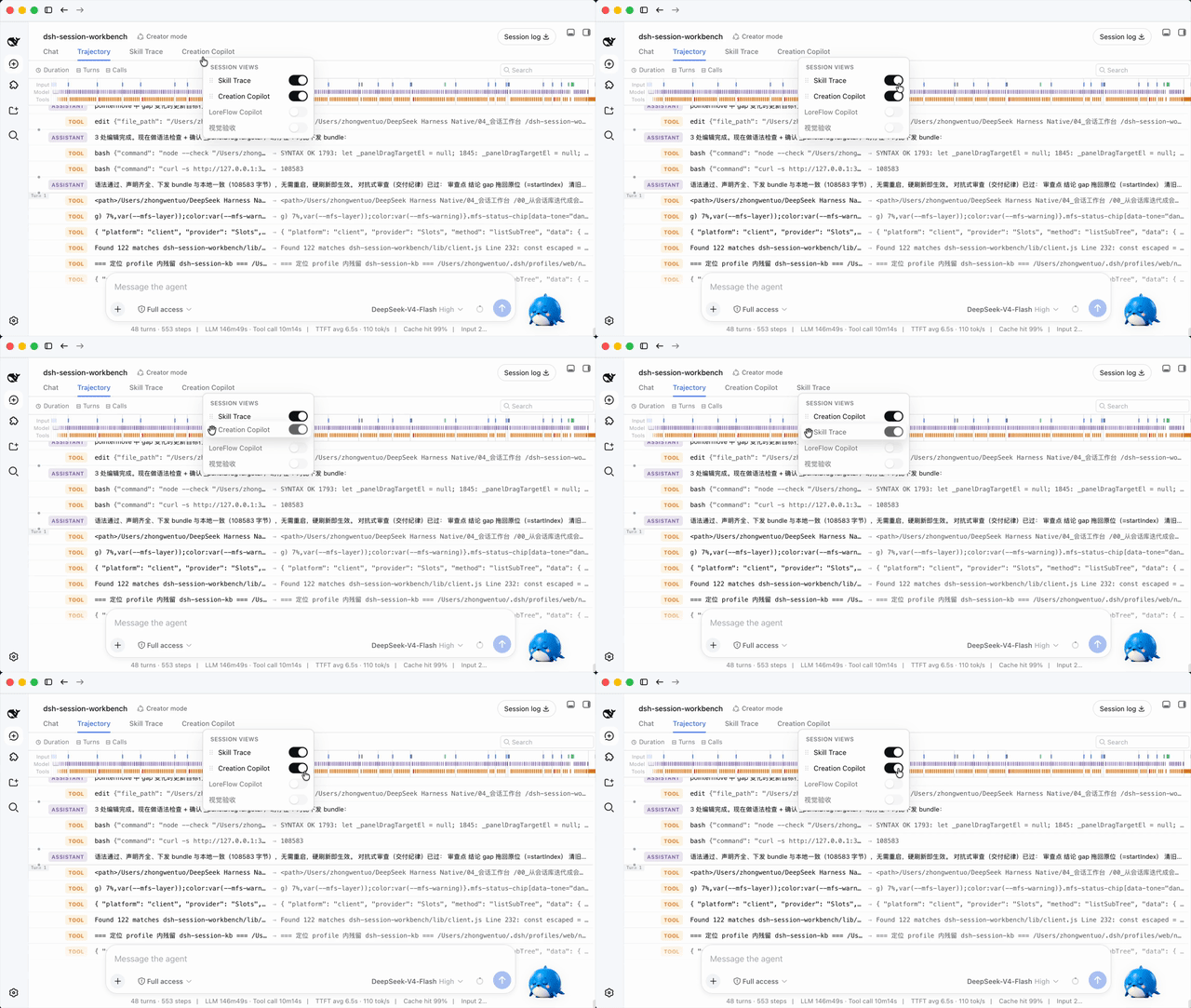
It is perfect for users who need to frequently retrieve past conversation context, perform fact-checking, or maintain coherence in multi-turn conversations. At the same time, the plugin supports managing the conversation view tab bar, allowing you to customize the interface layout. All data is processed locally, ensuring high privacy security and response speed.
Screenshots
Use Cases
- Quickly locate key information fragments in a large volume of historical conversations
- Reference past conversation records to assist in answering current questions
- Manage the sidebar tab bar and customize the display order of conversation views
Best For
- Developers who frequently engage in long conversations and need to backtrack context
- Users who rely on historical records for fact-checking or project follow-up
- Users who wish to use local search functionality to manage their personal knowledge base
Related Plugins

Traceable, searchable cross-session memory for AI agents that turns conversation knowledge into a typed knowledge graph and recalls relevant subgraphs instead of replaying full history, natively integrated with DeepSeek Harness.
Gives DSH AI cross-session long-term memory, to-do and skill management, plus multi-session orchestration, external AI delegation, and an infinite canvas that grows with you.

dsh-mnemon is a three-tier, pluggable, Agent-driven memory system for DeepSeek Harness, combining Runtime memory, Project Documents, and replaceable Memory Spaces with nine long-term providers.
An opinionated, zero-infrastructure file-based memory protocol: human-readable markdown files plus a bounded always-loaded index, curation discipline, and no database or embeddings.