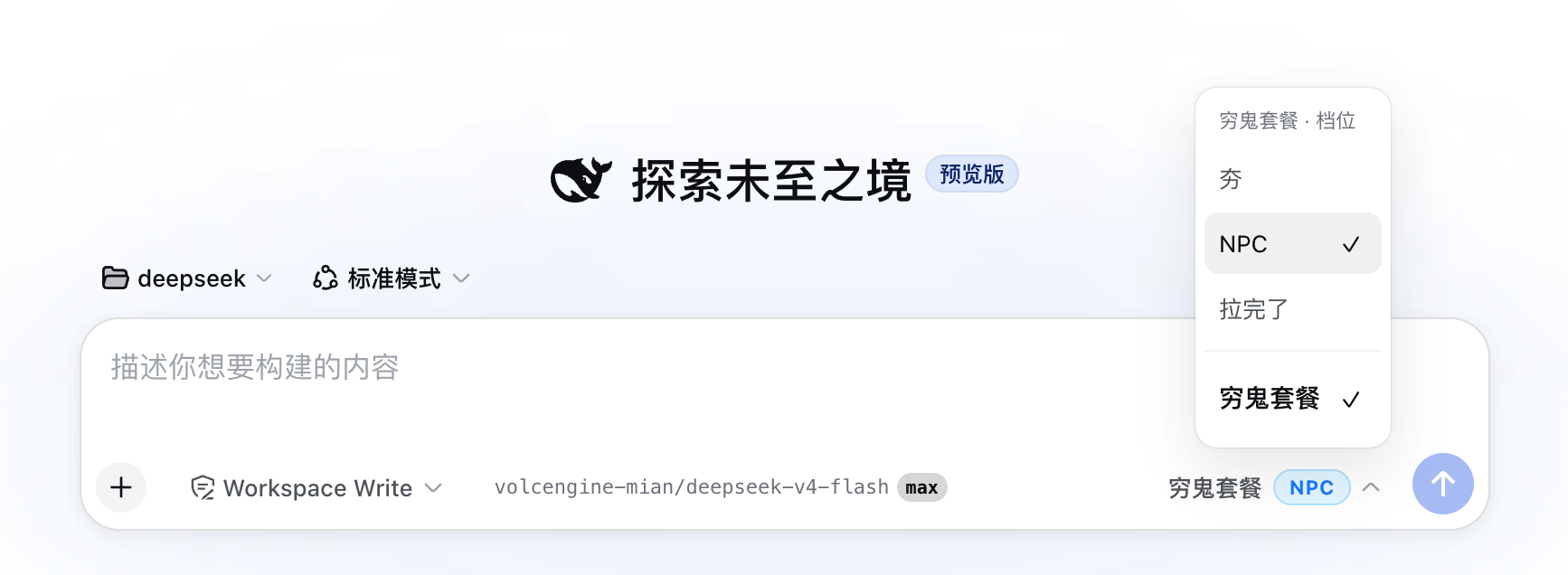
dsh-model-router
Run the following command in DeepSeek Harness:
dsh plugin install welsione/dsh-model-router
Paste the following prompt into your AI chat to install this plugin:
Please run the command dsh plugin install welsione/dsh-model-router in DeepSeek Harness to install this plugin, source code is at https://github.com/welsione/dsh-model-router.
About this plugin
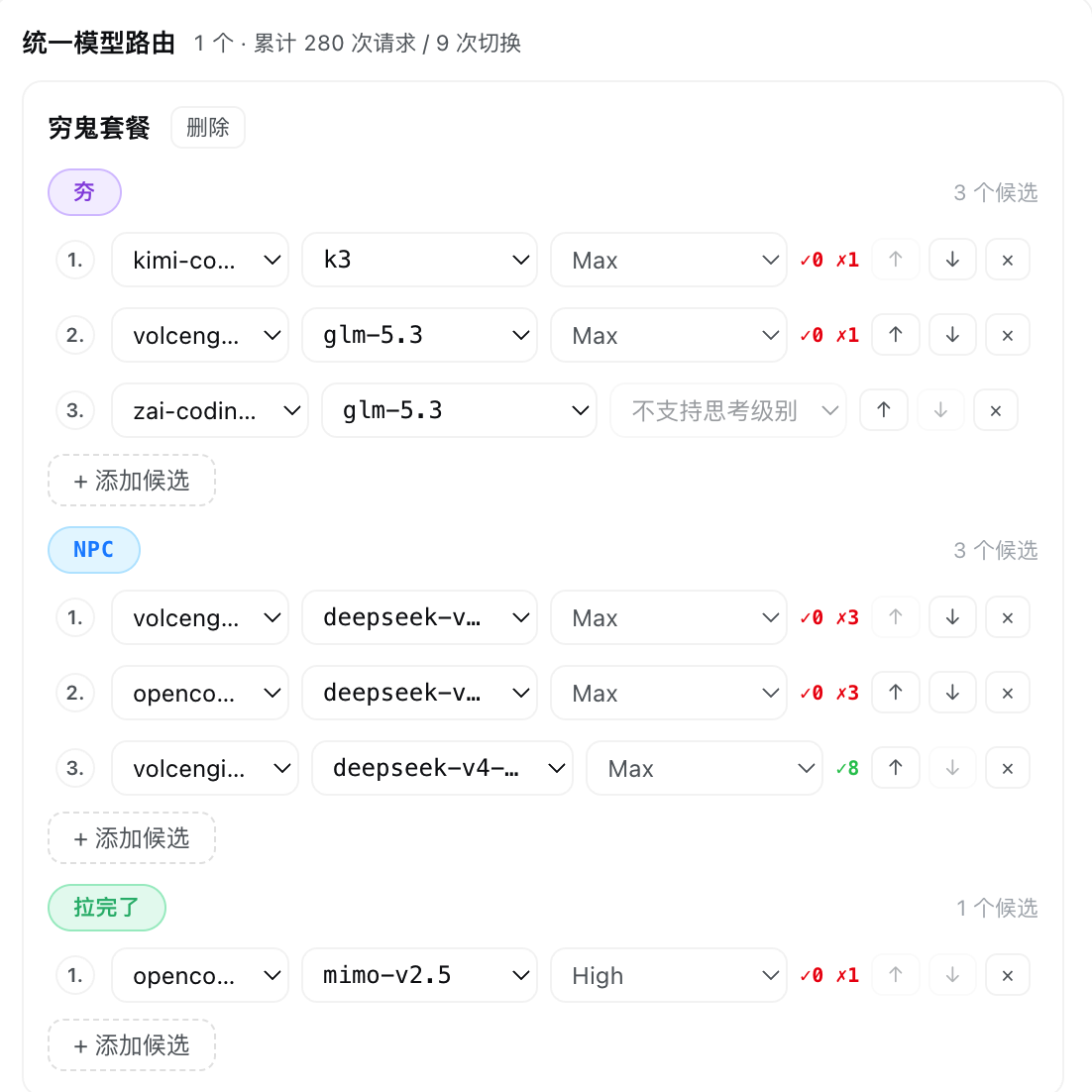
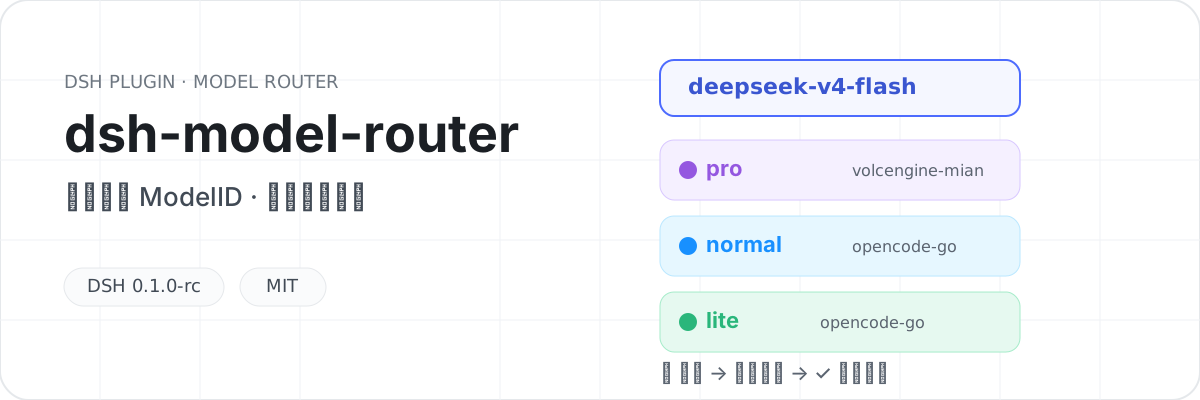
In AI development, scattered providers with varying capabilities lead to management chaos. dsh-model-router addresses this by aggregating models from multiple vendors under a single unified ModelID, managed via Route Groups and Tiers (Tier 1/2/3). The plugin features intelligent automatic failover, seamlessly switching to the next candidate upon failure with tiered cooling, and includes a health-based prioritization algorithm that dynamically scores candidates using time decay and error codes to ensure requests always go to the most stable node.
Screenshots
Use Cases
- Balancing cost and performance across multiple AI providers
- Building highly available AI application systems
- Unifying management of model interfaces with the same name from different vendors
Best For
- Developers who need to mix and match different model providers
- Advanced users concerned with system stability and automatic fault tolerance
- AI engineers looking for fine-grained control over routing strategies and tier selection
Related Plugins

ModLens is a vision plugin for DeepSeek Harness that gives text-only models sight by reading images pasted directly into chat, with zero-config setup and multiple vision engines.

On-demand vision for text-only DeepSeek Harness agents: built-in free keyless vision chain and 14 vision tools, routing image turns as tool calls to vision models with pixel fidelity, no Python needed, one-command install.

Give text-only models in DeepSeek Harness eyes, enabling image Q&A, long-screenshot OCR, UI restoration, and GUI visual tasks.
An armor-breaking plugin for DeepSeek: rewrites instruction priority, expands refusal-blocked phrases, persists across sessions, and shows a green active indicator.