dsh-prompt-stash
Run the following command in DeepSeek Harness:
dsh plugin install Wine-Red/dsh-prompt-stash
Paste the following prompt into your AI chat to install this plugin:
In DeepSeek Harness, install the plugin by running `dsh plugin install Wine-Red/dsh-prompt-stash`, with the full source address at https://github.com/Wine-Red/dsh-prompt-stash.
About this plugin
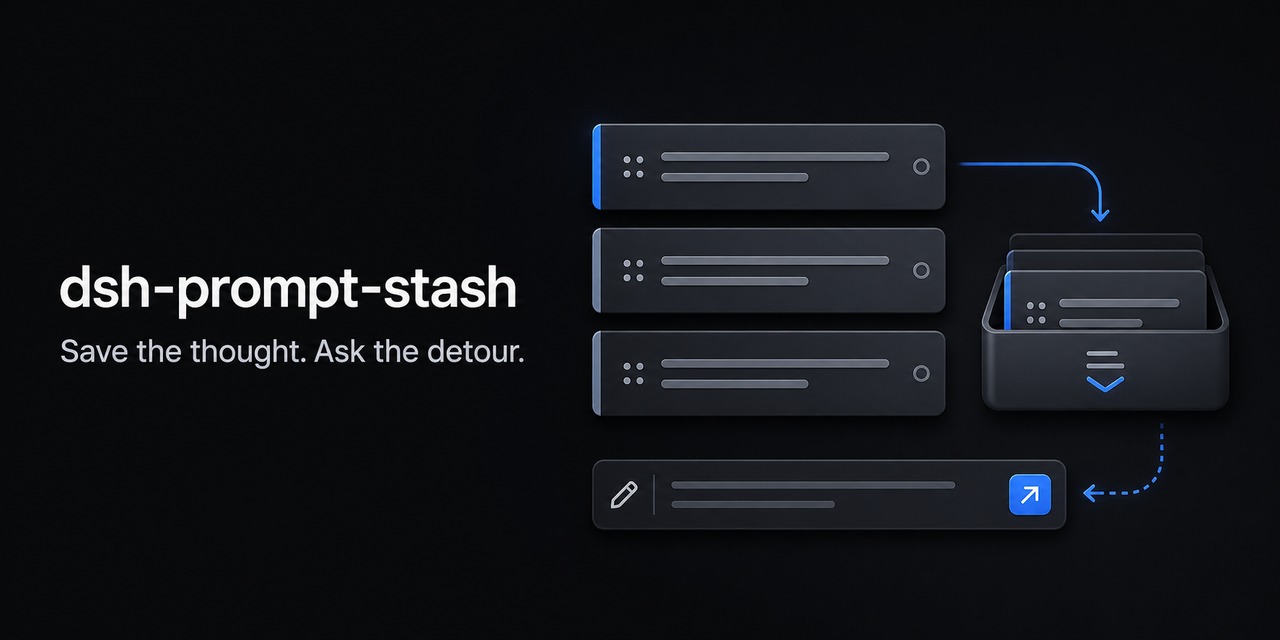
DeepSeek Harness Web users often encounter a familiar scenario: you're meticulously crafting a query when an urgent, temporary matter demands your attention, but you don't want to lose your current input. While standard draft syncing preserves state, it doesn't quite meet the need for explicit stashing and restoration during context switches. The dsh-prompt-stash plugin is designed as a local input stashing tool to address this pain point seamlessly.
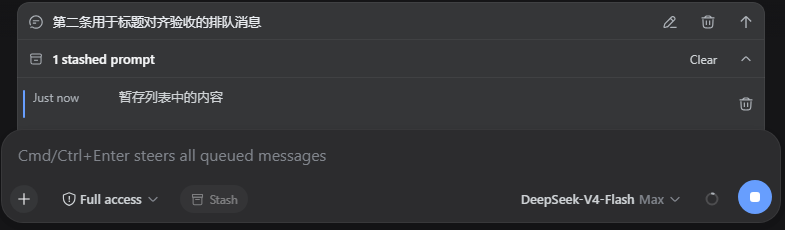
The plugin's core capability is offering a LIFO (Last-In-First-Out) stash stack that lets users push unfinished plain text inputs into temporary storage with one action, clearing the input field to handle other tasks first. Afterwards, users can visually preview, restore, or delete stashed content through a collapsible bar that appears above the input field. It stores stashes independently per session, supports up to 10 items, and includes configurable keyboard shortcuts for quick operations, making the stashing and restoration process efficient and seamless.
dsh-prompt-stash is ideal for all DeepSeek Harness Web users, particularly developers, researchers, and everyday users who frequently juggle multiple tasks, manage multi-turn conversations, or need to address ad-hoc queries. If you often find yourself in situations where you need to temporarily pause and resume your input—like jotting down a thought to tackle something else—this plugin helps maintain the continuity of your workflow, enhancing both productivity and overall user experience.
Screenshots
Use Cases
- Temporarily handling other issues while writing a query
- Safely restoring previously stashed input content
- Quickly stashing and restoring input using keyboard shortcuts
Best For
- DeepSeek Harness Web users
- Developers who frequently switch tasks
- Researchers handling multi-turn conversations
Related Plugins

Memory layer for coding agents that indexes local session history and auto-recalls relevant context before edits, commands, and failures, with no manual search needed.

Traceable, searchable cross-session memory for AI agents that turns conversation knowledge into a typed knowledge graph and recalls relevant subgraphs instead of replaying full history, natively integrated with DeepSeek Harness.
Gives DSH AI cross-session long-term memory, to-do and skill management, plus multi-session orchestration, external AI delegation, and an infinite canvas that grows with you.

dsh-mnemon is a three-tier, pluggable, Agent-driven memory system for DeepSeek Harness, combining Runtime memory, Project Documents, and replaceable Memory Spaces with nine long-term providers.