
dsh-comfyui
Run the following command in DeepSeek Harness:
dsh plugin install fandc520/dsh-comfyui
Paste the following prompt into your AI chat to install this plugin:
Install the plugin from its source repository at https://github.com/fandc520/dsh-comfyui in DeepSeek Harness.
About this plugin
dsh-comfyui bridges the gap between DeepSeek Harness agents and a running ComfyUI server. Instead of merely discussing how to generate an image or video, the agent can submit workflows, inspect available node definitions, and collect generated media directly, turning natural-language requests into concrete outputs.
The plugin centers on workflow execution and media management. Agents can use built-in templates, explore server capabilities, or run saved executable workflows, while the UI panel lets users manage workflows, monitor queues, and browse generated assets. It also helps convert ComfyUI canvas workflows into runnable API executions, with a loading area, adjustable parameters, and media proxying that reduce repetitive setup.
This is a good fit for ComfyUI users who want DeepSeek Harness agents to participate in image and video creation, especially those managing local or remote ComfyUI servers. It is most useful for creators and developers who want to turn hand-tuned ComfyUI graphs into reusable workflows that an agent can invoke and control.
Screenshots
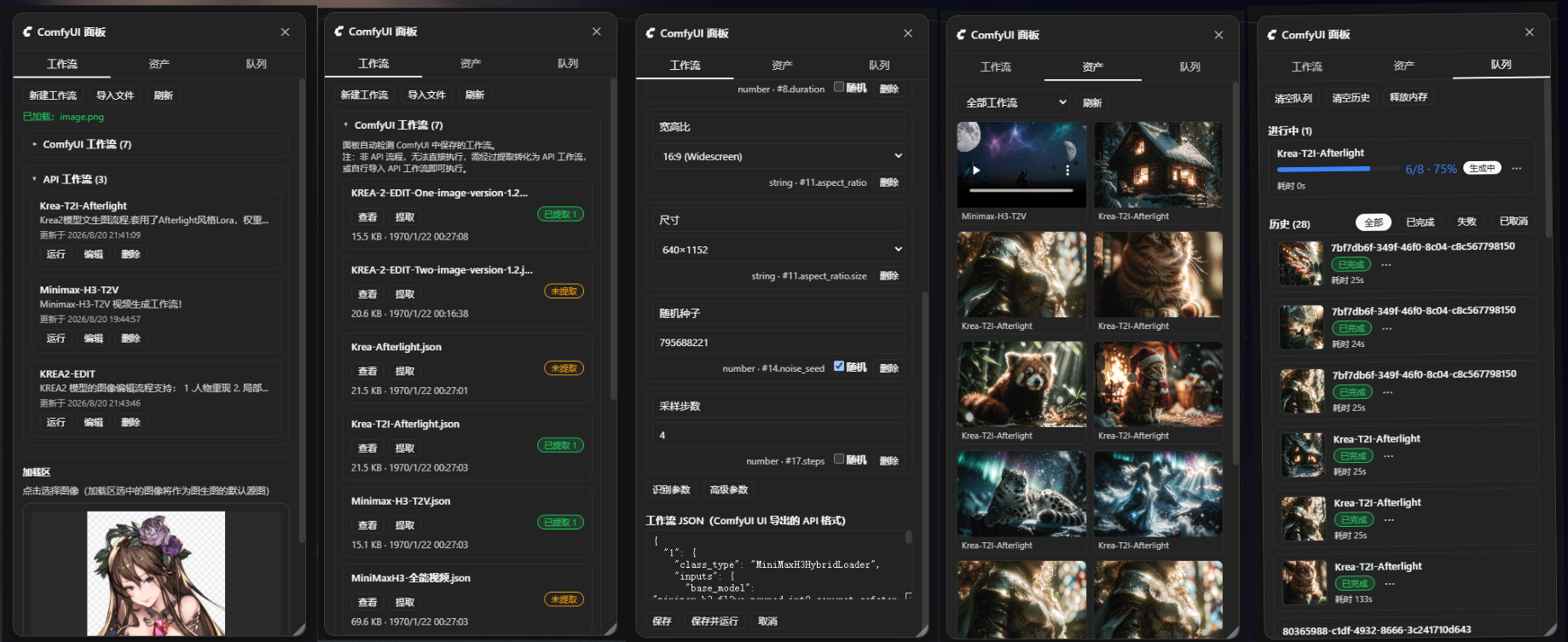
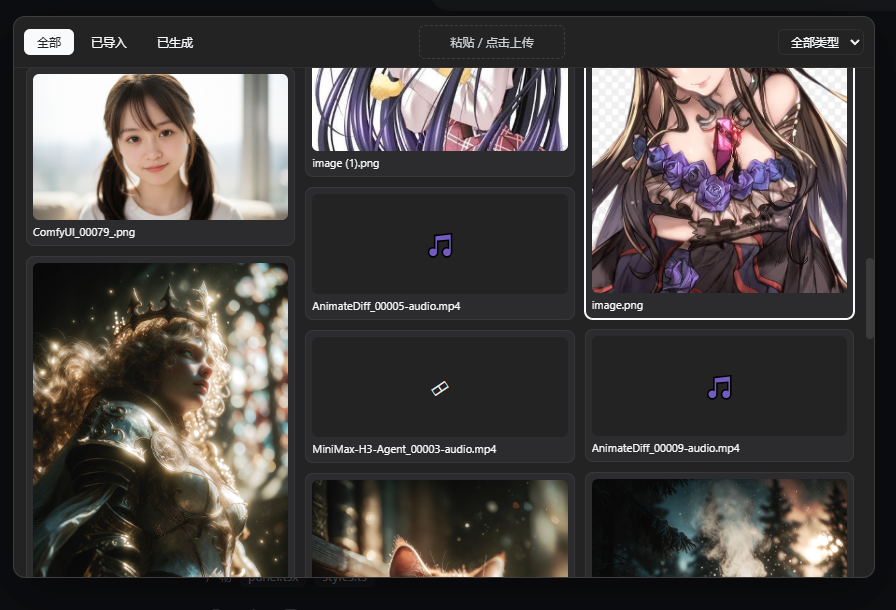
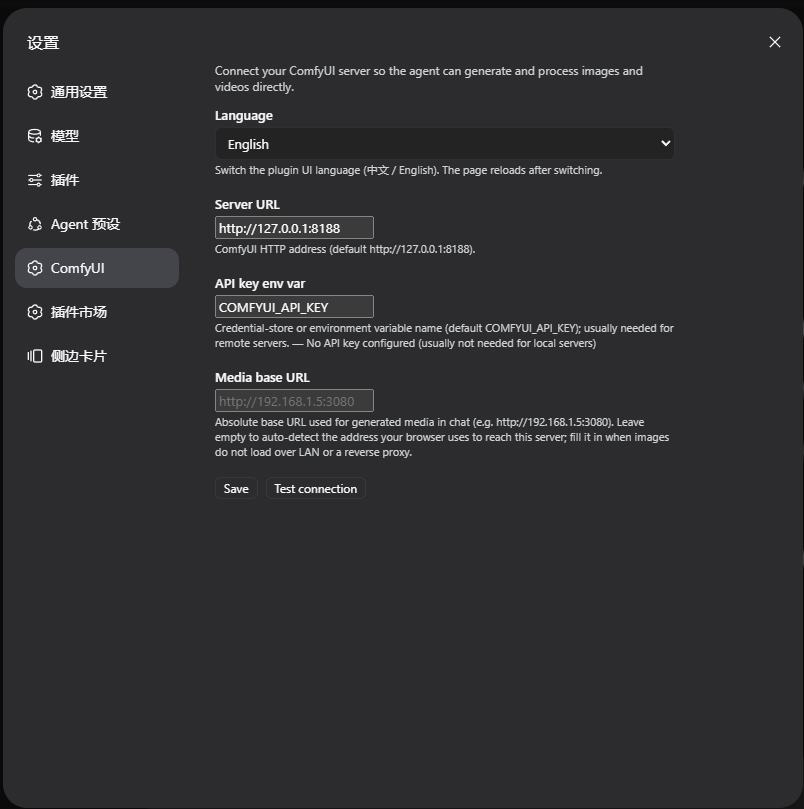
Use Cases
- Use natural language to have an agent generate images through ComfyUI.
- Run extracted executable ComfyUI workflows saved in the plugin library.
- Monitor task queues and manage generated output assets.
Best For
- Developers creating images or videos with ComfyUI.
- Users who want DeepSeek Harness agents to participate in generation workflows.
- Creators managing local or remote ComfyUI tasks and outputs.
Related Plugins
A unified suite combining hot runtime injection, task-aware thinking-mode routing, and a graded session protocol with red-team gates to sustain model diligence across long-horizon inference.

ModLens is a vision plugin for DeepSeek Harness that gives text-only models sight by reading images pasted directly into chat, with zero-config setup and multiple vision engines.

On-demand vision for text-only DeepSeek Harness agents: built-in free keyless vision chain and 14 vision tools, routing image turns as tool calls to vision models with pixel fidelity, no Python needed, one-command install.

Give text-only models in DeepSeek Harness eyes, enabling image Q&A, long-screenshot OCR, UI restoration, and GUI visual tasks.