dsh-ui-spec
Run the following command in DeepSeek Harness:
dsh plugin install yumimanji/dsh-ui-spec
Paste the following prompt into your AI chat to install this plugin:
To install this plugin in DeepSeek Harness, run the command dsh plugin install yumimanji/dsh-ui-spec; the full source repository is at https://github.com/yumimanji/dsh-ui-spec.
About this plugin
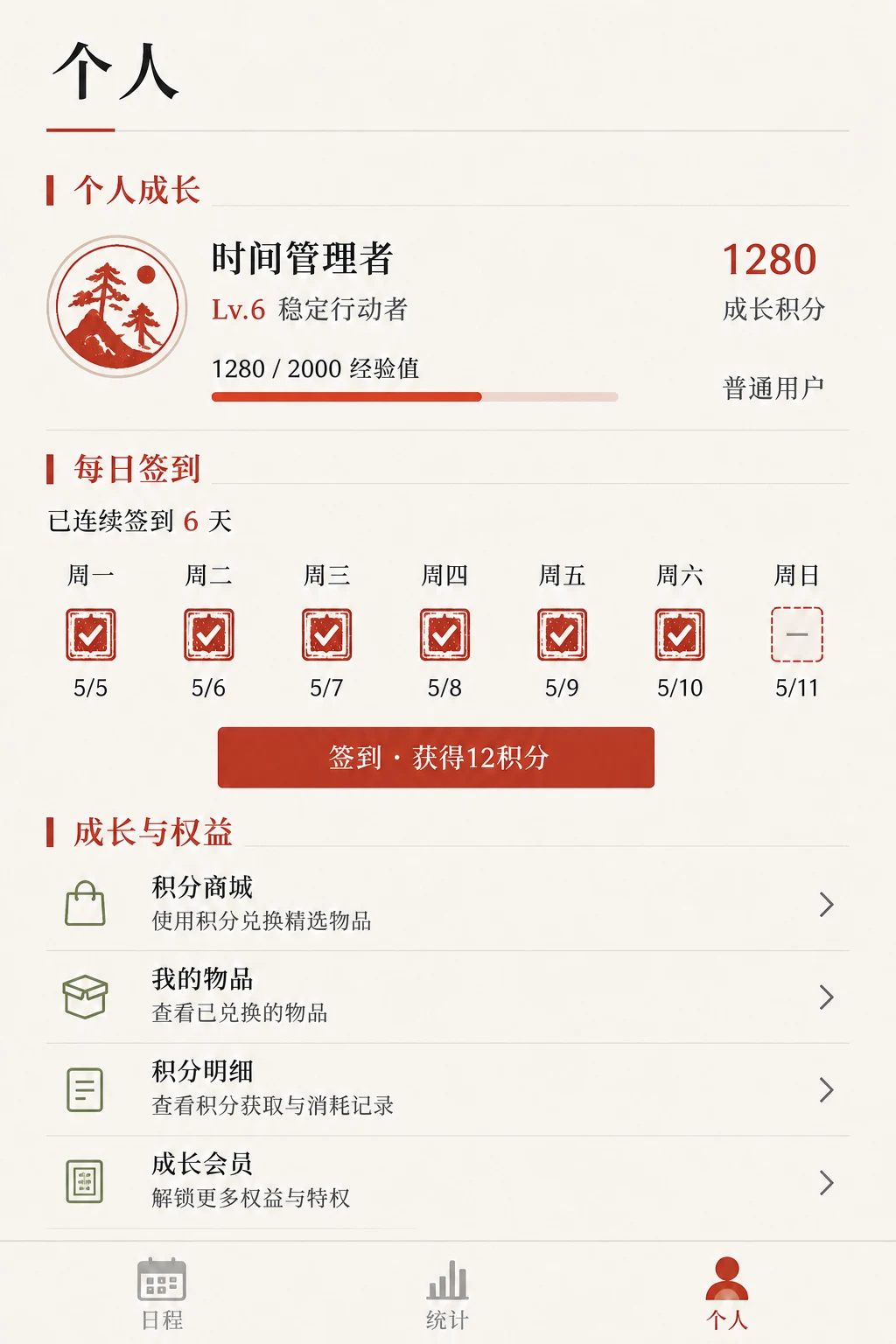
Text-only AI models like DeepSeek struggle to interpret visual UI designs directly, creating a bottleneck in translating screenshots into functional web interfaces. This gap often slows down development workflows and limits the potential of AI-assisted coding.
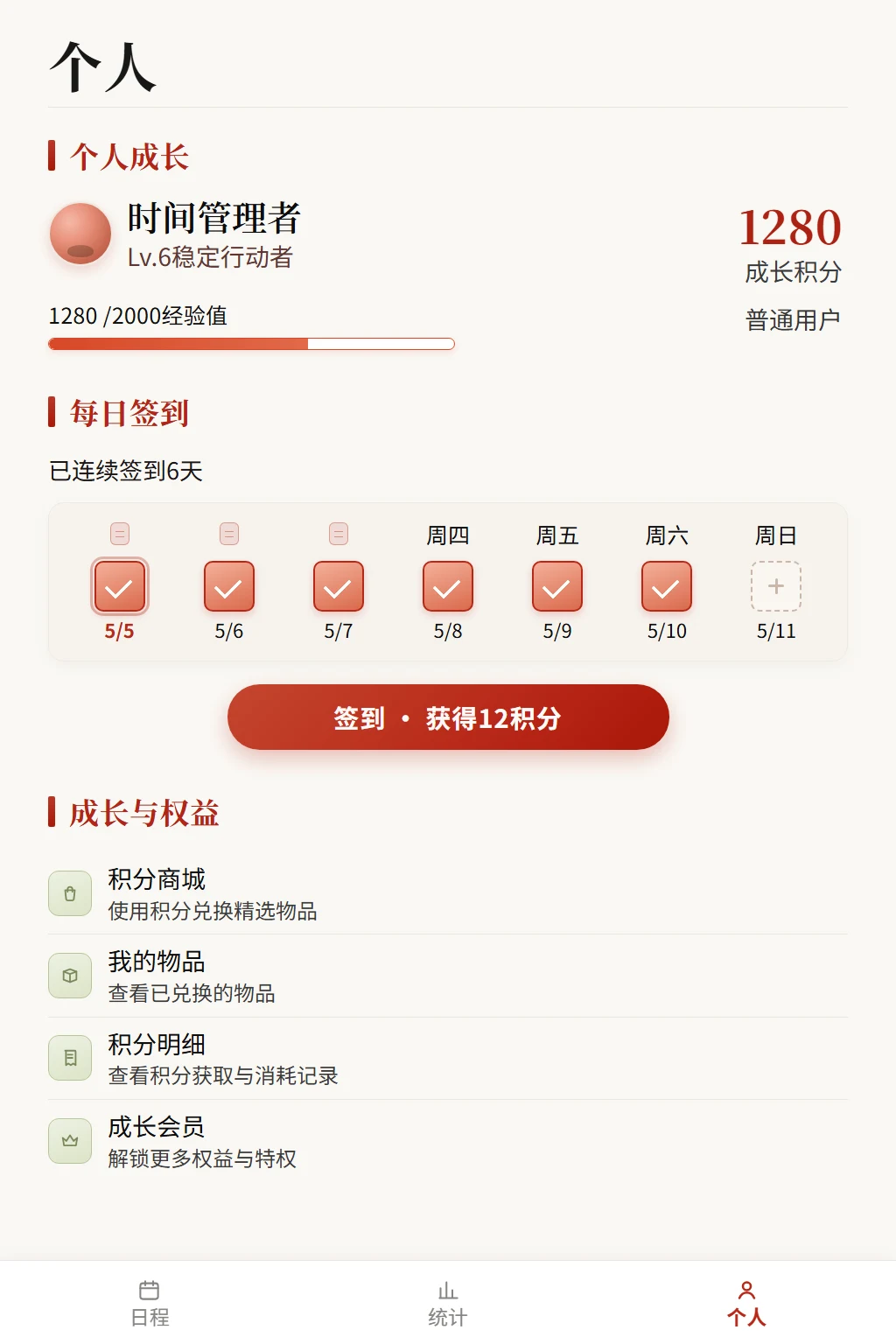
The dsh-ui-spec plugin tackles this by transforming UI screenshots into implementation-oriented structured specifications. Leveraging Windows native OCR, it extracts layout, visual details, interaction patterns, and browser-verification constraints. This comprehensive output serves as a clear blueprint, enabling DeepSeek models to autonomously generate responsive web code from visual inputs.
Ideal for frontend developers, UI designers, and AI engineers, this plugin streamlines the design-to-development pipeline. By converting visual designs into actionable specs, it empowers users to leverage AI effectively, enhancing productivity and fostering innovation in web projects.
Screenshots
Use Cases
- Automatically convert design screenshots into implementation specs
- Assist AI models in generating frontend code
- Streamline the workflow from visual design to development
Best For
- Frontend Developers
- UI Designers
- AI Engineers
Related Plugins
A unified suite combining hot runtime injection, task-aware thinking-mode routing, and a graded session protocol with red-team gates to sustain model diligence across long-horizon inference.

ModLens is a vision plugin for DeepSeek Harness that gives text-only models sight by reading images pasted directly into chat, with zero-config setup and multiple vision engines.

On-demand vision for text-only DeepSeek Harness agents: built-in free keyless vision chain and 14 vision tools, routing image turns as tool calls to vision models with pixel fidelity, no Python needed, one-command install.

Give text-only models in DeepSeek Harness eyes, enabling image Q&A, long-screenshot OCR, UI restoration, and GUI visual tasks.