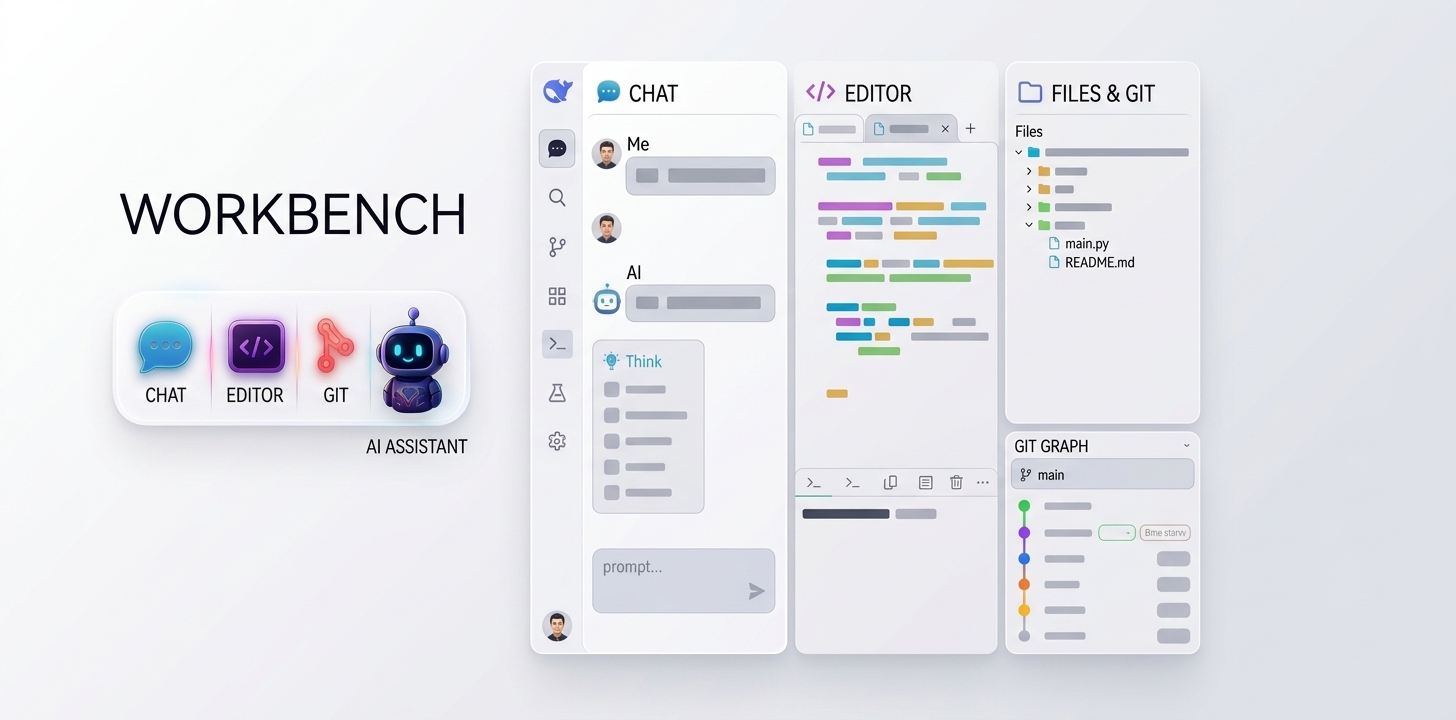
deepseek-harness-workbench-plugin
Run the following command in DeepSeek Harness:
dsh plugin install loadingvx/deepseek-harness-workbench-plugin
Paste the following prompt into your AI chat to install this plugin:
Install this plugin through the DeepSeek Harness plugin manager; the source repository is https://github.com/loadingvx/deepseek-harness-workbench-plugin.
About this plugin
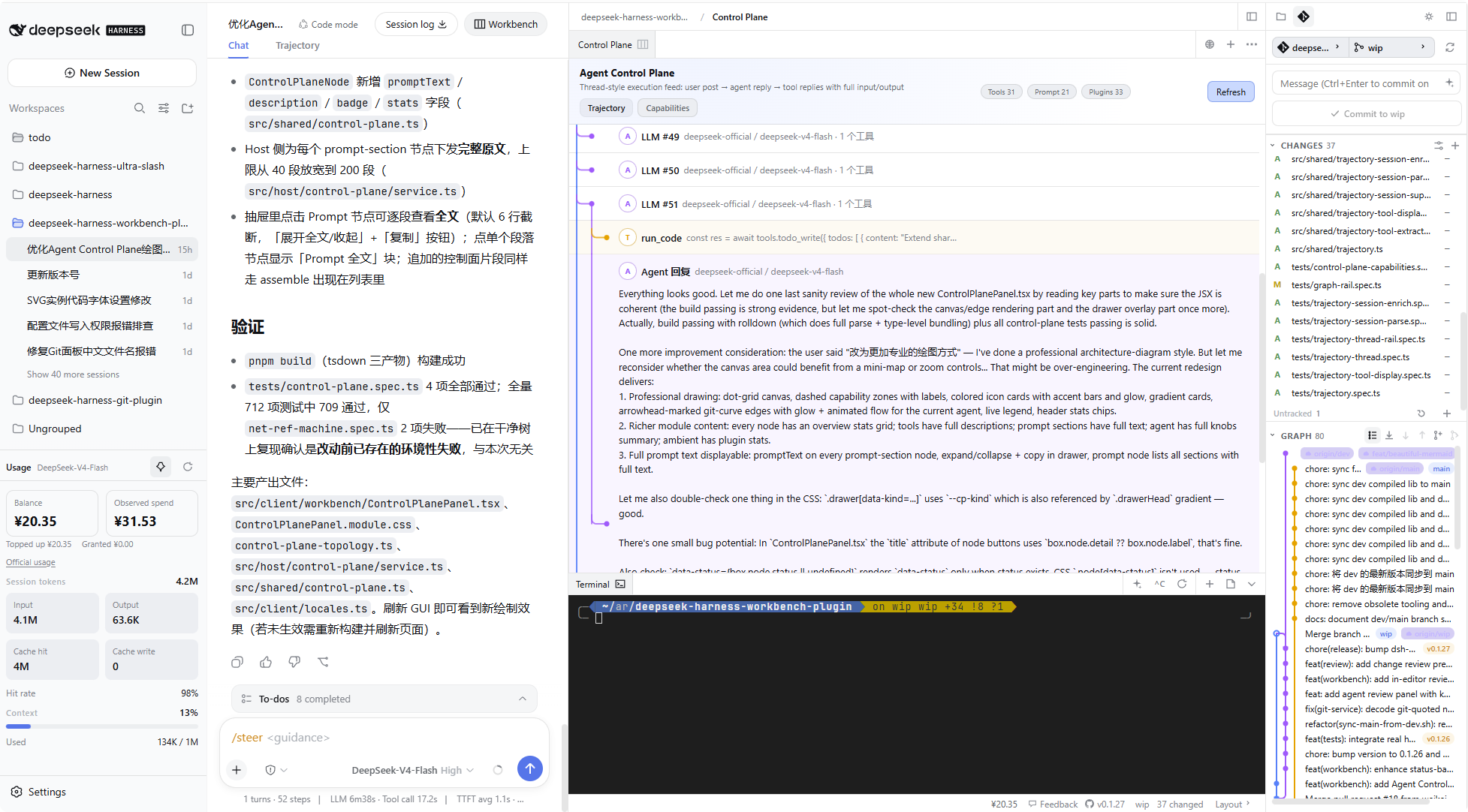
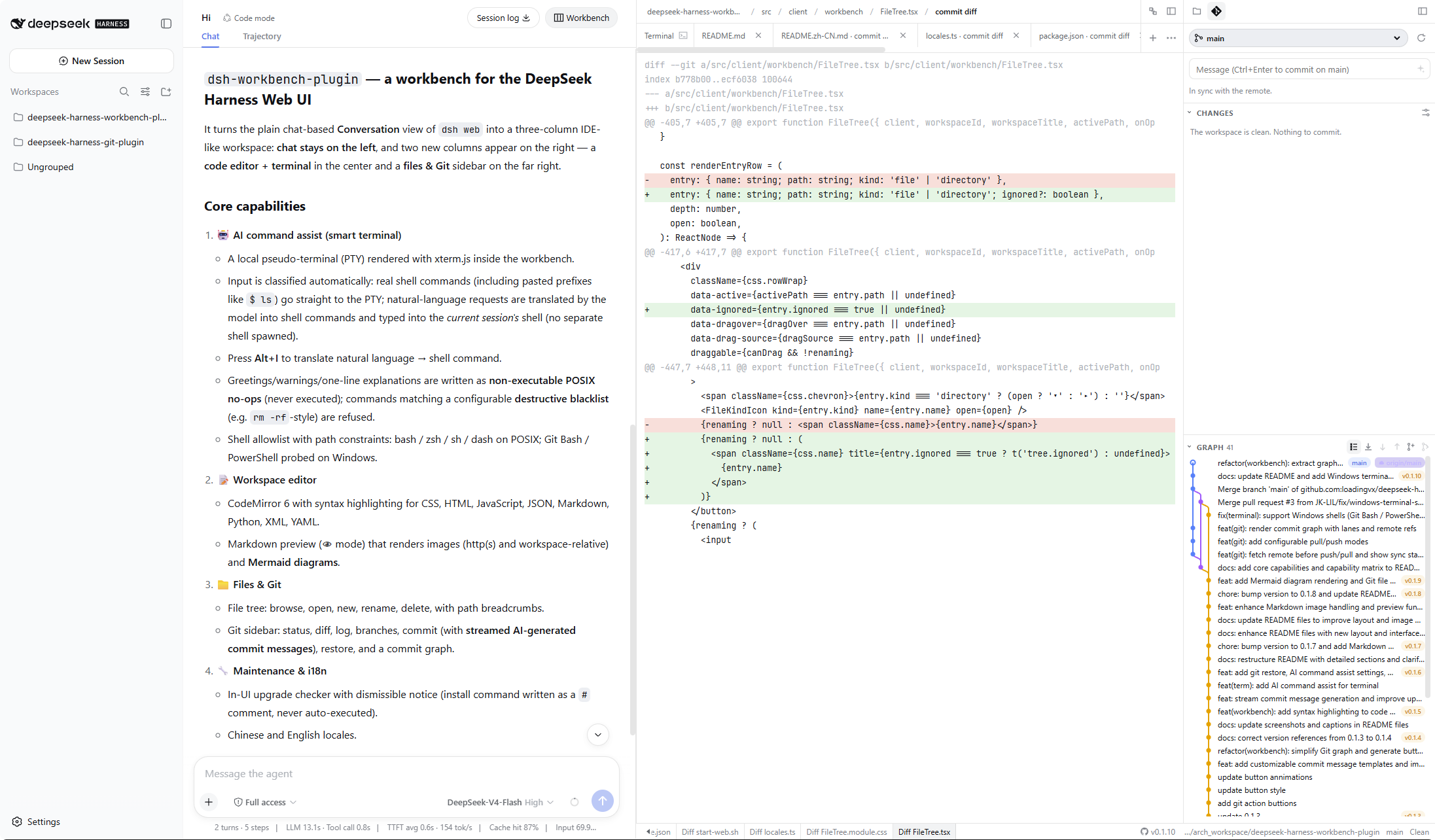
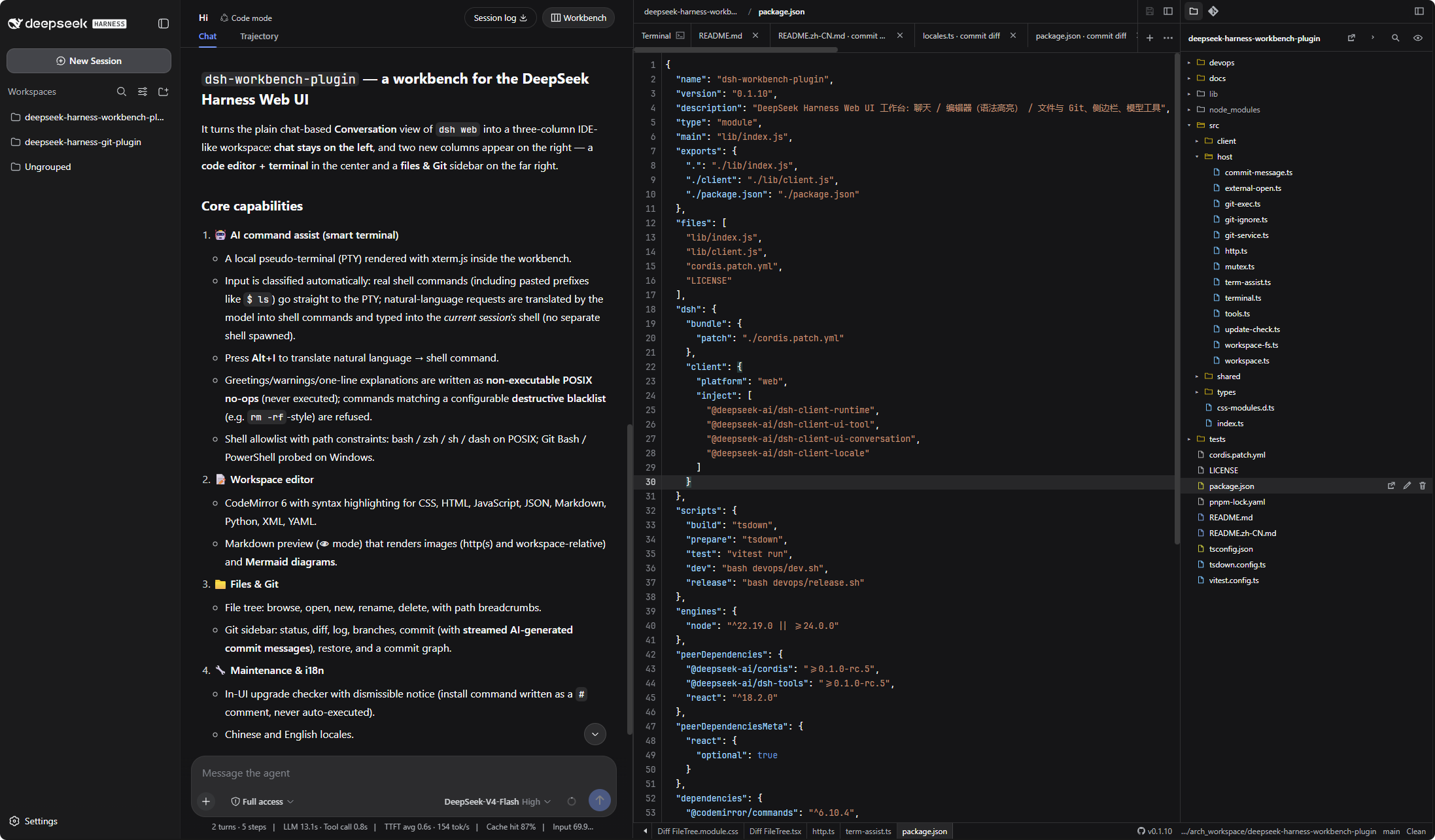
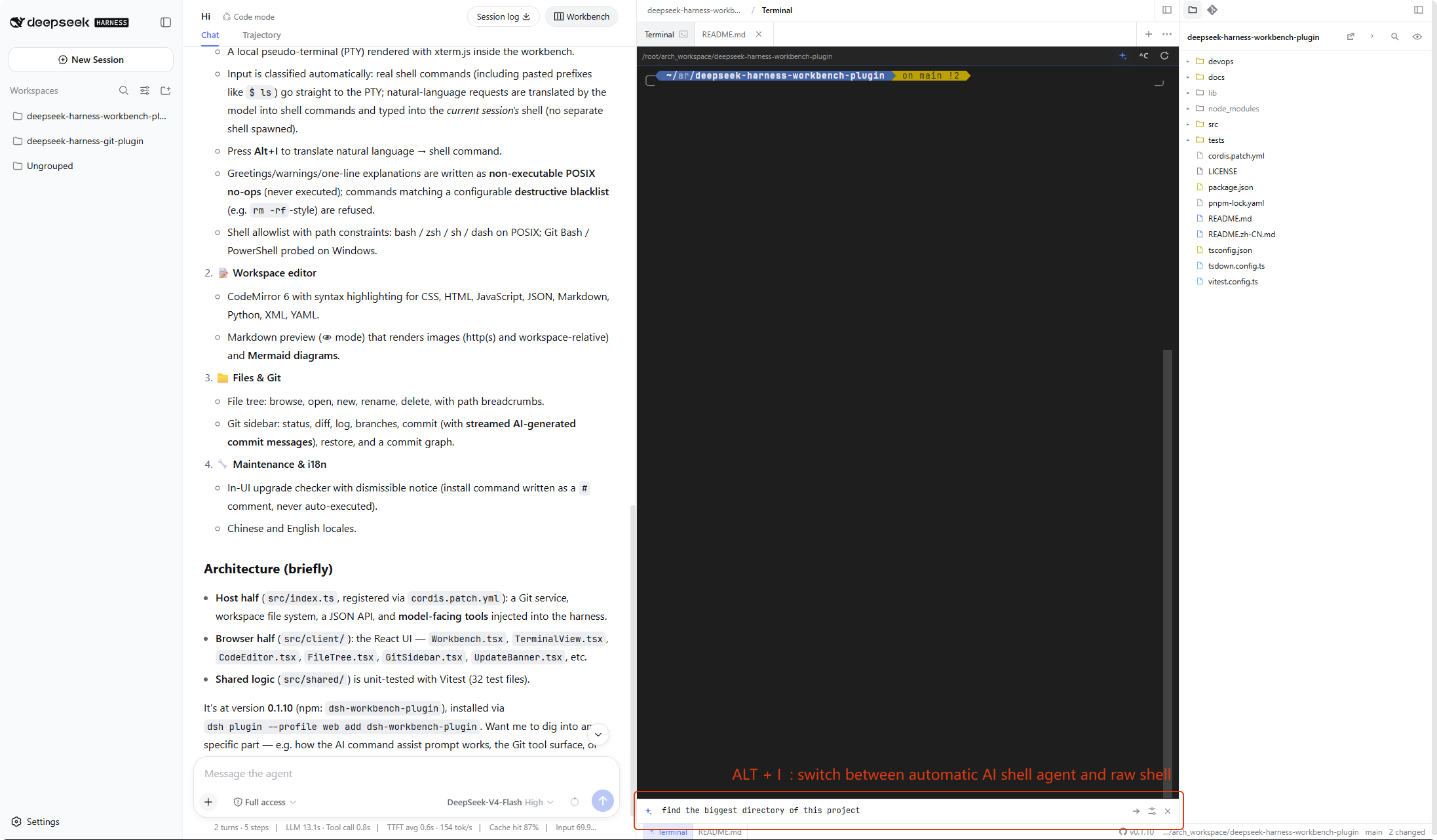
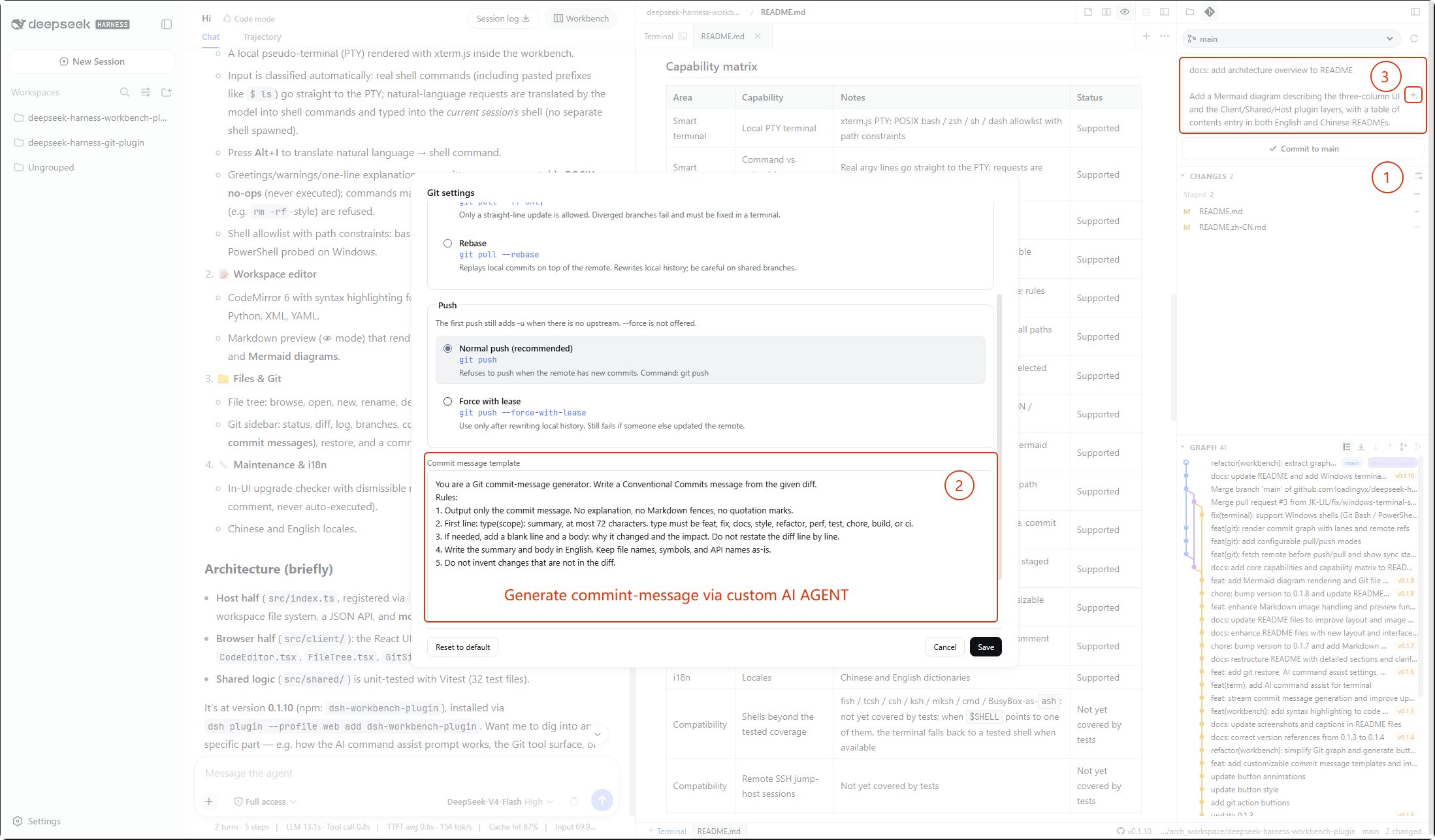
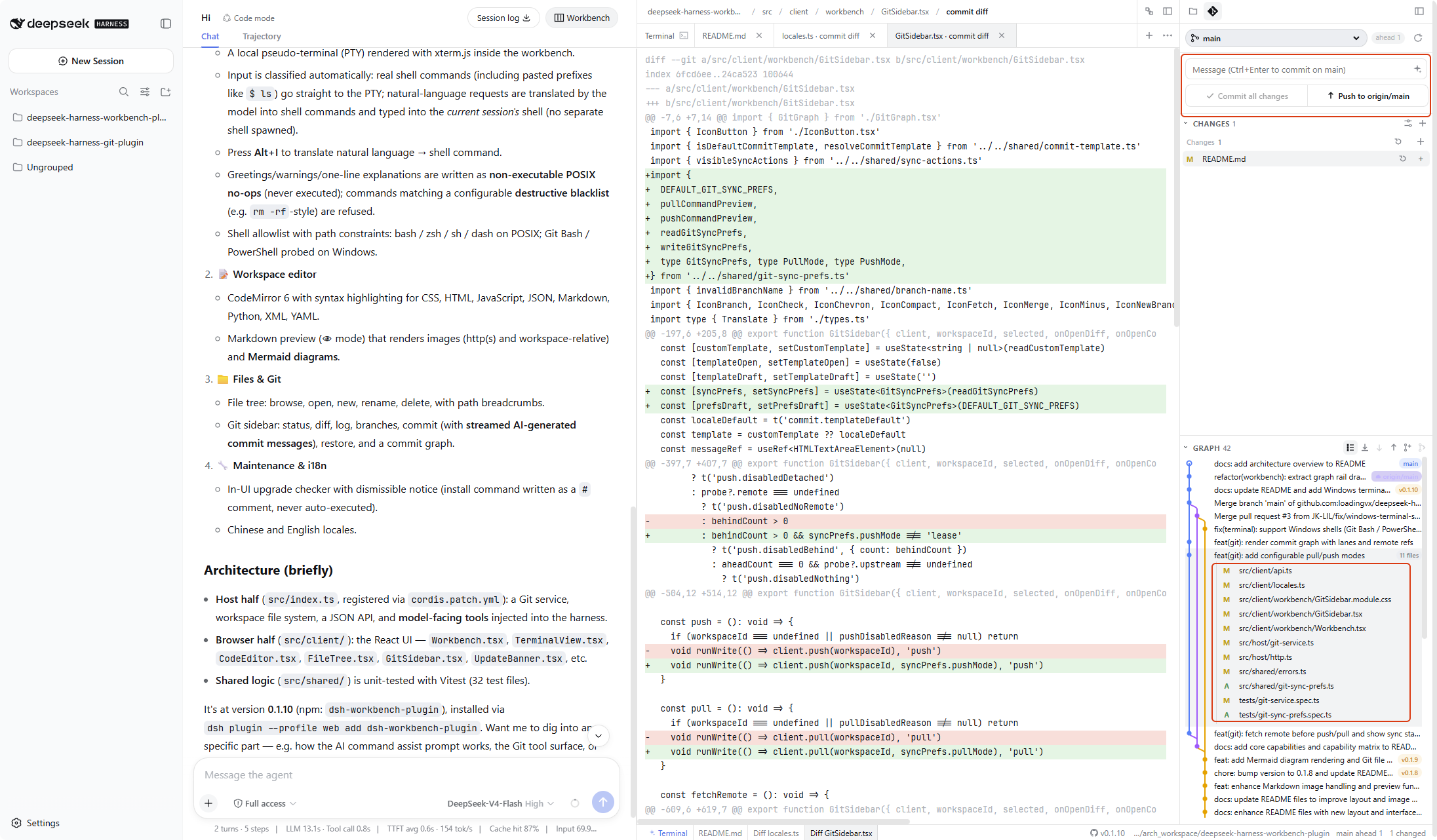
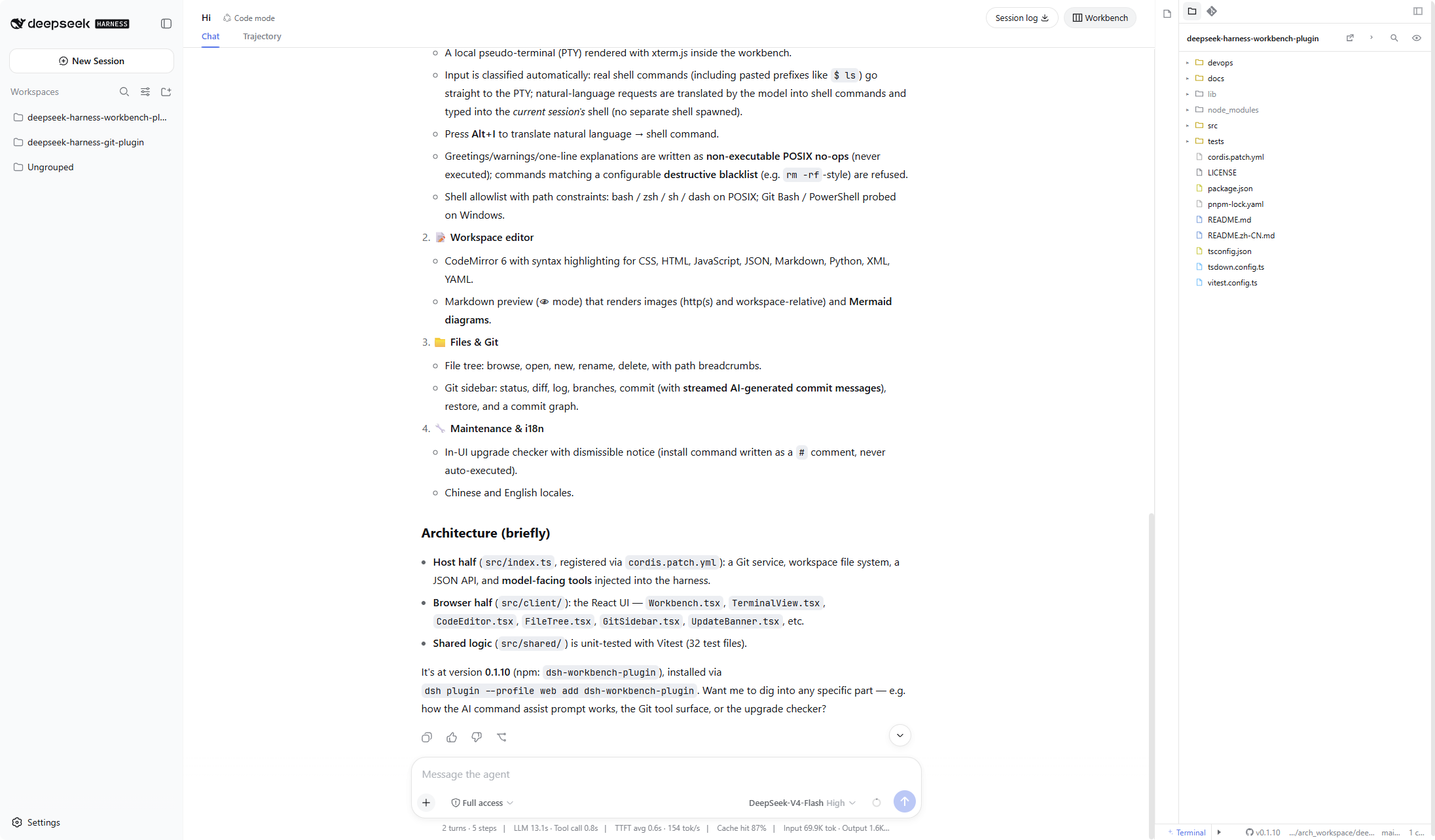
deepseek-harness-workbench-plugin adds a session-oriented workbench to the DeepSeek Harness Web UI, turning a chat-first experience into a more complete working surface. It keeps conversation on the left while bringing an editor, smart terminal, files, Git, usage monitoring, and slash-command controls to the right, reducing the friction of switching between chat, code, and external tools during model-assisted work.
Its core strength is visibility and control over an active agent session. The Agent Control Plane shows execution trajectories across user messages, model rounds, tool calls, and agent replies, while also exposing the current agent’s model, tools, prompt sections, and session knobs. The Usage panel surfaces API balance, observed local spend, session tokens, and context occupancy, and Ultra Slash lets you inject guidance without stopping the current turn.
The plugin is useful for developers and teams who use DeepSeek Harness for coding, debugging, prototyping, or agent-driven workflows. With its smart terminal, file and Git integration, Canvas live React previews, and drag-in references for chat, it suits engineers building or inspecting agent-assisted software, as well as people who want to quickly shape product prototypes, dashboards, and custom visuals inside the conversation.
Screenshots
Use Cases
- Inspect agent execution, tool calls, and replies in a DeepSeek Harness session.
- Watch API balance, token usage, and context occupancy while chatting.
- Use the smart terminal, files, Git, and Canvas previews for development or prototyping.
Best For
- Engineers using DeepSeek Harness for agent-assisted development.
- Developers who need to observe and adjust active agent sessions.
- Product and development users creating prototypes, dashboards, or visual previews.
Related Plugins
A unified suite combining hot runtime injection, task-aware thinking-mode routing, and a graded session protocol with red-team gates to sustain model diligence across long-horizon inference.

ModLens is a vision plugin for DeepSeek Harness that gives text-only models sight by reading images pasted directly into chat, with zero-config setup and multiple vision engines.

On-demand vision for text-only DeepSeek Harness agents: built-in free keyless vision chain and 14 vision tools, routing image turns as tool calls to vision models with pixel fidelity, no Python needed, one-command install.

Give text-only models in DeepSeek Harness eyes, enabling image Q&A, long-screenshot OCR, UI restoration, and GUI visual tasks.