dsh-files
Run the following command in DeepSeek Harness:
dsh plugin install taxueseek/dsh-files
Paste the following prompt into your AI chat to install this plugin:
In DeepSeek Harness, install this plugin from the source repository at https://github.com/taxueseek/dsh-files.
About this plugin
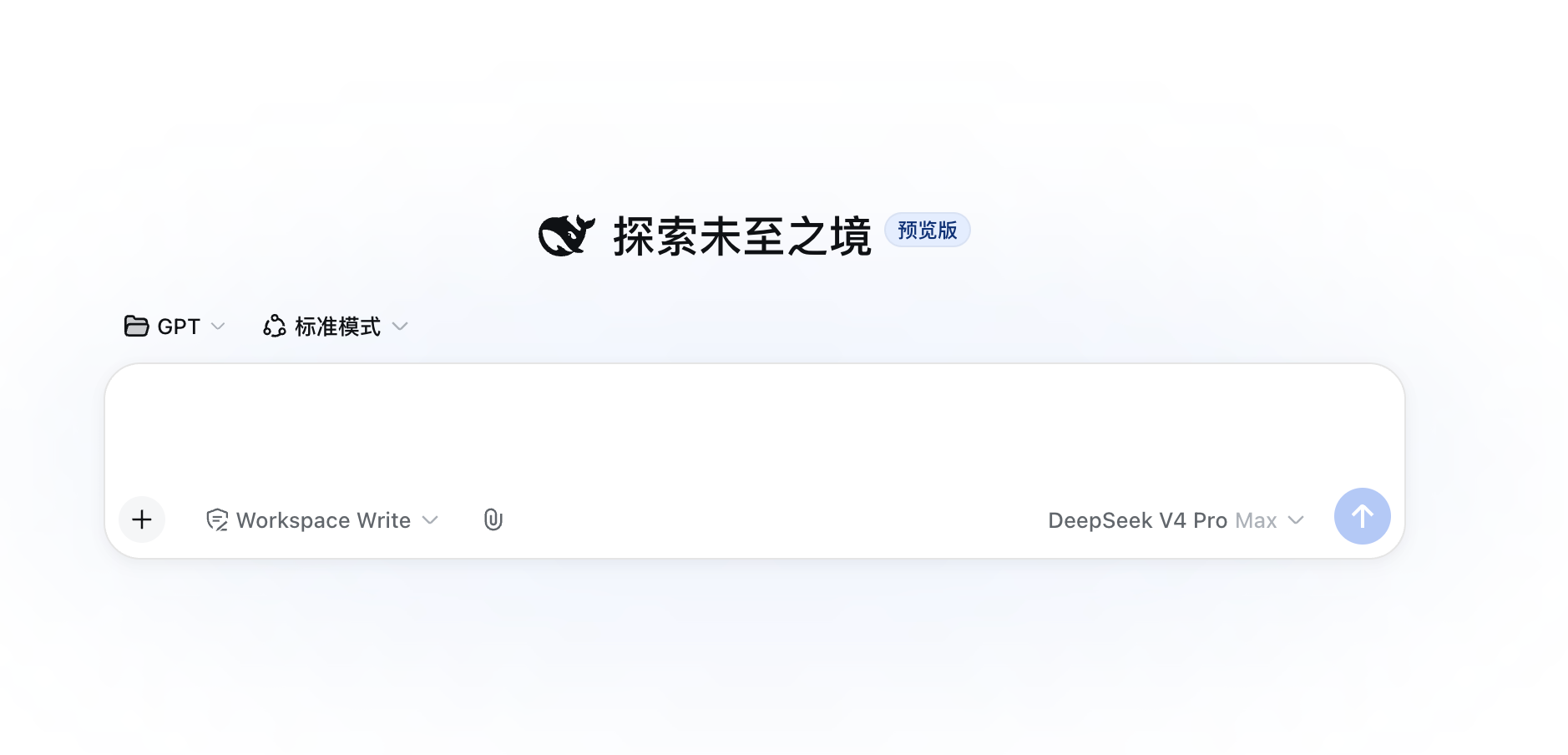
When using DeepSeek Harness for real tasks, the gap between local files and something the model can reason about can be surprisingly large. dsh-files closes that gap by bringing uploads, image input, and document reading into one workflow: you can attach files from the composer toolbar, import a whole folder, or drag files directly onto the page, then reference uploaded or workspace files through @ candidates.
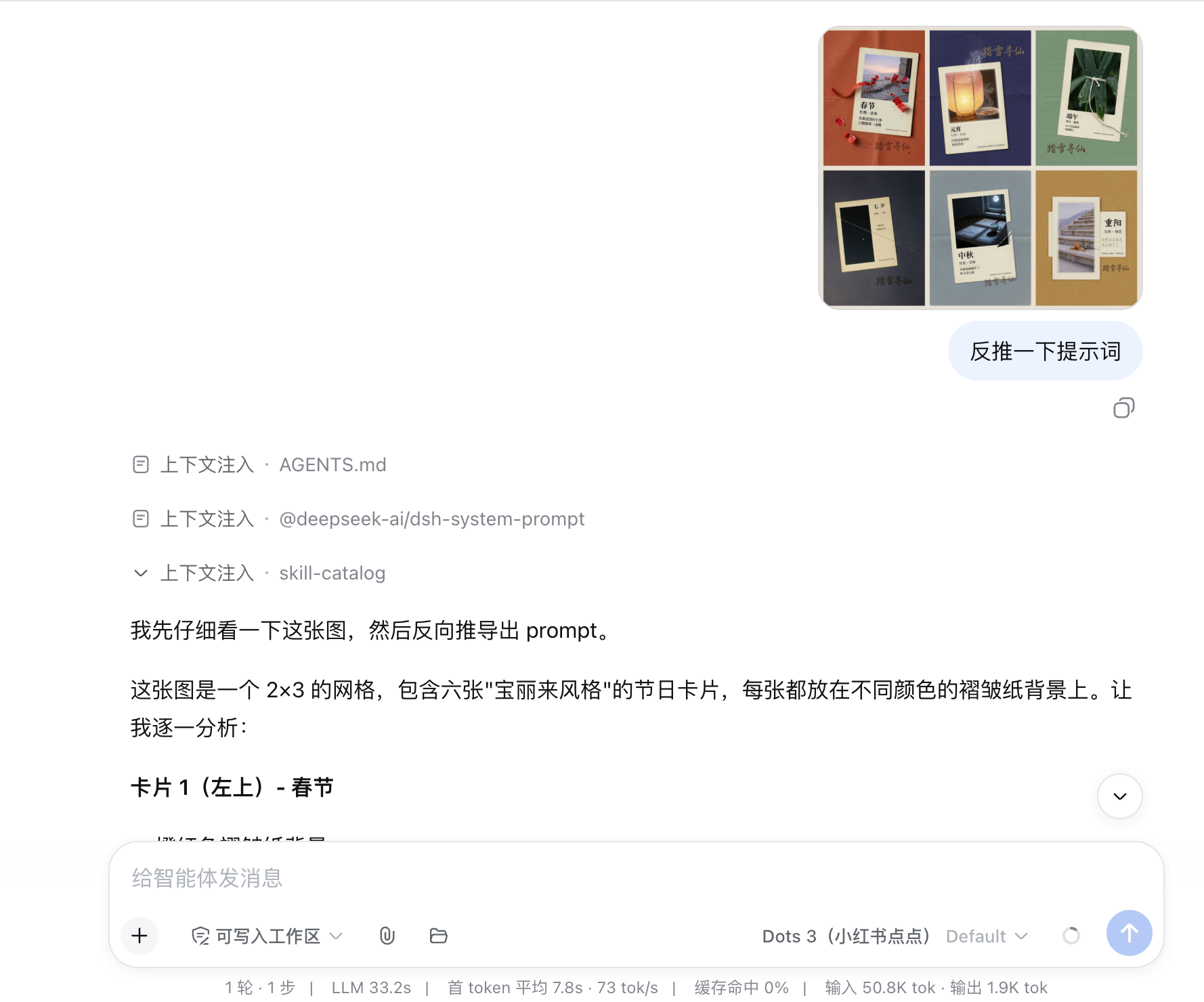
The plugin focuses on three connected capabilities. First, uploads are stored in a session-isolated way with deduplication, expiry, and size controls. Second, JPEG, PNG, WebP, and GIF images are handed to the Harness attachment pipeline, so models that declare image input can actually see the picture. Third, the read_document tool reads text, PDF, DOCX, and XLSX files with content sniffing, encoding fallback, pagination, and sheet-level access for spreadsheets.
dsh-files is a good fit if you want to do document Q&A, inspect reports or screenshots, feed code and configuration files to the agent, or use vision-capable models inside DeepSeek Harness. It is especially useful for users who need file-aware inference, multimodal reasoning, and clear session boundaries with safer upload handling.
Screenshots

Use Cases
- Upload documents for paged model reading
- Send images to vision-capable models for analysis
- Reference uploaded or workspace files with @
Best For
- Users doing document Q&A and material organization
- Users analyzing images with vision-capable models
- Users who want session-isolated upload management
Related Plugins
A unified suite combining hot runtime injection, task-aware thinking-mode routing, and a graded session protocol with red-team gates to sustain model diligence across long-horizon inference.

ModLens is a vision plugin for DeepSeek Harness that gives text-only models sight by reading images pasted directly into chat, with zero-config setup and multiple vision engines.

On-demand vision for text-only DeepSeek Harness agents: built-in free keyless vision chain and 14 vision tools, routing image turns as tool calls to vision models with pixel fidelity, no Python needed, one-command install.

Give text-only models in DeepSeek Harness eyes, enabling image Q&A, long-screenshot OCR, UI restoration, and GUI visual tasks.