dsh-vision-mix
Run the following command in DeepSeek Harness:
dsh plugin install haiziyao/dsh-vision-mix
Paste the following prompt into your AI chat to install this plugin:
In DeepSeek Harness, you can install this plugin by running the command dsh plugin install haiziyao/dsh-vision-mix; the full source code is available at https://github.com/haiziyao/dsh-vision-mix.
About this plugin
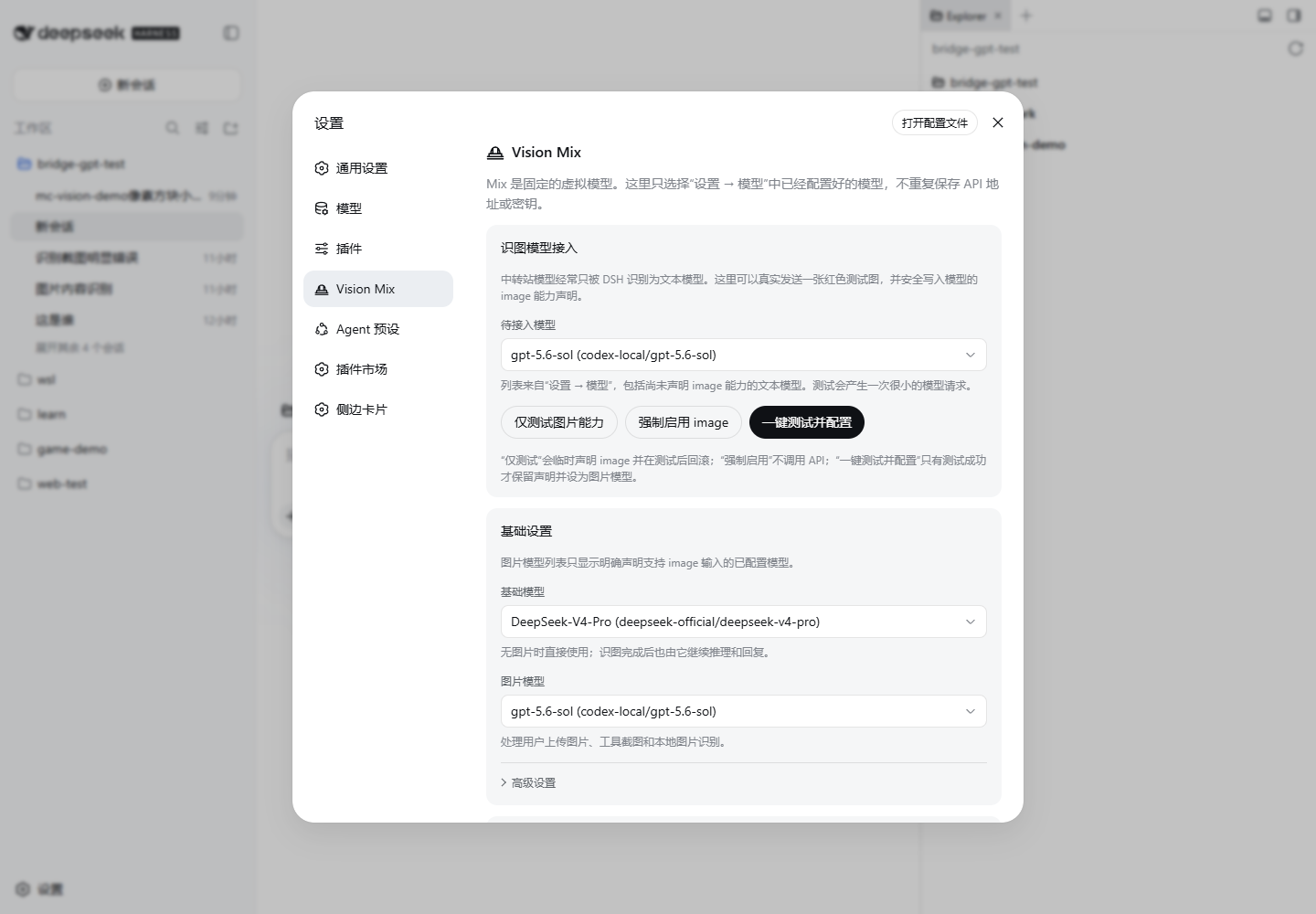
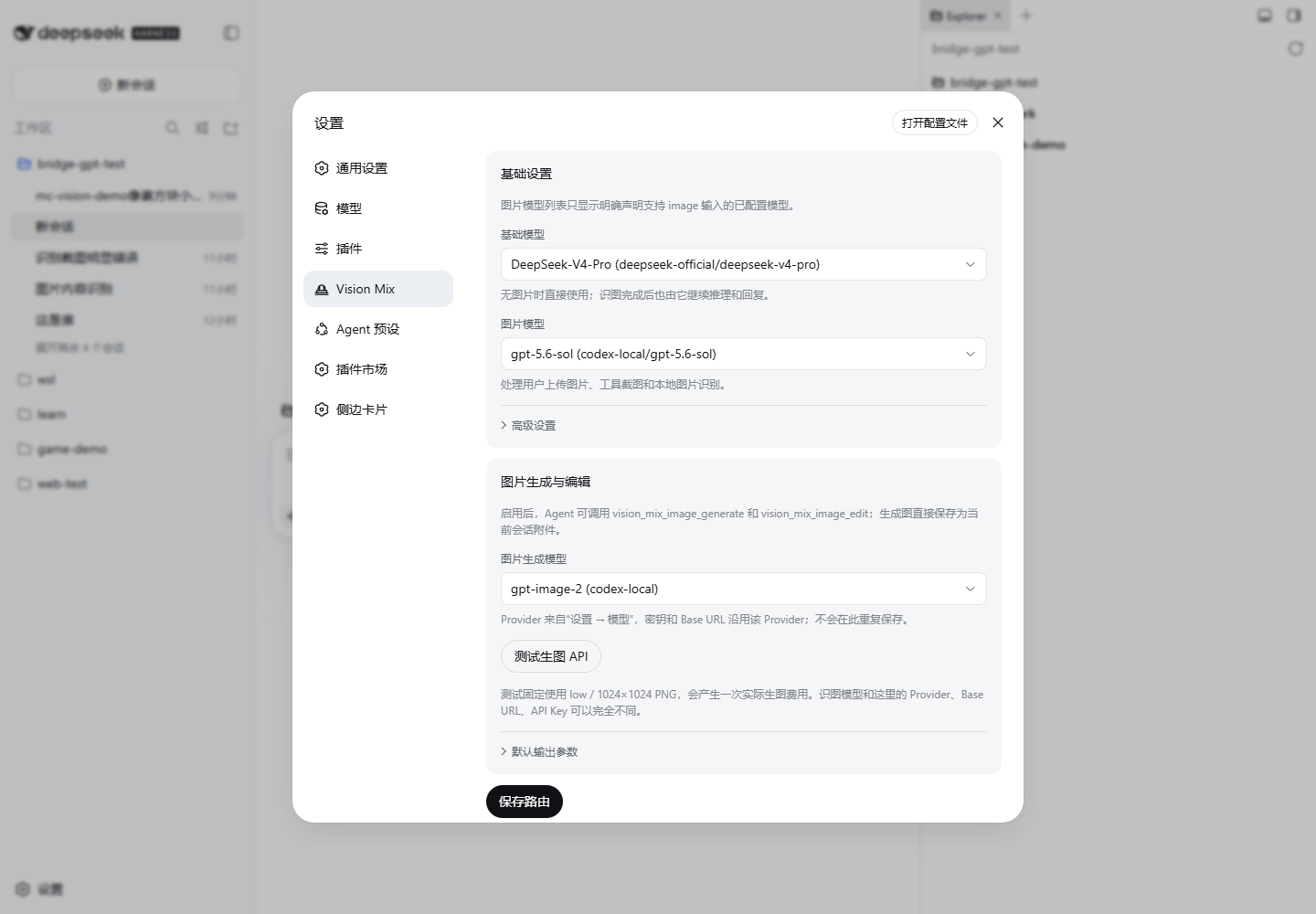
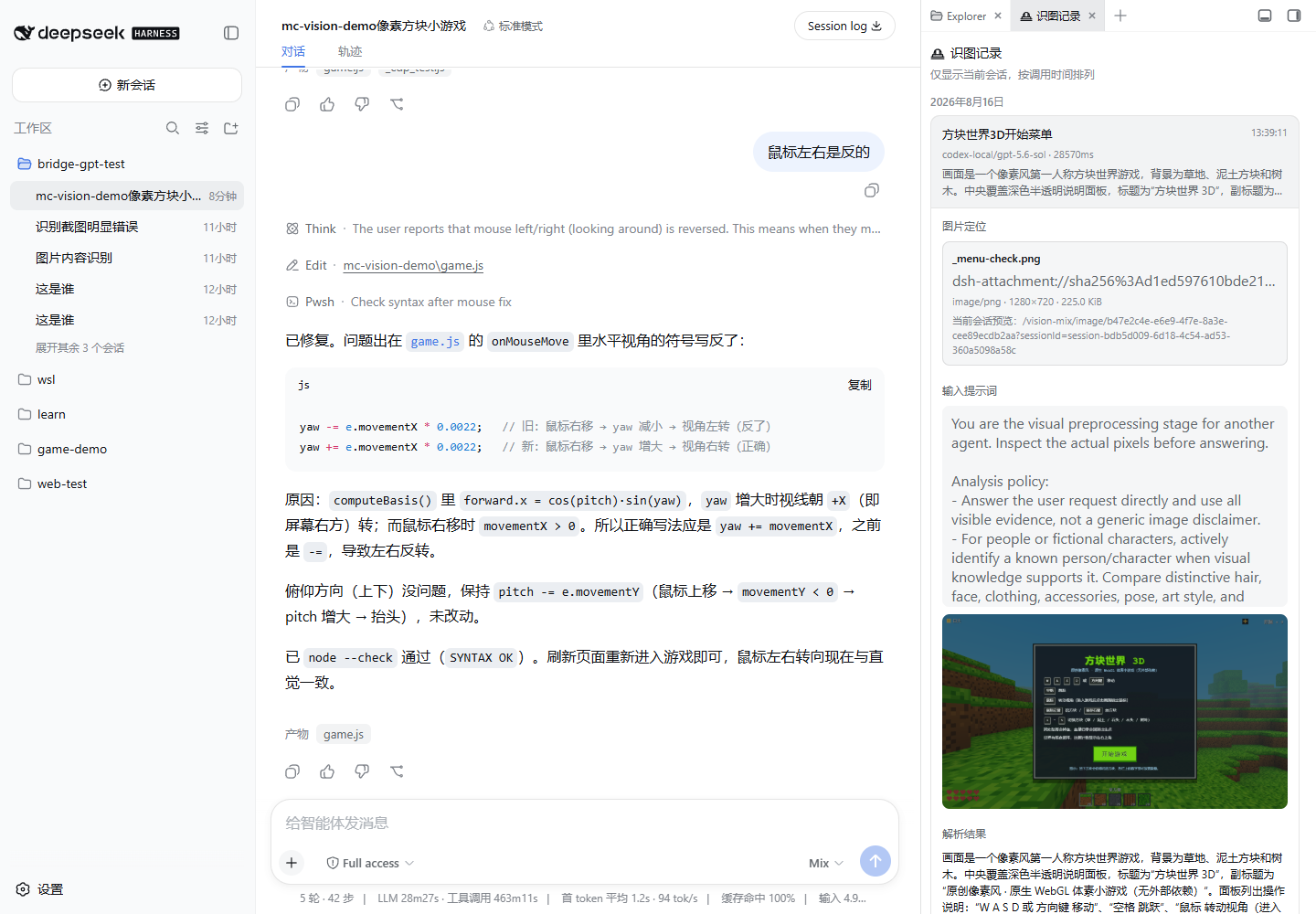
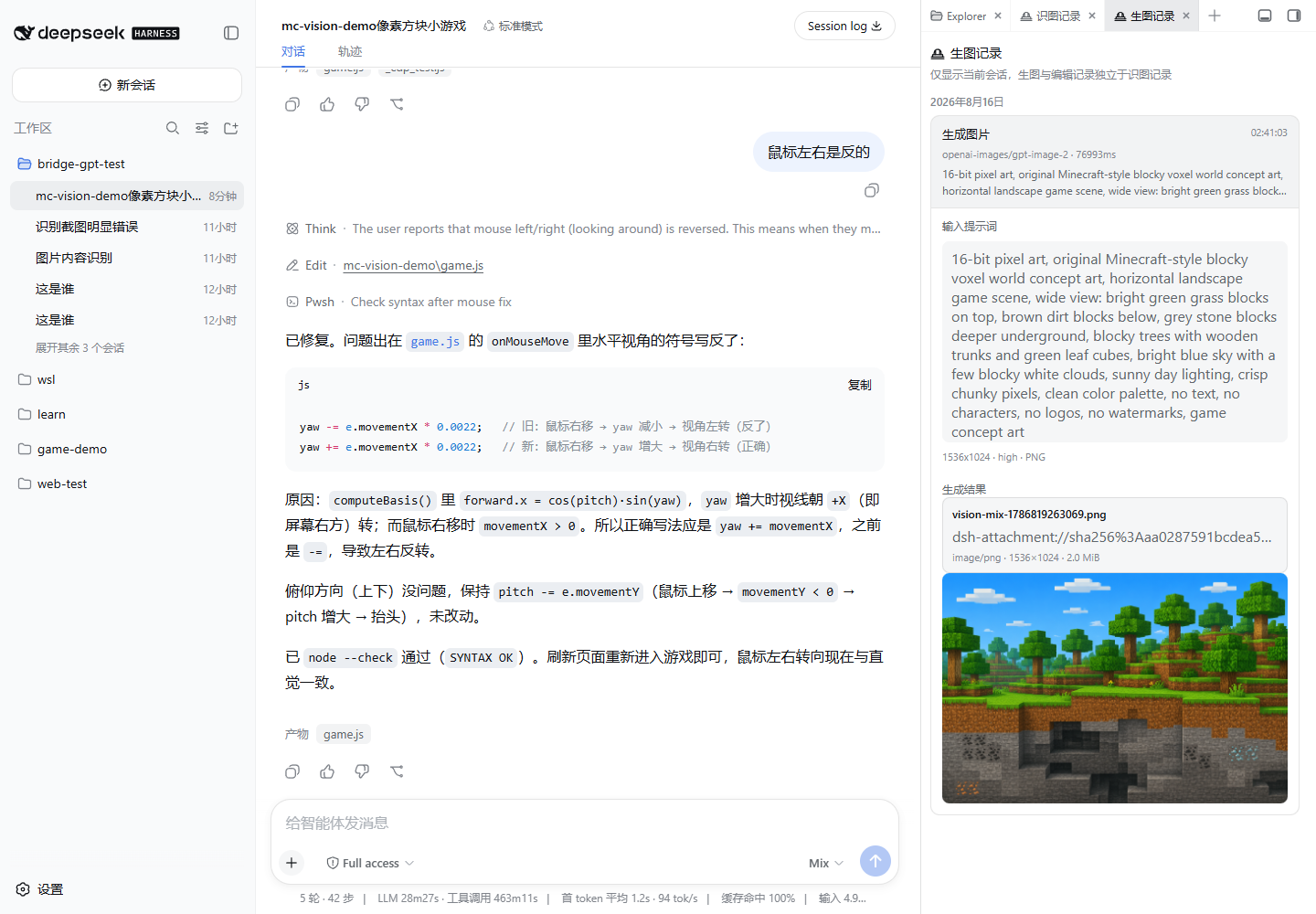
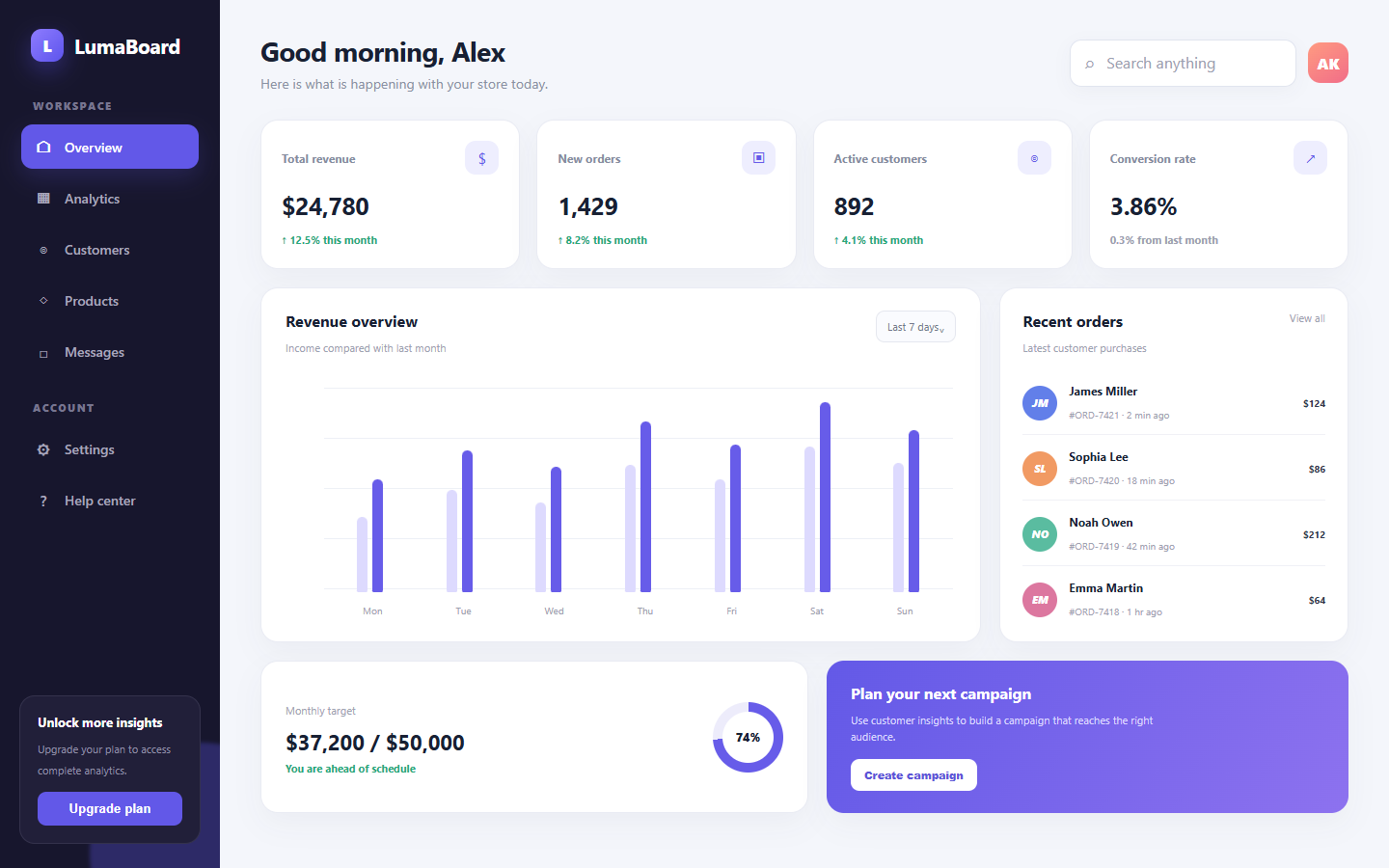
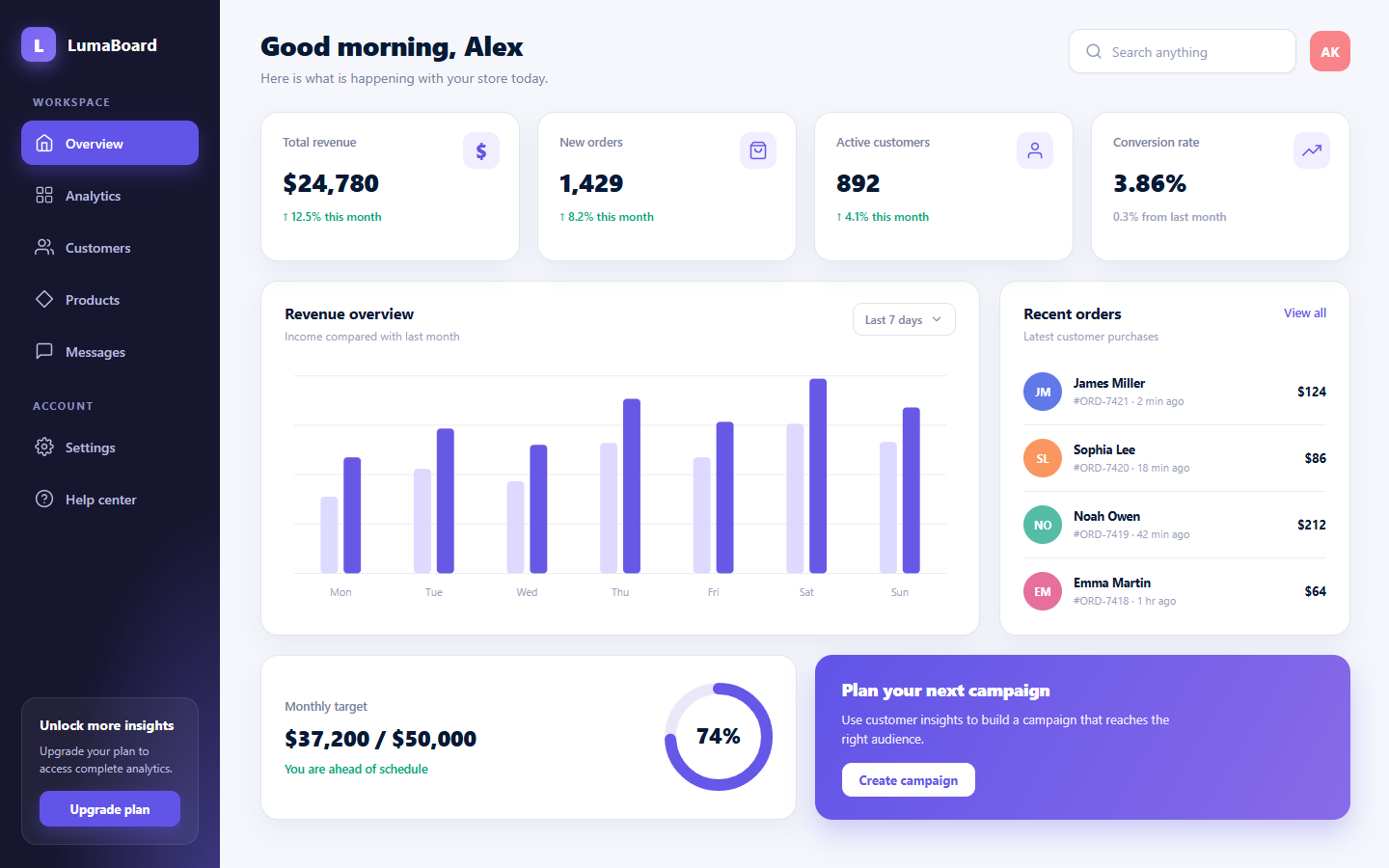
In DeepSeek Harness, many Agents are text-only by default, limiting their ability when users upload images or need to analyze web screenshots. The dsh-vision-mix plugin addresses this gap by combining text, vision, and optional image generation APIs into a cohesive 'Mix' model, empowering Agents to recognize, deeply understand, and even follow up on images. Its core strength lies in intelligent routing: the plugin automatically distinguishes between plain text, newly uploaded images, or ambiguous follow-up questions, dispatching the appropriate model accordingly. For instance, when a user asks 'What else is in this picture?', it re-reads the most recent image; for vague cues like 'Give more details', an intent model can decide if image analysis is needed again. Additionally, the plugin supports independent image generation and editing, letting users create new images or modify existing attachments directly. For developers or users seeking visual enhancement, dsh-vision-mix offers flexible configuration—assign different models and Providers to image recognition, base chat, and image generation, and safely enable image capabilities through testing tools. Whether you're building multimodal Agents, want an Agent to interpret design drafts and generate code, or need a chat assistant with image processing skills, this plugin integrates seamlessly into existing workflows, boosting overall intelligence and interactivity.
Screenshots
Use Cases
- Recognize and analyze content in user-uploaded images
- Understand web screenshots or design drafts to aid code generation
- Continuously follow up on image details or edit images through dialogue
Best For
- Developers building vision-enhanced Agents
- Users wanting Agents to handle multimodal inputs
- Professionals working on design-to-code or image editing tasks
Related Plugins
A unified suite combining hot runtime injection, task-aware thinking-mode routing, and a graded session protocol with red-team gates to sustain model diligence across long-horizon inference.

ModLens is a vision plugin for DeepSeek Harness that gives text-only models sight by reading images pasted directly into chat, with zero-config setup and multiple vision engines.

On-demand vision for text-only DeepSeek Harness agents: built-in free keyless vision chain and 14 vision tools, routing image turns as tool calls to vision models with pixel fidelity, no Python needed, one-command install.

Give text-only models in DeepSeek Harness eyes, enabling image Q&A, long-screenshot OCR, UI restoration, and GUI visual tasks.