dsh-open-eyes
Run the following command in DeepSeek Harness:
dsh plugin install hyper-dsh-plugins/dsh-open-eyes
Paste the following prompt into your AI chat to install this plugin:
To install the dsh-open-eyes plugin in DeepSeek Harness, run the command dsh plugin install hyper-dsh-plugins/dsh-open-eyes and refer to the full source repository at https://github.com/hyper-dsh-plugins/dsh-open-eyes for more details.
About this plugin
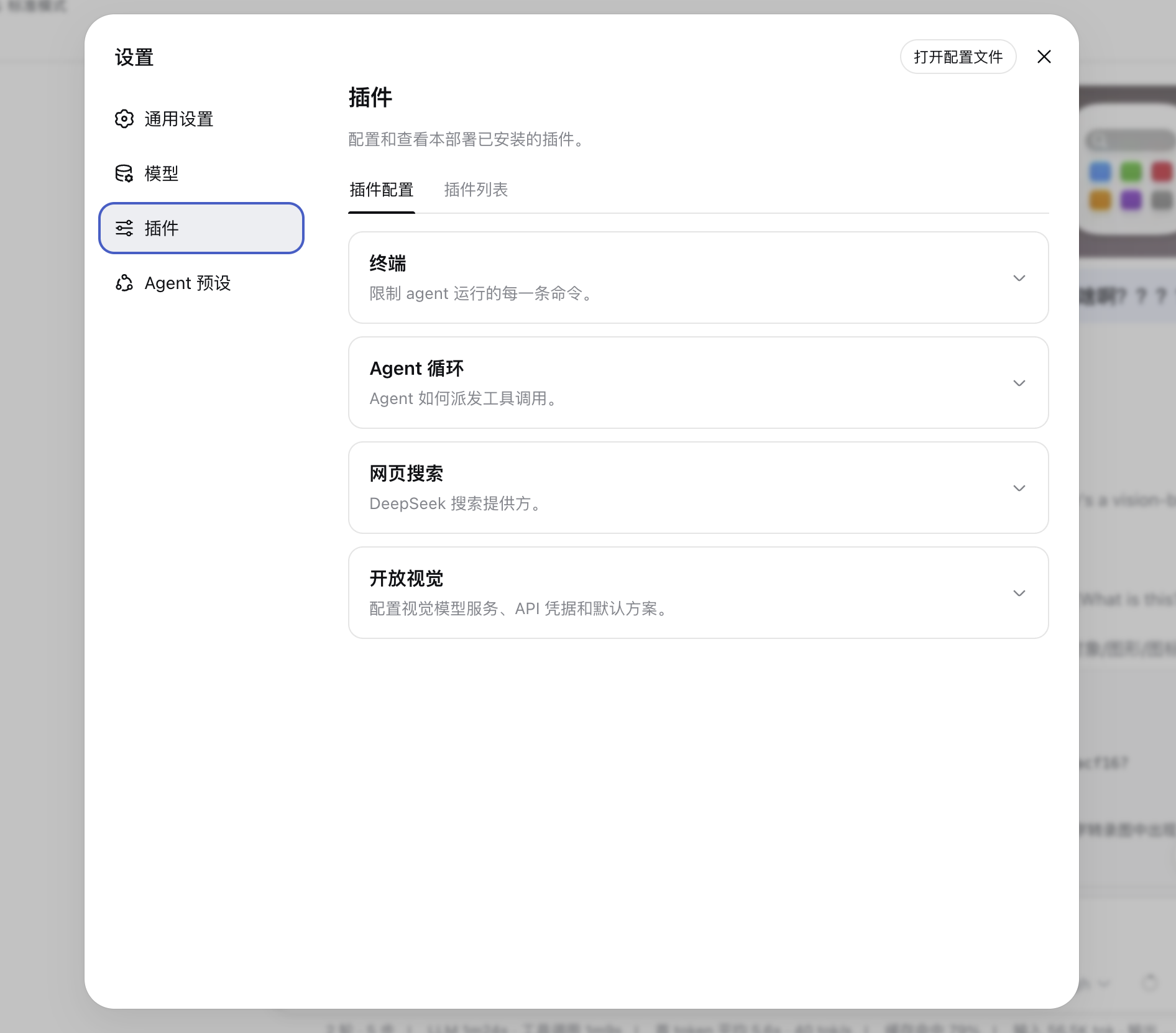
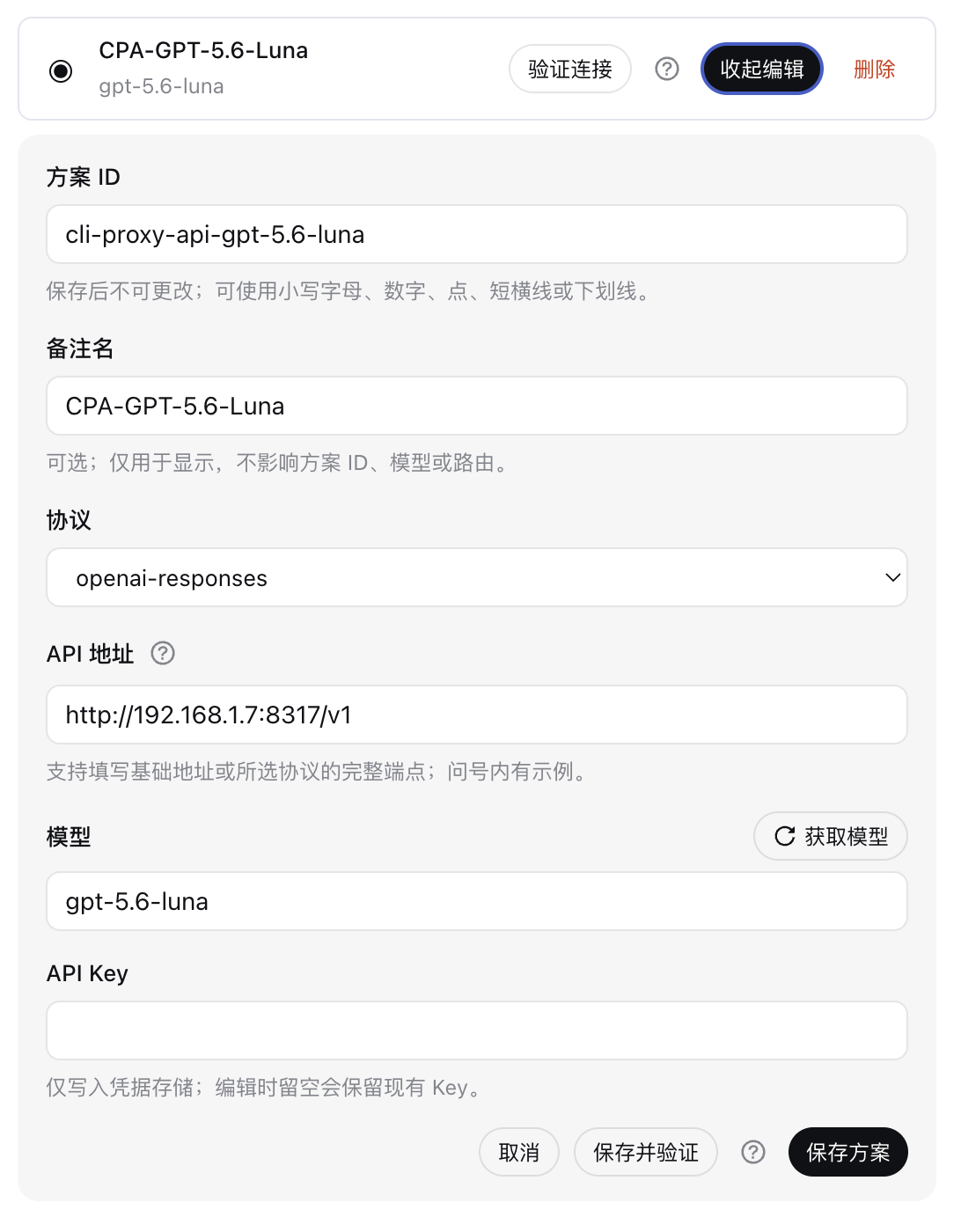
When using DeepSeek Harness, the main model may lack native image processing capabilities, leaving users unable to derive visual insights from attached images. dsh-open-eyes addresses this limitation by adding configurable vision support, enabling the delegation of image analysis to a multimodal model of the user's choice, such as OpenAI or Anthropic models. This allows visual tasks to be seamlessly integrated into conversations, with results returned as text for the main model to utilize, making images a part of the dialogue flow.
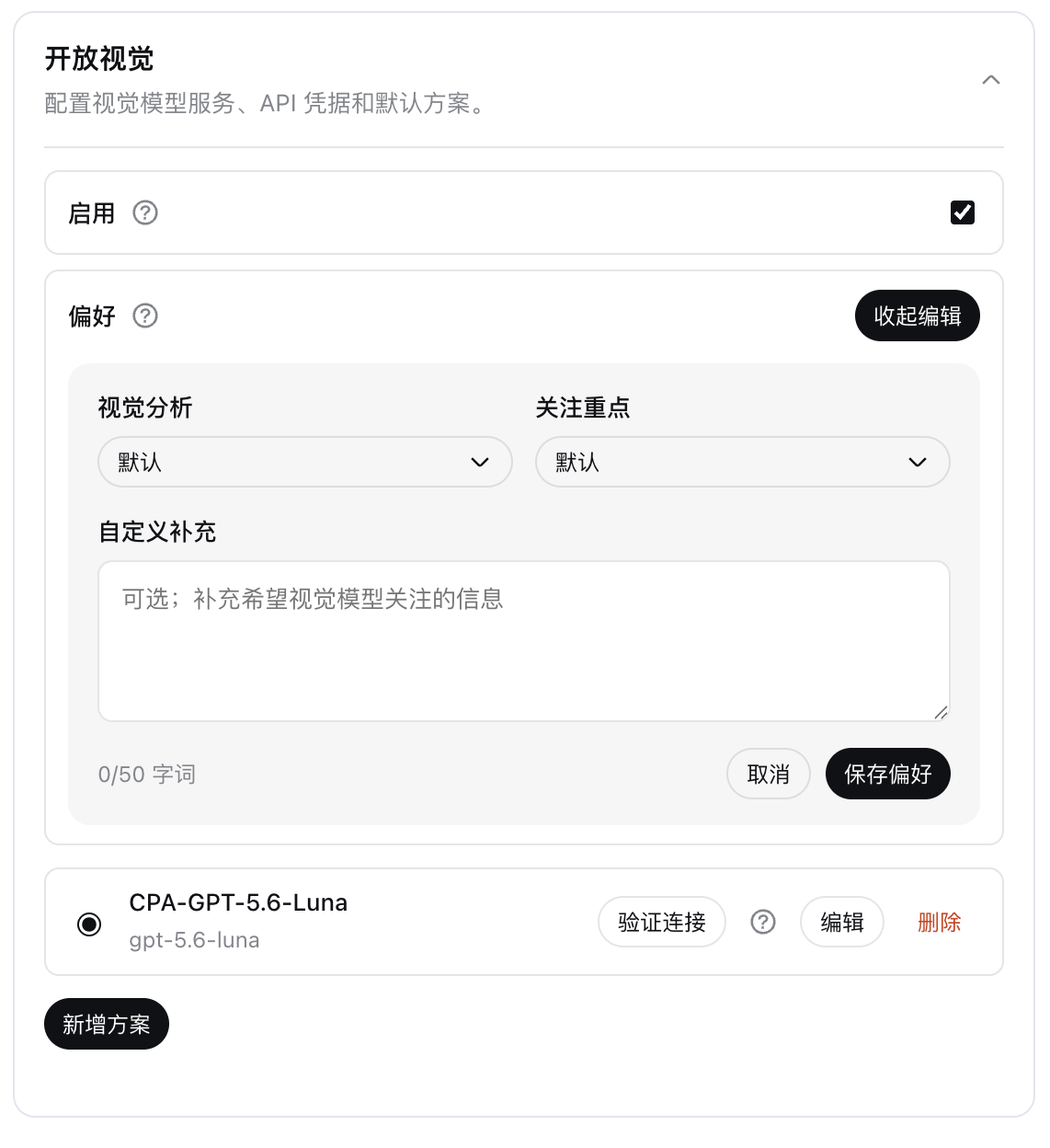
The plugin's core strengths lie in its flexibility and ease of use. Users can create multiple vision schemes in the settings, selecting different API endpoints and models, and switch the default scheme at any time. It also offers visual analysis preferences, such as focusing on text OCR, tables and charts, or interface layouts, to tailor the analysis process. All insights are returned as text, maintaining conversation continuity, while supporting local image files and controlled remote URLs.
dsh-open-eyes is ideal for a wide range of users, particularly those who rely on DeepSeek Harness but need image processing that their main model cannot provide. Developers testing image recognition features, researchers analyzing chart data, or everyday users seeking to extract information from photos will all find value in this plugin. It prioritizes privacy and security, with API keys managed through DSH credentials, local image processing by default, and remote URLs disabled unless enabled, ensuring data safety.
Screenshots
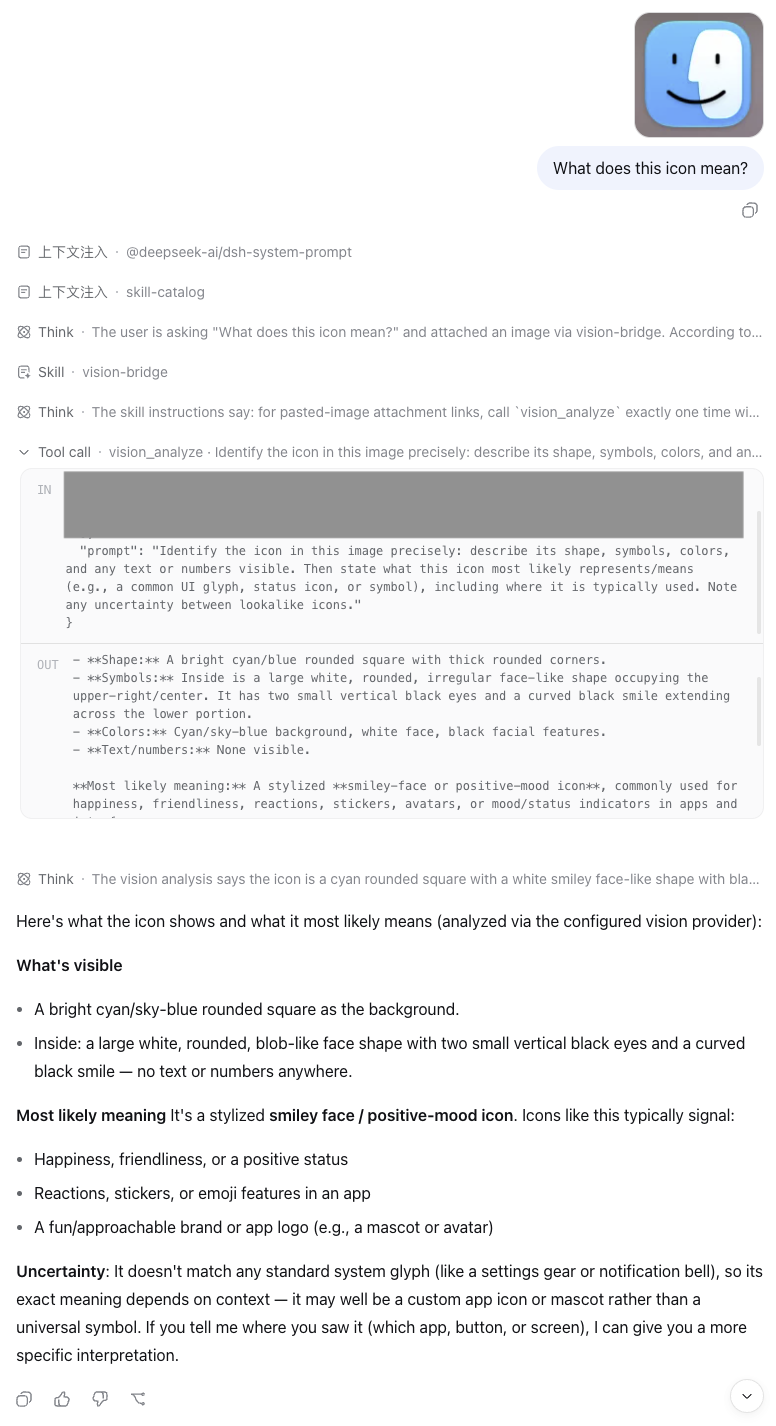
Use Cases
- Analyze error screenshots for diagnosis
- Extract data from charts or tables
- Inspect interface layouts and designs
Best For
- Developers needing image analysis without native model support
- Researchers working with visual data
- Everyday users seeking to extract information from photos
Related Plugins
A unified suite combining hot runtime injection, task-aware thinking-mode routing, and a graded session protocol with red-team gates to sustain model diligence across long-horizon inference.

ModLens is a vision plugin for DeepSeek Harness that gives text-only models sight by reading images pasted directly into chat, with zero-config setup and multiple vision engines.

On-demand vision for text-only DeepSeek Harness agents: built-in free keyless vision chain and 14 vision tools, routing image turns as tool calls to vision models with pixel fidelity, no Python needed, one-command install.

Give text-only models in DeepSeek Harness eyes, enabling image Q&A, long-screenshot OCR, UI restoration, and GUI visual tasks.