dsh-native-session-manager
Run the following command in DeepSeek Harness:
dsh plugin install WSL043/dsh-native-session-manager
Paste the following prompt into your AI chat to install this plugin:
In DeepSeek Harness, run the command dsh plugin install WSL043/dsh-native-session-manager to install the plugin, with the source code at https://github.com/WSL043/dsh-native-session-manager.
About this plugin
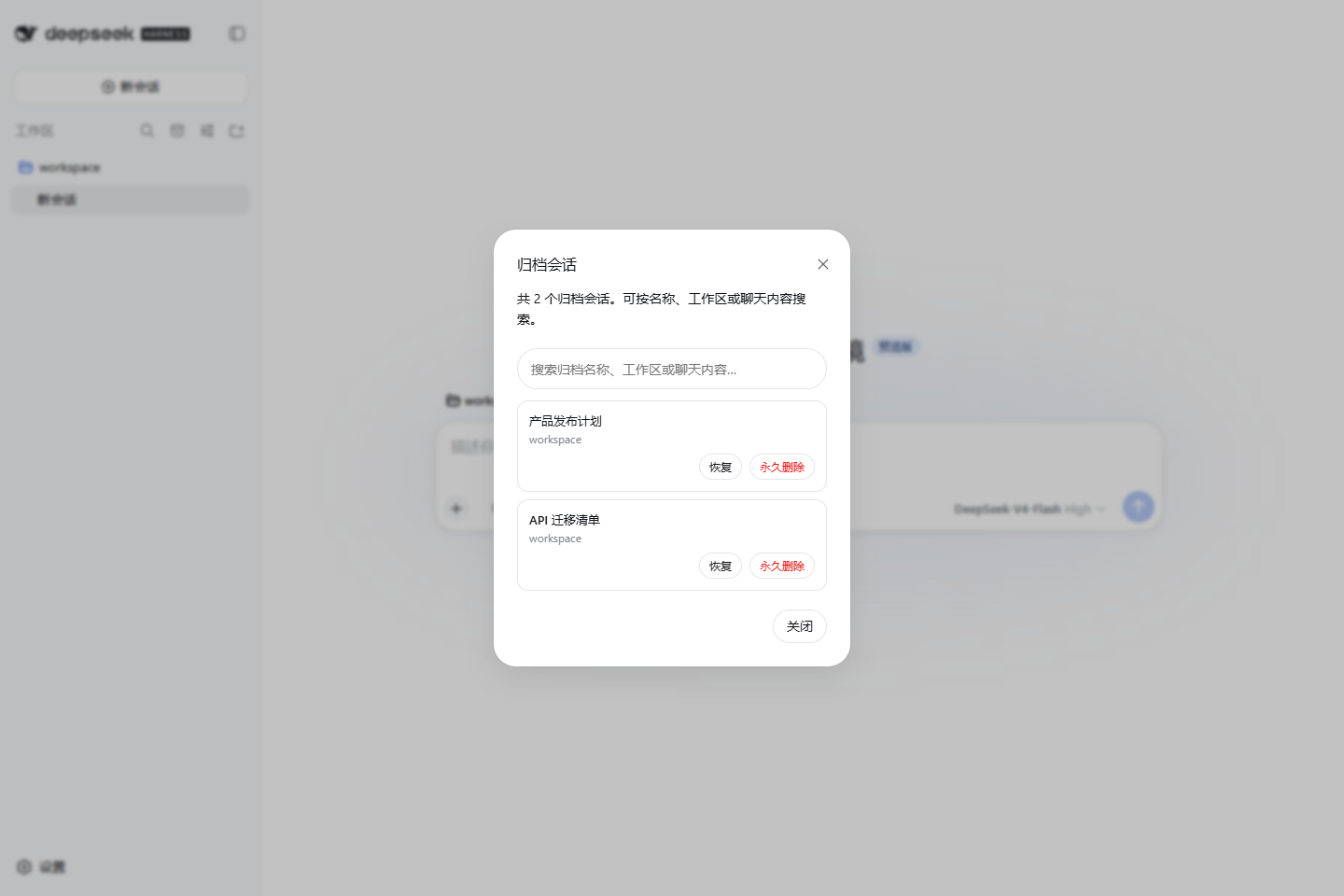
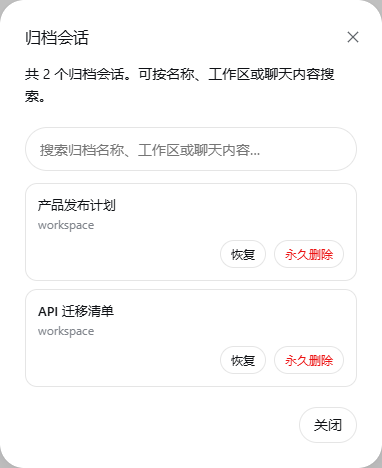
When using DeepSeek Harness for frequent conversations, users often struggle with cluttered sessions, difficulty locating historical records, or safely cleaning up unneeded entries. This plugin addresses these pain points by integrating archive management directly into the native sidebar, making session organization intuitive and efficient.
Its core capabilities include: browsing all archived sessions with a single click in the sidebar, and supporting flexible searches by session name, workspace, or chat content to quickly recover desired records. It also provides secure permanent deletion with a double-confirmation mechanism and automatic stopping of running tasks, ensuring a reliable cleanup process that prevents accidental data loss.
Whether you're a researcher tracing back discussions, a developer managing project dialogues, or a daily user aiming for a tidy sidebar, this plugin empowers you to effortlessly control your session history, boosting productivity while upholding data security and privacy.
Screenshots

Use Cases
- When needing to quickly recover old sessions from archives.
- When wanting to search historical chats by content to find specific information.
- When needing to securely delete unnecessary sessions to keep the sidebar tidy.
Best For
- Researchers who frequently use DeepSeek Harness for conversations.
- Developers managing dialogues for multiple projects.
- Any user who values data security and efficient session management.
Related Plugins

Memory layer for coding agents that indexes local session history and auto-recalls relevant context before edits, commands, and failures, with no manual search needed.

Traceable, searchable cross-session memory for AI agents that turns conversation knowledge into a typed knowledge graph and recalls relevant subgraphs instead of replaying full history, natively integrated with DeepSeek Harness.
Gives DSH AI cross-session long-term memory, to-do and skill management, plus multi-session orchestration, external AI delegation, and an infinite canvas that grows with you.

dsh-mnemon is a three-tier, pluggable, Agent-driven memory system for DeepSeek Harness, combining Runtime memory, Project Documents, and replaceable Memory Spaces with nine long-term providers.