dsh-at-file
Run the following command in DeepSeek Harness:
dsh plugin install FSMargoo/dsh-at-file
Paste the following prompt into your AI chat to install this plugin:
In DeepSeek Harness, open the plugin manager and run dsh plugin install FSMargoo/dsh-at-file, or install from the source at https://github.com/FSMargoo/dsh-at-file, then restart dsh web to load version 0.6.8.
About this plugin
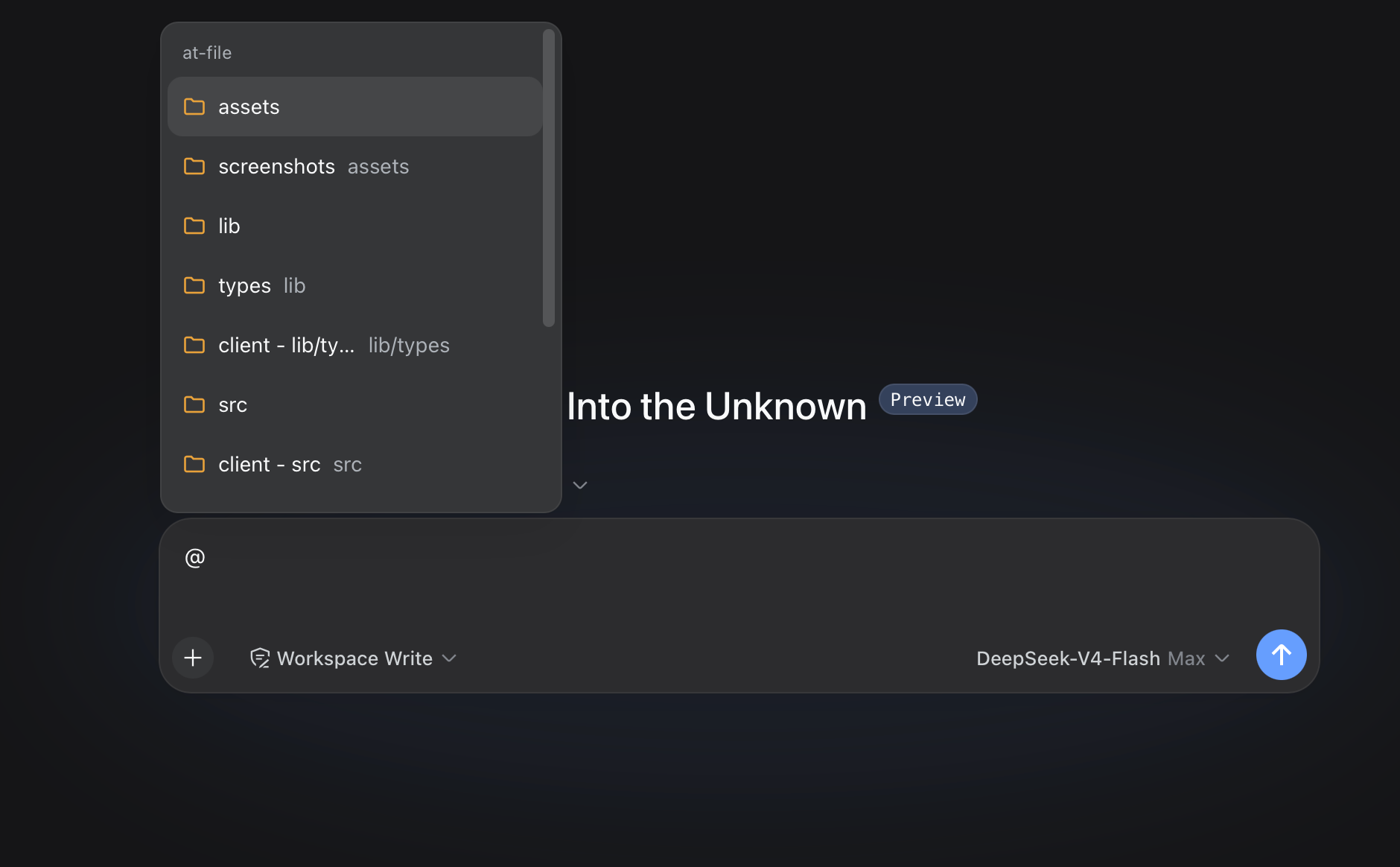
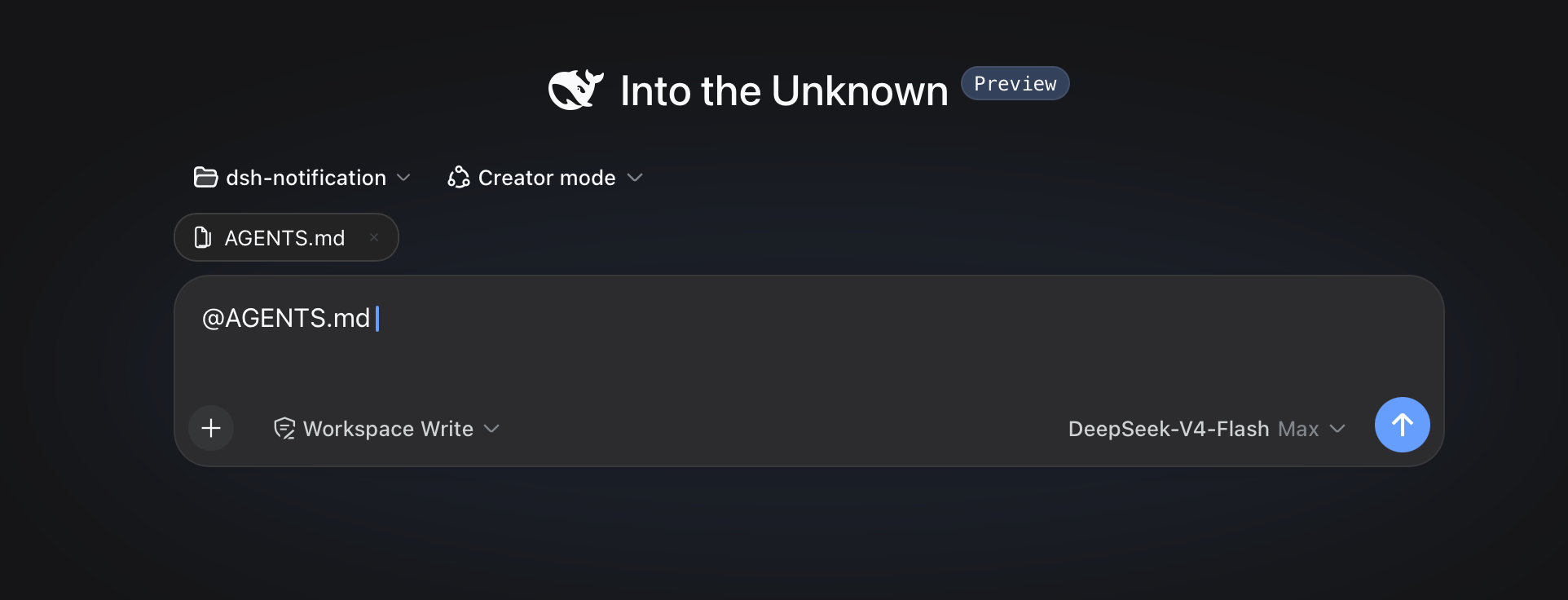
When you need to reference a file or directory inside a prompt in the DeepSeek Harness web interface, copying a full path by hand is tedious, error-prone, and easy to get wrong. dsh-at-file solves this in the most natural way: type @ in the composer, and a picker opens for the current workspace. Search by filename or path segment, select a result, and the path stays visible in your draft as a reference marker with its own bar for opening or removing. It turns "referencing a file" into a flow that feels as smooth as typing, not an extra interruption.
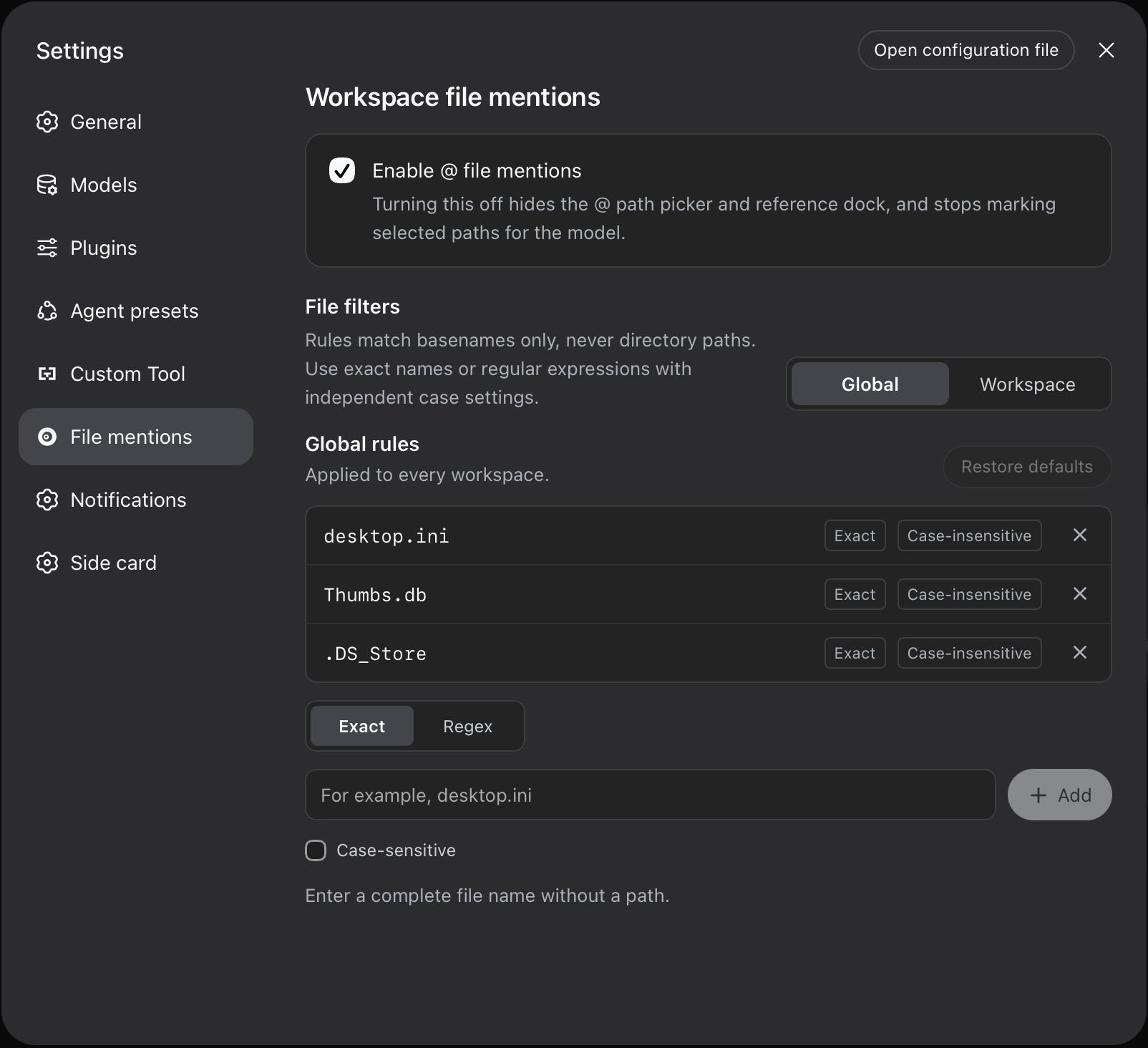
The core capabilities all revolve around path references. The picker matches filenames intelligently, supports ordered path-segment queries, lets you drill into directories with ArrowRight, and uses built-in icons to distinguish folders, source files, PDFs, images, archives, and more. The default index skips common IDE metadata, dependency trees, caches, and build output, keeping results uncluttered. You can also manage file-name filters per workspace or globally, with Exact and Regex modes plus independent case sensitivity. Path handling is deliberately safe: only workspace-relative paths are accepted, absolute and escaping paths are ignored, and pasted @ tokens are treated as plain text by default to avoid accidental references.
This plugin is for anyone running an existing DeepSeek Harness setup who wants a complete workspace reference workflow without migrating right away. It is especially useful for developers who frequently point an agent at specific source files, config files, or documents and want to verify the path exists before the task starts. Since the official DeepSeek Harness release now ships built-in @file support, this plugin is maintained on a best-effort basis for existing installations rather than as the recommended path for new setups.
Screenshots
Use Cases
- Quickly search and reference workspace files or directories by typing @ in the composer
- Accurately specify source, config, or document paths in prompts without manual path errors
- Configure per-workspace file-name filters to control indexing and search scope
Best For
- Developers using the DeepSeek Harness web interface who need to reference workspace files
- Existing plugin users who haven't migrated to the official built-in @file feature
- Prompt authors who want to verify paths exist before an agent task starts
Related Plugins
A unified suite combining hot runtime injection, task-aware thinking-mode routing, and a graded session protocol with red-team gates to sustain model diligence across long-horizon inference.

ModLens is a vision plugin for DeepSeek Harness that gives text-only models sight by reading images pasted directly into chat, with zero-config setup and multiple vision engines.

On-demand vision for text-only DeepSeek Harness agents: built-in free keyless vision chain and 14 vision tools, routing image turns as tool calls to vision models with pixel fidelity, no Python needed, one-command install.

Give text-only models in DeepSeek Harness eyes, enabling image Q&A, long-screenshot OCR, UI restoration, and GUI visual tasks.