
Image Subject Background Replacement
Paste the following prompt into your AI chat to install this skill:
Install @showapi/image-subject-background-replacement-showapi by following https://skillhub.cn/install/skillhub.md.
About this skill
The problem
Replacing backgrounds for products, people, or pets often becomes a manual bottleneck in e-commerce images, posters, and social content: masking takes time, lighting can look unnatural, and outputs still need checks for watermarks and resolution. This skill turns that workflow into one asynchronous image task: provide subject_image and bg_img, then receive a watermark-free image, a quality report, and a presentable page. It is useful when generating several variants for manual review.
How it works
The core flow submits a task and polls for results:
- Input validation: accepts a public image URL or standard Base64, then runs basic compliance checks.
- Async submission: calls
execute_task.pyto start the job and returns onlytask_idwithout blocking. - Polling: calls
query_task.pyto check status and immediately surfaces key fields on each round. - Quality assessment: reports score and boolean checks for subject retention, watermark-free output, high resolution, and lighting consistency.
Boundaries
It fits clear, well-edged subjects and backgrounds with compatible lighting. If the score is low, use a sharper subject image or a more compatible background. If the subject is incomplete, heavily occluded, or the background lighting is clearly mismatched, results may be unstable. AppKey-less simulation is a preview only and does not represent real generation.
Screenshots
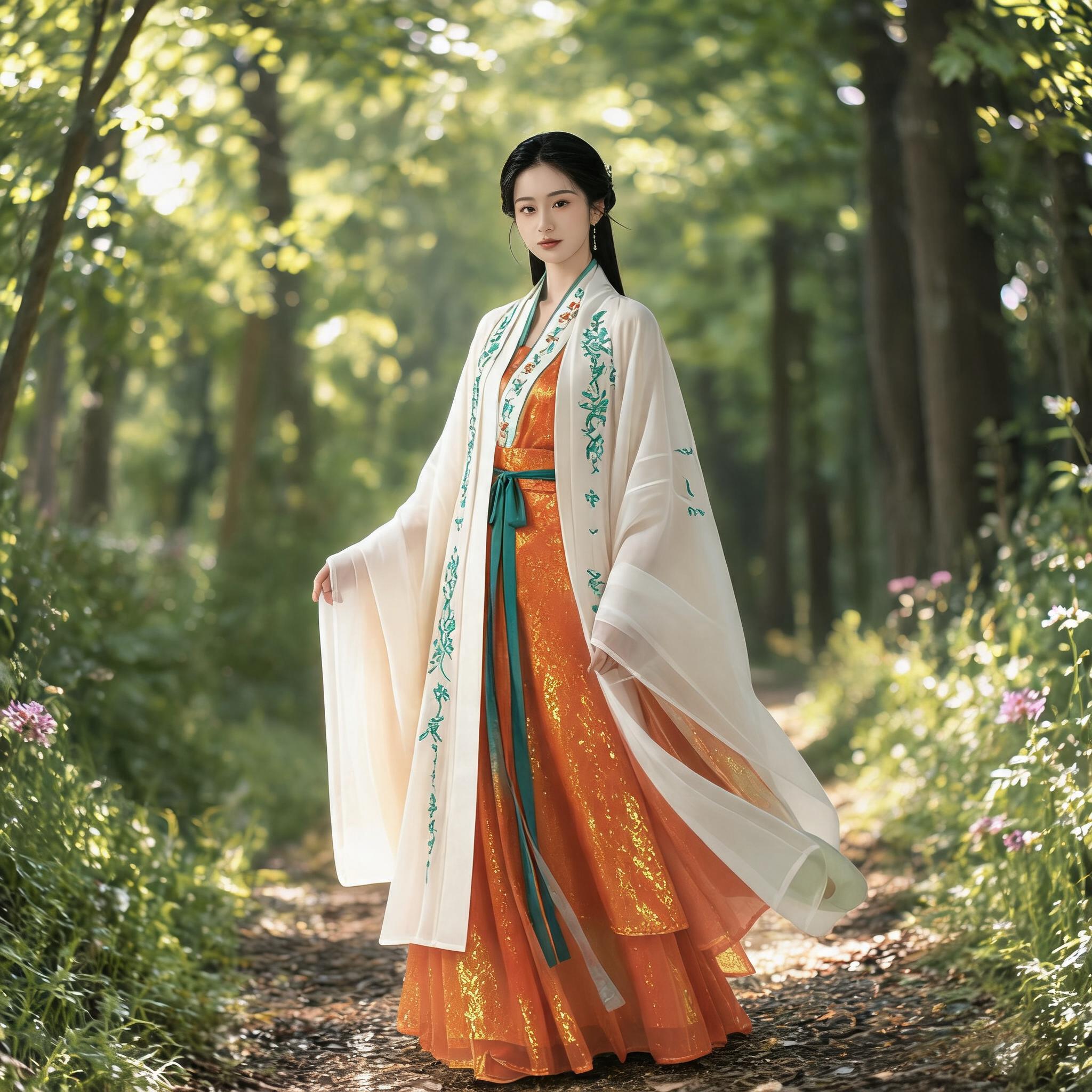
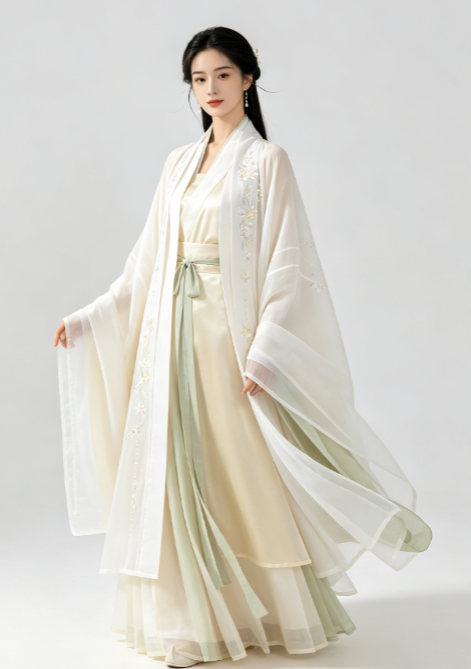
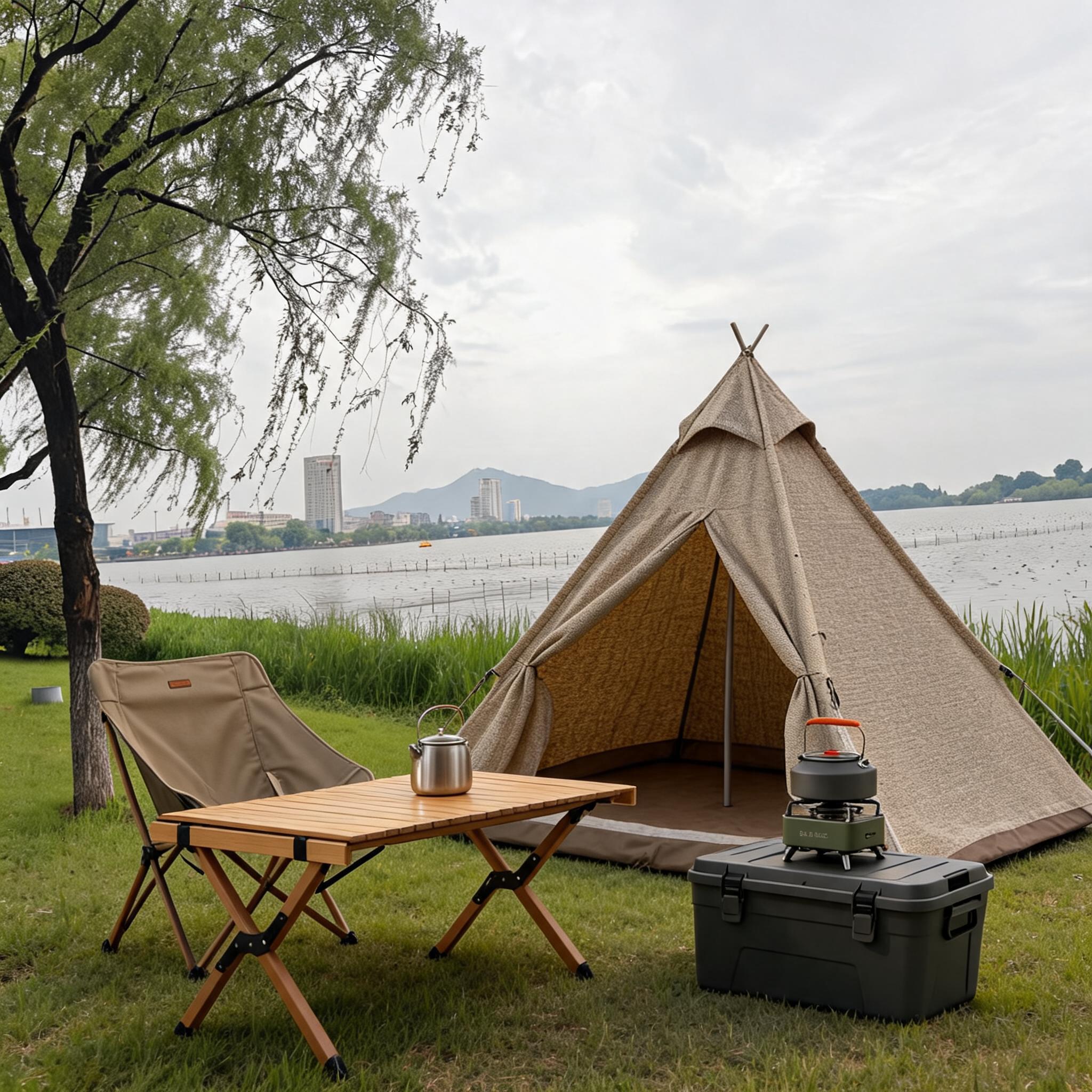
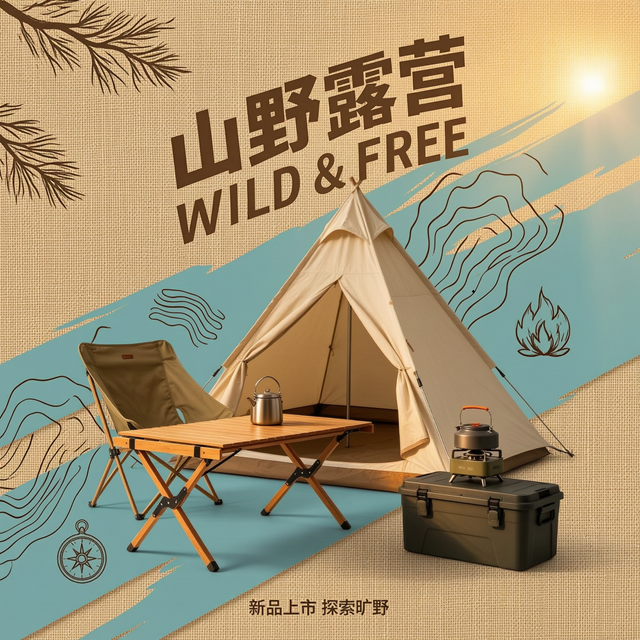
Use Cases
- E-commerce designer creates autumn main images for white sneakers by replacing the background with a fallen-leaf street and checking the quality score.
- Campaign operator produces a poster by compositing an indoor half-body selfie into a Paris Eiffel Tower night background and verifying edge and lighting consistency.
- Pet content account makes a cover by placing a cat or dog subject into a chosen landscape background and confirming subject retention without watermark.
- Asset editor processes a product image by submitting the subject and background as Base64, polling task_id, and exporting the watermark-free image.
Best For
- E-commerce designers who change product background images and need multiple background variants with quality scores.
- Campaign operators who create people or brand posters and need realistic scene compositing with consistent lighting.
- Pet content operators who place pet subjects into landscape or holiday backgrounds and need watermark-free exports.
- Engineers integrating ShowAPI who need async task submission, task_id polling, and quality report parsing.
Related Skills

Excalidraw Wrap is an Excalidraw-focused wrapper, with tags for TypeScript, GitHub, and automation.

Calibrate vague brand inputs, expose contradictions, distill a brand core and positioning boundaries, then stress-test the result into an executable brand skeleton.

Generate localized Chinese brand names, naming directions, slogans, and risk checklists with reusable templates and trademark search reminders.

A beginner-friendly photo analysis tool that infers shooting parameters from visual features and suggests post-processing, optimization, and learning keywords.