Team T-Shirt Design
Paste the following prompt into your AI chat to install this skill:
Please follow https://skillhub.cn/install/skillhub.md to install @showapi/tshirt-design-showapi.
About this skill
Problem to solve
A class or club T-shirt usually needs to do three things: match the team's theme, keep the front and back styles consistent, and give a quick preview of how the print will look on a real garment. Prompting an image model directly can lead to conflicting front/back elements, unpredictable print placement, and no try-on reference. This skill turns a class name, keywords, and style into a reviewable T-shirt design workflow with front/back artwork and a three-person preview.
How it works
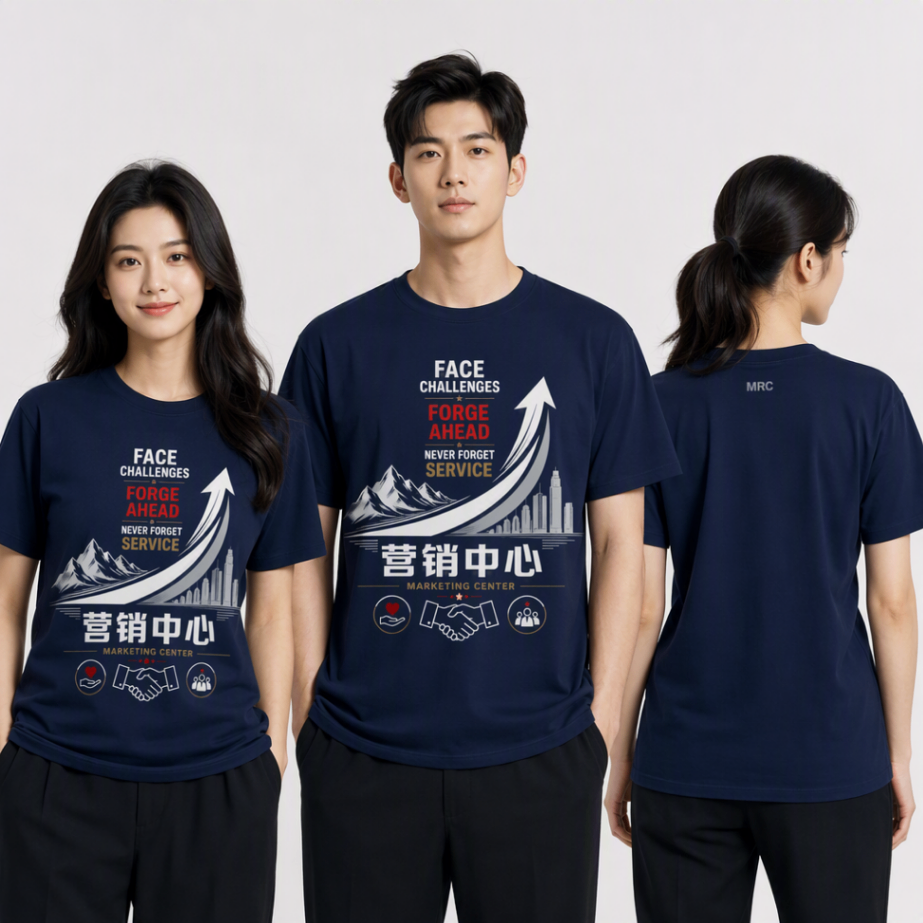
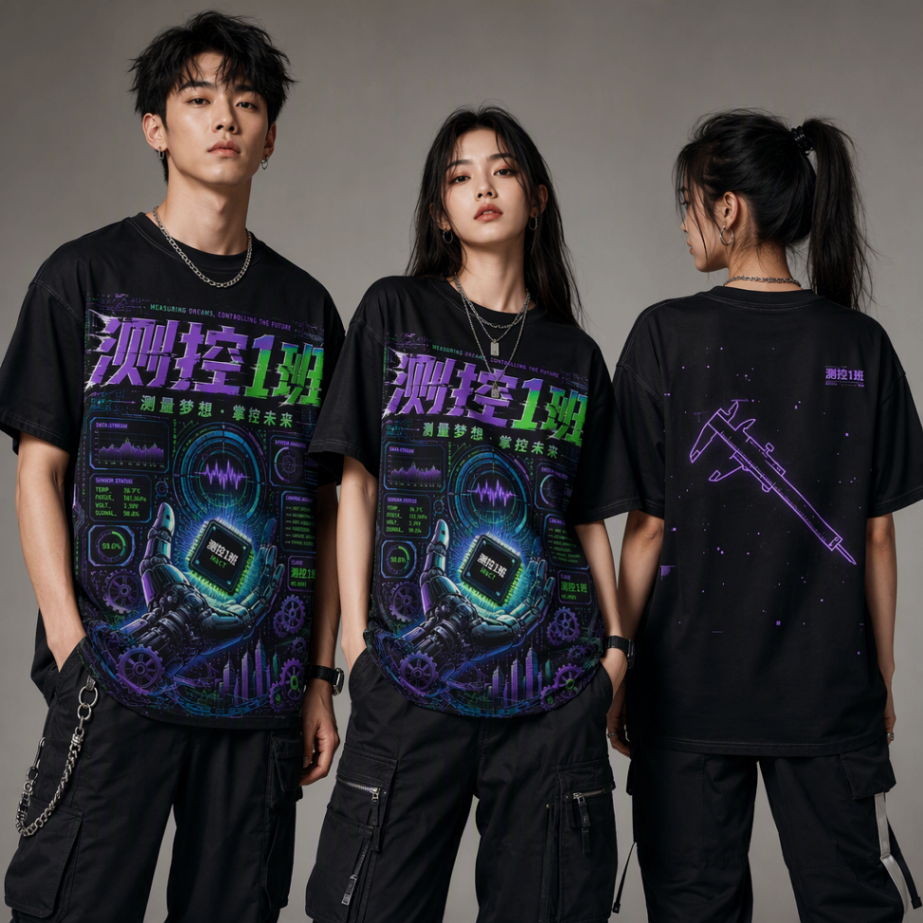
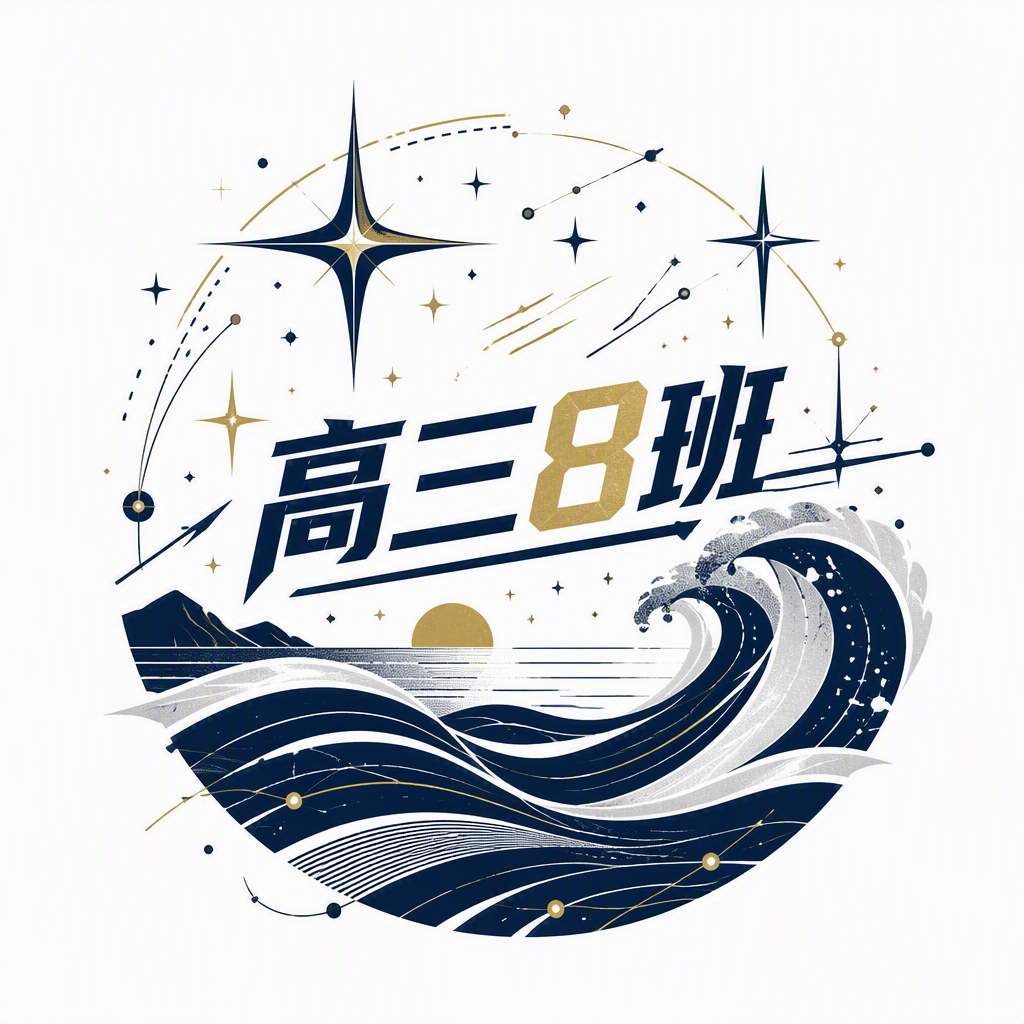
The required inputs are name, key_word, and style. The skill first validates the request and generates prompts for the front artwork, back artwork, and try-on image. The back design stays stylistically aligned with the front but is simplified. It then submits asynchronous front and back image-generation tasks and returns a task_id. The caller must poll the task status until the front artwork, back artwork, and three-person try-on image URLs are available. The output is typically three 1:1 images: a front design, a simplified back design, and a model try-on showing two female and one male figures, two facing forward and one from the back.
Scope and cautions
- Real generation requires
showapi_appkey; without it, the skill may run in simulation mode, which should be treated as a preview rather than a production result. - Tasks are asynchronous only; the
task_idis the handle used for polling. - Each polling response should be surfaced to the user promptly instead of waiting silently for the final result.
- This skill is best for class uniforms, club merchandise, and graduation-season garment previews, not for vector cutting files, print proofing, or garment manufacturing.
Screenshots
Use Cases
- Before graduation season, generate front/back T-shirt artwork from a class name and slogan, then review a try-on preview.
- When collecting class apparel ideas, use keywords and style to produce front/back drafts for comparison and voting.
- For club merchandise, input the club name, theme keywords, and guochao style to generate front/back and try-on previews.
- Before graduation-season reviews, turn a class slogan and cyberpunk style into T-shirt artwork previews to judge print fit.
Best For
- Class officers handling graduation-season uniforms: need to turn a class slogan and style into front/back artwork and a try-on preview.
- Club leaders organizing custom shirts: need to generate reviewable merchandise drafts from club name, theme, and style.
- Students producing campus-event visuals: need to convert slogans into T-shirt print options and check model fit.
- Owners assessing pre-prototype class apparel: need to compare front/back artwork and how the print sits on a garment.
Related Skills

Call Mew image and design APIs in two stages to create an emotional background and compose a share-ready quote check-in poster.

Generate felt-craft pendant designs, part breakdowns, and structured analysis from a product image or Base64 input.

A ComfyUI image-generation skill that uses a five-step dialog to collect prompts, prefill templates, confirm parameters, submit API jobs, and return results.

A design-system guidance skill for Impeccable that produces token-based rules, component states, accessibility criteria, and QA checklists.