Palm Analysis and Illustration
Paste the following prompt into your AI chat to install this skill:
Please install @showapi/palm-analysis-and-illustration-showapi into my AI assistant using https://skillhub.cn/install/skillhub.md.
About this skill
Problem to Solve
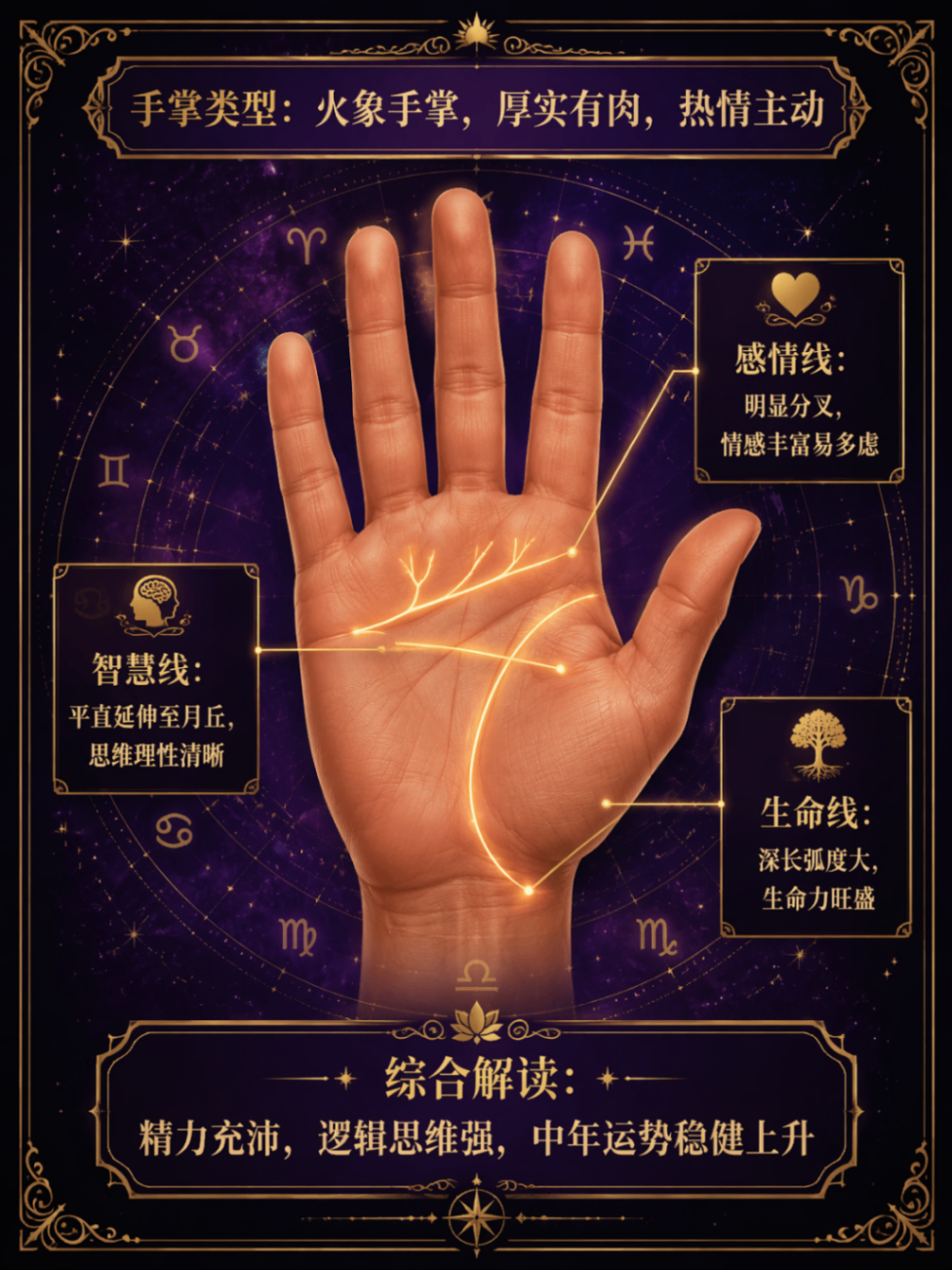
Palm-reading from a photo often combines visual line detection, interpretive text, and annotated image generation. Doing this manually means coordinating multimodal recognition, palmistry copy, image generation, task polling, and compliance checks. This skill packages that workflow into an asynchronous job: provide a Base64 image or URL, then receive a palmistry reading, a labeled illustration URL, and an entertainment-only disclaimer.
How It Works
The skill is organized around execute_task.py and query_task.py:
- Submission: accepts a clear palm photo and returns only a task_id.
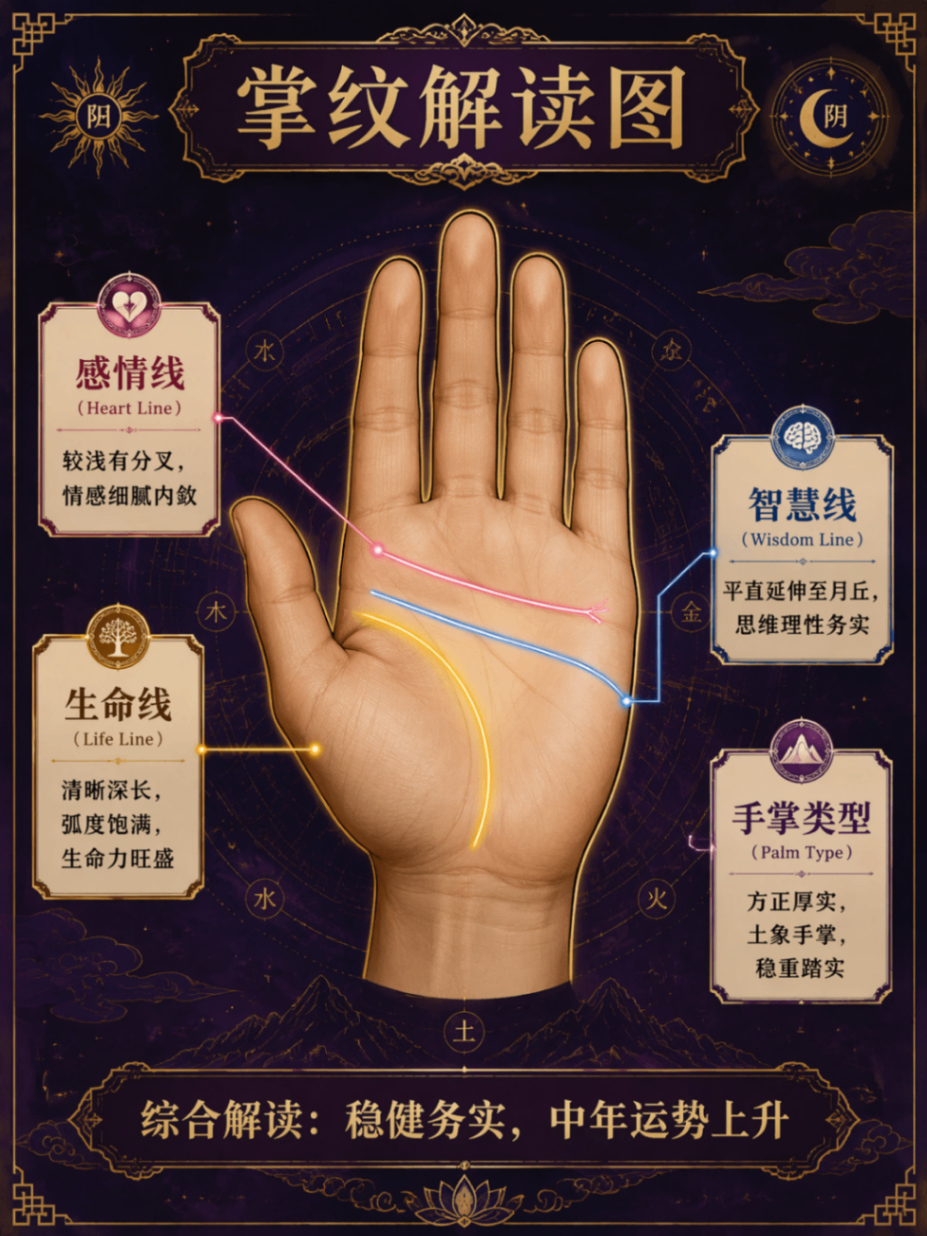
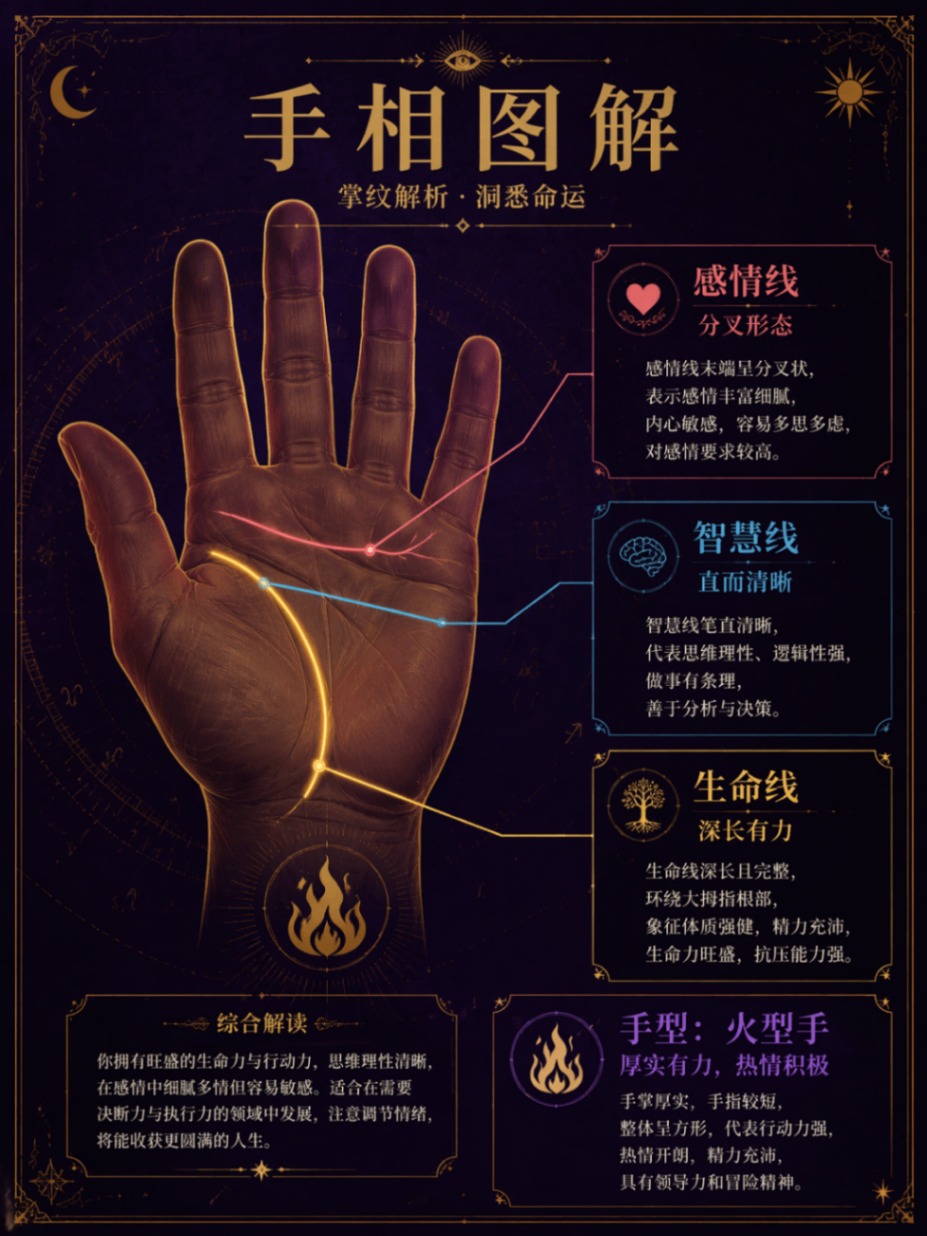
- Visual diagnosis: detects major lines such as the life, head, and heart lines, including depth, length, forks, and breaks.
- Text interpretation: generates personality and fortune notes based on traditional palmistry.
- Illustration generation: converts the detected features into an image prompt and produces a 3:4 image with Simplified Chinese labels.
- Polling: queries task status until text, image, and disclaimer are available.
Boundaries
It is useful for entertainment, social sharing, and report previews. It should not be used for medical, legal, investment, or major life decisions. Real calls require a ShowAPI AppKey; without one, the system returns a one-time mock preview instead of running the asynchronous scripts. The input image must show clear palm lines, and generated content is subject to safety checks.
Screenshots
Use Cases
- After a user submits a palm photo, quickly generate a labeled palmistry report for fun sharing.
- Campaign operators building a fortune feature need palm photos converted into shareable readings.
- Frontend engineers integrating ShowAPI need async task submission and polling for text and image.
- QA engineers verifying the flow need to preview mock results without an AppKey and check disclaimers.
Best For
- Social-content operators who need palm photos turned into shareable illustrated readings.
- Frontend engineers integrating ShowAPI who need async task submission and polling.
- Product owners who need entertainment-only output with clear disclaimers.
- Independent developers who need to reuse task submission and query scripts.
Related Skills

Call Mew image and design APIs in two stages to create an emotional background and compose a share-ready quote check-in poster.

Generate felt-craft pendant designs, part breakdowns, and structured analysis from a product image or Base64 input.

A ComfyUI image-generation skill that uses a five-step dialog to collect prompts, prefill templates, confirm parameters, submit API jobs, and return results.

A design-system guidance skill for Impeccable that produces token-based rules, component states, accessibility criteria, and QA checklists.