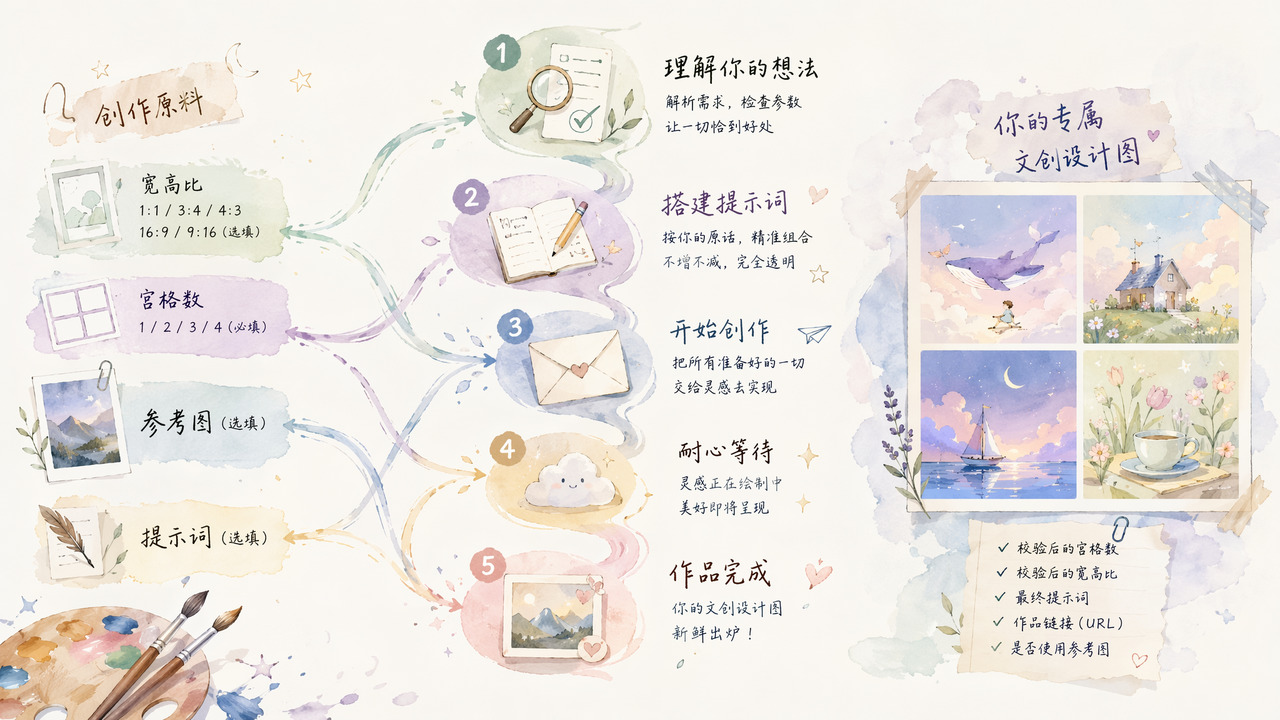
ShowAPI Creative Design Image Generation
Paste the following prompt into your AI chat to install this skill:
Please follow https://skillhub.cn/install/skillhub.md to install @showapi/creative-design-image-generation-showapi.
About this skill
Problem It Solves
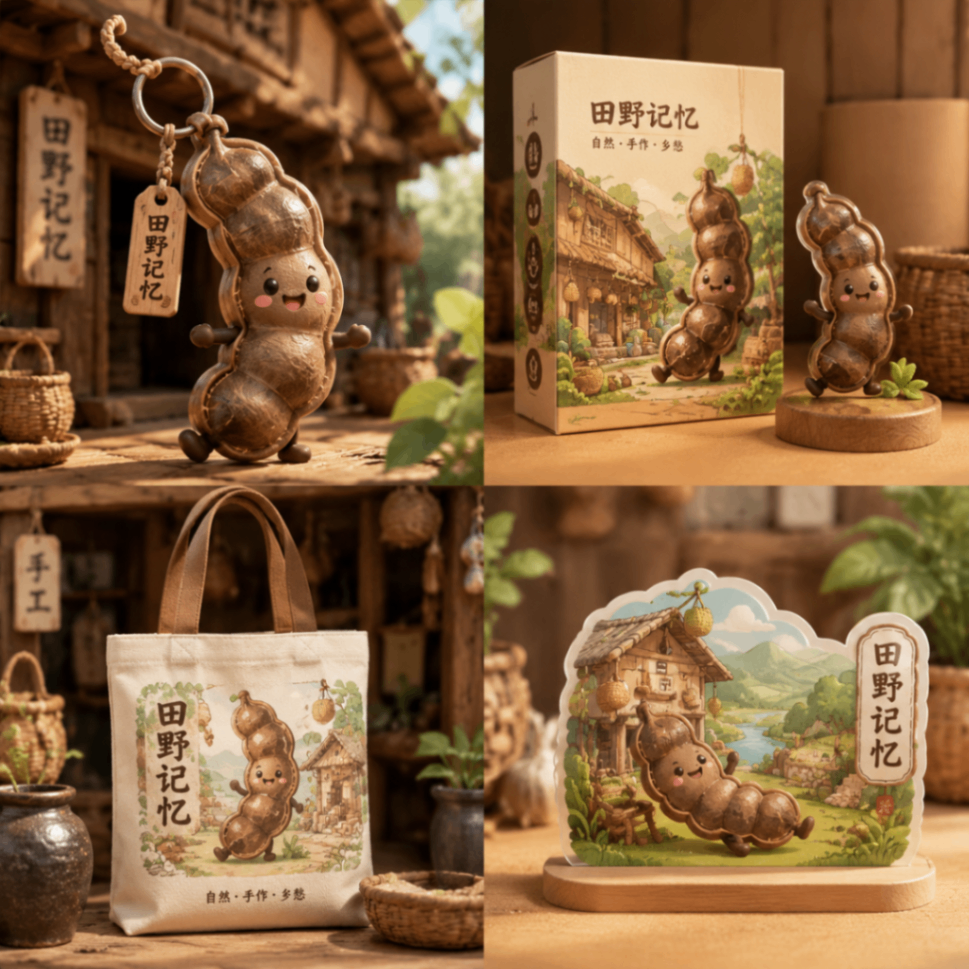
This skill targets creative design image generation as a controlled pipeline rather than free-form prompt expansion. It turns a request into a checkable workflow: the user supplies a theme, optional reference image, grid count, and aspect ratio; the skill submits a generation task and tracks the async result until the image URL is returned. It is useful when engineers or product workflows need to turn “4-grid poster”, “reference-image style extension”, or “single-image theme art” into concrete deliverables.
Workflow and Key Capabilities
- Parameter fallback:
grid_numsupports only1,2,3, and4; invalid values fall back to4. Aspect ratios such as1:1,3:4, and16:9affect the final canvas. - Mechanical prompt construction: prompts are assembled from validated parameters without semantic rewriting, making the generation process more predictable.
- Async execution: real calls first submit a task and return a
task_id, then poll the query endpoint; each poll should surface current status to the user. - Result handling: the final output includes the image URL, the effective grid count and aspect ratio, and the constructed prompt; results are usually rendered in an HTML page with the image first.
Boundaries
Without showapi_appkey, the skill uses a mock call that returns a one-shot preview result and does not run execute_task.py or query_task.py. Mock output is only for previewing effects and should not be treated as real production output. Real calls require a ShowAPI AppKey, and all tasks are forced to run asynchronously rather than synchronously.
Screenshots

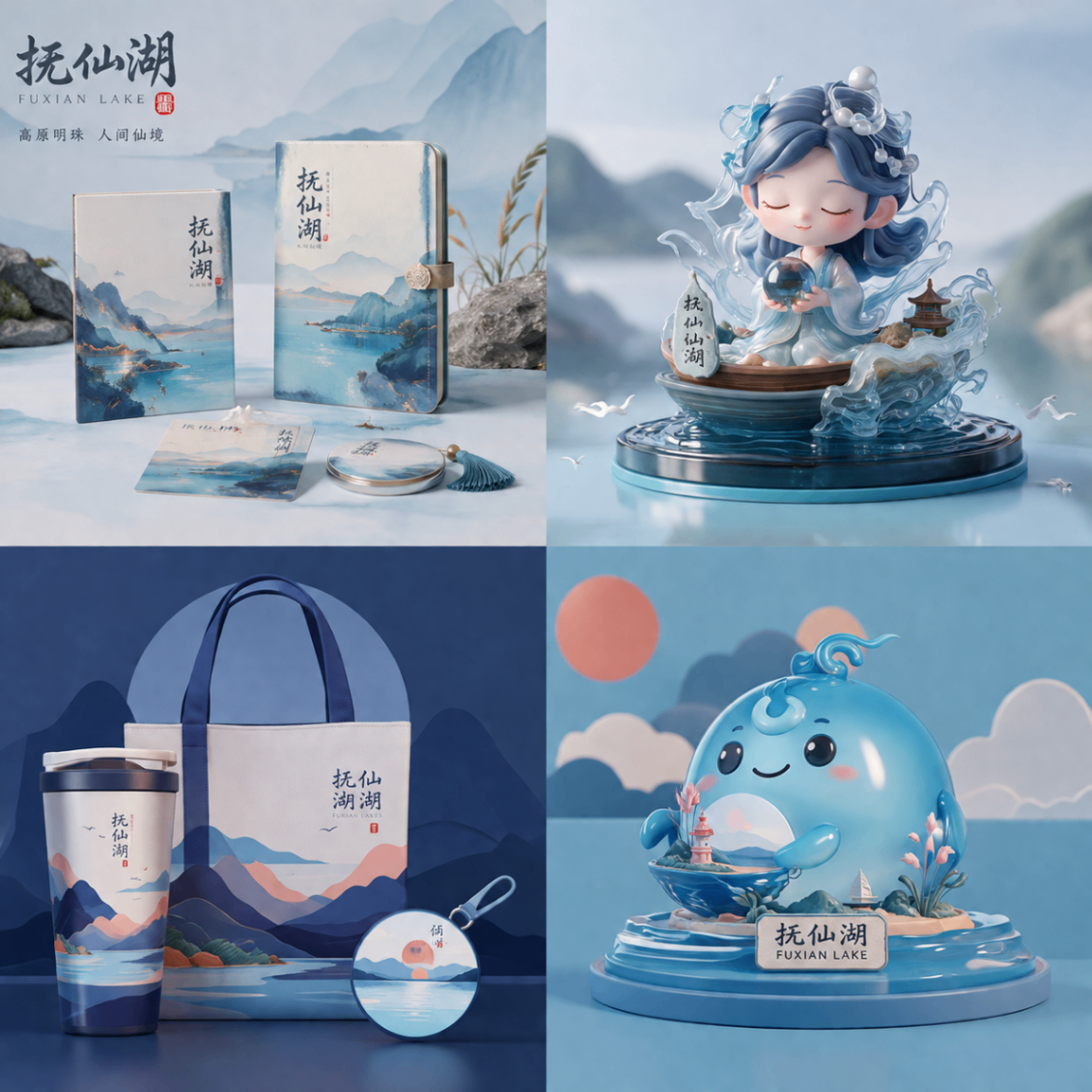
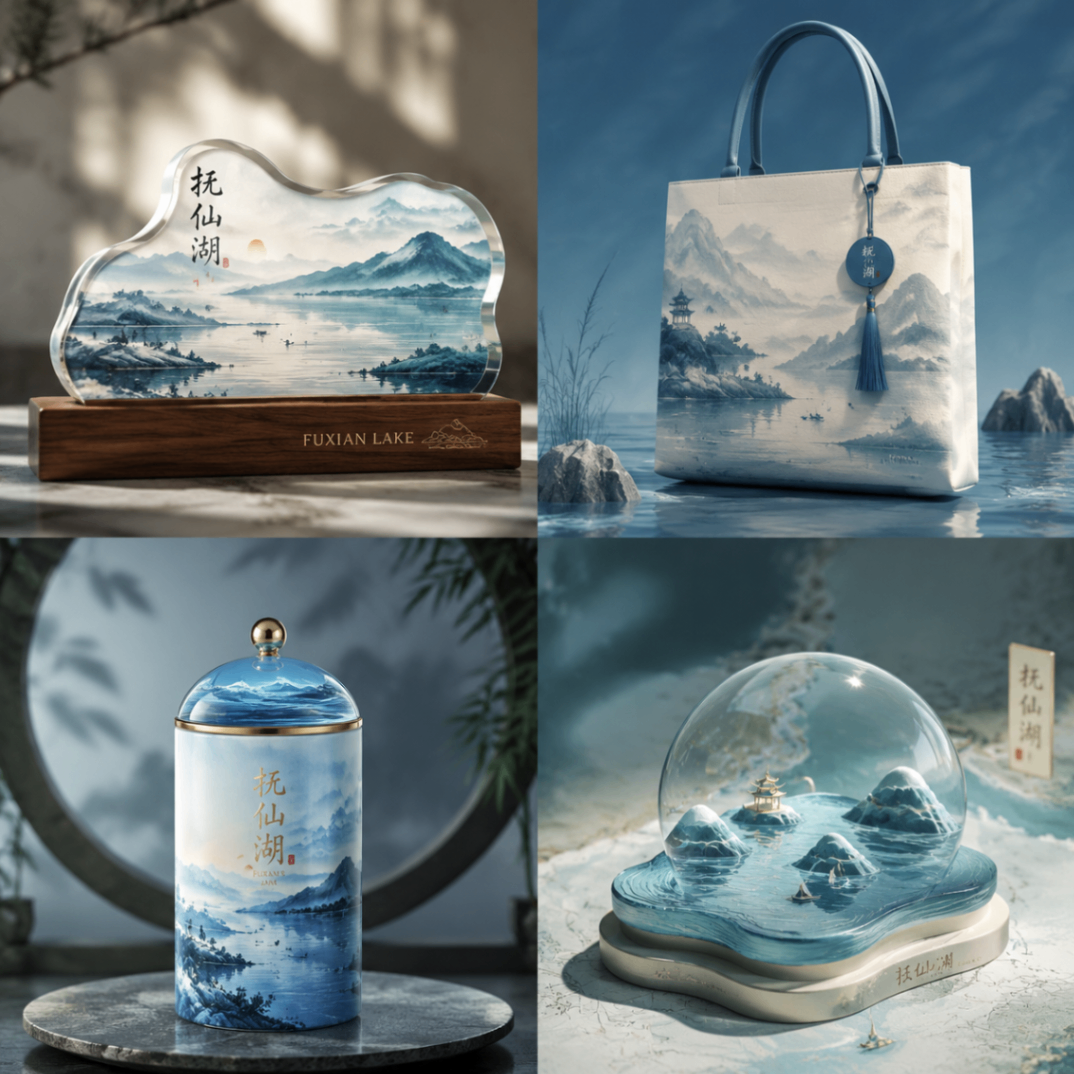
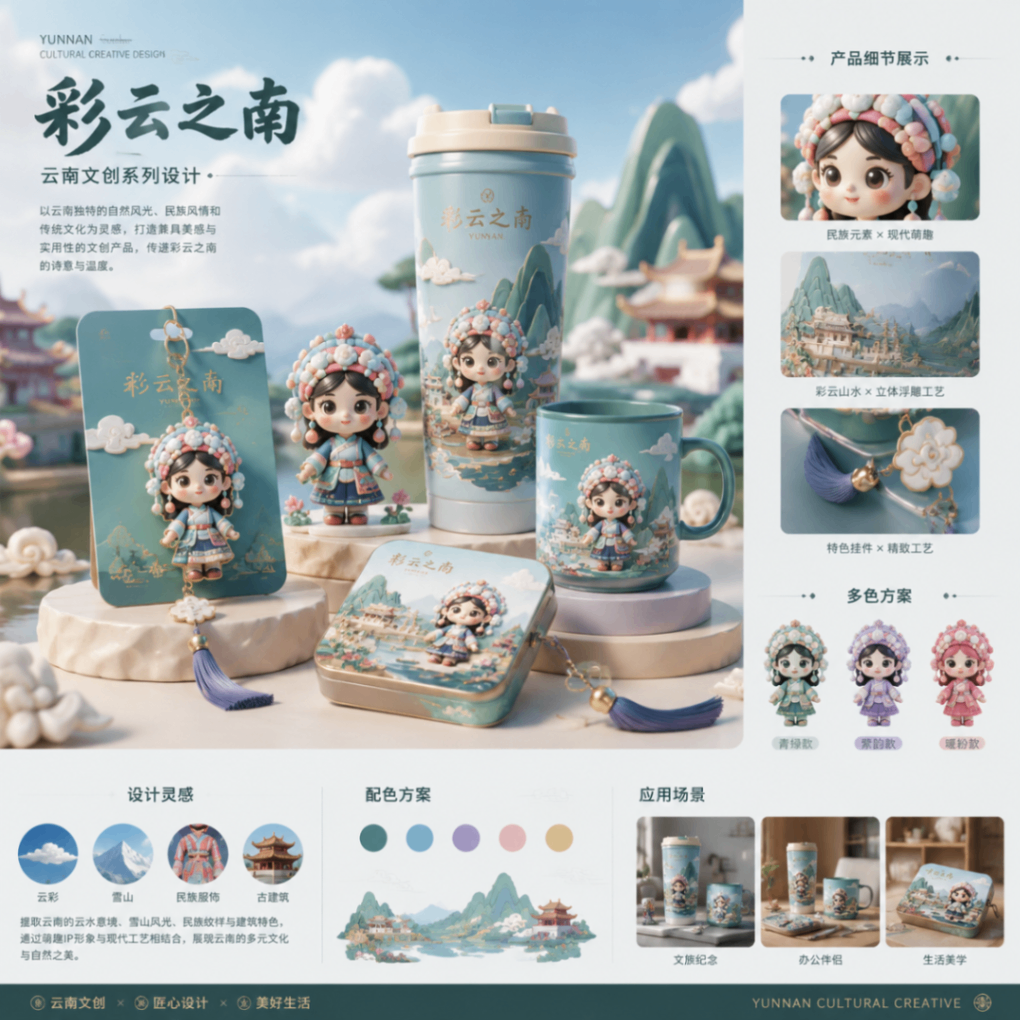
Use Cases
- When planning a holiday poster, set theme, grid, and ratio to generate a 4-grid image.
- With a reference image, extend the same visual style into a 2-grid 16:9 landscape layout.
- For a single campaign page, generate one cyberpunk image at 3:4 and poll for the URL.
- When debugging image generation, check grid fallback, prompt assembly, and async task status.
Best For
- Content design engineers who need poster themes converted into verifiable image URLs.
- Campaign operators who need weekly 4-grid or reference-style layouts for landing pages.
- Frontend integration engineers who need to debug task submission, polling, and result rendering.
- Product workflow owners who need grid and ratio parameters tracked into final outputs.
Related Skills

Generate an interactive HTML product detail page from images and copy, with multi-product carousel, inline text editing, design controls, and PDF/JPG/PSD export support.

Enter a material name to get preview and download links for free, commercially usable video assets, with paid platform options, pricing, and search suggestions when results are limited.

A local CLI for Dreamina image and video generation, including credit checks, async submission, result queries, and task history review.

An AI-guided workflow for Chinese video dubbing and subtitles that configures iFlytek or edge-tts, splits audio, generates SRT, and composes the final video.