
Intelligent Bid Writing Tool
Paste the following prompt into your AI chat to install this skill:
Please follow https://skillhub.cn/install/skillhub.md to install @user_ba095919/biaoshu-writer-power into your AI assistant.
About this skill
Problem
Bid teams spend time reading tenders, extracting clauses, drafting documents, and checking risks such as qualification, commercial, formatting, and similarity issues. Manual review can miss rejection red lines, scoring weights, or package requirements.
How It Works
The skill wraps the Bailian Bid open API as a conversational workflow built around three async tasks:
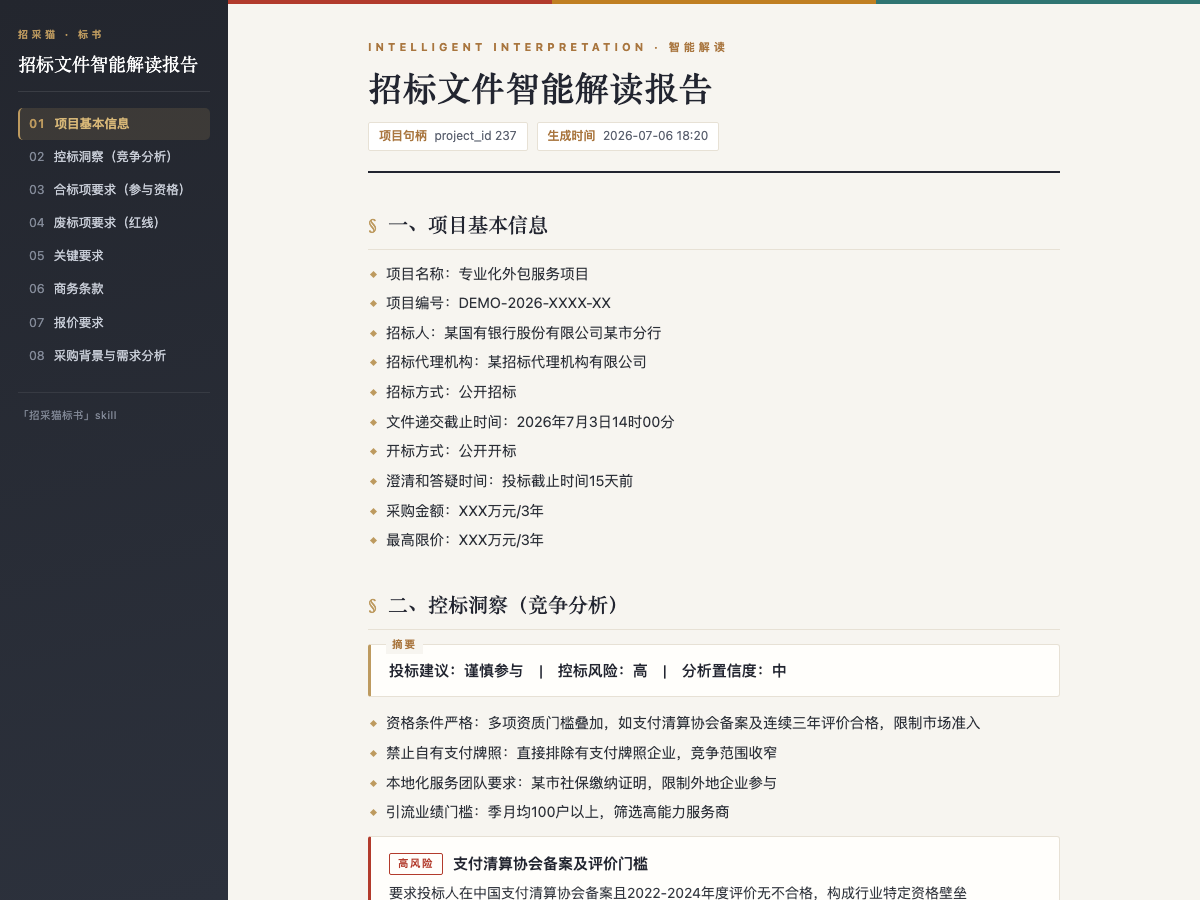
- Interpretation: accepts .pdf, .doc, or .docx tender files and returns project information, compliance items, rejection red lines, scoring criteria, commercial terms, pricing requirements, procurement background, and control-bid insights; exports HTML or Word reports.
- Bid writing: generates a .docx bid document from an interpreted project, up to about 500 pages, with table of contents, sections, fill-in bookmarks, and reusable project context.
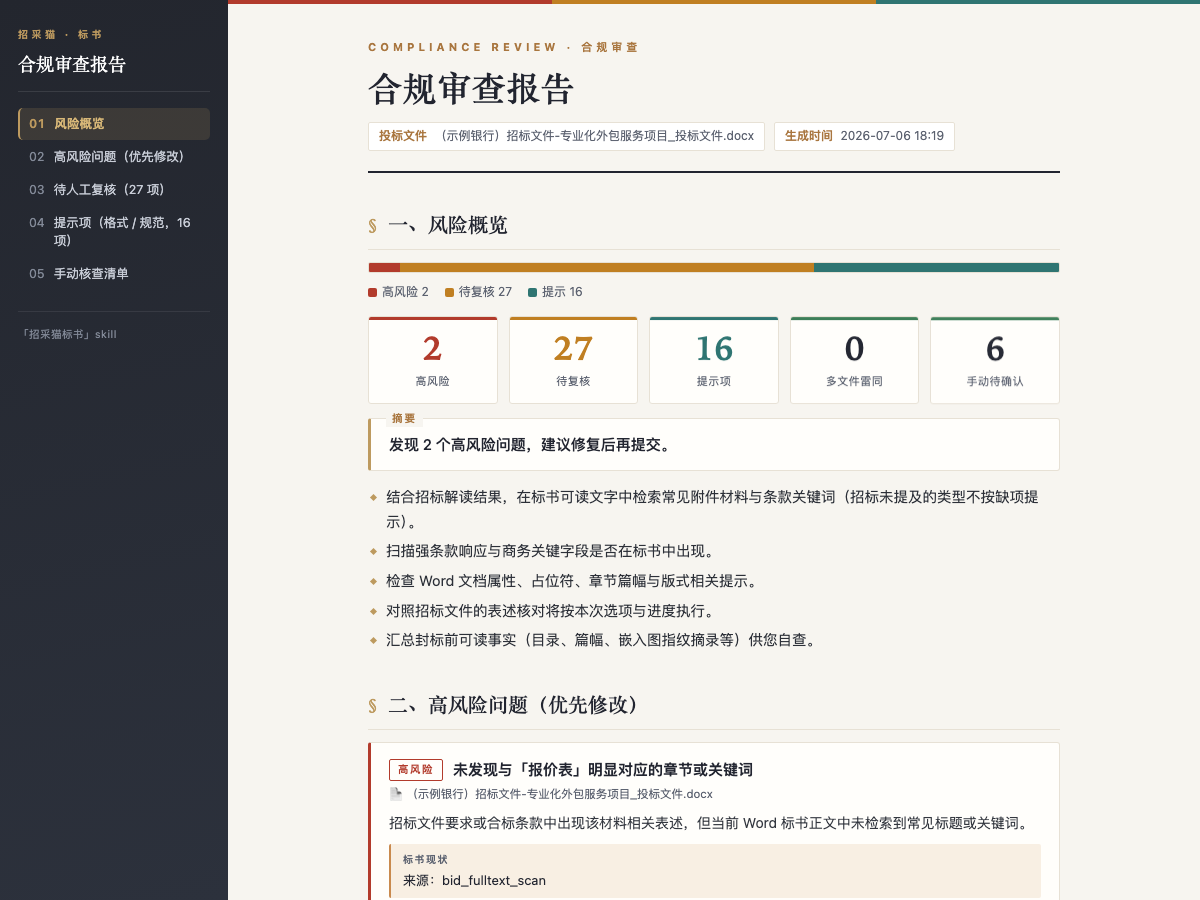
- Compliance review: checks one or more bid files and returns a risk list by high risk, needs review, and notice, with tender basis, bid evidence, suggested fixes, similarity detection, and manual check items.
Boundaries
A valid App Key is required; tender files are generally limited to 50 MB, and each bid file to 1024 MB. Generation consumes credits, and other API entry points may also require a positive balance before submission. Outputs include absolute report paths, pending items, and review scope; partial results must not be described as complete reviews.
Screenshots
Use Cases
- After receiving a tender, interpret scoring criteria, rejection red lines, and control signals before deciding to participate
- After selecting a package, generate an approximately 80-page bid draft with pending items marked
- Before submission, review multiple bid files for formatting, qualification, commercial, and similarity risks
- When only a tender notice snippet is available, confirm general bidding notes, then add files for tailored interpretation
Best For
- Bid leads: decide whether a project is worth pursuing and summarize rejection risks before submission
- Bid document writers: convert tender requirements into bid sections, placeholders, and a first draft
- Presales consultants: turn scoring points and control-bid signals into participation strategy and response notes
- Compliance reviewers: check formatting, qualifications, commercial terms, and similarity across bid files
Related Skills

Analyzes bidding documents, extracts key requirements and risks, and generates a structured WPS report.

Amazon US A9 Listing optimization workflow that uses Fast and Full tiers to combine PDP data, reviews, and trademark checks into copy-ready title, bullets, and backend search terms.

Scans a reimbursement folder, extracts ride, hotel, high-speed rail, and flight details, calculates allowances and discounts, and outputs a deduplicated report.

Stress-test product logic by challenging assumptions, demanding evidence, and pruning the idea to a minimal verifiable core.