DeepSeek Harness Plugins · Fun & Dress-up
Plugins that extend DeepSeek Harness (DSH) with vision, workflows, memory, web tools and more.
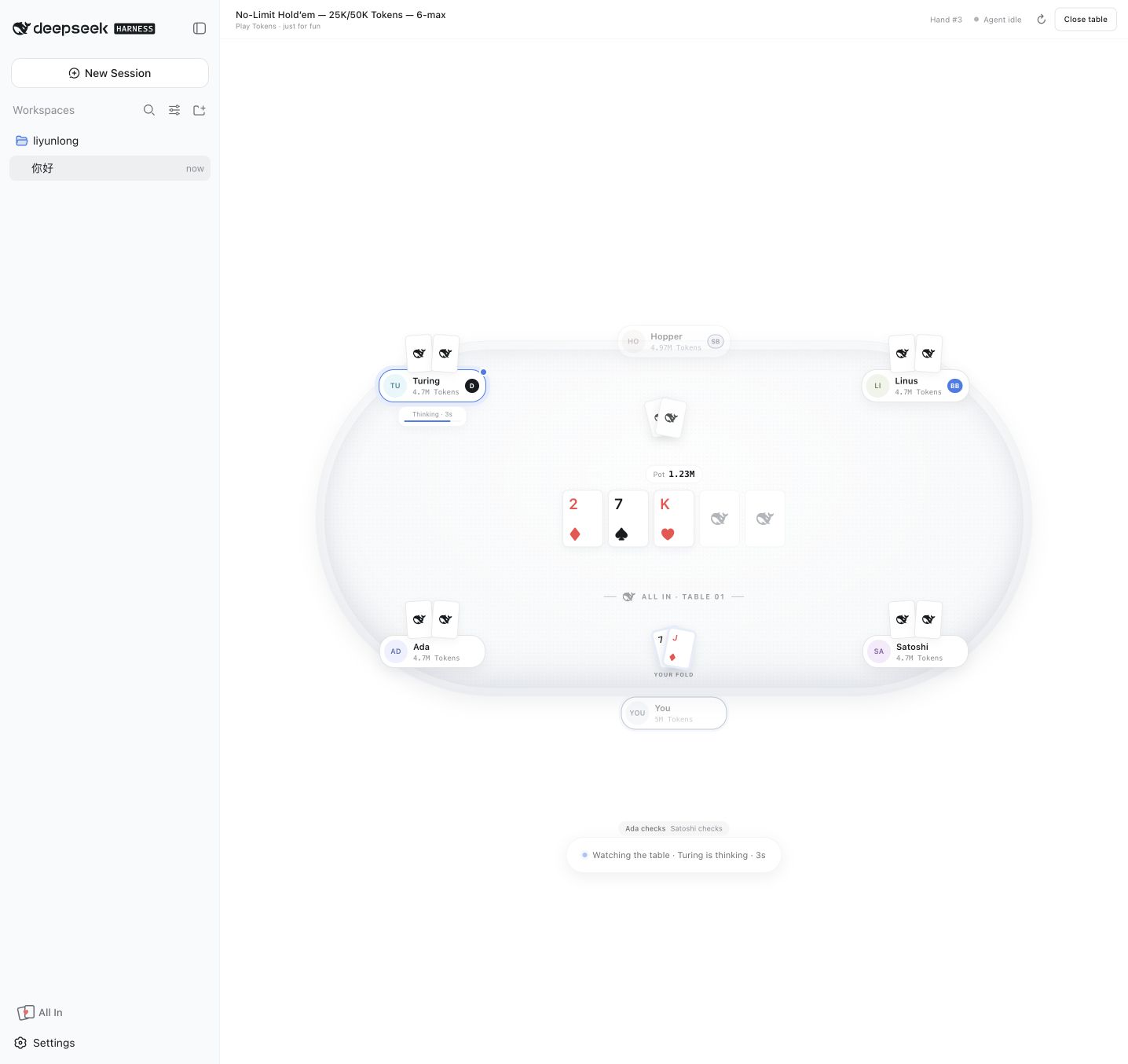
Play a local six-max Texas Hold'em game with full-screen table while your agent is thinking.
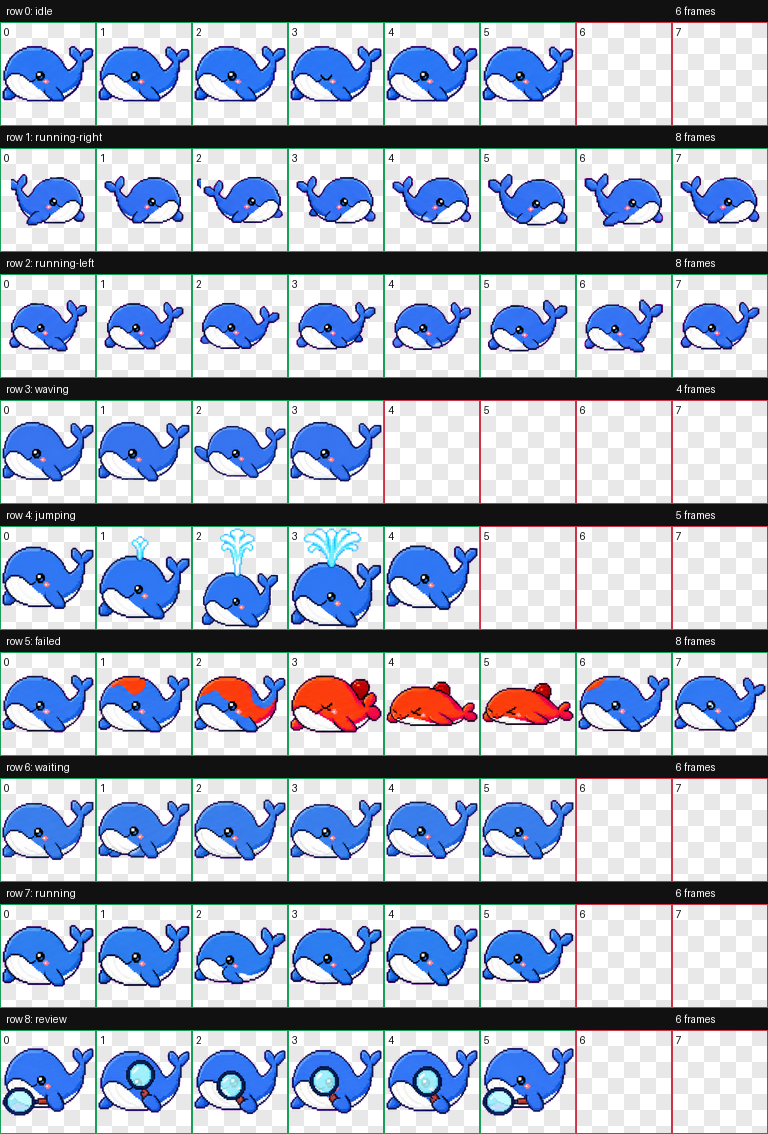
harness-pet plugin adds a pixel whale pet inside DeepSeek Harness, reacting to session signals with nine visual states, supporting drag, multi-language, and desktop window mode for fun interaction.
Provides attention reminders for the DeepSeek Harness Web UI, lighting up a badge, tab title count, and recolored favicon when a session needs user attention.
A plugin for DeepSeek Harness Web interface that highlights parts of speech in rendered Markdown content with color coding, supporting dark/light themes, filtering, streaming, and code block exemption.
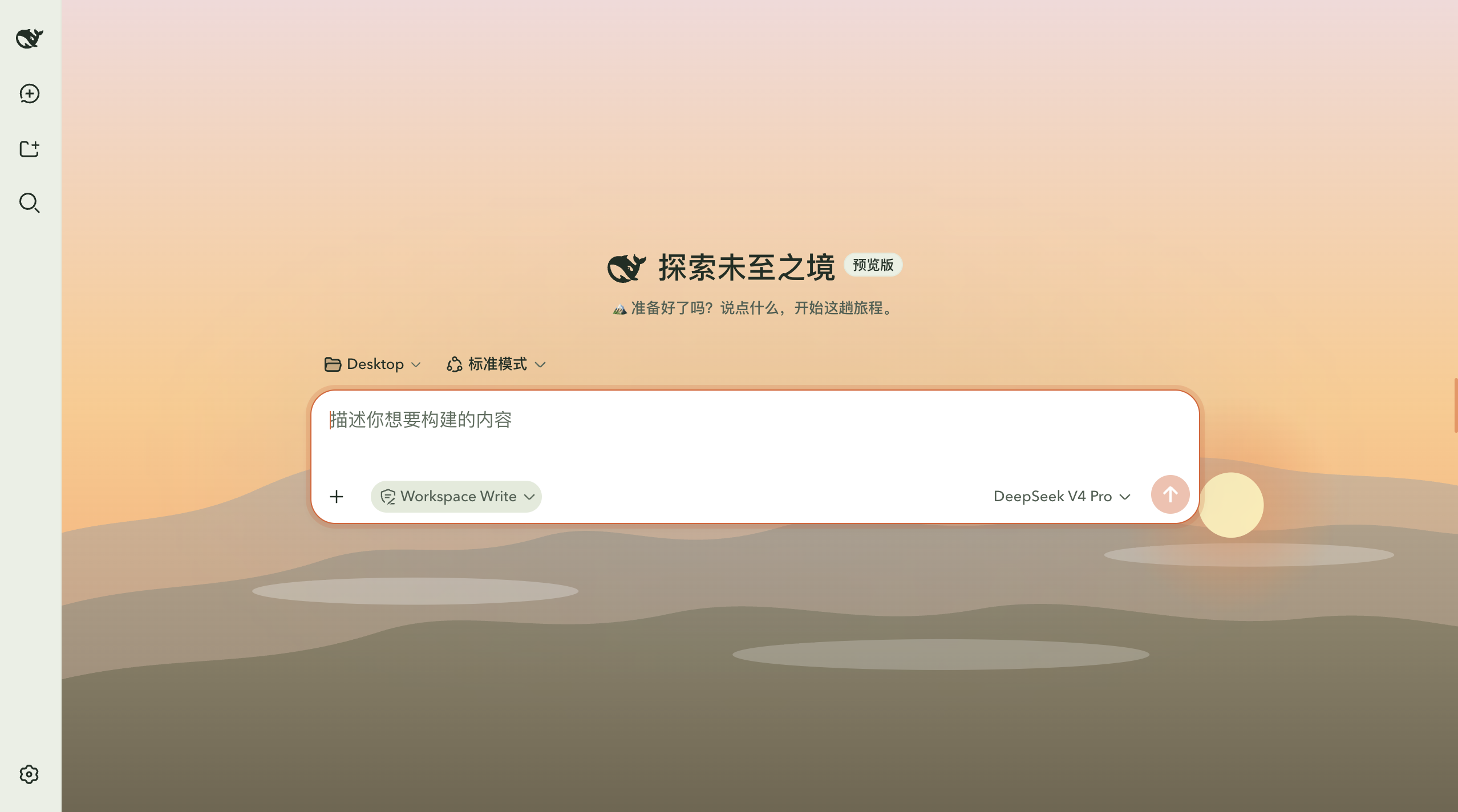
A pure-CSS theme for DeepSeek Harness that reskins the UI with a hiking/mountain-wilderness style, featuring light and dark modes and a waypoints progress panel.
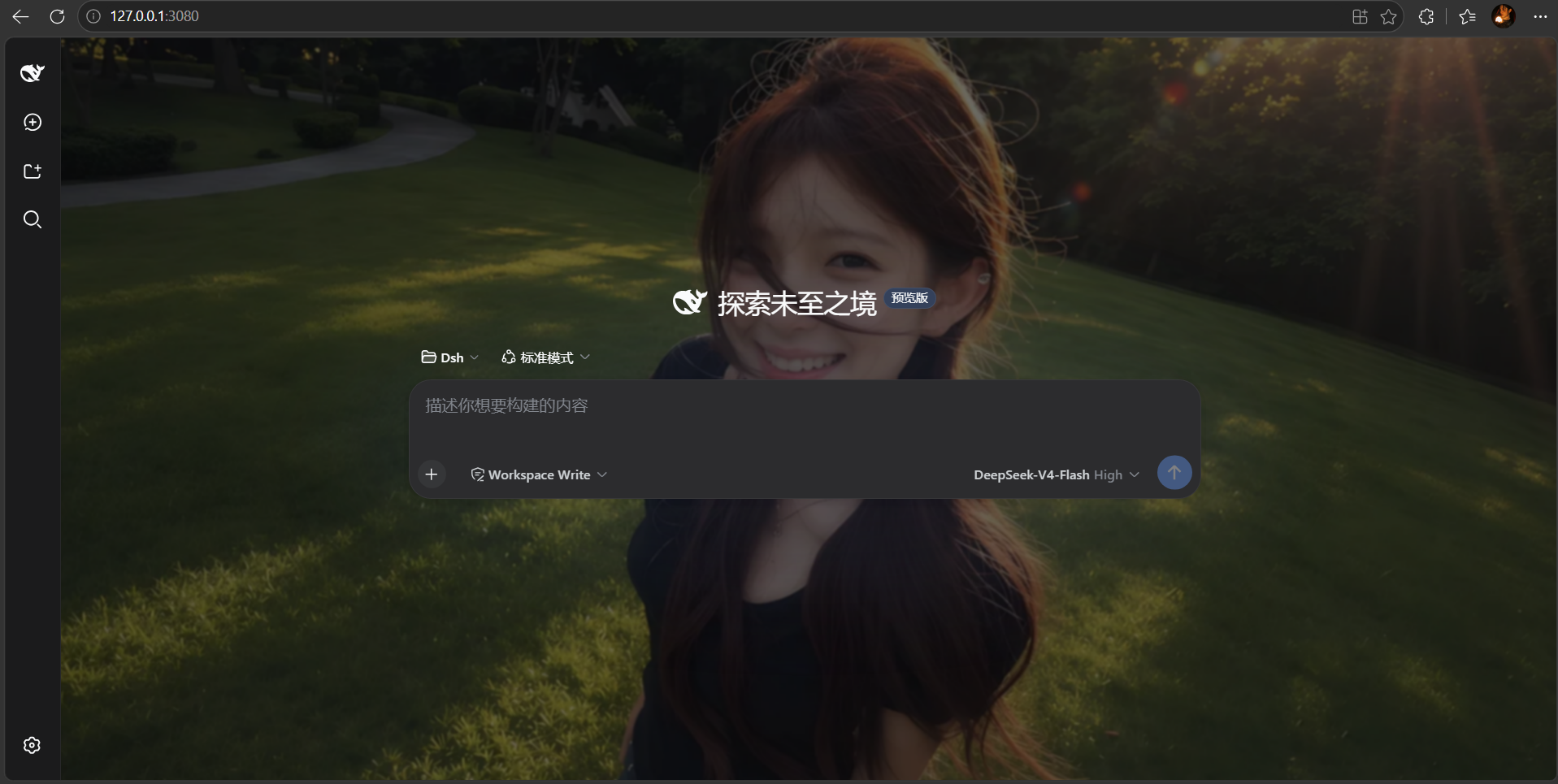
A DSH Web background plugin that allows uploading images or selecting preset atmospheres, with fine-tuning options, real-time preview, persistent settings, and privacy-friendly design.
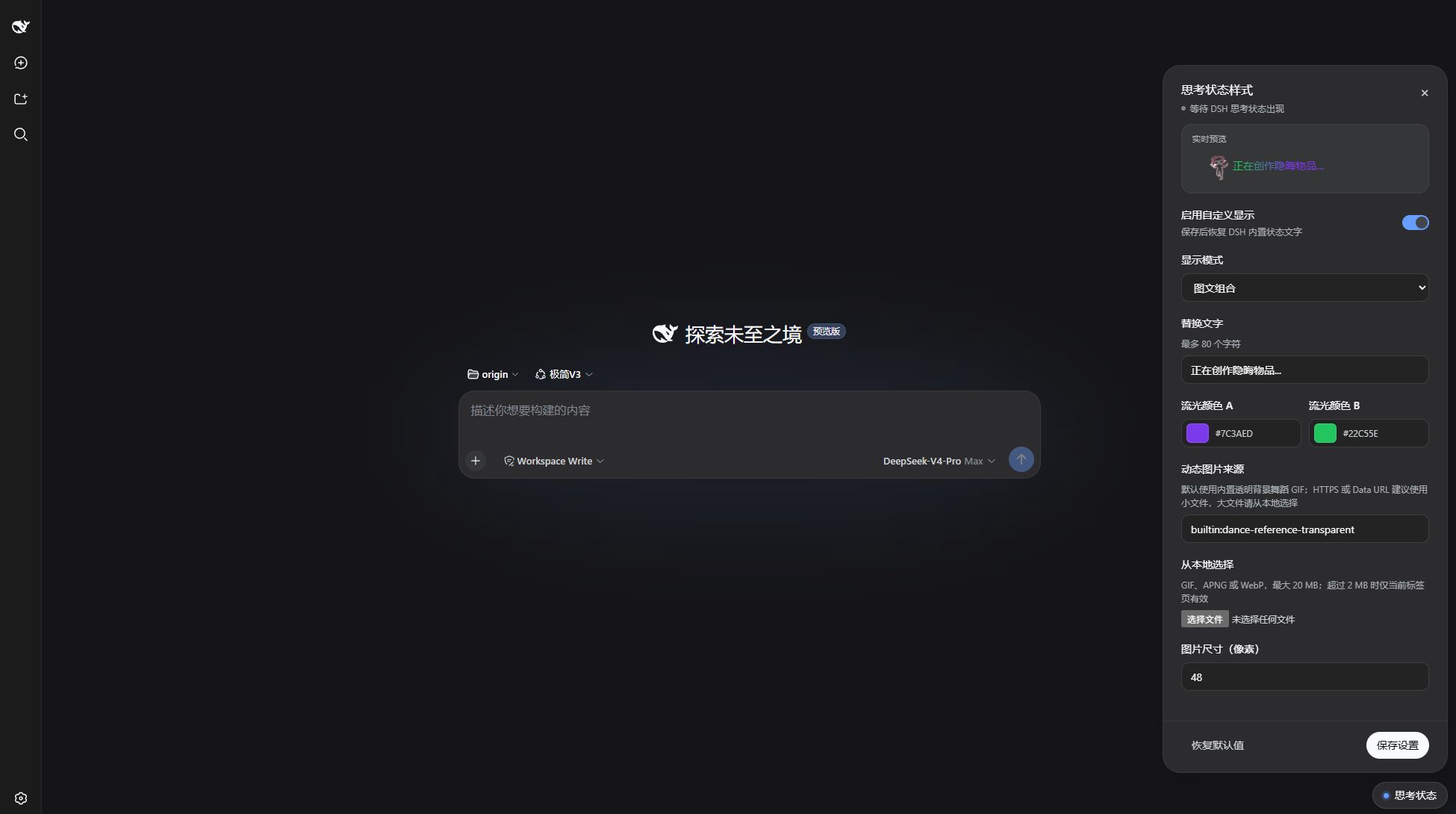
A CSS-only DSH Web plugin that customizes the running status display with flowing text, animations, or image-text combinations without modifying source code.

A whale-girl desktop pet plugin for DeepSeek Harness Web UI that mirrors five states, includes idle animations and interactive features, while ensuring privacy safety.

A macOS desktop pet that automatically changes expressions based on DeepSeek session states, with dragging support and customizable skins.
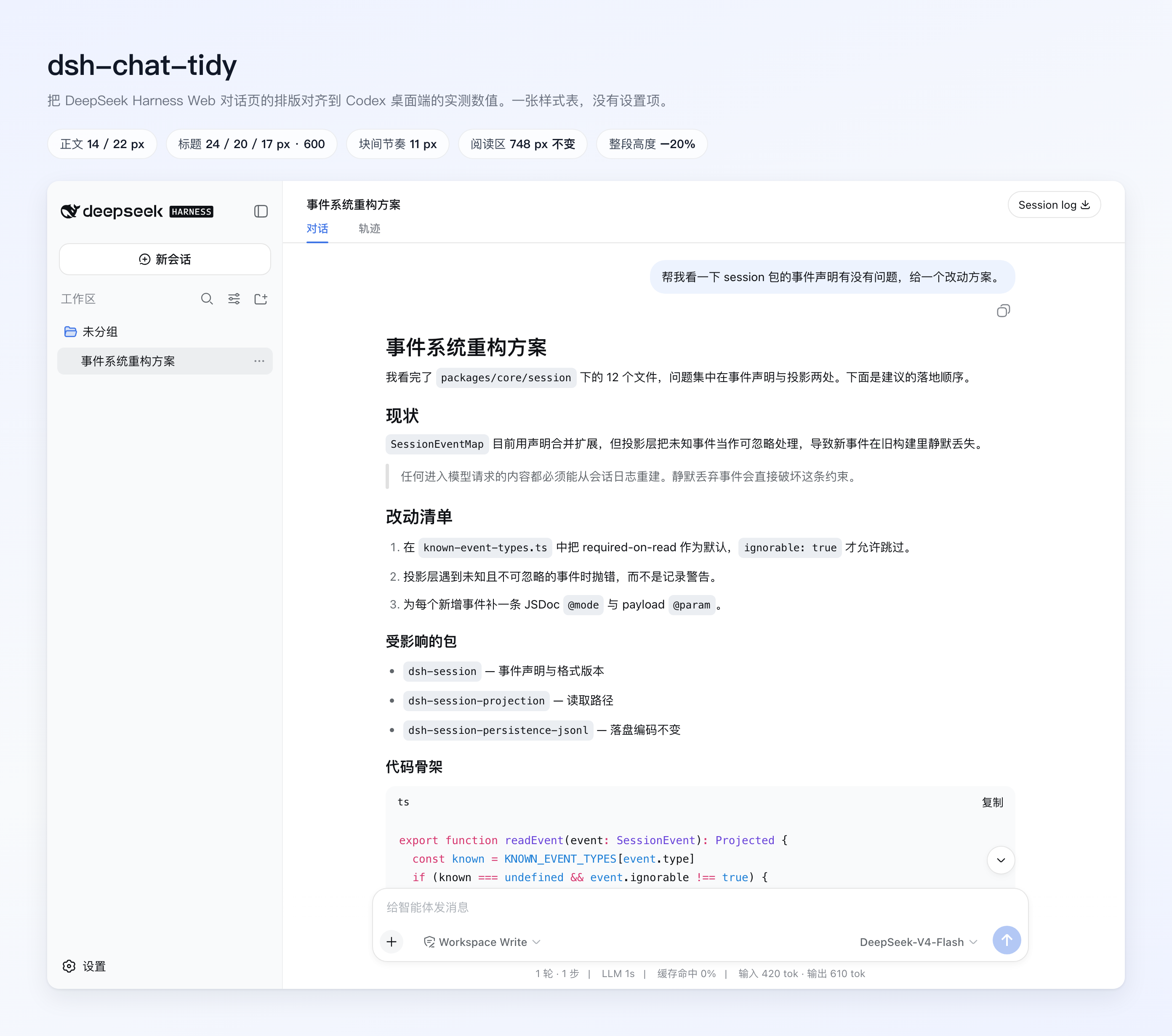
Optimizes the layout and spacing of the DeepSeek Harness Web chat interface to reduce scrolling and enhance reading comfort.

An interactive 3D desktop pet built from the DeepSeek whale logo, featuring drag-to-rotate, heart animations, and celebratory flips, lightweight for Web GUI integration.
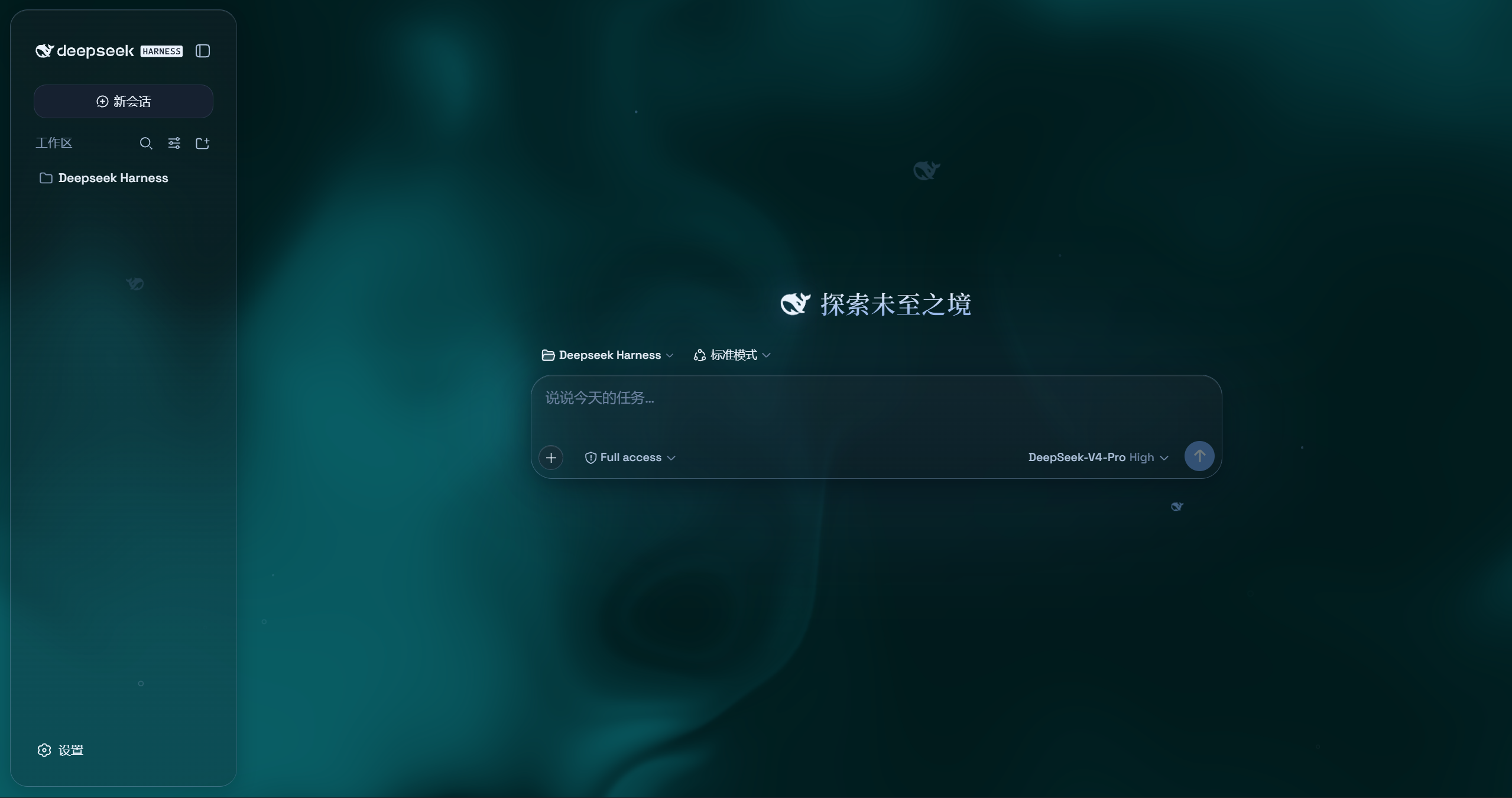
An unofficial glassmorphism theme for the DeepSeek Harness web UI, featuring frosted glass effects, custom wallpapers, and a particle whale animation.