dsh-client-ui-aqua-unofficial
Run the following command in DeepSeek Harness:
dsh plugin install afrel1024/dsh-client-ui-aqua-unofficial
Paste the following prompt into your AI chat to install this plugin:
Install this plugin in DeepSeek Harness by running 'dsh plugin install afrel1024/dsh-client-ui-aqua-unofficial' or visiting https://github.com/afrel1024/dsh-client-ui-aqua-unofficial.
About this plugin
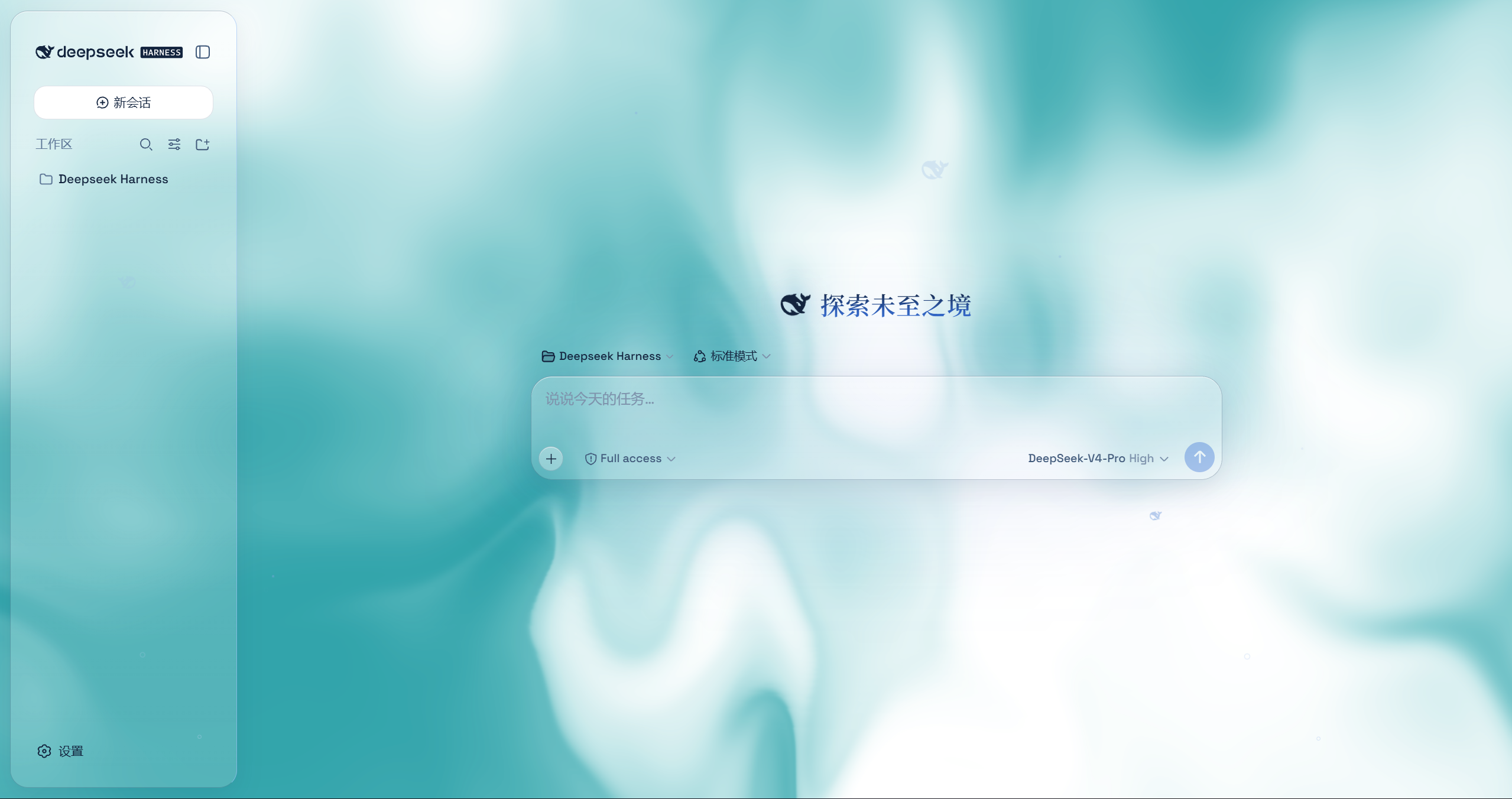
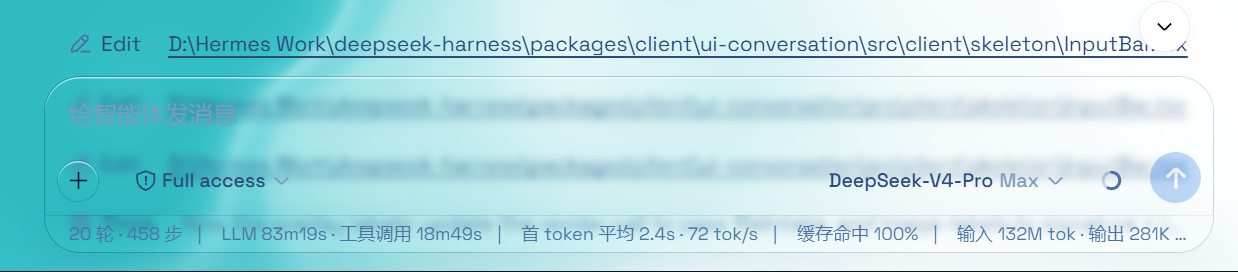
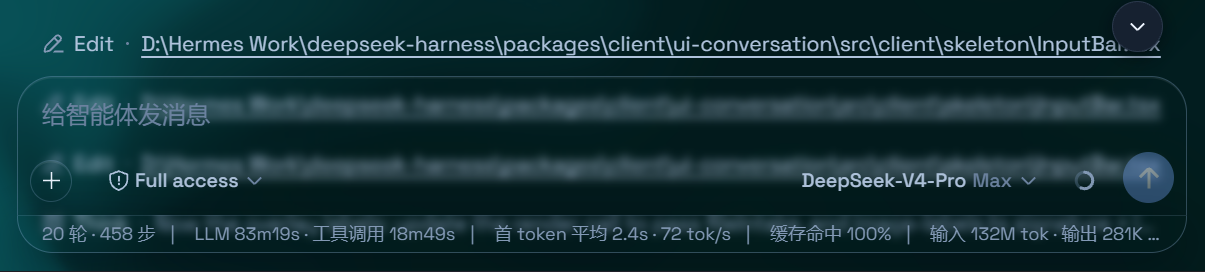
dsh-client-ui-aqua-unofficial is a community-maintained third-party fork that brings glassmorphism aesthetics to the DeepSeek Harness web UI without any source modifications or interference with other plugins. It addresses the desire for visual customization while ensuring reversibility and lightweight integration. The plugin offers two core modes: Mica, which reimagines the layout as floating glass cards with adjustable blur and frost, and Compatibility Mode, which preserves the stock layout byte-for-byte while applying generic glass materials. Additional features include a customizable fluid backdrop or wallpaper, adjustable background brightness, a toggleable particle whale animation, a glossy Harness badge, and edge fades for smooth scrolling effects. Designed for users who enjoy personalized interfaces, developers, or theme enthusiasts, it provides a risk-aware option for enhancing the UI in a non-destructive way, though being unofficial, it should be used with caution.
Screenshots
Use Cases
- Beautify the DeepSeek Harness web interface for enhanced visual appeal
- Create a personalized look for development or demo environments
- Test glassmorphism design application in real UI
Best For
- DeepSeek Harness users seeking to customize their interface
- Developers or designers interested in frontend theming
- Theme enthusiasts looking for personalized work environments
Related Plugins

whale-girl is a desktop pet in the DSH Web GUI (bottom-right for instant companionship) — draggable, feedable, playable; completed tasks, sessions and companionship time accrue into seniority levels, titles, and memories.

Renders your local Wallpaper Engine wallpapers as the DSH web background, supporting video, web, and scene wallpapers with a liquid-glass effect and rich customization.

A WebGPU ocean skin for DeepSeek Harness with five-wave Gerstner waves, translucent theme, day/night cycle, and quick controls, installable as plugin or extension.

A Galgame-style conversation view and visual scene editor for DSH web sessions, with a real-time editing mode.