
dsh-wallpaper-engine
Run the following command in DeepSeek Harness:
dsh plugin install elysia395/dsh-wallpaper-engine
Paste the following prompt into your AI chat to install this plugin:
Run dsh plugin install elysia395/dsh-wallpaper-engine in DeepSeek Harness to install the wallpaper engine plugin; source repository: https://github.com/elysia395/dsh-wallpaper-engine
About this plugin
Your desktop may run a gorgeous Wallpaper Engine animation, yet the moment you open DSH web the background is a bland white sheet. dsh-wallpaper-engine solves exactly that: it auto-discovers your local Wallpaper Engine library and renders video, web, or 3D scene wallpapers behind the DSH chat interface, so every keystroke feels like typing in front of your own desktop wallpaper.
A built-in pure-JS scene renderer parses scene.pkg object trees, particle systems, and GPU shaders to replay 3D scenes at 3840×2160. Video wallpapers support 0.5x–2x playback speed, horizontal flip, and brightness/contrast/saturation sliders. High-fps sources can be frame-capped via host-side ffmpeg transcoding to AV1, cutting GPU usage from ~60 % to ~15 % in real tests. The settings page itself uses an iOS-style liquid-glass aesthetic with customizable palette, opacity, and typography, and all preferences persist to a host-side file so they survive port changes and browser cache clears.
Ideal for anyone who already has Wallpaper Engine installed and wants DSH web to stop being a plain white backdrop. Whether it is a looping video, an interactive HTML wall, or a full 3D scene, everything can be brought behind the UI with one click. Extra touches include occlusion-pause power saving, custom uploads, content-rating filters, and a six-tab settings layout—ready to use out of the box.
Screenshots
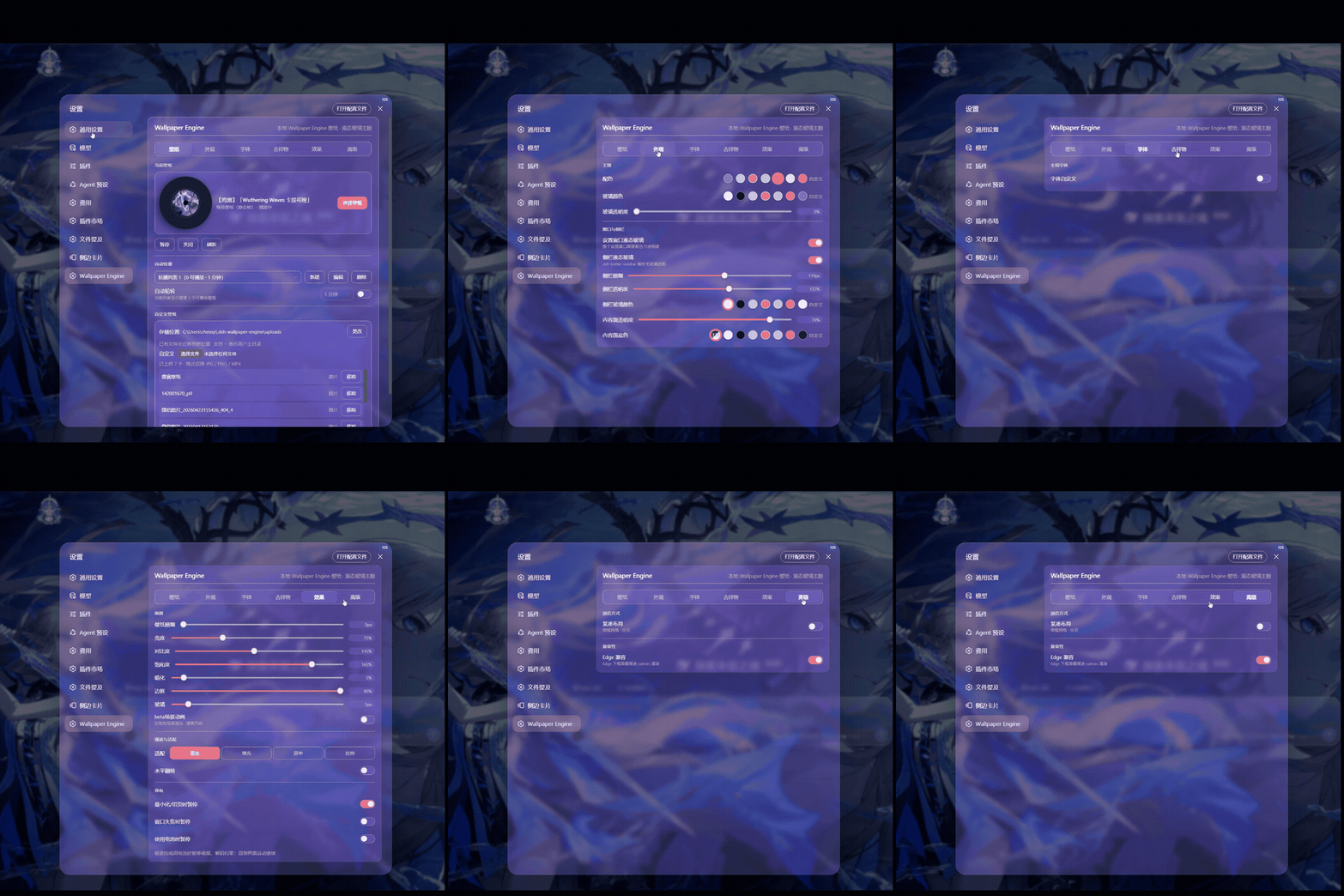
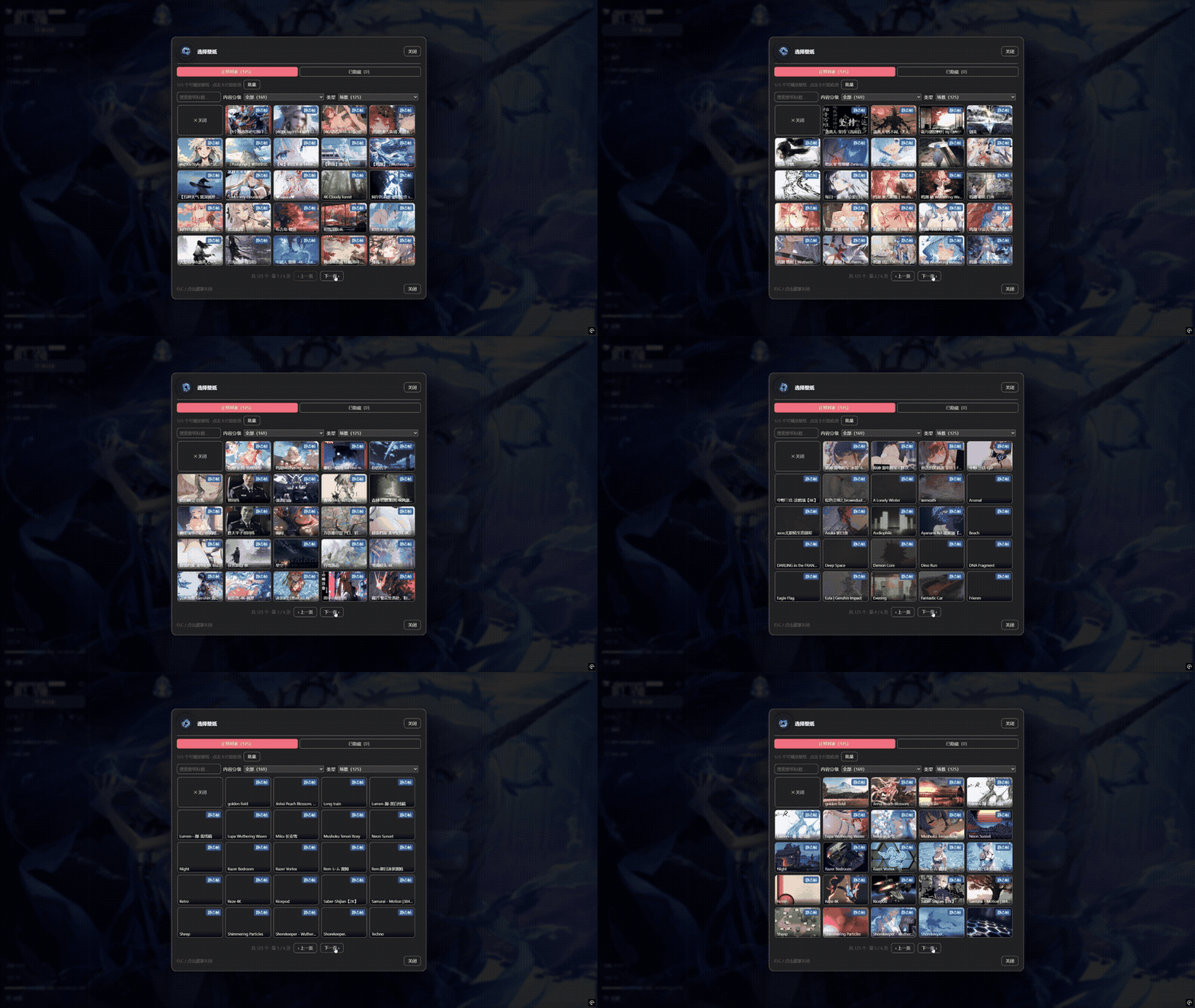
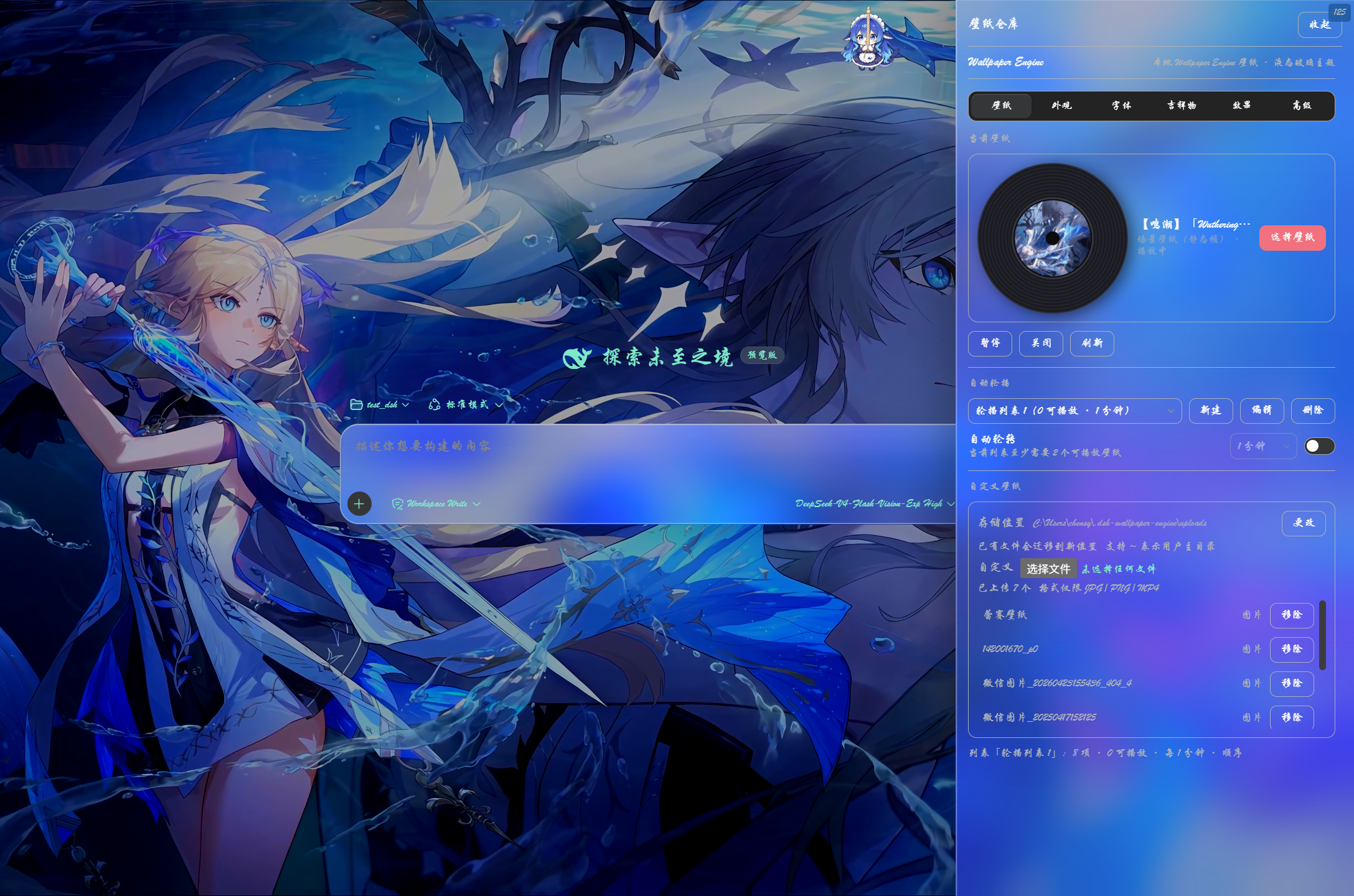
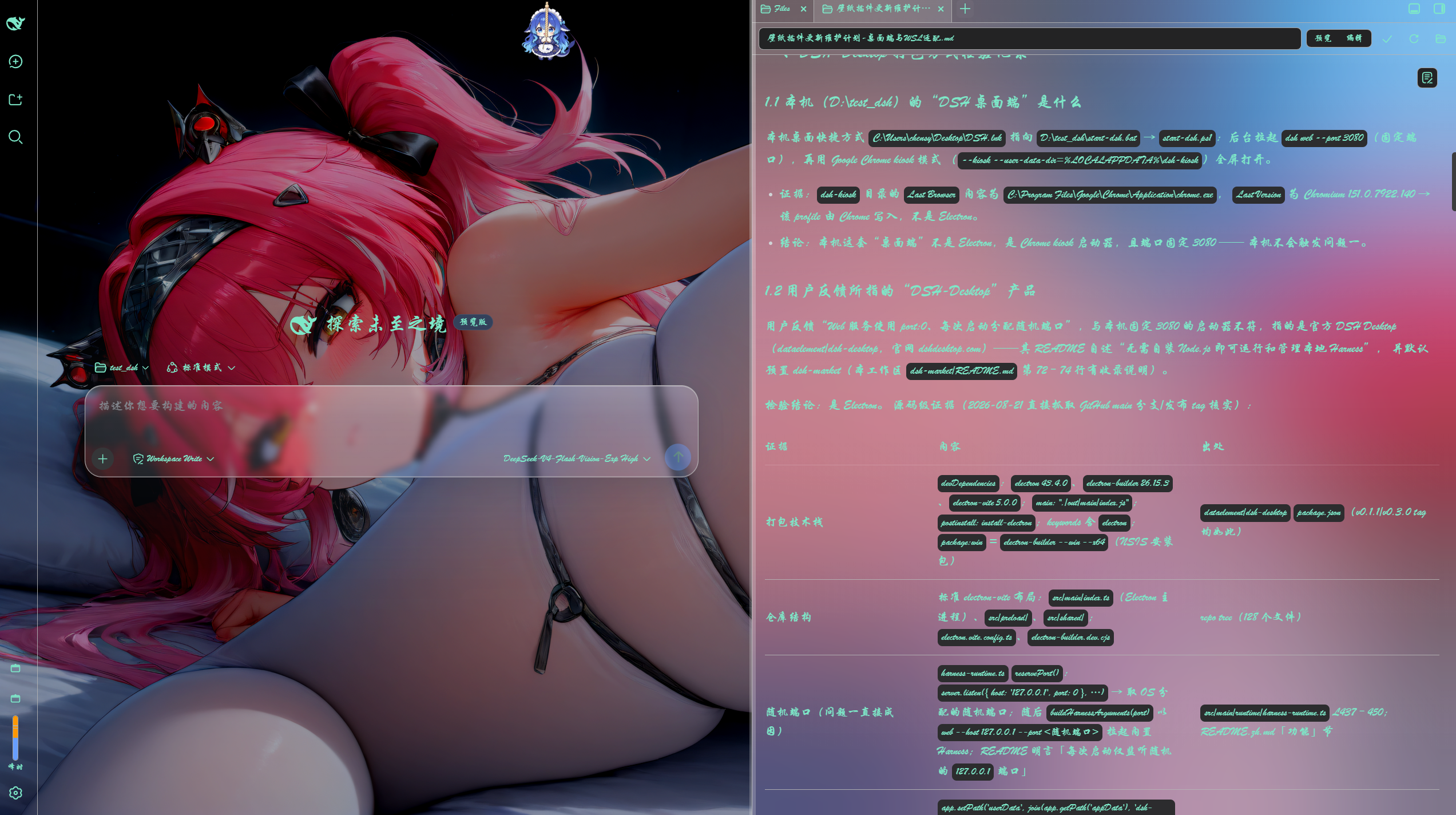
Use Cases
- Bring a desktop Wallpaper Engine video, web, or 3D scene wallpaper into the DSH chat background
- Customize the DSH settings panel with a liquid glass theme, adjustable palette, opacity, and fonts
- Transcode high-fps video wallpapers to AV1 via host-side ffmpeg, cutting GPU usage from ~60% to ~15%
Best For
- Users who have Wallpaper Engine installed and are tired of a plain white DSH backdrop
- Tinkerers who enjoy desktop aesthetics and fine-tuning UI personalization
- DSH Desktop and multi-browser users who need settings to persist across port changes and browser switches
Related Plugins

whale-girl is a desktop pet in the DSH Web GUI (bottom-right for instant companionship) — draggable, feedable, playable; completed tasks, sessions and companionship time accrue into seniority levels, titles, and memories.

A WebGPU ocean skin for DeepSeek Harness with five-wave Gerstner waves, translucent theme, day/night cycle, and quick controls, installable as plugin or extension.

A Galgame-style conversation view and visual scene editor for DSH web sessions, with a real-time editing mode.

A native skinning plugin for DeepSeek Harness: 8 designer themes, wallpapers, accent colors, and shareable theme packs, built purely on design tokens.