
dsh-dream-skin
Run the following command in DeepSeek Harness:
dsh plugin install RevolutionLA/dsh-dream-skin
Paste the following prompt into your AI chat to install this plugin:
Please install the dsh-dream-skin theming plugin for me (full source: https://github.com/RevolutionLA/dsh-dream-skin), and tell me how to restart the DSH Web after installation.
About this plugin
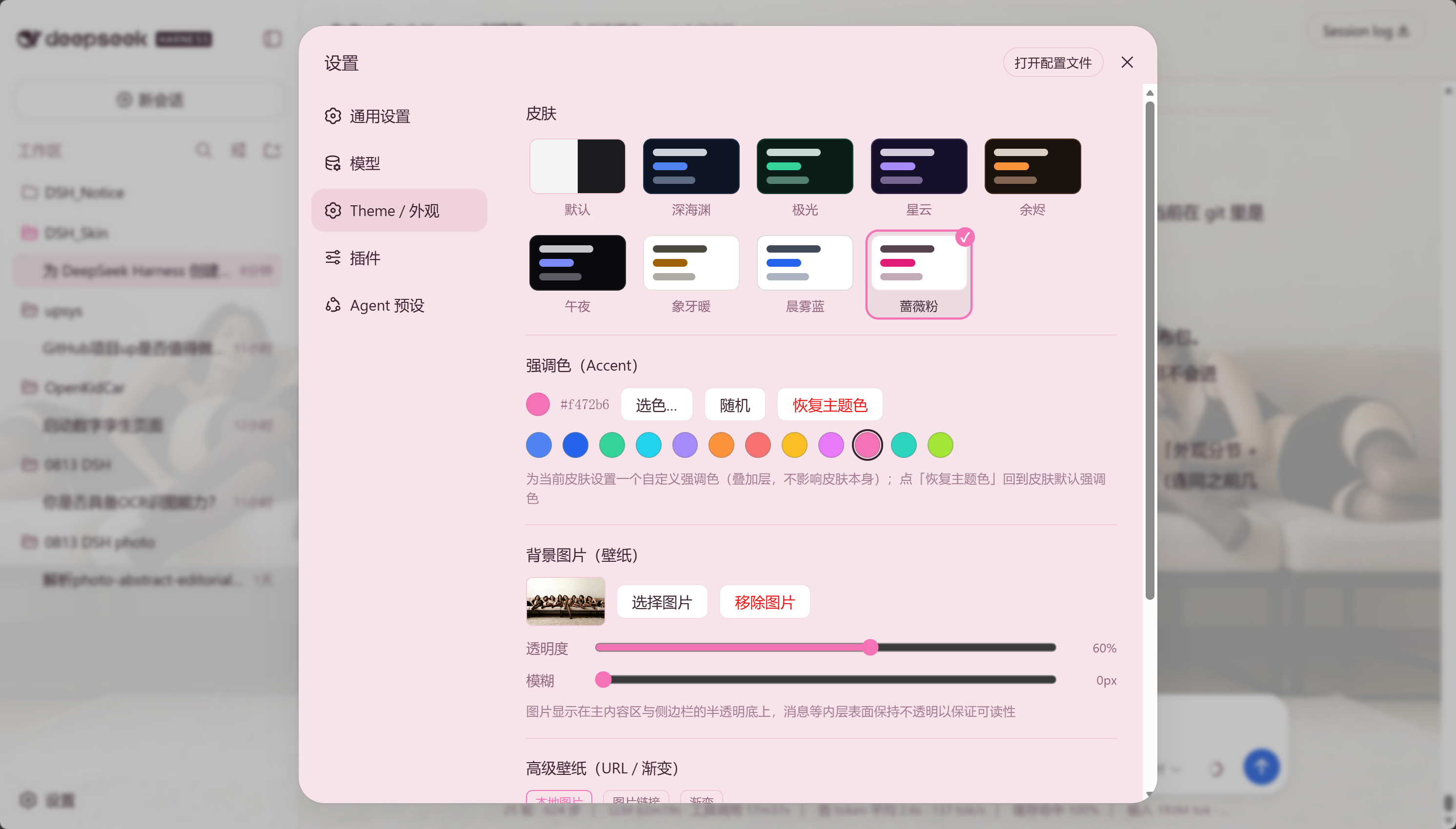
If you spend hours inside DeepSeek Harness every day, writing code and running agents, chances are the default UI has started to feel a little dull — not ugly, but not yours either. That's exactly the problem dsh-dream-skin sets out to solve: not by turning the interface into a flashy sticker wall, but by giving it a restrained, translucent, refined face. Built entirely on DSH's official token-based theme system, it requires no injection and no binary patching — install it once, use it for a long time, and you won't be broken by client updates.
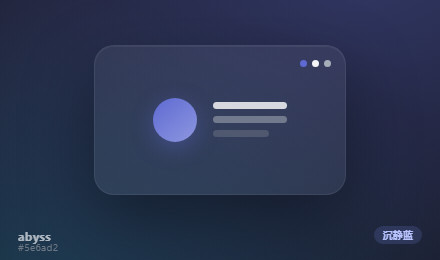
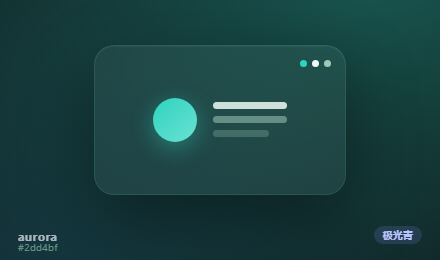
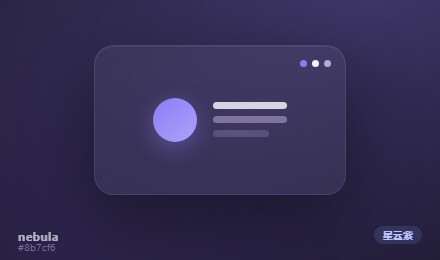
Out of the box, it offers 8 designer-tuned Mirage preset skins — from Deep Blue Abyss and Aurora Teal to Liquid Glass Mist and Material Rose — covering both light and dark modes, each with its own soft diffusion-glow background. If you prefer to make things your own, the DIY layer is just as complete: upload a local wallpaper or paste an image URL, overlay a per-user accent color, adjust popup opacity, or import/export a *.dsh-theme.json theme pack and share it via a URL link. Everything is layered on top of the presets, fully toggleable, and one-click resettable — so feel free to experiment without breaking anything.
This plugin is for two kinds of people: developers who crave a calm, sophisticated workspace that feels like a carefully polished piece of glass, and tinkerers who love bending every token to their will and sharing the results. Either way, dsh-dream-skin is here to make your time in DSH more comfortable — because the place where you write code can be a very quiet place.
Screenshots
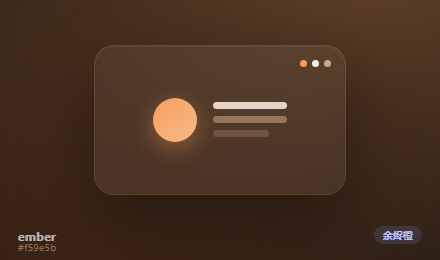
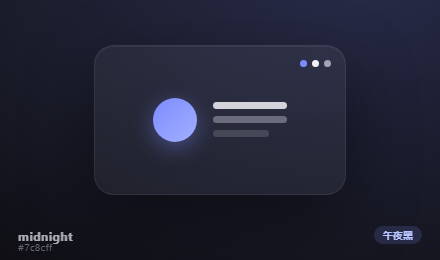
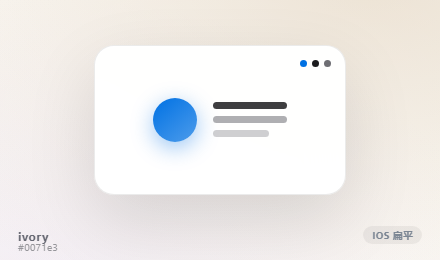
Use Cases
- Give DeepSeek Harness a premium preset skin without manual tuning.
- Customize wallpaper, accent colors, and theme packs for a unique workspace.
- Share your configured theme with friends or teams in one click.
Best For
- Daily DSH users who value calm, refined aesthetics.
- Developers and tinkerers who love deep UI customization.
- Advanced users who want to unify or distribute themes across a team.
Related Plugins

whale-girl is a desktop pet in the DSH Web GUI (bottom-right for instant companionship) — draggable, feedable, playable; completed tasks, sessions and companionship time accrue into seniority levels, titles, and memories.

Renders your local Wallpaper Engine wallpapers as the DSH web background, supporting video, web, and scene wallpapers with a liquid-glass effect and rich customization.

A WebGPU ocean skin for DeepSeek Harness with five-wave Gerstner waves, translucent theme, day/night cycle, and quick controls, installable as plugin or extension.

A Galgame-style conversation view and visual scene editor for DSH web sessions, with a real-time editing mode.