
open-sea-skin
Run the following command in DeepSeek Harness:
dsh plugin install d-dev0101/open-sea-skin
Paste the following prompt into your AI chat to install this plugin:
In DeepSeek Harness, run dsh plugin install d-dev0101/open-sea-skin (source: https://github.com/d-dev0101/open-sea-skin), then restart dsh web to use it.
About this plugin
Using the same interface every day can get dull. Open Sea Skin exists to make DeepSeek Harness feel less like a static dashboard and more like a living seascape. It keeps the original five-wave Gerstner/TSL look of Harness, then wraps the whole workspace in a translucent 40% glass theme — so while you code, read logs, or tweak settings, the background is gently rolling waves, cloud bands, and changing daylight instead of a flat color canvas.\n\nIt is not just about looks. The skin ships a full WebGPU ocean rendering pipeline: five Gerstner waves, analytic normals, FBM detail, Fresnel sky reflection, sun glitter, foam, fog, sky/cloud band, bloom, and ACES tone mapping. Quick controls at the lower left let you adjust wave size, daylight, and glass opacity on the fly, or enable a twelve-minute automatic day/night cycle. Performance is carefully engineered too: adaptive render scale, DPR cap, 60/30/20 FPS caps, hidden-tab pause, distance-based shader work skips, and automatic low-end detection — so the ocean rarely gets in the way of actual work.\n\nPrivacy-minded users will appreciate that the entire runtime is local-only: three.js and fonts are vendored, no CDN or analytics requests are made, and the extension only asks for storage plus access to local Harness pages. It suits anyone who wants a more atmospheric development environment, as well as developers who want a beautiful skin without introducing network calls or tracking. The UI is bilingual, supports keyboard focus trapping, Escape to close, ARIA labels, and prefers-reduced-motion — so accessibility was considered alongside aesthetics.\n\nWhether you prefer a one-line plugin install, a Chrome/Edge extension that works across sessions, or a native integration into a Harness source checkout, there is a path that fits. The skin verifies the page title, root node, and boot marker before touching anything, never replaces your new-tab page, and leaves other local development sites alone.
Screenshots
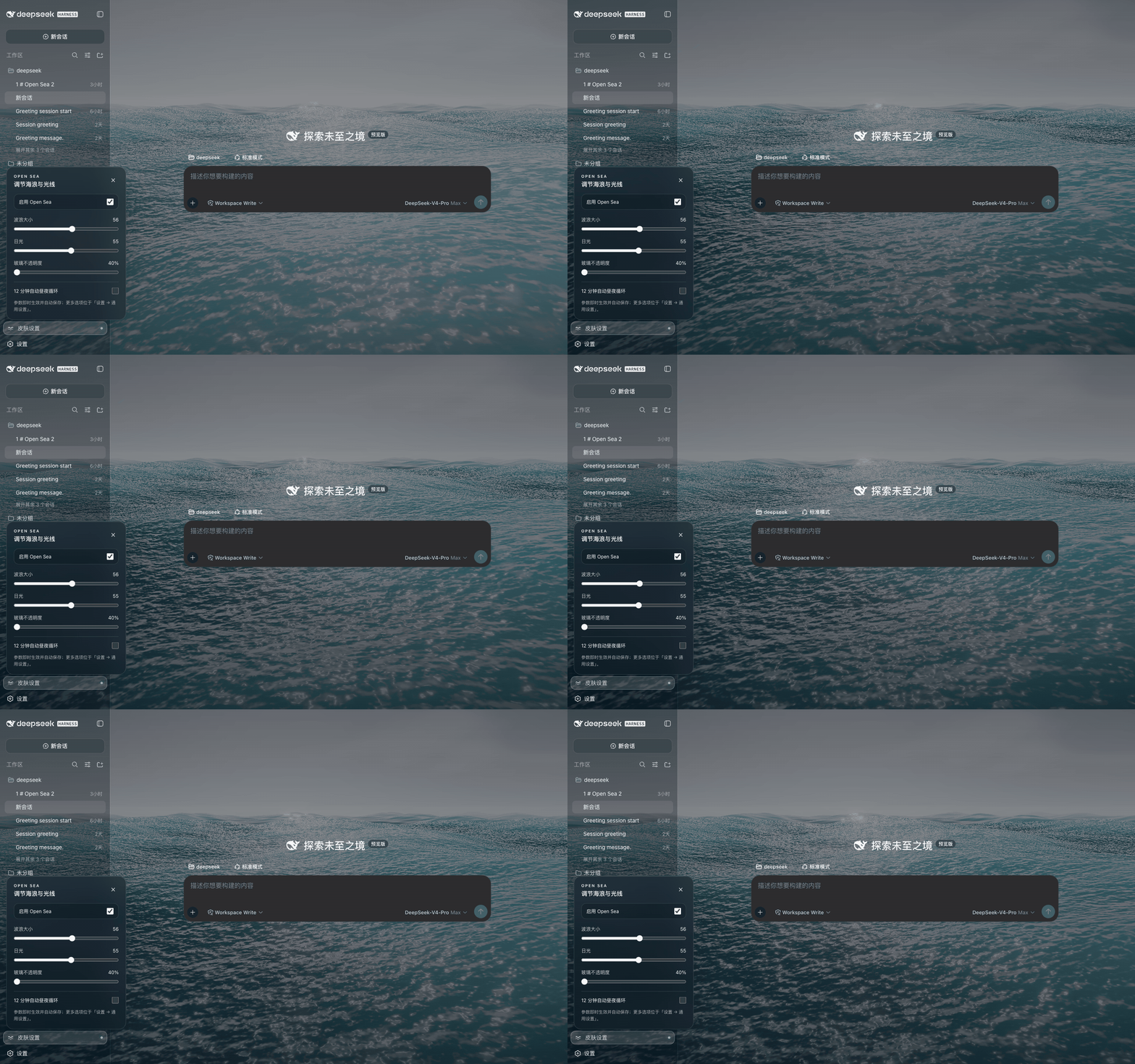
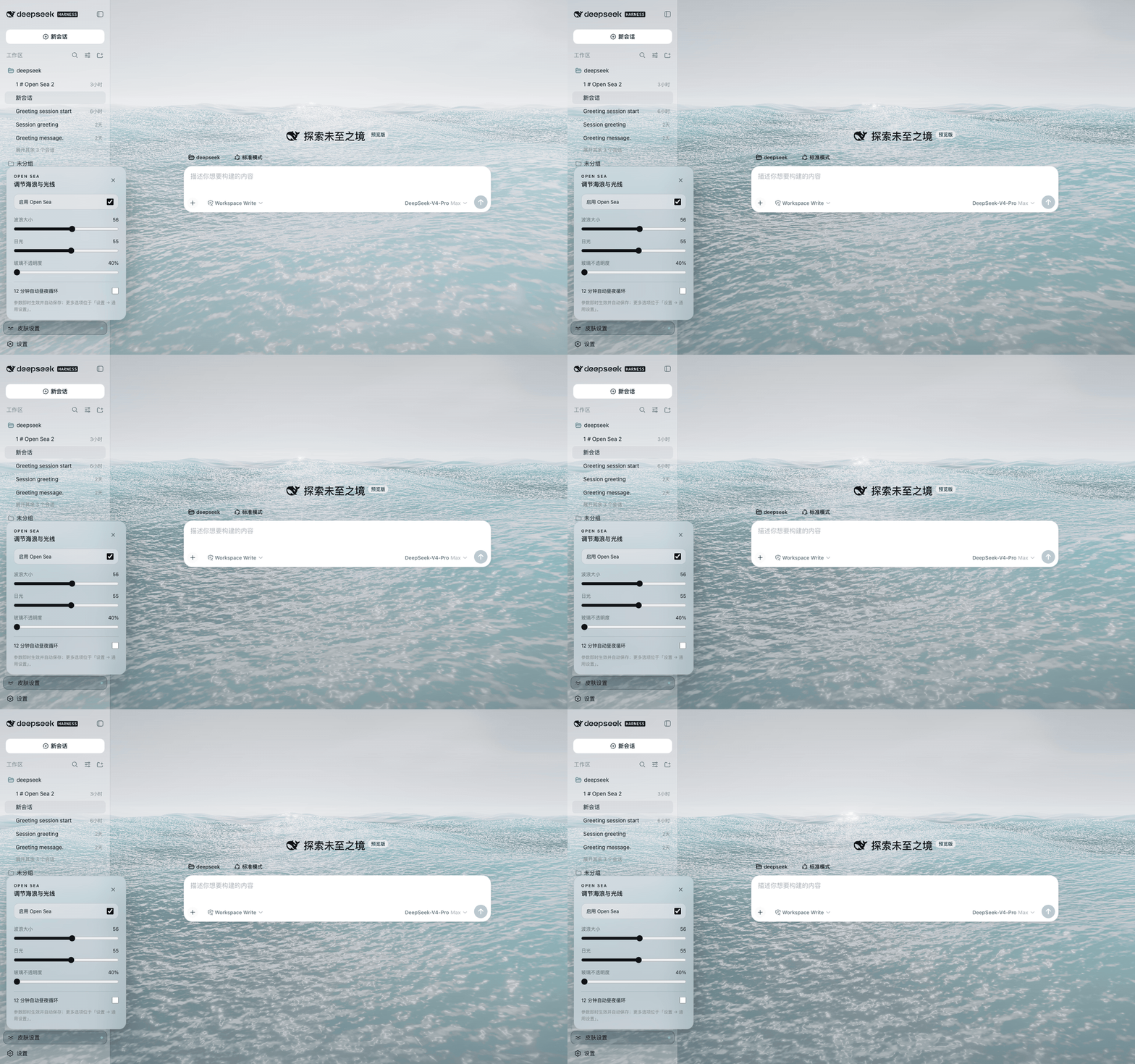
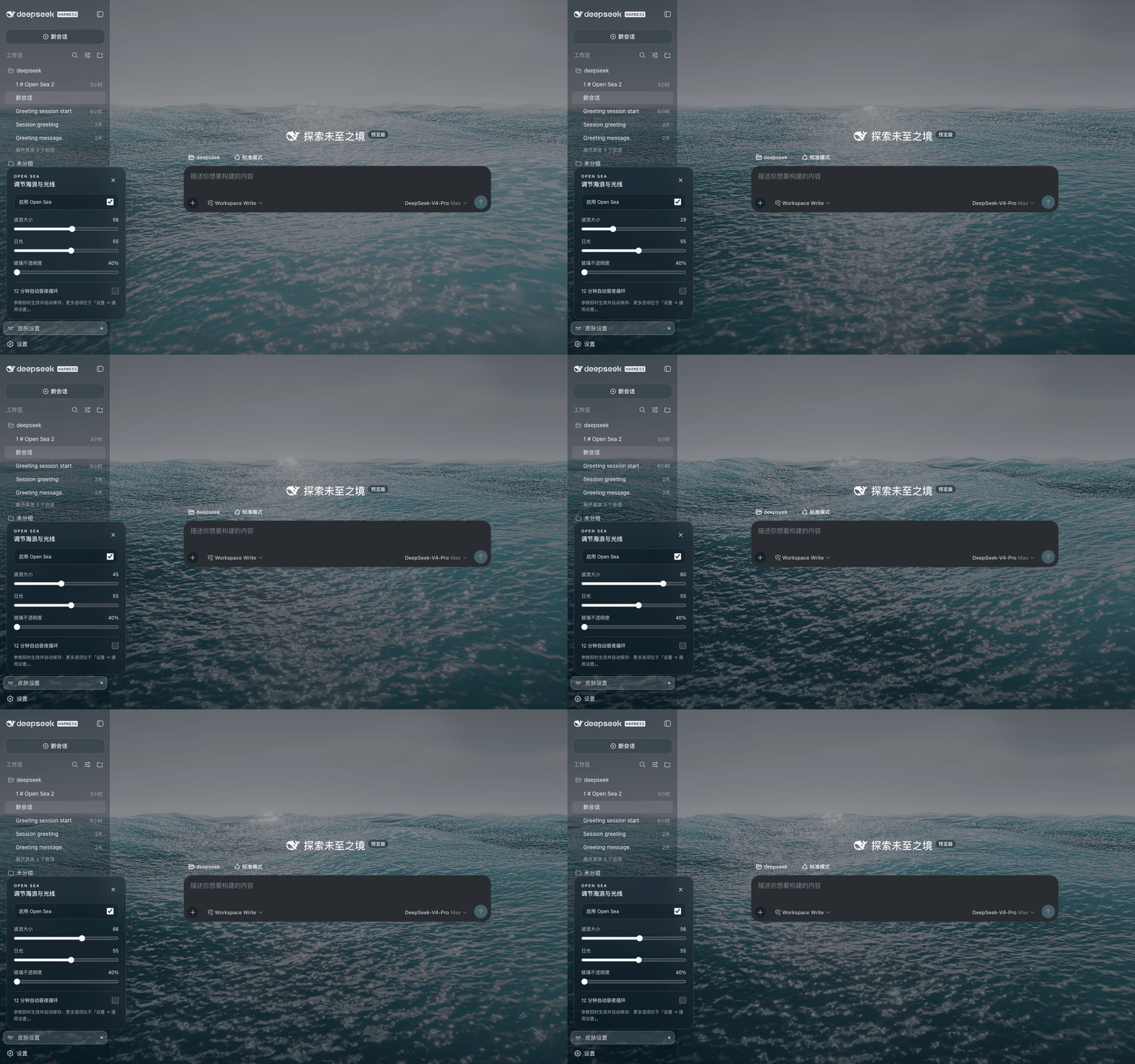
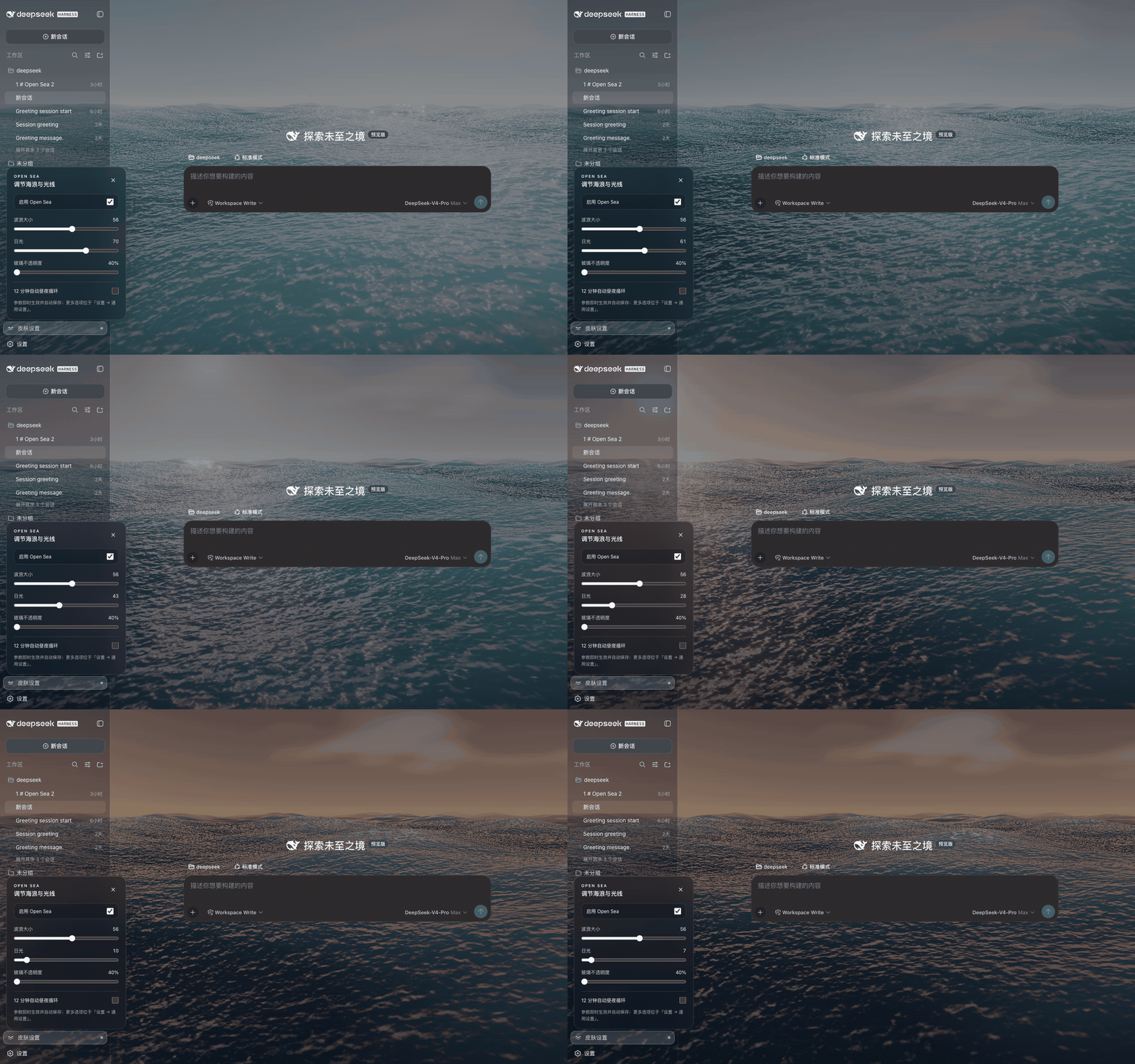
Use Cases
- Want a dynamic ocean background in Harness to make daily development more atmospheric
- Need a distinctive Harness look for local demos or screen recordings
- Want to beautify a dev tool without network calls or tracking
Best For
- DeepSeek Harness users who love customizing their dev environment
- Developers interested in WebGPU / three.js visual rendering
- Privacy-conscious users who prefer fully offline plugins
Related Plugins

whale-girl is a desktop pet in the DSH Web GUI (bottom-right for instant companionship) — draggable, feedable, playable; completed tasks, sessions and companionship time accrue into seniority levels, titles, and memories.

Renders your local Wallpaper Engine wallpapers as the DSH web background, supporting video, web, and scene wallpapers with a liquid-glass effect and rich customization.

A Galgame-style conversation view and visual scene editor for DSH web sessions, with a real-time editing mode.

A native skinning plugin for DeepSeek Harness: 8 designer themes, wallpapers, accent colors, and shareable theme packs, built purely on design tokens.