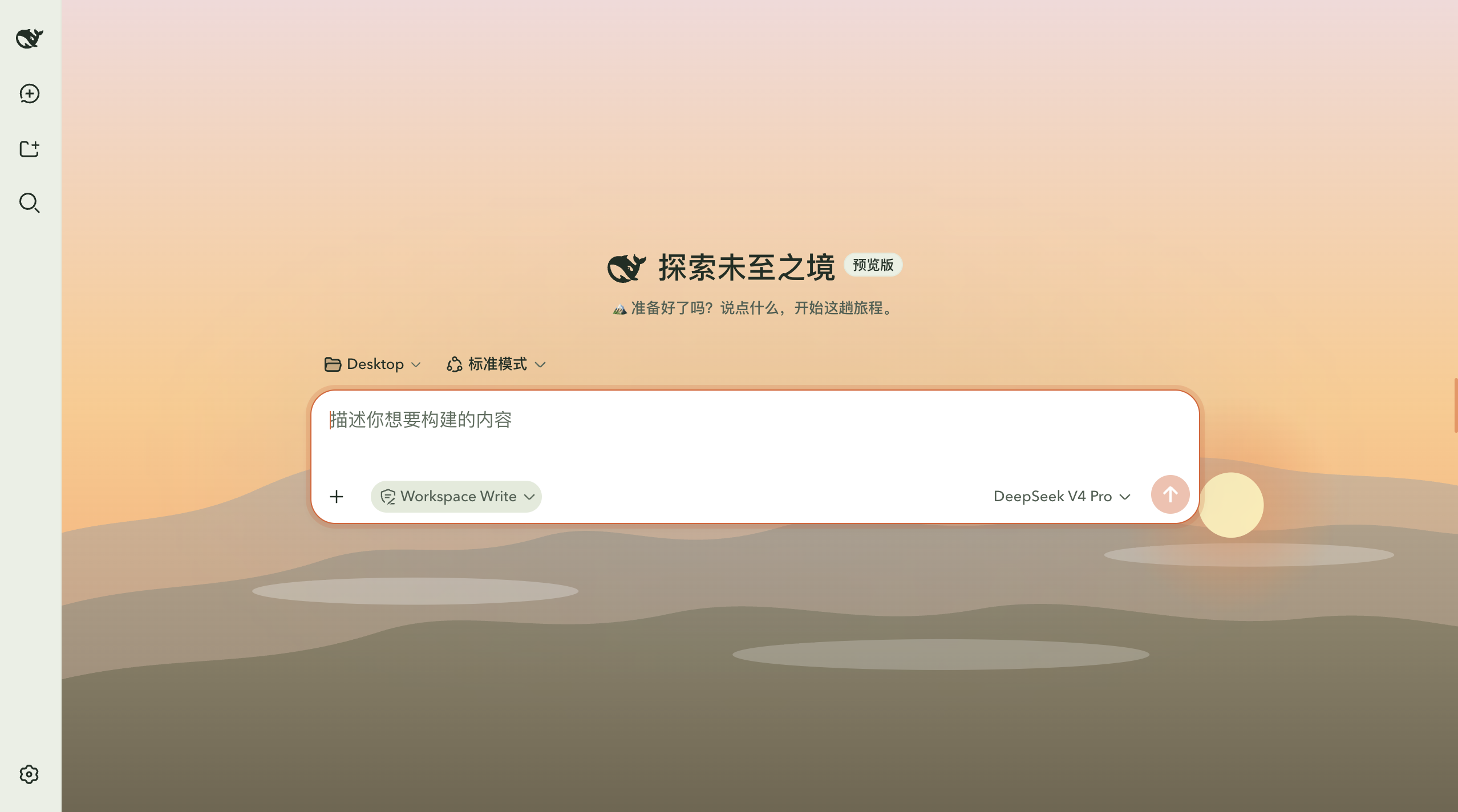
dsh-outdoor-theme
Run the following command in DeepSeek Harness:
dsh plugin install Estellalee/dsh-outdoor-theme
Paste the following prompt into your AI chat to install this plugin:
To install this plugin in DeepSeek Harness, run the command dsh plugin install Estellalee/dsh-outdoor-theme, with the full source code address at https://github.com/Estellalee/dsh-outdoor-theme.
About this plugin
The default DeepSeek Harness interface is functional but can feel plain, lacking visual personality. The dsh-outdoor-theme plugin transforms it with a hiking/mountain-wilderness theme, addressing the need for customization and aesthetic appeal. Built purely with CSS, it ensures no disruption to core logic, offering a stable enhancement.
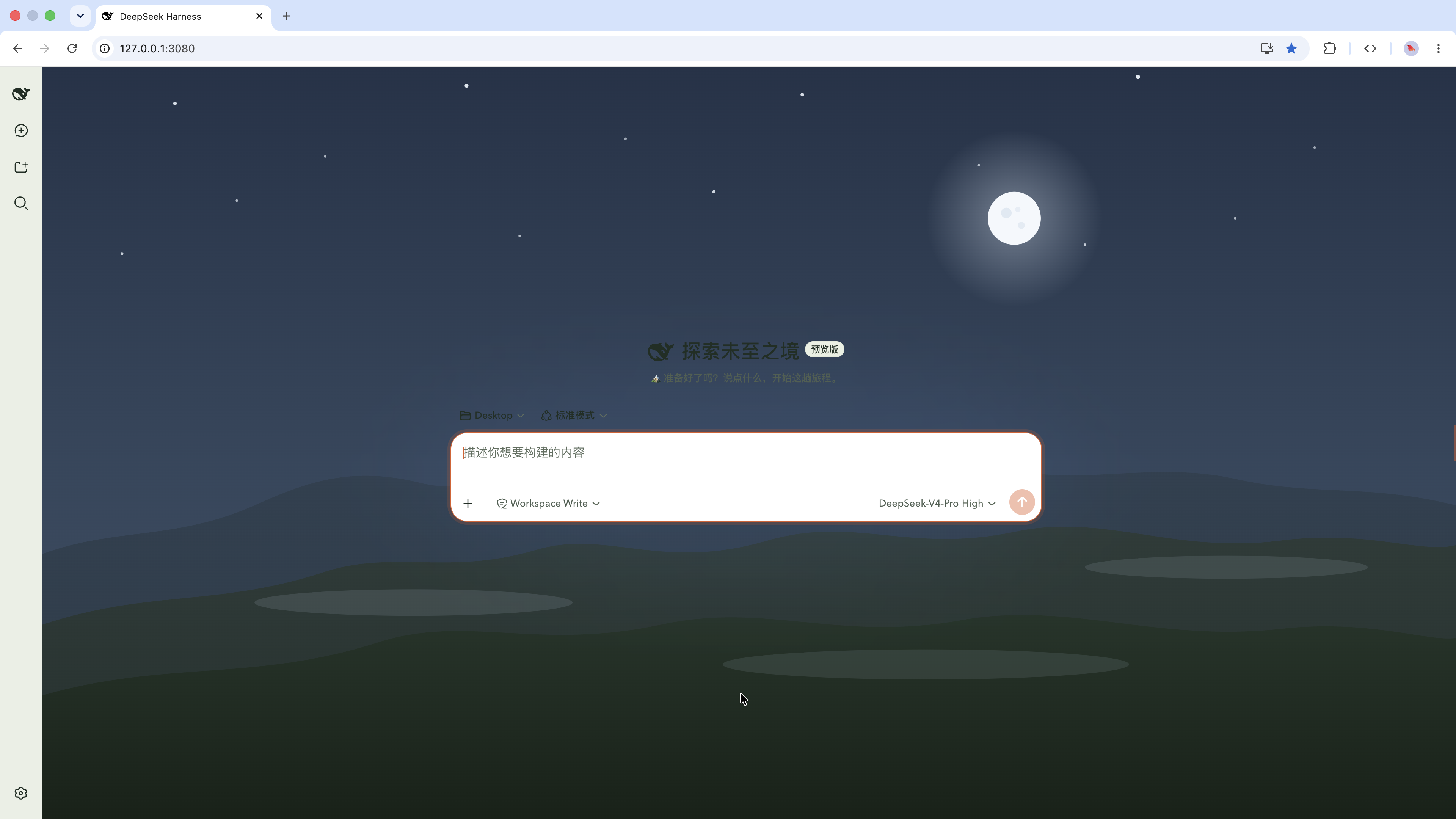
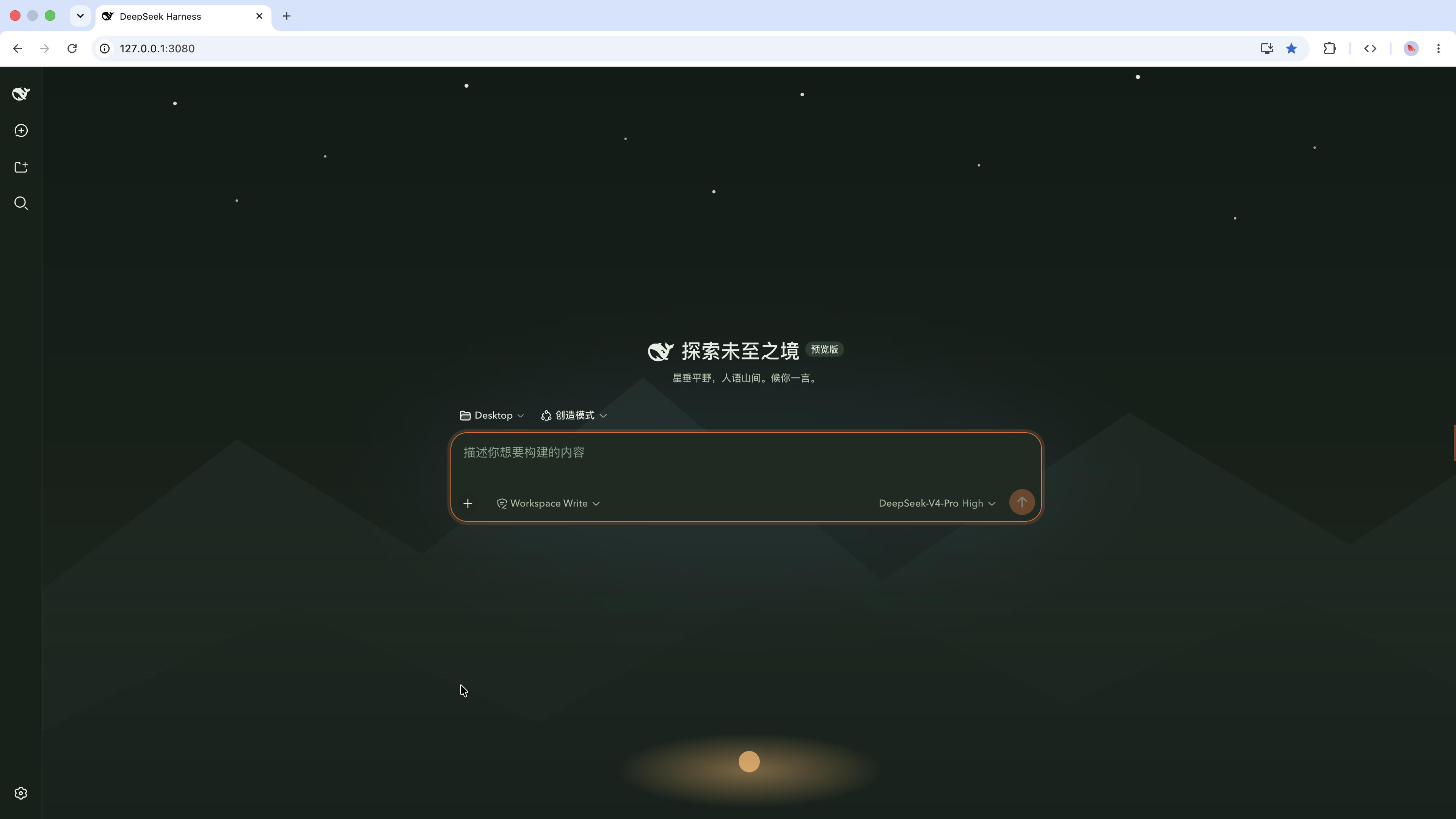
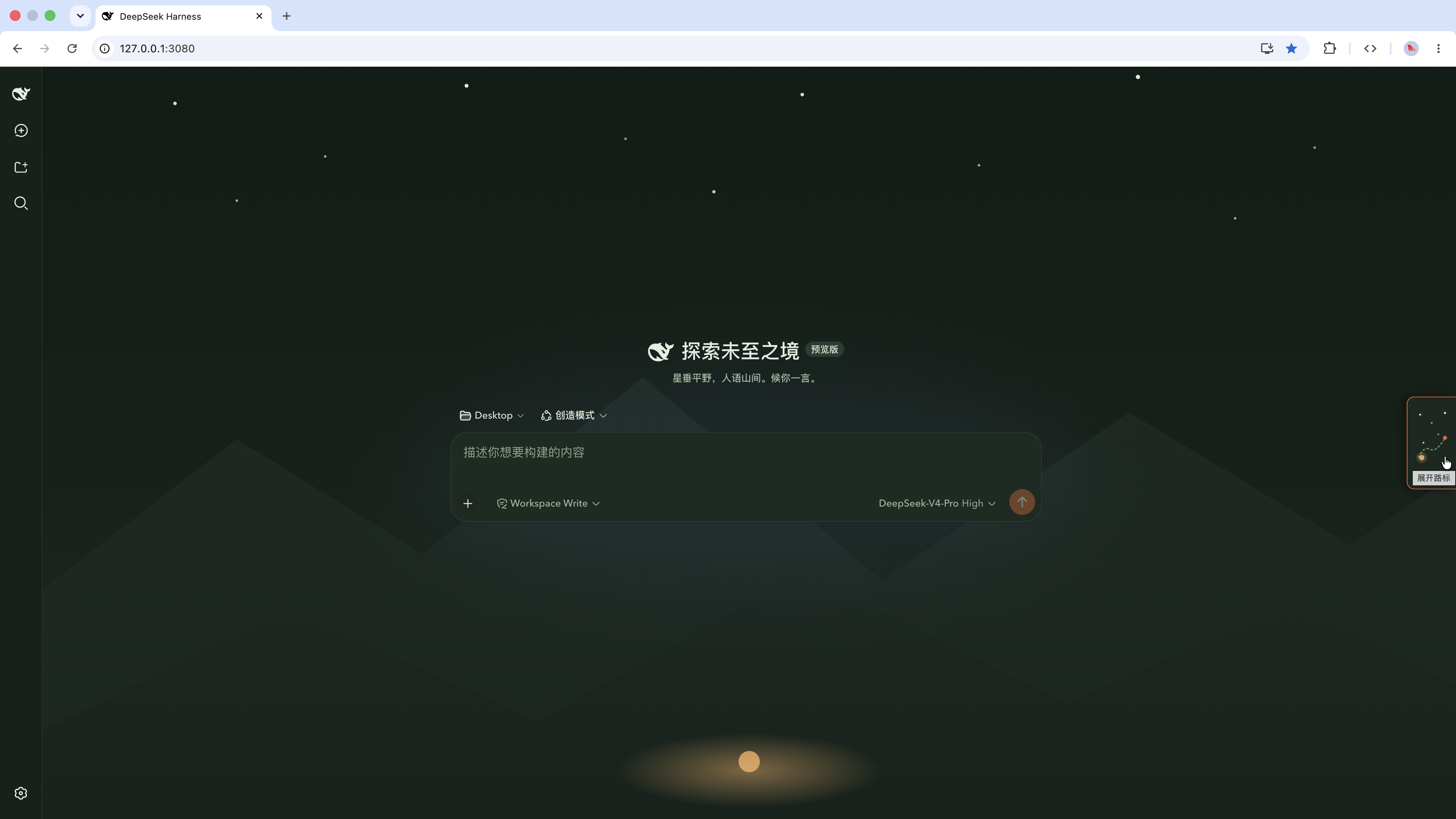
At its core, the plugin provides a 'Trail Guide' skin with light 'Morning Meadow' and dark 'Dusk Forest' modes, switchable via the settings panel. A right-hand 'Waypoints' progress panel adds a navigational metaphor to boost engagement. The color palette features deep pine green, moss, and a signal orange accent, while typography balances title visibility with readability, creating a serene, focused atmosphere.
This plugin is ideal for outdoor enthusiasts, nature lovers, or developers wanting to personalize their DeepSeek Harness experience. It makes the interface more enjoyable without sacrificing functionality, blending fun dress-up with practicality.
Screenshots

Use Cases
- Switch to the Trail Guide skin in DeepSeek Harness settings for a natural interface refresh.
- Use the right-hand Waypoints panel to track work progress, navigating tasks like a mountain trail.
- Toggle between light and dark modes to adapt to daytime or nighttime usage.
Best For
- Users who enjoy outdoor activities and nature themes.
- Developers looking to personalize the DeepSeek Harness interface.
- Individuals seeking visual comfort and themed work experiences.
Related Plugins

whale-girl is a desktop pet in the DSH Web GUI (bottom-right for instant companionship) — draggable, feedable, playable; completed tasks, sessions and companionship time accrue into seniority levels, titles, and memories.

Renders your local Wallpaper Engine wallpapers as the DSH web background, supporting video, web, and scene wallpapers with a liquid-glass effect and rich customization.

A WebGPU ocean skin for DeepSeek Harness with five-wave Gerstner waves, translucent theme, day/night cycle, and quick controls, installable as plugin or extension.

A Galgame-style conversation view and visual scene editor for DSH web sessions, with a real-time editing mode.