
dsh-plugin-hub
Run the following command in DeepSeek Harness:
dsh plugin install dshplugin/dsh-plugin-hub
Paste the following prompt into your AI chat to install this plugin:
Install it in DeepSeek Harness by running `dsh plugin install dshplugin/dsh-plugin-hub`, source code: https://github.com/dshplugin/dsh-plugin-hub
About this plugin
DeepSeek Harness offers a powerful environment for AI-assisted coding and task execution, but discovering and managing its plugin ecosystem often forces users to leave the app, browse external websites, and run commands manually—a tedious and error-prone process. dsh-plugin-hub, built as a community plugin marketplace following the official plugin development guidelines, brings all of that back into the application. Once installed, users can open “Settings → Plugin Center” and browse, search, and install community plugins with a single click, without ever leaving their current workflow.
The plugin’s core strength lies in making installation, upgrades, and uninstalls fully visual. Tasks are queued and executed serially in the background, with real-time progress dialogs that can be canceled at any time; changes take effect after a page refresh, with no restart required. A notification center manages ongoing tasks, success/failure history, and pending restart items, and failures can be submitted as GitHub issues with one click. On the data side, it curates over 5,000 community plugins, 4,470 of which have been manually verified, updated daily, and each entry includes verification status, ratings, version, and last update time—all traceable to their source.
Whether you are a regular user looking to add interface enhancements, session management, or memory tools to DeepSeek Harness, or a developer wanting to discover, evaluate, and contribute plugins, dsh-plugin-hub dramatically lowers the barrier to exploration. Its bilingual interface, sorting and filtering options, and full-text search make finding the right plugin intuitive, while real-time sync with the official website ensures the data is always current and accurate. If you use DeepSeek Harness, this plugin is arguably the first step toward unlocking its full potential.
Screenshots
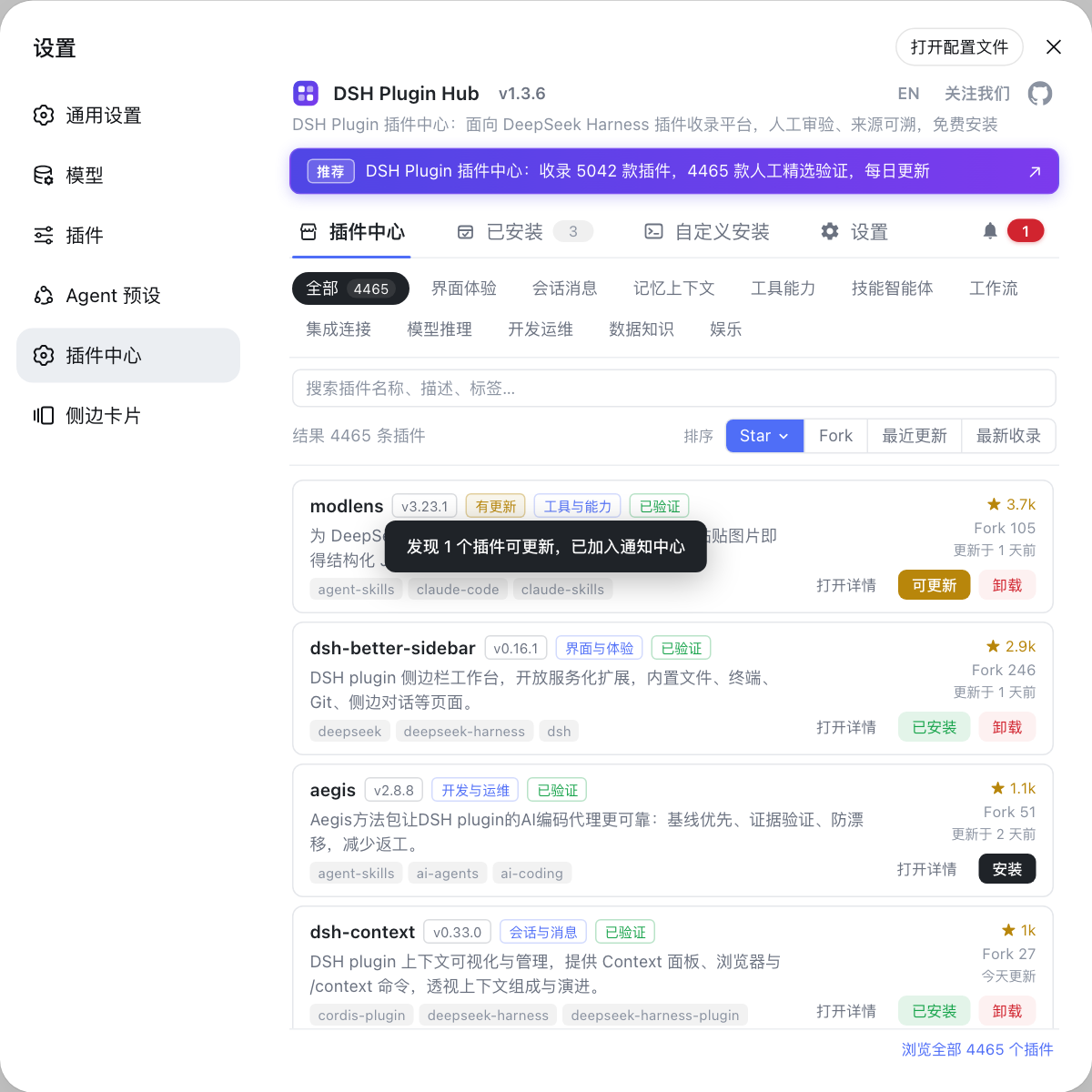
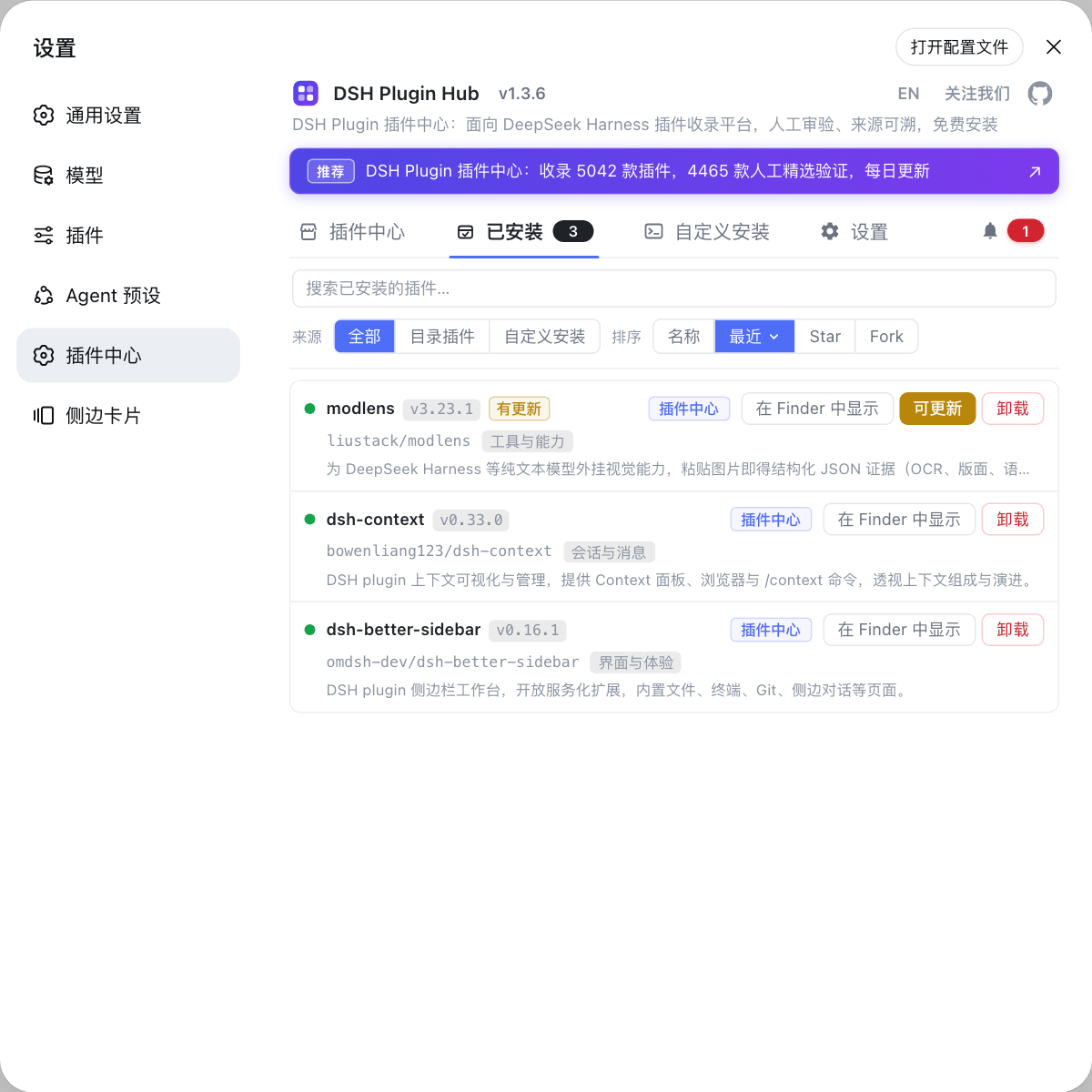
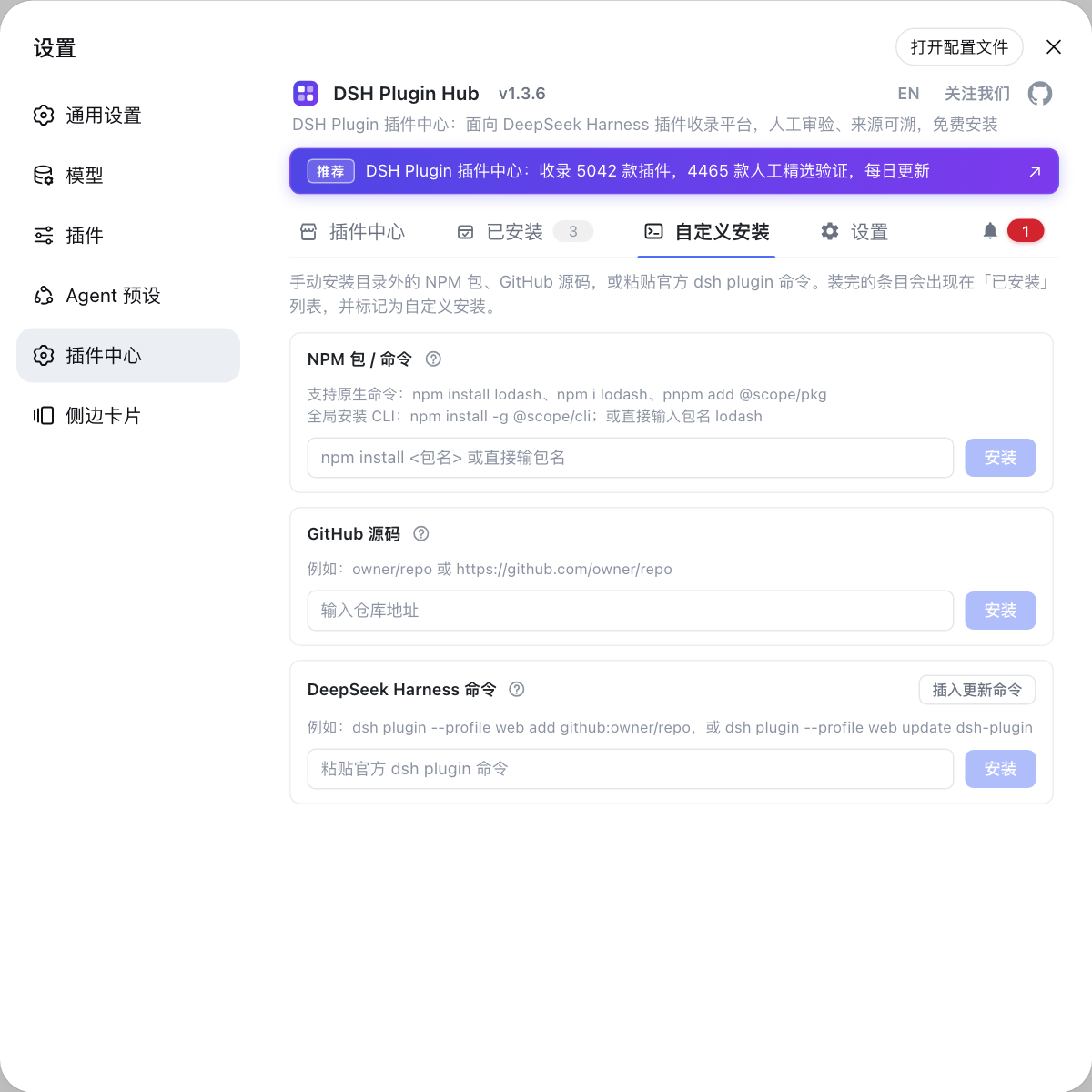
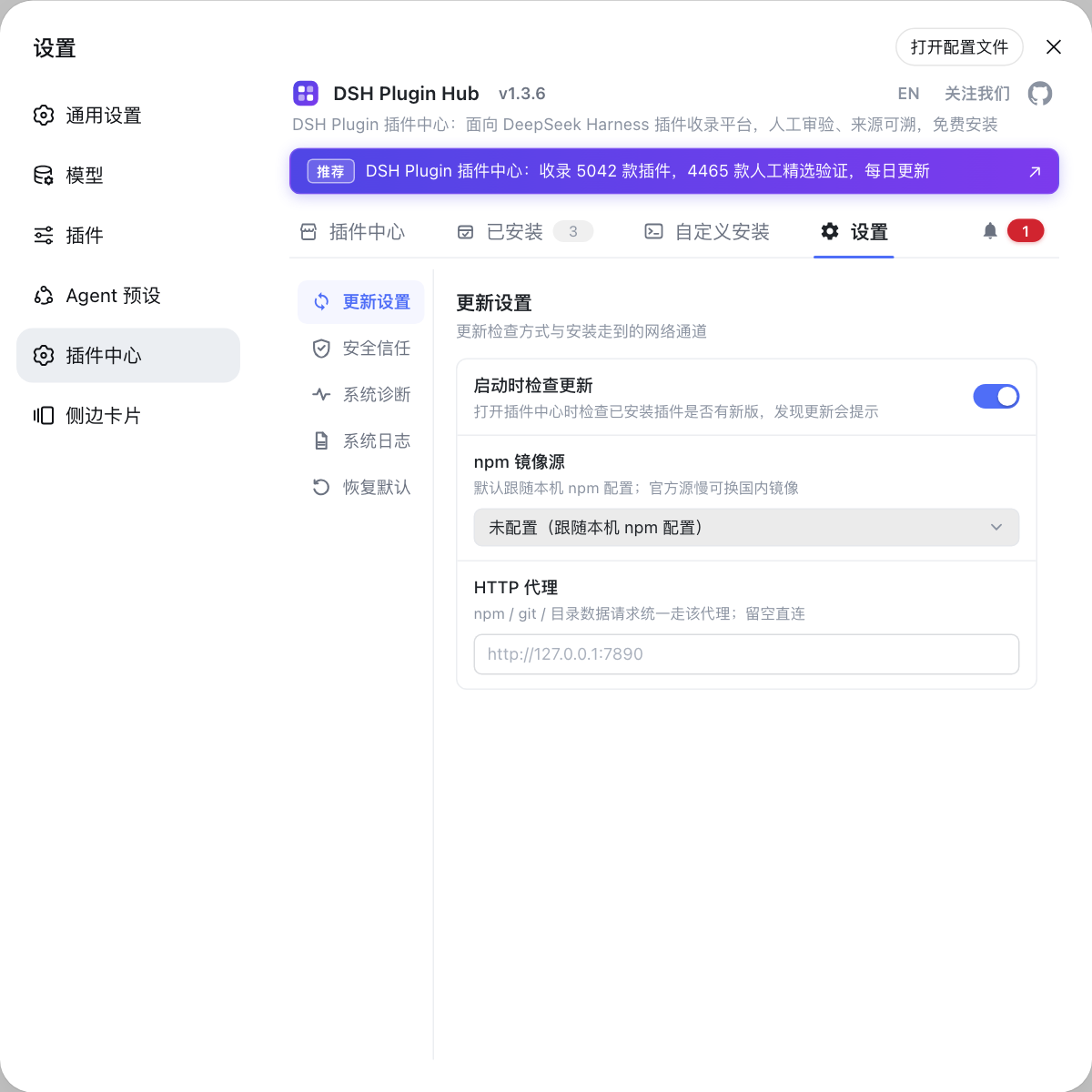
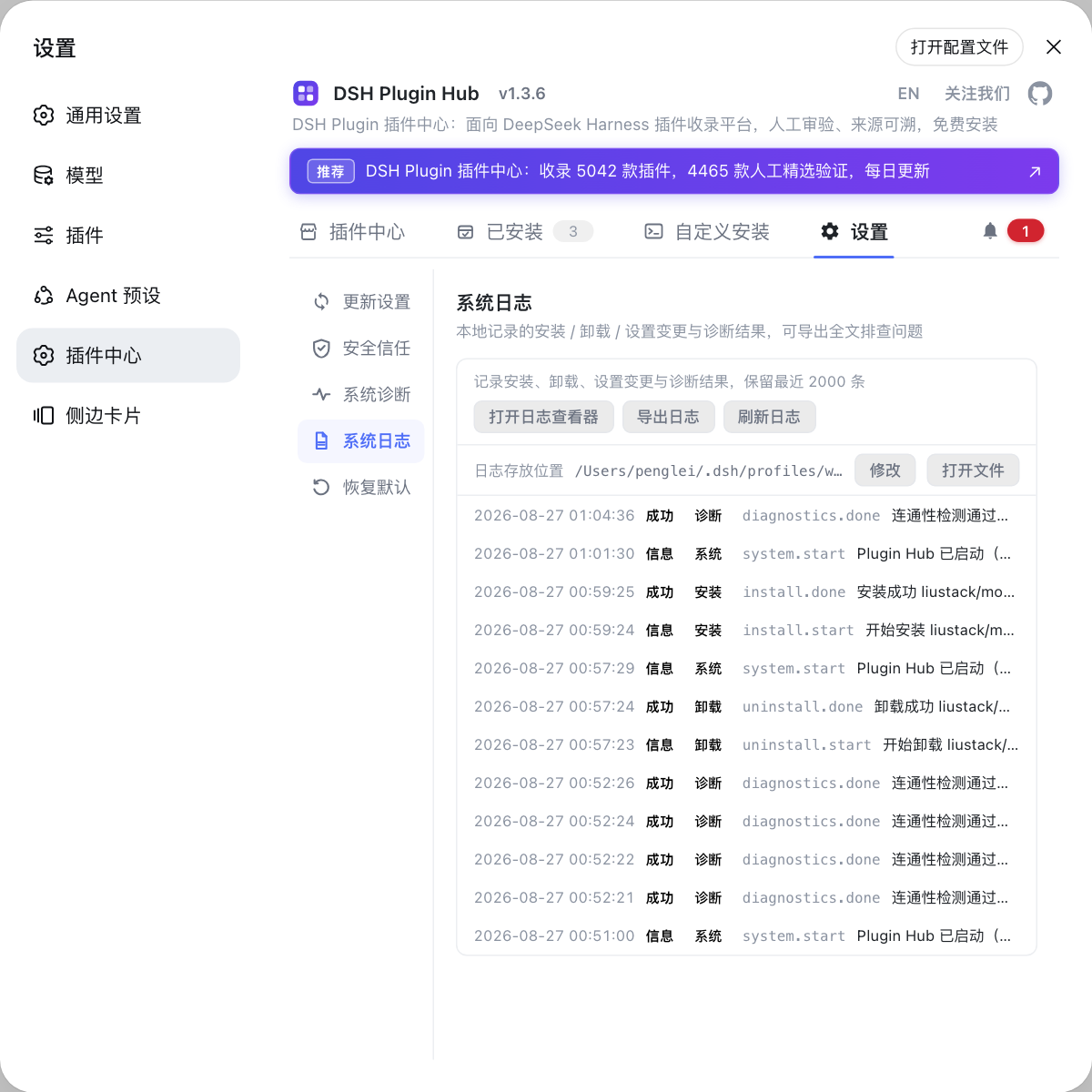
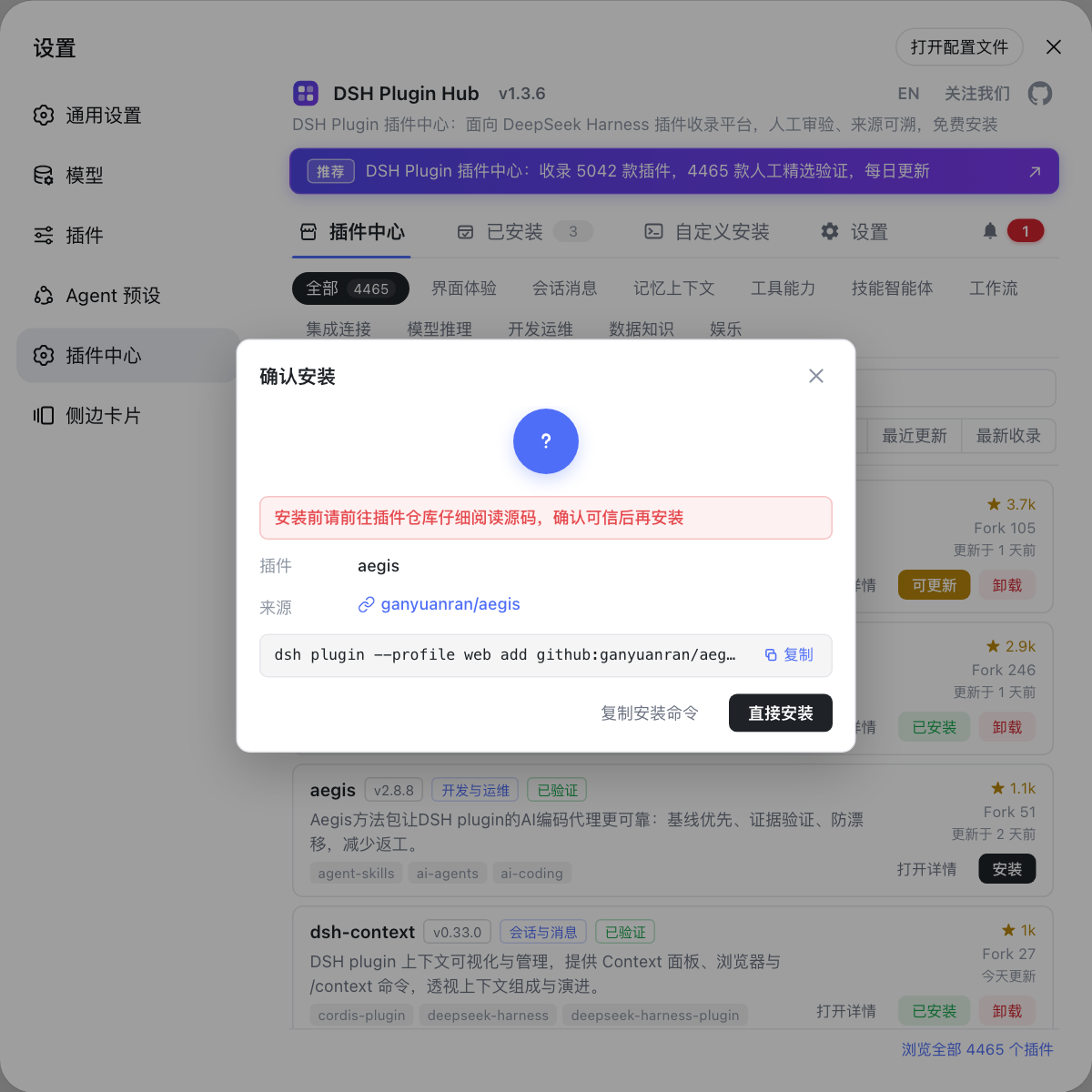
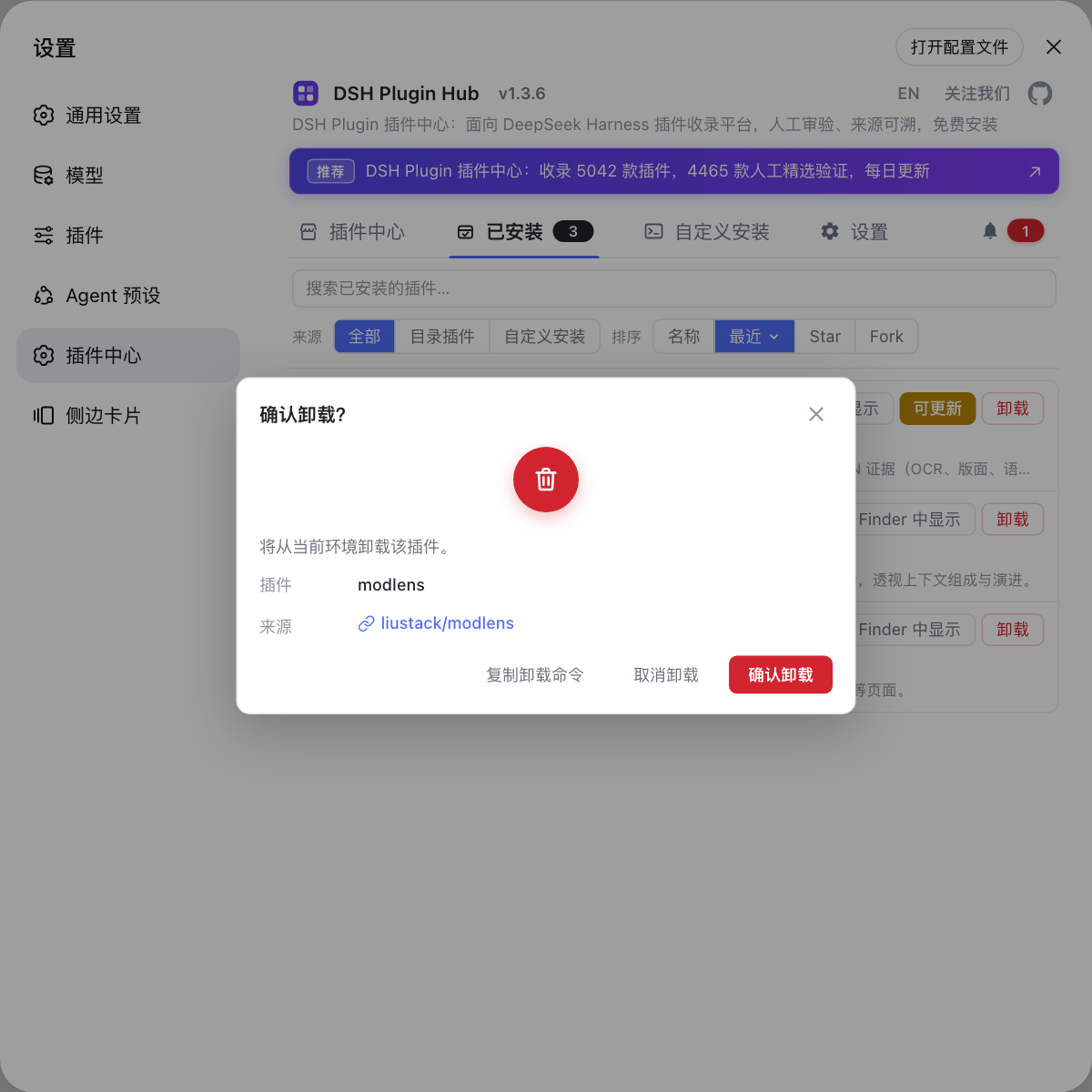
Use Cases
- Browse and search community plugins inside DeepSeek Harness
- Install, upgrade, or uninstall plugins with one click
- Use the notification center to manage task history and pending restarts
Best For
- Users who want to extend DeepSeek Harness capabilities
- Developers who need to quickly discover and install plugins
- Teams that value source traceability and manual verification of plugins
Related Plugins
A service-oriented sidebar framework for DSH, offering a full workbench with file explorer, embedded browser, real terminal, Git panel, and extensible plugin services.

A beautiful, practical Claude Code-style TUI plugin with pixel whale top bar, flowing glow title, real-time status line, streaming thought expansion, time rewind, context progress bar and TPS gauge — zero core changes.

The plugin market for DeepSeek Harness: browse/search/one-click install community plugins and themes, with updates, backup/restore, hot disable, diagnostics, and AI fix.

A persistent whale widget on the DSH web UI that shows DeepSeek balance, today's usage, and per-turn cost, with drag-and-snap and sound effects.