DSH-Right-Sidebar
Run the following command in DeepSeek Harness:
dsh plugin install Limitinfinitude/DSH-Right-Sidebar
Paste the following prompt into your AI chat to install this plugin:
Install the plugin in DeepSeek Harness by running the command 'dsh plugin install Limitinfinitude/DSH-Right-Sidebar', with the full source code available at https://github.com/Limitinfinitude/DSH-Right-Sidebar.
About this plugin
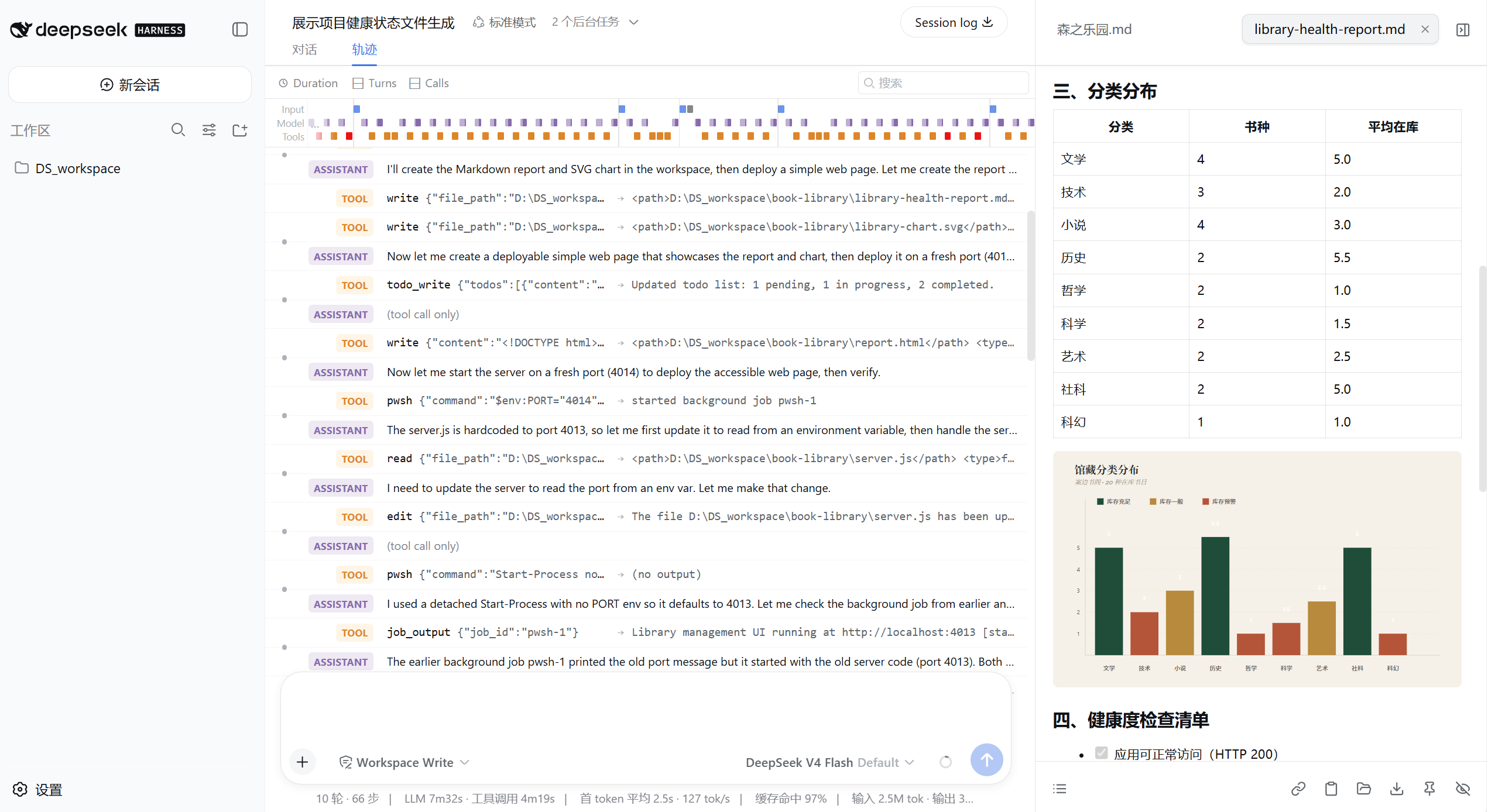
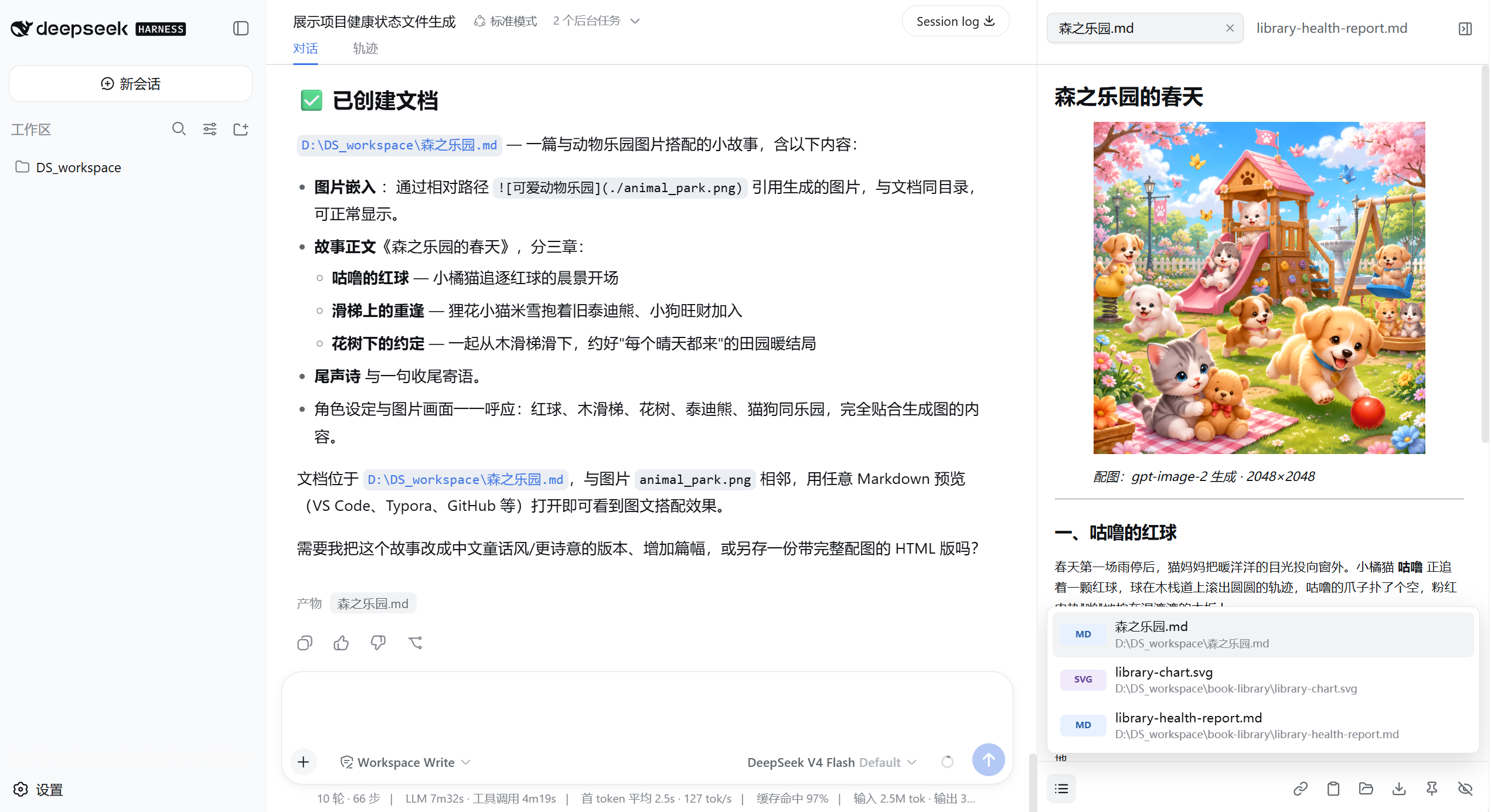
In DeepSeek Harness, the reports, charts, images, and data generated by Agents often become scattered across the workspace and tool logs, hindering quick access and utilization. DSH-Right-Sidebar addresses this by introducing a native right-side output dock that keeps all deliverables neatly alongside the conversation. Users can preview rich content like Markdown, PDFs, and images directly, while data files such as JSON and CSV appear on demand when explicitly referenced by the Agent, with support for editing, copying, and downloading. This dock is session-bound, syncing labels and states across switches, and offers auto-refresh to ensure the latest content is always displayed. Ideal for developers, data scientists, and content creators who frequently leverage DeepSeek Harness for generating reports and visualizations, this plugin streamlines workflow by centralizing output management, enhancing efficiency and coherence.
Screenshots
Use Cases
- Quickly preview results when Agents generate reports or charts.
- Manage multiple generated data files by switching and reordering tabs.
- Edit Markdown text or download images, PDFs, and other outputs.
Best For
- Developers using DeepSeek Harness for content generation.
- Data scientists who need to process and analyze Agent outputs.
- Technical writers who frequently create reports and visualizations.
Related Plugins
A service-oriented sidebar framework for DSH, offering a full workbench with file explorer, embedded browser, real terminal, Git panel, and extensible plugin services.

A beautiful, practical Claude Code-style TUI plugin with pixel whale top bar, flowing glow title, real-time status line, streaming thought expansion, time rewind, context progress bar and TPS gauge — zero core changes.

The plugin market for DeepSeek Harness: browse/search/one-click install community plugins and themes, with updates, backup/restore, hot disable, diagnostics, and AI fix.

A persistent whale widget on the DSH web UI that shows DeepSeek balance, today's usage, and per-turn cost, with drag-and-snap and sound effects.