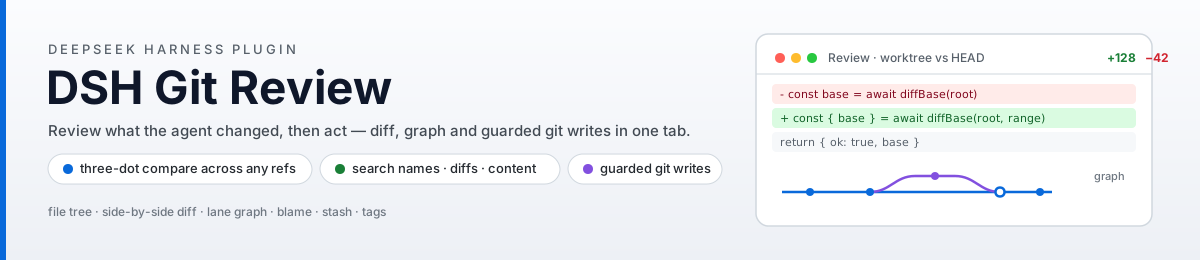
dsh-git-review
Run the following command in DeepSeek Harness:
dsh plugin install HaoyueQin/dsh-git-review
Paste the following prompt into your AI chat to install this plugin:
Run dsh plugin install HaoyuyueQin/dsh-git-review in the DeepSeek Harness terminal; the full source lives at https://github.com/HaoyueQin/dsh-git-review , and the Review tab appears next to Chat after a session restart.
About this plugin
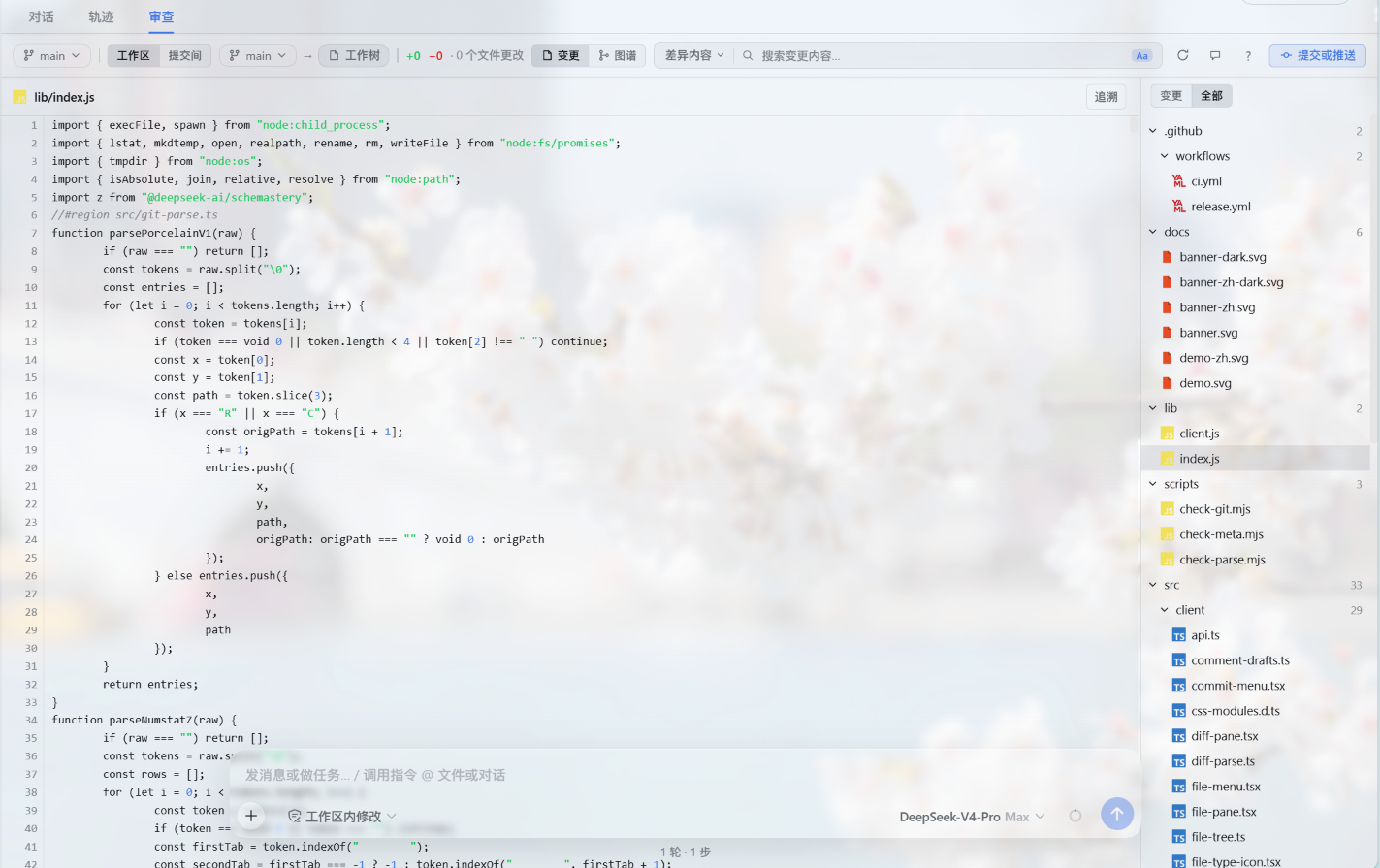
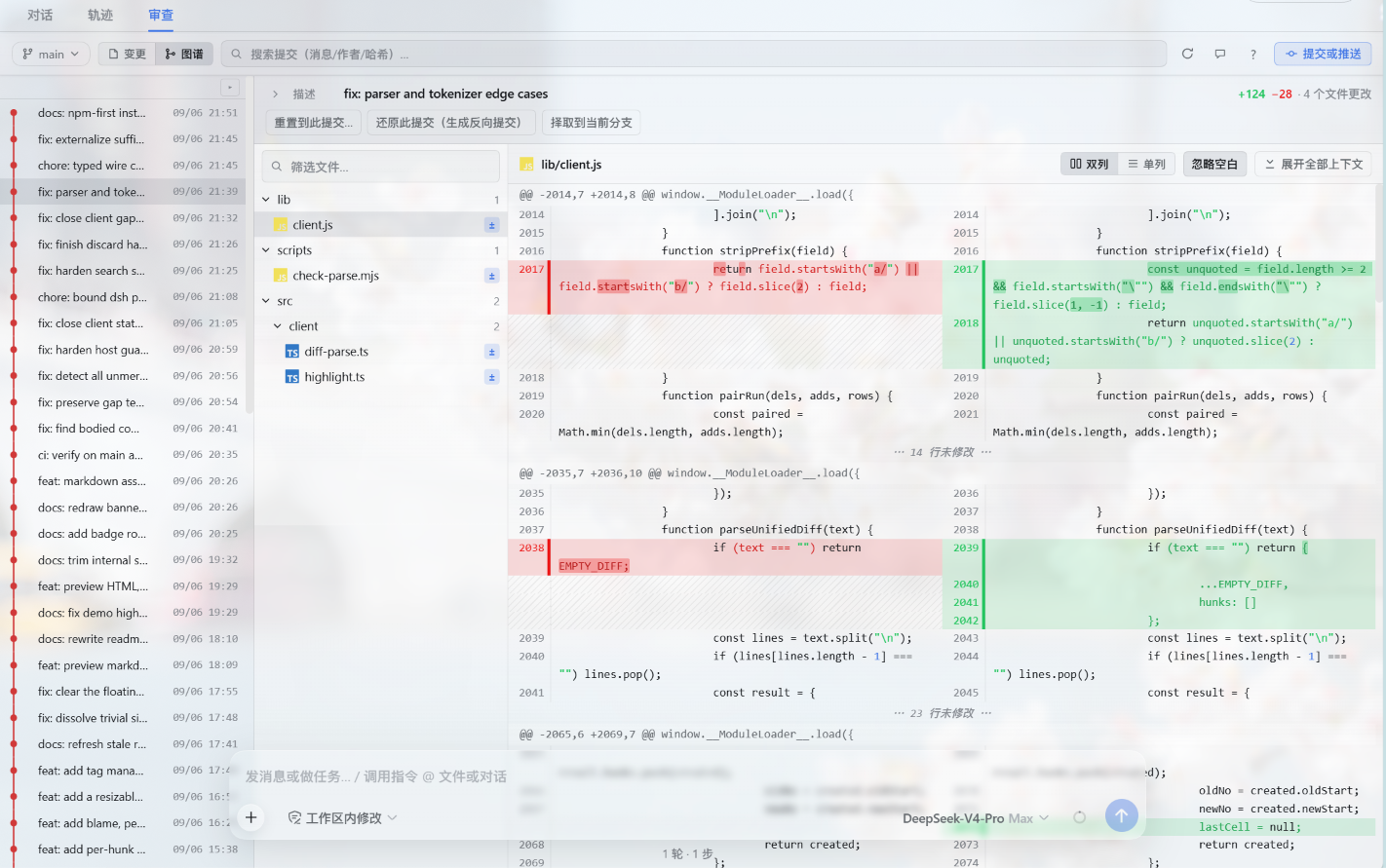
An AI agent rewrites your code, yet you are still expected to squint at terminal git diff. dsh-git-review registers a Review tab inside the DeepSeek Harness session view, folding the file tree, side-by-side diffs, and commit graph into a single canvas. Jump between files with j/k, invoke search with /, and let word-level highlights layered over syntax coloring make every hunk legible at a glance.
Reviewing is half the job; acting is the other. The tab embeds a full git workflow — stage or discard per file or per hunk, commit with amend, push, create / switch / merge branches, reset / revert / cherry-pick, and resolve merge conflicts with ours/theirs — all behind explicit confirmation prompts, with destructive operations double-asked and everything locked while the agent is running. Image changes render as side-by-side, onion-skin, or difference blends right in the diff view; Markdown, HTML, PDF, and Office documents preview inline from the tree; and a comment dropped on any diff line lands in the composer draft for instant feedback.
Built for developers who drive agent-based coding in DeepSeek Harness and want a keyboard-first review-decide-commit loop in the same window, as well as anyone who needs to trace a specific line back through per-commit history. The interface follows the harness locale and theme, switching between English and Simplified Chinese automatically.
Screenshots

Use Cases
- Quickly review all changes made by an AI agent and commit them
- Trace a specific line of code through per-commit history
- Stage, merge branches, and resolve conflicts without leaving the session view
Best For
- Developers driving agent-based coding in DeepSeek Harness
- Power terminal users who want a GUI for the full Git workflow
- Tech leads focused on AI-generated code quality and traceability
Related Plugins
A service-oriented sidebar framework for DSH, offering a full workbench with file explorer, embedded browser, real terminal, Git panel, and extensible plugin services.

A beautiful, practical Claude Code-style TUI plugin with pixel whale top bar, flowing glow title, real-time status line, streaming thought expansion, time rewind, context progress bar and TPS gauge — zero core changes.

The plugin market for DeepSeek Harness: browse/search/one-click install community plugins and themes, with updates, backup/restore, hot disable, diagnostics, and AI fix.

A persistent whale widget on the DSH web UI that shows DeepSeek balance, today's usage, and per-turn cost, with drag-and-snap and sound effects.