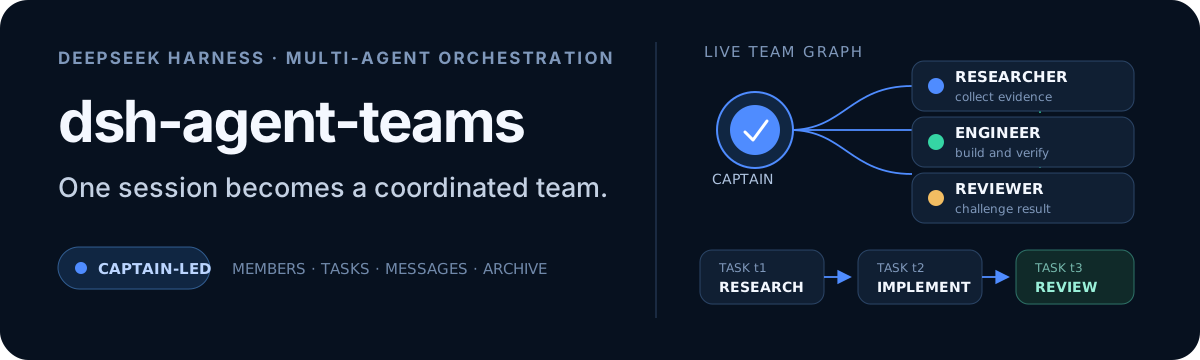
dsh-agent-teams
Run the following command in DeepSeek Harness:
dsh plugin install jonah791/dsh-agent-teams
Paste the following prompt into your AI chat to install this plugin:
Run dsh plugin install jonah791/dsh-agent-teams inside DeepSeek Harness to install the plugin; the full source is available at https://github.com/jonah791/dsh-agent-teams .
About this plugin
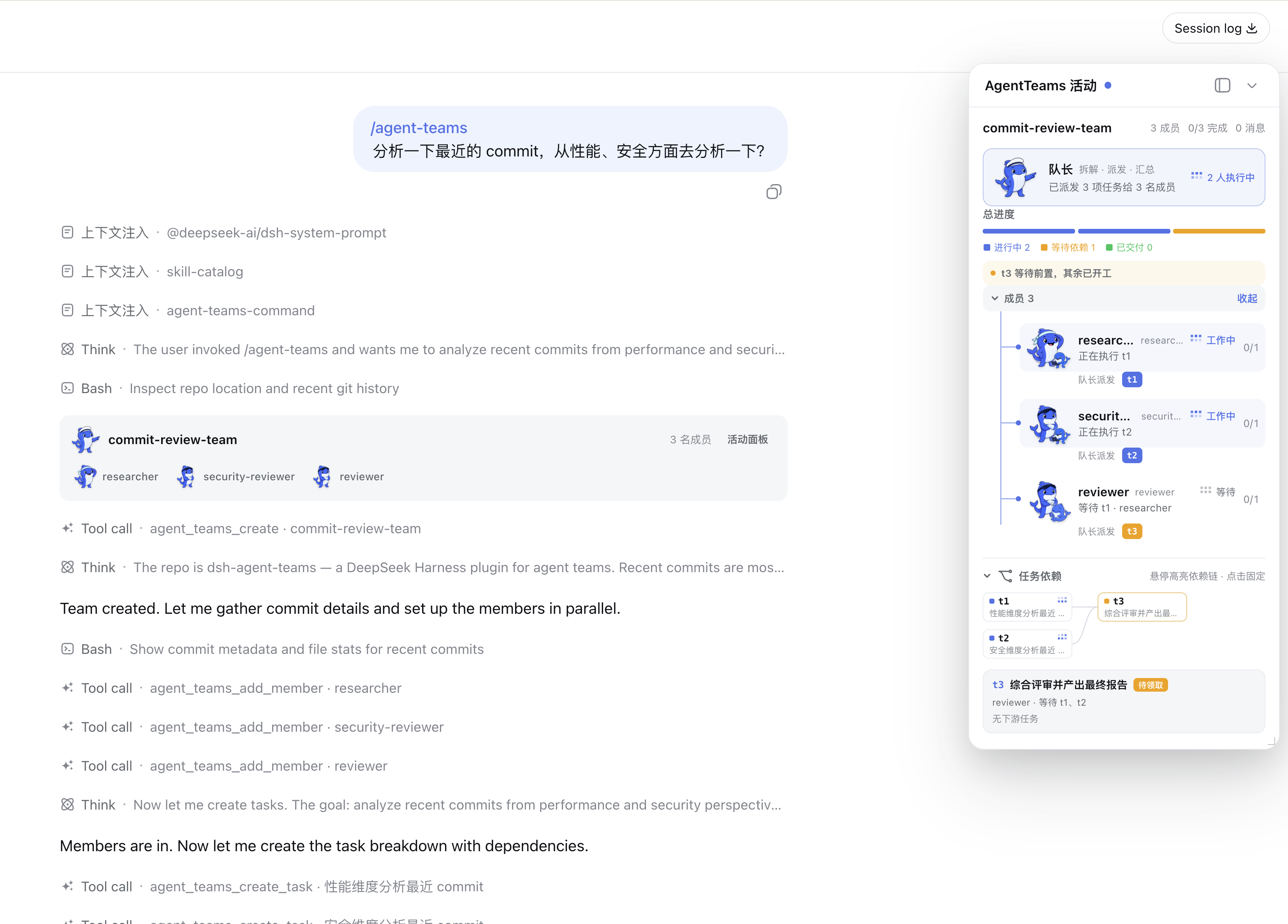
When you face a complex goal in DeepSeek Harness that requires multiple perspectives working in parallel—say, reviewing a set of commits from performance, security, and product angles at once—a single session often lacks a structured way to divide and coordinate the work. dsh-agent-teams fills exactly that gap: it turns the current session into a captain that, with one natural-language prompt, assembles a team of durable sub-agents, splits the goal into dependency-aware sub-tasks, lets members proceed in parallel through a shared scheduler, and delivers a single consolidated report.
The coordination protocol is the heart of the plugin. The captain creates the team, assigns roles, and consolidates the final result. Members are continuable DSH sub-agents that exchange durable mailbox messages directly with teammates or the captain—no relay needed. Tasks carry explicit states and dependency constraints; idle members are automatically routed to ready tasks, and reassignment revokes stale attempts before new work begins. A live Web panel shows an interactive task DAG, a collapsible roster, and real-time activity, supporting a plan-first, approve, then-execute workflow as well as optional quality gates spanning requirements, implementation, verification, review, and integration. All state is persisted to disk, so the scheduler can recover stranded work after a cold restart. The plugin ships with 13 native coordination tools and an automatic shared-task scheduler, requiring no external workflow engine.
It is well suited for anyone who needs to orchestrate multiple roles within a single session: multi-perspective code reviews, cross-module refactors, parallel drafting and proofreading, or any task graph where sub-workloads have explicit dependencies. Zero-configuration defaults make it ready to use out of the box, and configuration knobs let you tune member depth, runtime backend routing, and reasoning effort when more control is needed.
Screenshots
Use Cases
- Review a set of commits from performance, security, and product perspectives in parallel, then consolidate one report
- Split a complex refactor into dependency-ordered sub-tasks, let members work in parallel, and have the captain deliver a unified result
- Run parallel research or multi-document drafting with members exchanging direct messages to stay in sync
Best For
- Engineers who orchestrate multi-role work within a single session
- DeepSeek Harness users who want natural-language team coordination without an external workflow engine
- Project leads who need dependency tracking, optional quality gates, and real-time progress visibility
Related Plugins
A service-oriented sidebar framework for DSH, offering a full workbench with file explorer, embedded browser, real terminal, Git panel, and extensible plugin services.

A beautiful, practical Claude Code-style TUI plugin with pixel whale top bar, flowing glow title, real-time status line, streaming thought expansion, time rewind, context progress bar and TPS gauge — zero core changes.

The plugin market for DeepSeek Harness: browse/search/one-click install community plugins and themes, with updates, backup/restore, hot disable, diagnostics, and AI fix.

A persistent whale widget on the DSH web UI that shows DeepSeek balance, today's usage, and per-turn cost, with drag-and-snap and sound effects.