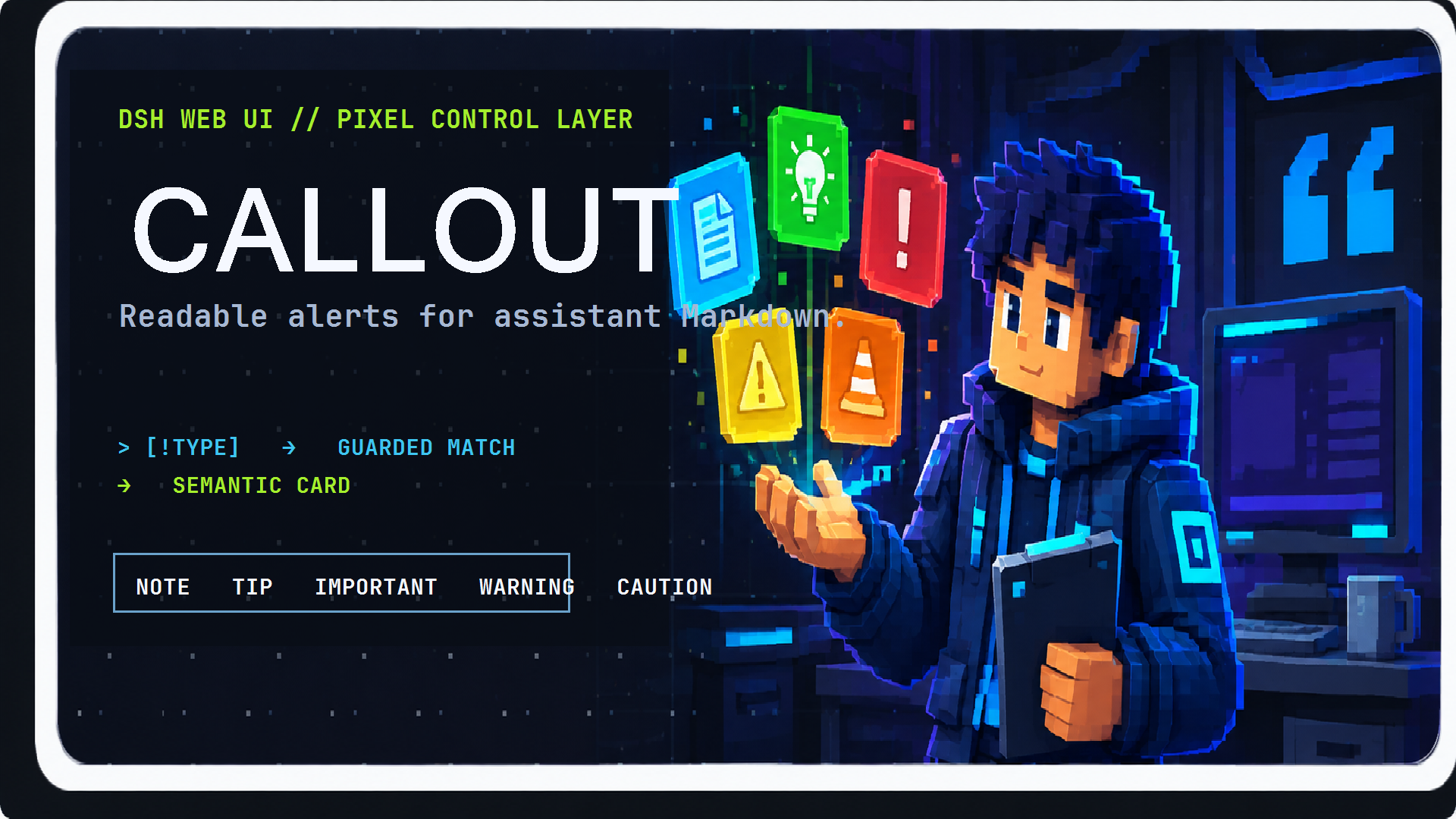
dsh-callout
Run the following command in DeepSeek Harness:
dsh plugin install Aafff623/dsh-callout
Paste the following prompt into your AI chat to install this plugin:
Install this plugin in DeepSeek Harness by running dsh plugin install Aafff623/dsh-callout (source: https://github.com/Aafff623/dsh-callout), then hard-refresh the Web UI to activate it.
About this plugin
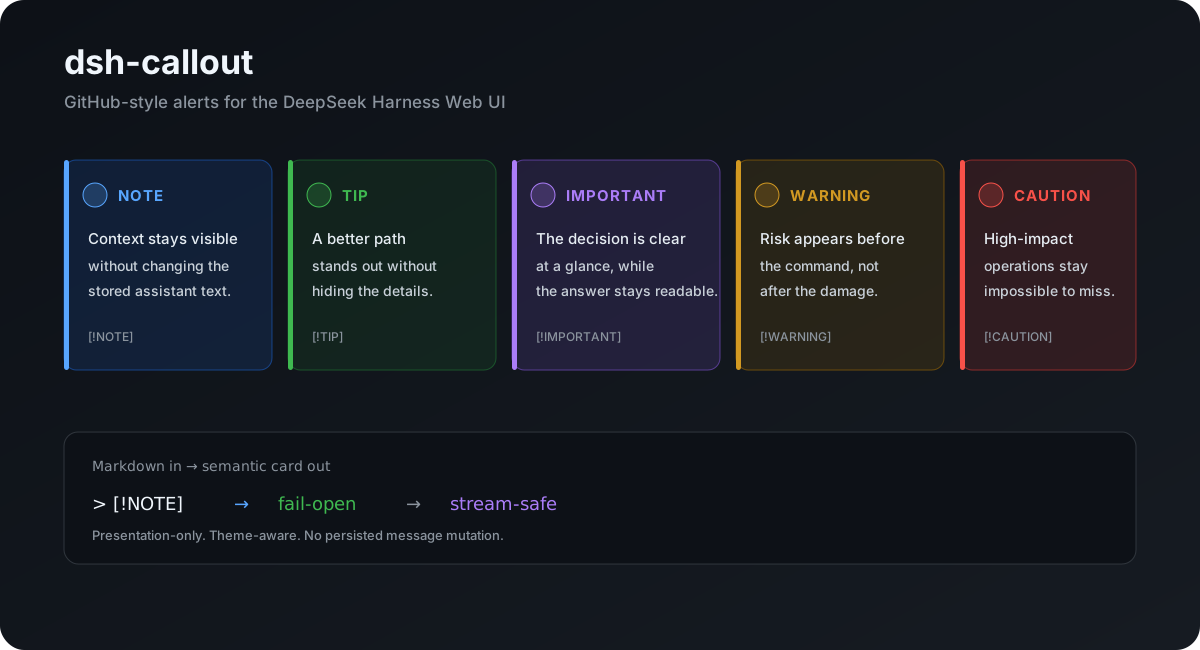
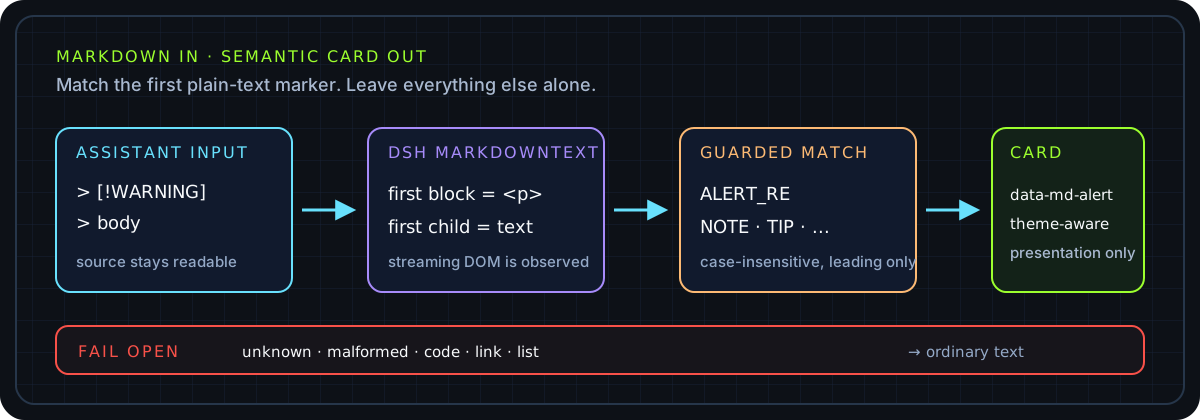
When a DSH assistant reply uses GitHub-style markers such as > [!NOTE] or > [!WARNING] to convey semantic emphasis, the rendered output is often just plain blockquote text that blends into surrounding paragraphs. Readers struggle to tell at a glance which line is a warning and which is a key conclusion. dsh-callout upgrades those qualifying markers into theme-aware semantic cards at the presentation layer, so warnings visually pop and critical decisions stop getting buried in dense prose.
The plugin operates exclusively on the DSH Web DOM surface and supports five types—NOTE (blue), TIP (green), IMPORTANT (purple), WARNING (amber), and CAUTION (red)—case-insensitive, with automatic light/dark palette switching. It does not modify stored session content, replace the Markdown parser, introduce new AST node types, or touch the DSH core renderer. Malformed or unknown markers silently fall back to plain text without affecting the rest of the message, and code blocks, inline code, emphasis, links, and nested quotes are never mistaken for callout triggers.
Ideal for users who work in the DSH Web interface daily and want immediate visual feedback on semantic emphasis in assistant output while preserving the readability and portability of the underlying Markdown source. Zero configuration required, presentation-only by design, and active the moment you refresh the page.
Screenshots
Use Cases
- Quickly spot warnings and key conclusions in a DSH Web session
- Make semantic hierarchies in assistant replies visually distinct
- Upgrade GitHub-style markers into themed, color-coded cards
Best For
- Developers and operators who use DSH Web daily
- Users who want instant visual hierarchy in assistant output
- Those who prefer source Markdown unchanged with presentation-only enhancement
Related Plugins
A service-oriented sidebar framework for DSH, offering a full workbench with file explorer, embedded browser, real terminal, Git panel, and extensible plugin services.

A beautiful, practical Claude Code-style TUI plugin with pixel whale top bar, flowing glow title, real-time status line, streaming thought expansion, time rewind, context progress bar and TPS gauge — zero core changes.

The plugin market for DeepSeek Harness: browse/search/one-click install community plugins and themes, with updates, backup/restore, hot disable, diagnostics, and AI fix.

A persistent whale widget on the DSH web UI that shows DeepSeek balance, today's usage, and per-turn cost, with drag-and-snap and sound effects.