dsh-hu-tao-skin
Run the following command in DeepSeek Harness:
dsh plugin install MistyRain-field/dsh-hu-tao-skin
Paste the following prompt into your AI chat to install this plugin:
Run dsh plugin install MistyRain-field/dsh-hu-tao-skin in the DeepSeek Harness terminal to install; source code: https://github.com/MistyRain-field/dsh-hu-tao-skin
About this plugin
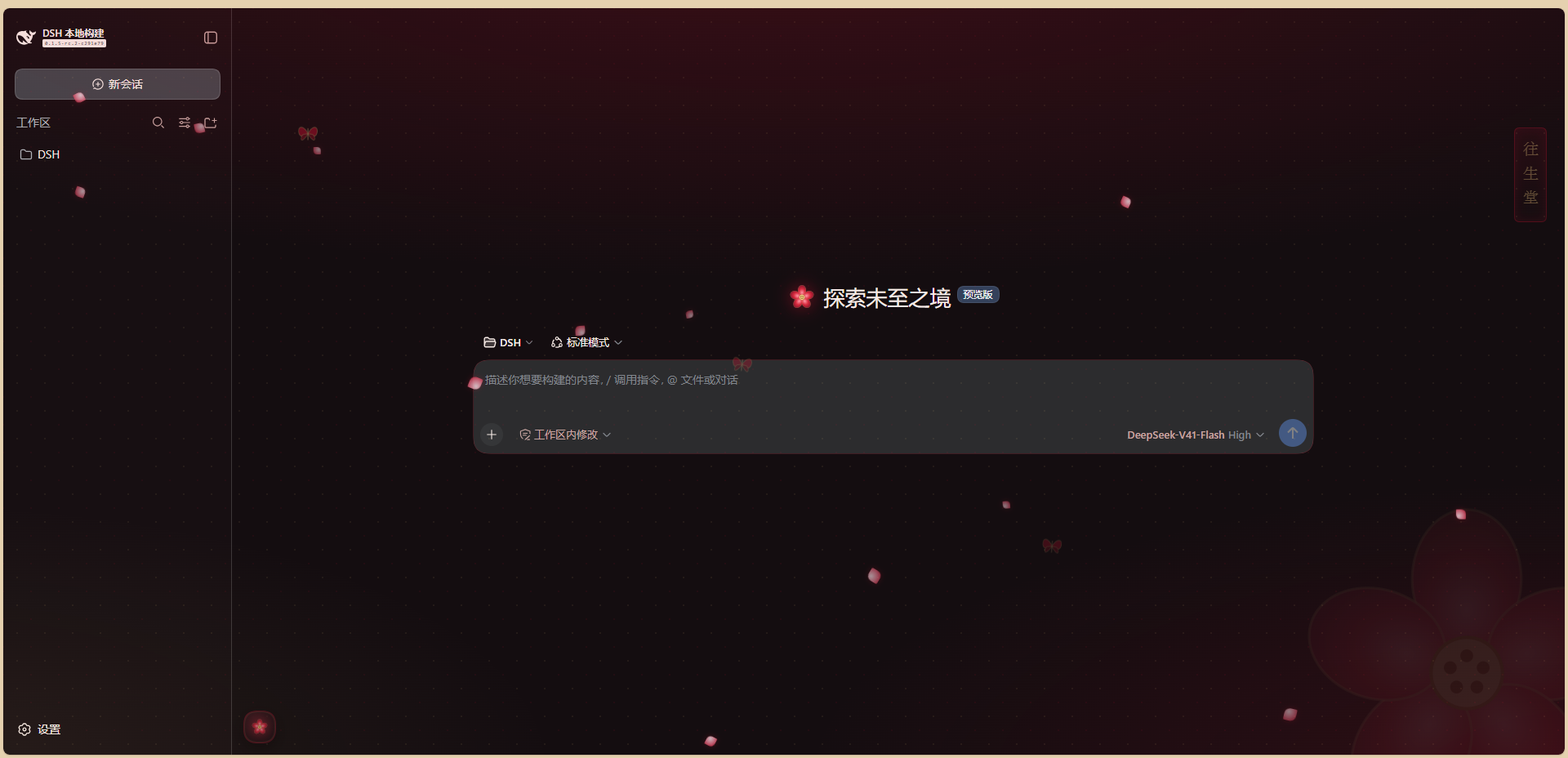
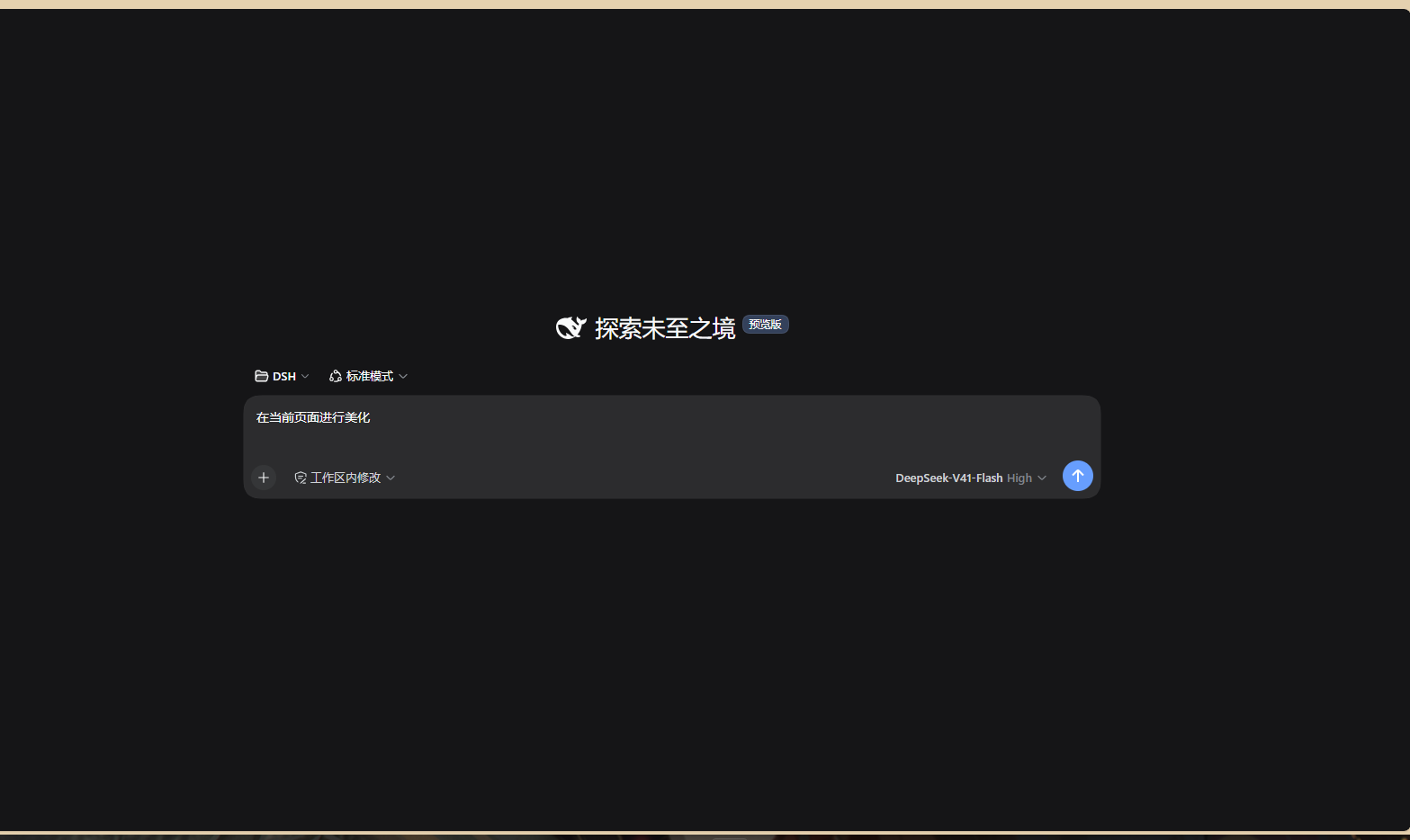
The default dsh web interface is clean and functional but visually anonymous. dsh-hu-tao-skin wraps the entire GUI in the aesthetic of the Funeral Parlor: an ink-black base, a crimson primary, amber-gold accents, drifting plum petals, glowing spirit butterflies, a vertical seal reading "往生堂", and a soft plum-blossom watermark. Opening dsh web feels like stepping into the front hall of the Funeral Parlor.
Everything is deliberate and fully reversible. Thirteen theme tokens in light and dark variants are stacked over the active theme via theme.overrideTokens(); the theme registry and your personal preferences stay untouched. The ambient layer animates fourteen petals and three butterflies in pure CSS, and all motion halts automatically when the operating system prefers reduced motion. The floating toggle in the bottom-left corner reads the sidebar column width from its own DOM ancestor at the inline target value rather than the computed mid-transition value, so it glides in perfect sync whether you drag the sidebar wider, collapse it to a 56-pixel rail, or expand it again. A dedicated settings page exposes three independent toggles for falling petals, butterfly glow, and the Hu Tao palette, all persisted in localStorage across restarts.
This plugin suits Genshin Impact fans who want a dash of character identity in their daily tool, as well as developers who value zero-intrusion, fully reversible customization. To uninstall, simply remove the plugin directory and its node_modules link, then restart dsh web. Every effect is scoped to the plugin lifecycle, the stock brand mark returns automatically, and nothing lingers in your profile.
Screenshots
Use Cases
- Opening dsh web to an ink-black and crimson Funeral Parlor interface with drifting plum petals
- Dragging, collapsing, or expanding the sidebar while the floating toggle tracks it in sync
- Toggling off petals and butterflies with one click while keeping the Hu Tao color scheme
Best For
- Genshin Impact fans who want Hu Tao's presence in their daily tool
- Designers who prefer zero-intrusion, fully reversible, restart-to-restore customization
- Visually sensitive users who appreciate dark palettes and Eastern ink aesthetics
Related Plugins

whale-girl is a desktop pet in the DSH Web GUI (bottom-right for instant companionship) — draggable, feedable, playable; completed tasks, sessions and companionship time accrue into seniority levels, titles, and memories.

Renders your local Wallpaper Engine wallpapers as the DSH web background, supporting video, web, and scene wallpapers with a liquid-glass effect and rich customization.

A WebGPU ocean skin for DeepSeek Harness with five-wave Gerstner waves, translucent theme, day/night cycle, and quick controls, installable as plugin or extension.

A Galgame-style conversation view and visual scene editor for DSH web sessions, with a real-time editing mode.